Pop!_OS 24.04 LTS Beta released
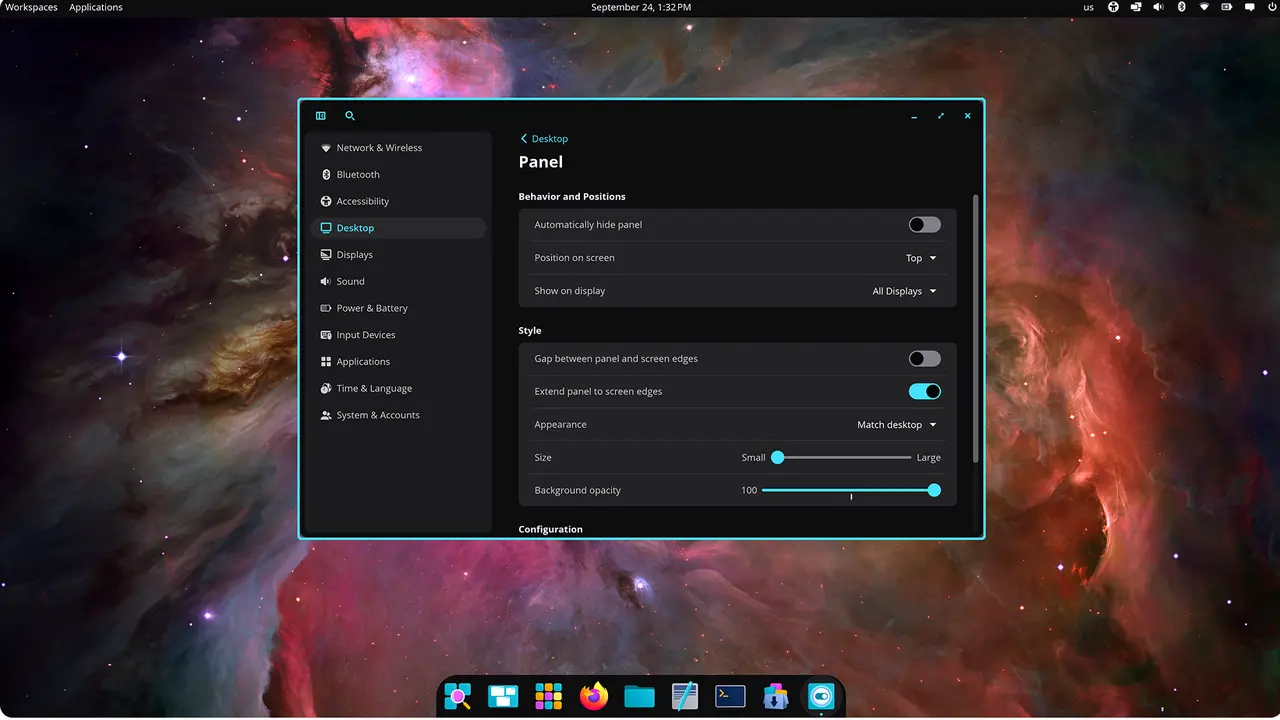
System76 has released the first beta for Pop!_OS 24.04 LTS, a long-term support version of its popular Linux distribution. System76, in collaboration with the open-source community, has developed the COSMIC Desktop Environment (DE) with numerous features and improvements in this new release.
One of the standout aspects of Pop!_OS 24.04 LTS Beta is the COSMIC DE itself, which boasts a host of new features and a fresh user interface. As this release is still in its beta phase, users can expect some bugs and minor issues to arise. However, System76 has assured that they are actively working on resolving these issues before the final release.
Some notable changes and limitations in the current beta version include:
The COSMIC DE replaces several GNOME applications with its alternatives, such as COSMIC Files (formerly Nautilus), COSMIC Terminal, COSMIC Text Editor, and COSMIC Media Player. Pop!_Shop has also been replaced by the COSMIC Store, which currently does not display Flatpak suggested add-ons.
In terms of technical specifications, the Pop!_OS 24.04 LTS Beta features Linux kernel 6.16.3, Mesa 25.1.5-1, NVIDIA Driver 580, and libwayland/libwayland-client 1.23.1-3. However, dragging files from Wayland apps to X11 apps is currently not supported, which may cause issues when working with certain applications like Slack.
To ensure a smooth experience, users may need to configure their browsers to match the COSMIC theming. For Firefox, this involves setting the widget.gtk.libadwaita-colors.enabled flag to false in the about:config settings. For Google Chrome-based browsers, users must enable the ozone-platform-hint flag by navigating to chrome://flags and changing the setting to "auto."
Gaming performance has been reported as satisfactory, but some additional fixes may be necessary for xwayland implementation before the release candidate. Users may encounter issues such as games starting partially off-screen or display toggle hotkeys not working.
Additional features that are currently missing or incomplete include:
A built-in screenshot tool with annotation capabilities is available in COSMIC, but Flameshot (version 13.1 or higher) can be installed from Flathub via the COSMIC Store for more advanced features. Printing support in COSMIC Text Editor is planned for the release candidate.
Accessibility features may also require further development before the final release, including improved screen reader flow and navigation.
For users who wish to upgrade from Pop!_OS 22.04 LTS to the beta version, it's essential to read through the release notes carefully. Upgrading can be initiated by running pop-upgrade release upgrade -f in the terminal after backing up your current installation. However, keep in mind that the upgrade process might not save favorites in the dock.
PPA's are disabled during the upgrade process to prevent potential errors, and users should re-enable them after upgrading their system.
Pop Beta