PixiEditor 2.0.1.16 released
PixiEditor 2.0.1.16 has been released, bringing with it a plethora of new features and improvements to this powerful universal 2D editor.
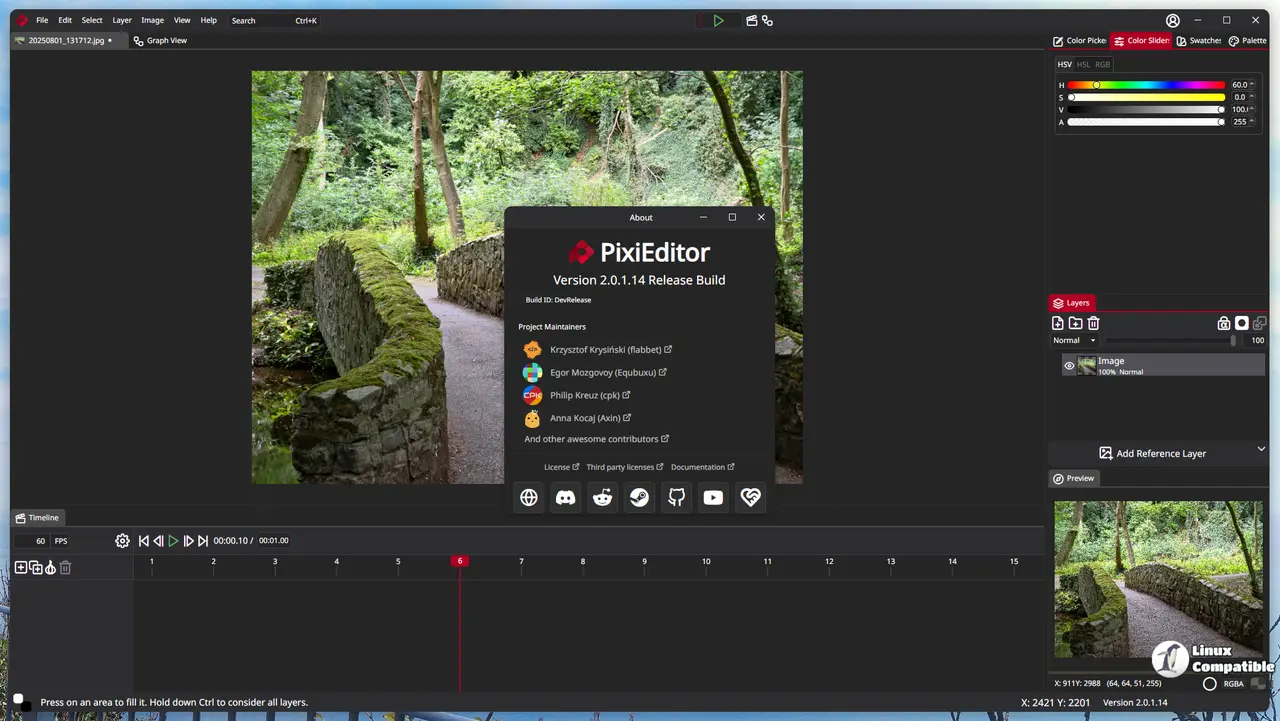
At its core, PixiEditor is designed to cater to all your 2D needs, whether you're creating stunning sprites for games, intricate animations, or simply editing images and logos. The intuitive and familiar interface makes it easy to navigate and get started right away.
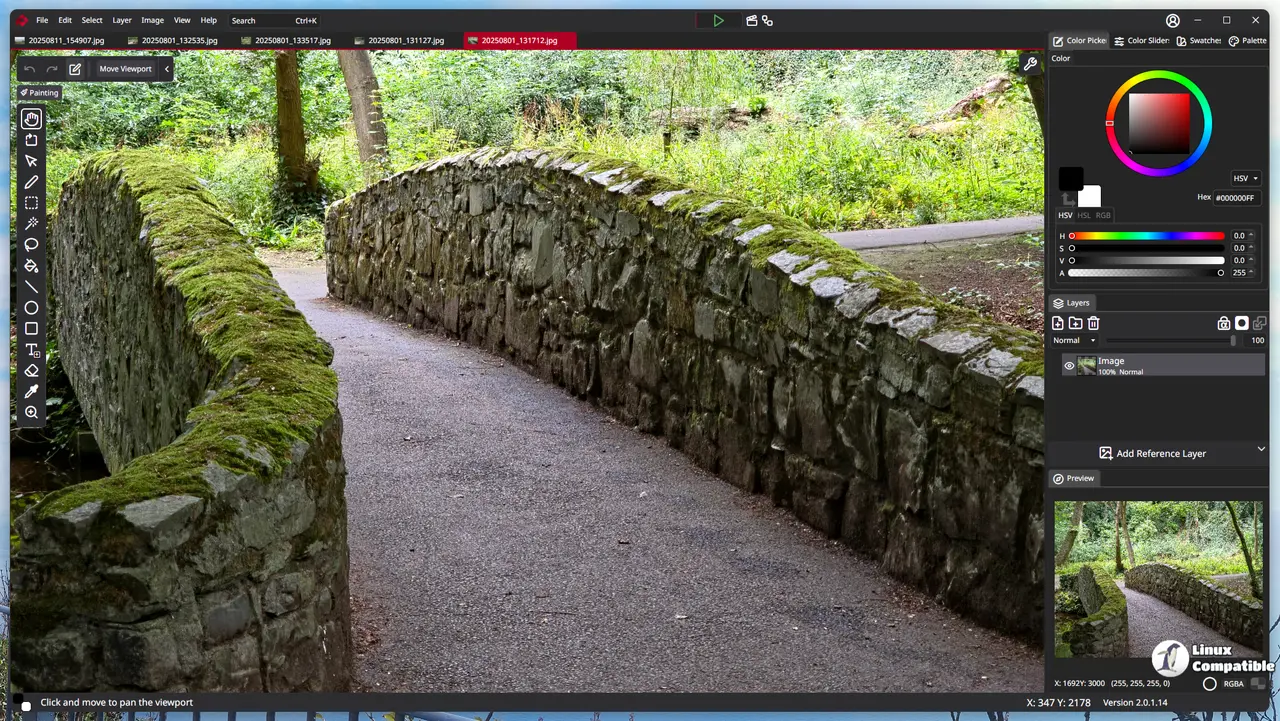
One of the standout features of PixiEditor is its comprehensive toolsets, each specifically tailored to address various scenarios and workflows. Out-of-the-box, it comes equipped with three primary toolsets: Pixel Art, Painting, and Vector. These tools allow you to seamlessly mix and match different styles on a single canvas, giving you unparalleled flexibility.
Pixel Art is geared towards pixel-perfect precision, while the Painting set offers basic painting tools, soft brushes, and anti-aliased shapes for smooth and realistic effects. The Vector toolset provides precise control over shapes and paths, enabling the creation of stunning vector graphics.
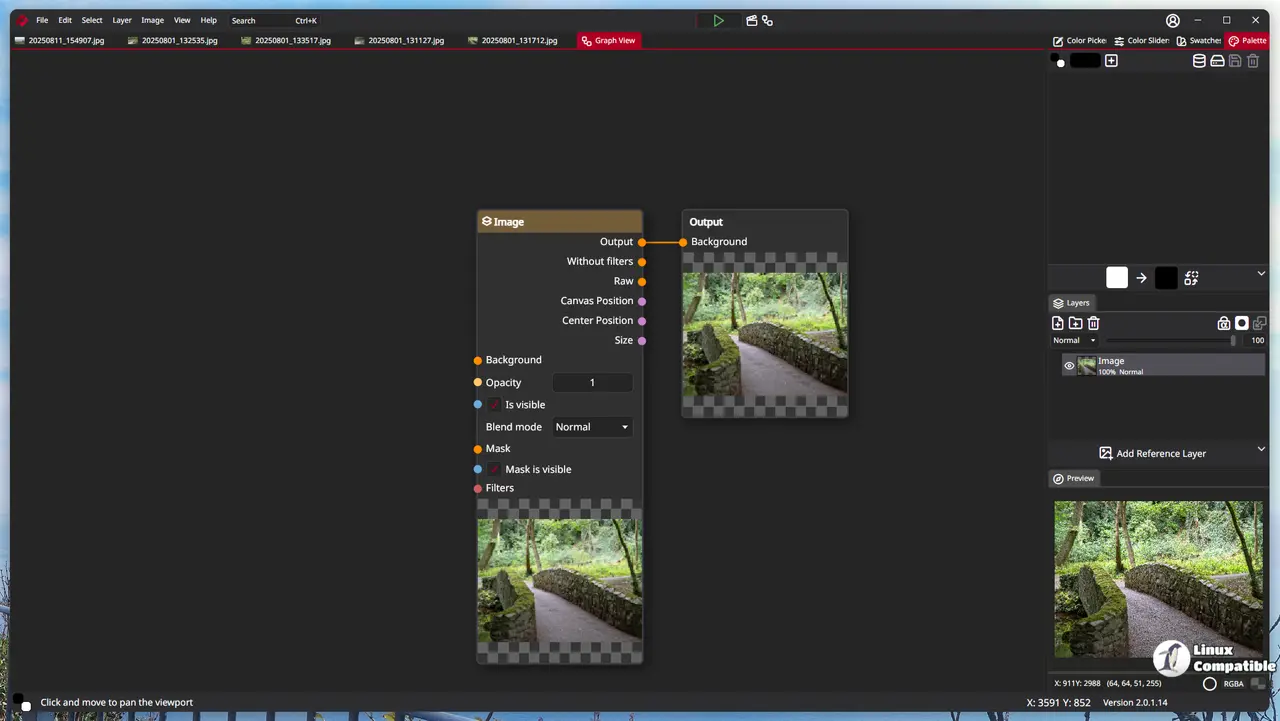
In addition to these core features, PixiEditor 2.0 introduces a timeline and animation capabilities, allowing you to bring your creations to life with ease. You can craft frame-by-frame animations or leverage nodes to animate custom shaders in a node-based render system that powers this extensive set of features.
Speaking of nodes, the Node Render System is at the heart of PixiEditor's advanced capabilities. This system enables you to create intricate images and animations by connecting nodes, giving you full control over your work. Every layer, effect, and even the layer structure itself can be represented as a node or connected through its relationships.
PixiEditor 2.0.1.16 includes several new features:
The Posterize Node (Color Quantization) allows for color reduction to create eye-catching visual effects. The Character Position Node helps you precisely position characters within your animations. Slice Text Node enables text slicing, providing more control over typography and layout. The Text Info Node provides valuable insights into text properties, such as dimensions and font information.
Language support has been expanded with the addition of French, Indonesian, and Italian translations.
Furthermore, several improvements have been made to existing features:
The Move tool on the Painting and Vector toolsets now uses bilinear sampling for a more precise transformation. New fixes include resolving saving errors when working with SVG files containing folder clipping, correcting issues with gradient strokes and fills, fixing auto-update crashes, addressing rendering connection bugs, and tweaking text input behavior.
Changes made to the codebase include updating AvaloniaUI to version 11.3.6.
PixiEditor 2.0.1.16
Summary New things Added Posterize Node (Color quantization) Added Character Position Node Added Slice Text Node Added Text Info Node Added French, Indonesian and Italian translation Improvements...