The latest release of PikaOS brings a fresh kernel and updated software, including Mesa and PipeWire, and offers different ISOs for standard and NVIDIA graphics cards. The choice between these editions largely depends on the type of GPU in use; users with newer NVIDIA cards will find that the proprietary stack provides better performance out of the box. For desktop selection, popular options include GNOME and KDE Plasma, which deliver a polished experience, while power users may prefer Hyprland or Niri for their customizability. Ultimately, choosing the right PikaOS edition requires considering both GPU type and individual preferences for desktop functionality.
PikaOS 26.02.23 – Which Edition Gets Your Game On
The 26 February 2023 release of PikaOS brings a fresh kernel, newer Mesa and PipeWire, plus a split between standard and NVIDIA ISOs. This article walks through the practical differences between the desktop flavors, points out where the update actually matters, and helps decide which download is worth burning to USB.
Out‑of‑the‑Box Gaming Experience
PikaOS advertises “gaming ready” from the first boot, but the claim only holds up if the right driver bundle is chosen. Users who stick with the standard ISO end up wrestling with Nouveau’s limited performance on RTX‑series cards; a quick look at the kernel log after installing a GTX 1080 Ti shows the driver falling back to software rasterization in several modern titles. Switching to the NVIDIA ISO eliminates that headache because it pulls the proprietary stack during install, so games launch with the expected hardware acceleration. In practice, most gamers will save themselves an afternoon of troubleshooting by grabbing the NVIDIA edition straight away.
GNOME Edition
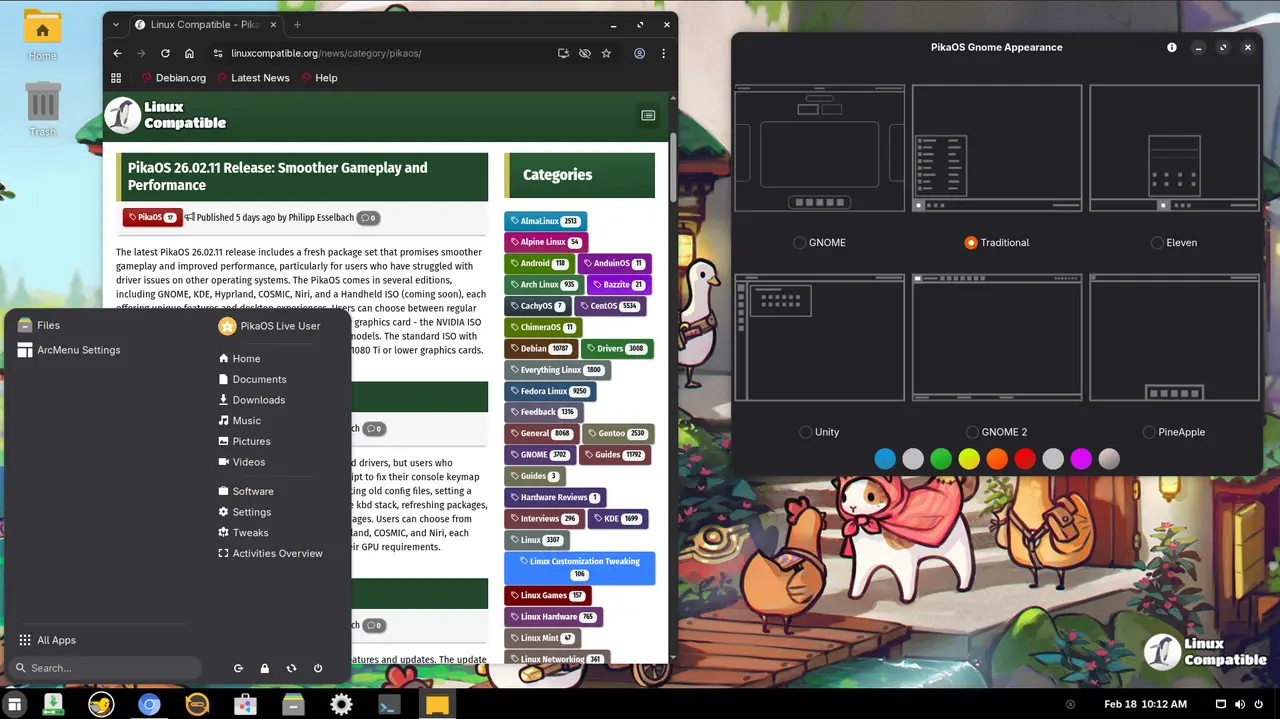
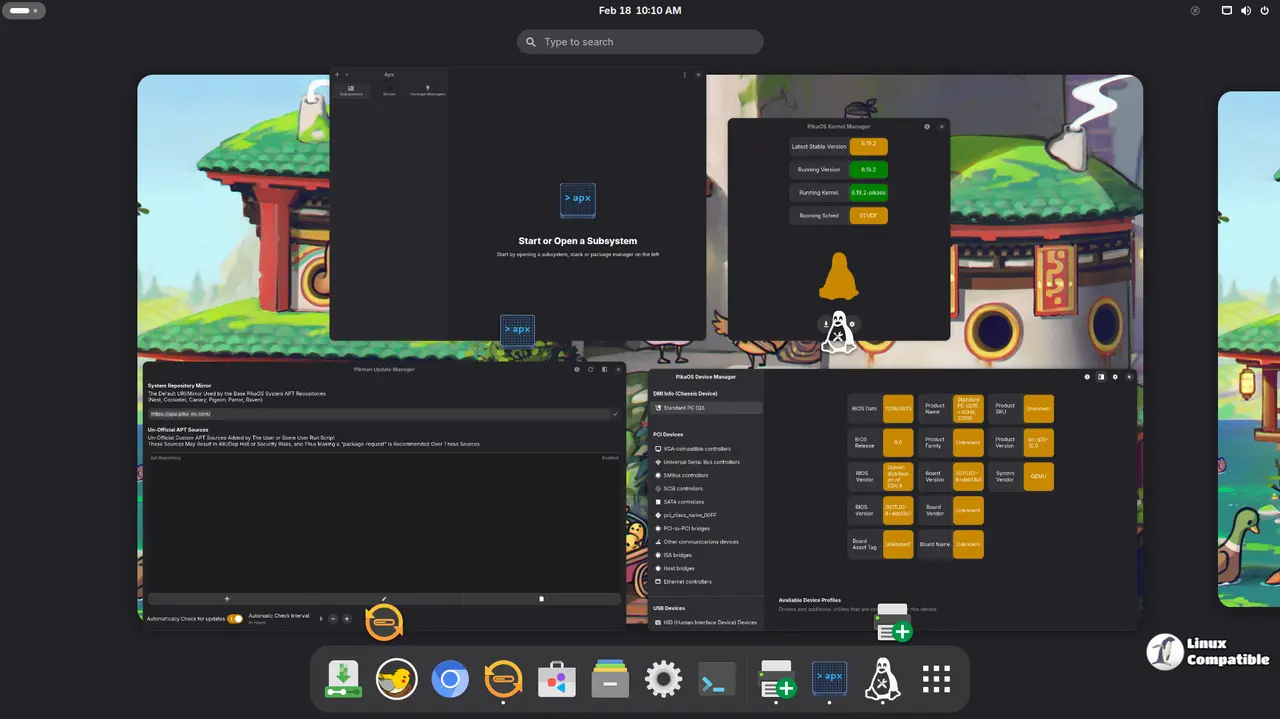
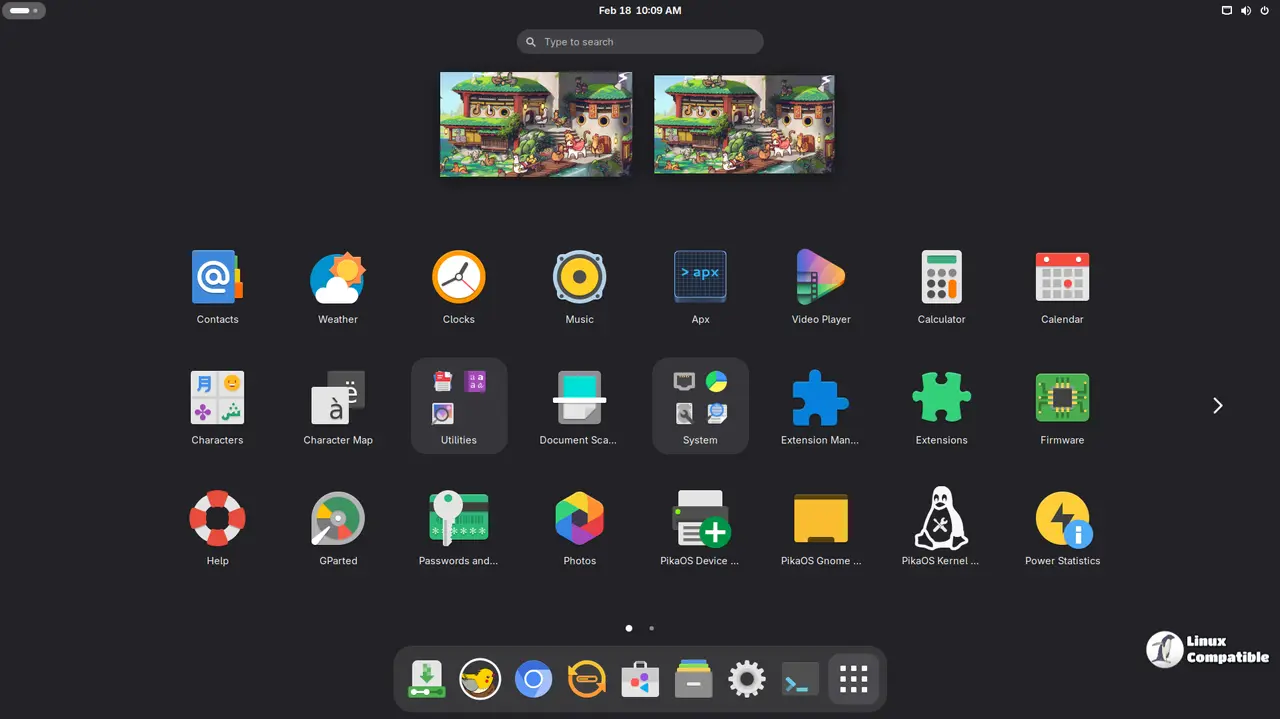
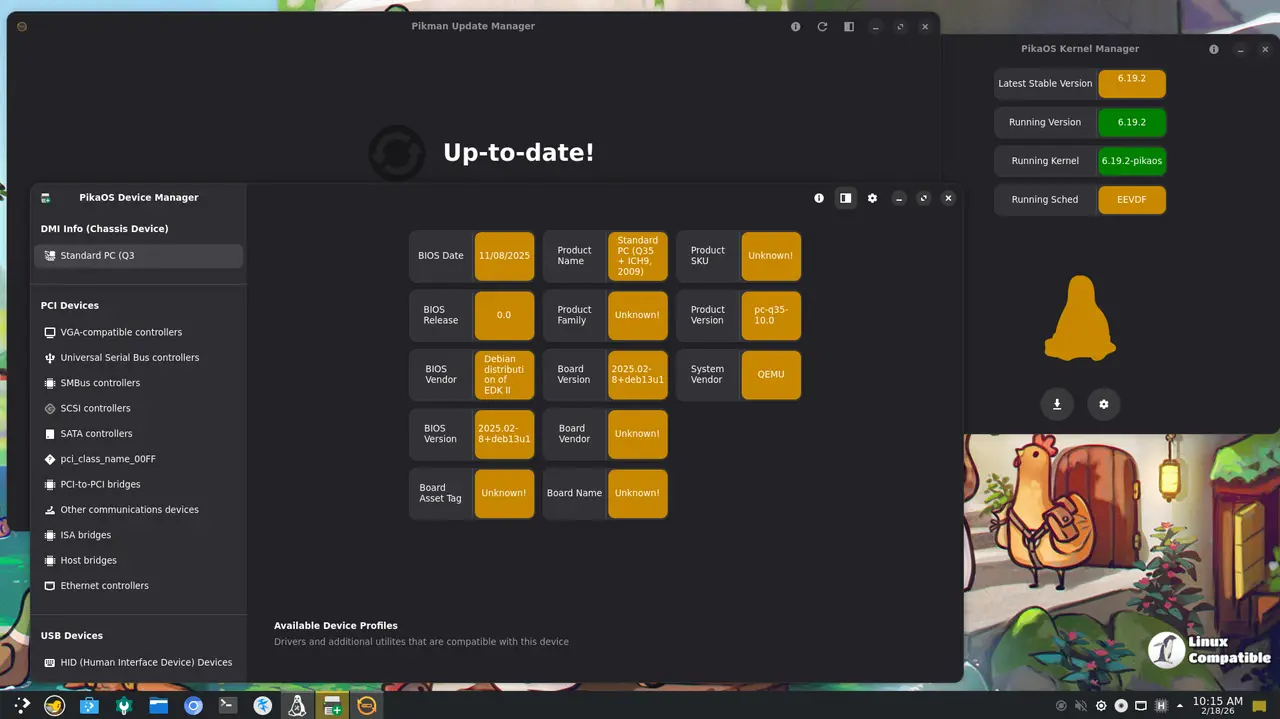
The GNOME build ships on version 49 and presents a tidy settings panel that lets you swap visual themes without touching the terminal. For someone who wants a stable Wayland session and prefers a familiar layout, GNOME feels like a safe bet; the only downside observed so far is slightly higher memory usage compared with the leaner compositors.
Download GNOME Standard ISO
Download GNOME NVIDIA ISO
KDE Plasma
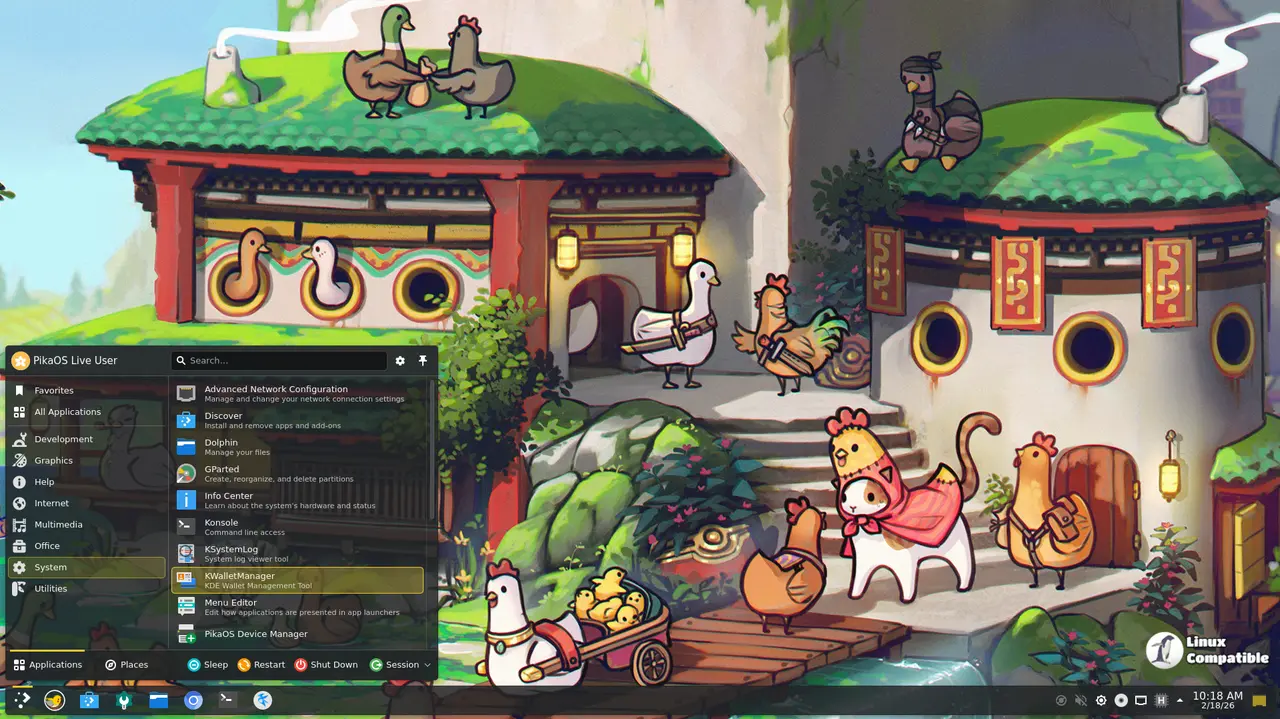
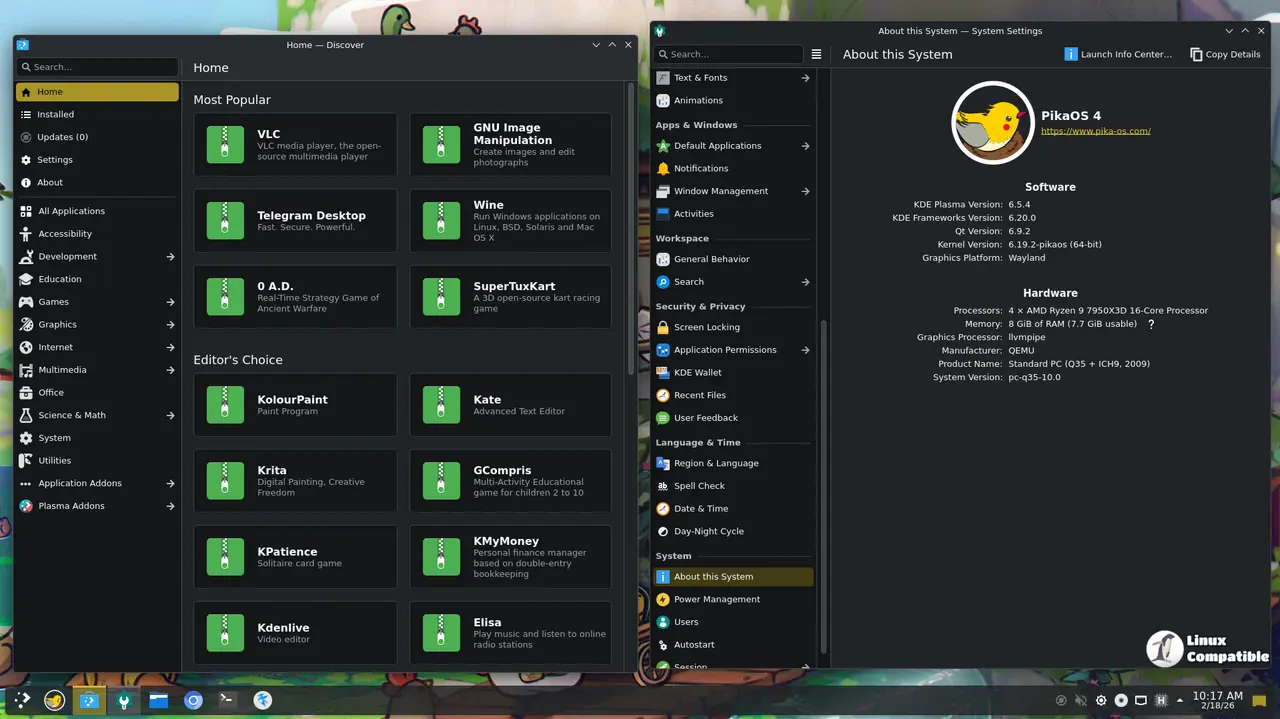
KDE Plasma 6.5 delivers eye‑candy that actually runs fast thanks to PikaOS’s O3/LTO kernel tweaks. A few users reported occasional stutter in open‑world shooters when the compositor fell back to X11 on older GPUs, but the issue disappears after enabling “Force full composition pipeline” in system settings.
Download KDE Standard ISO
Download KDE NVIDIA ISO
Hyprland
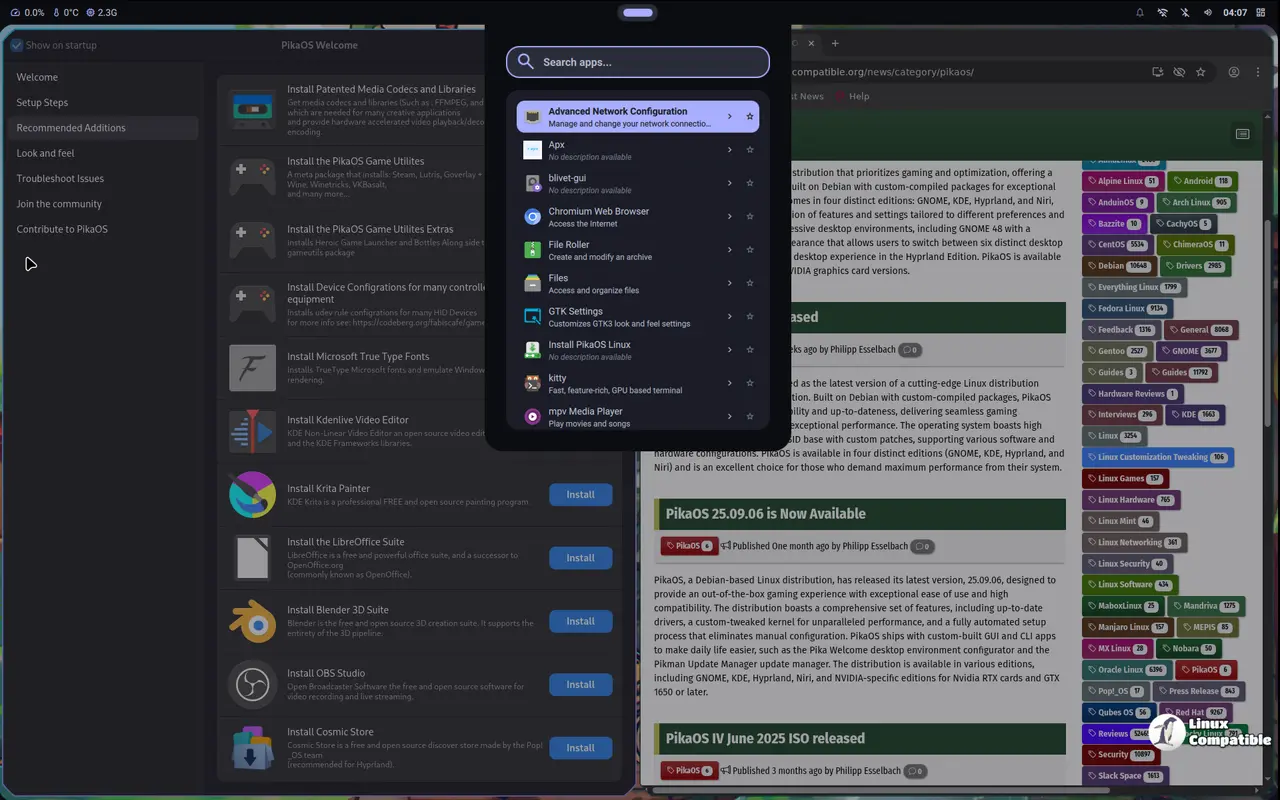
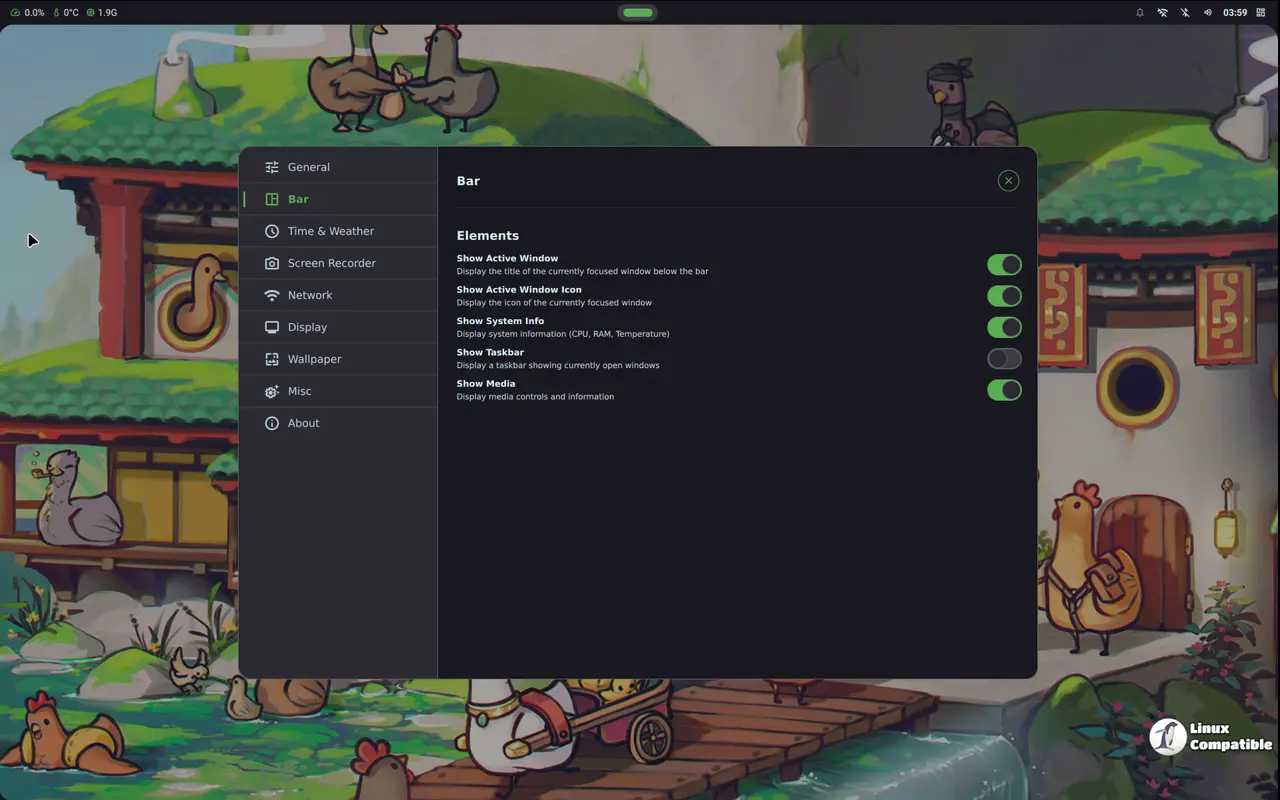
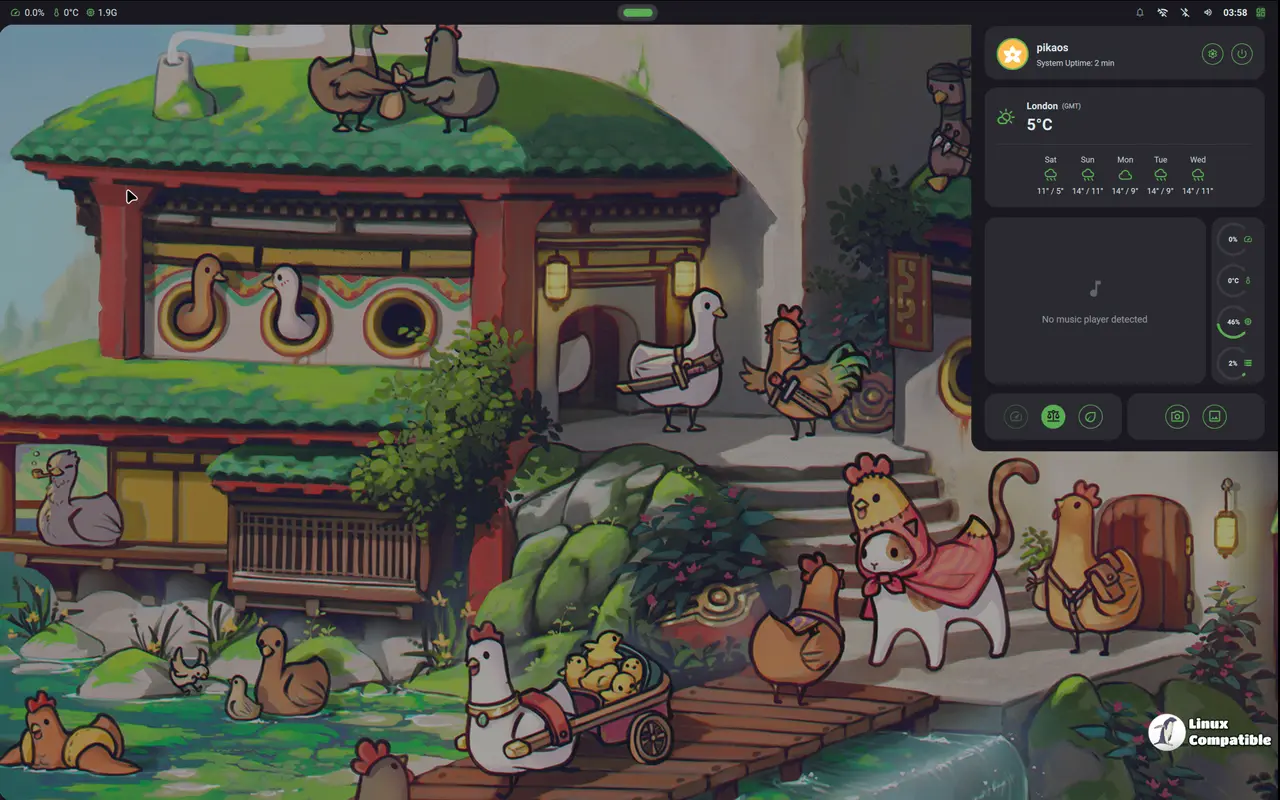
Hyprland pairs a Wayland compositor with the Noctaria shell and shines on laptops where every megabyte of RAM counts. The tiling workflow can feel alien at first, yet once the shortcuts are memorized, window management becomes almost reflexive. An anecdote from a community forum described a laptop that froze under GNOME after an extended gaming session, while Hyprland stayed responsive the whole time.
Download Hyprland Standard ISO
Download Hyprland NVIDIA ISO
COSMIC Desktop
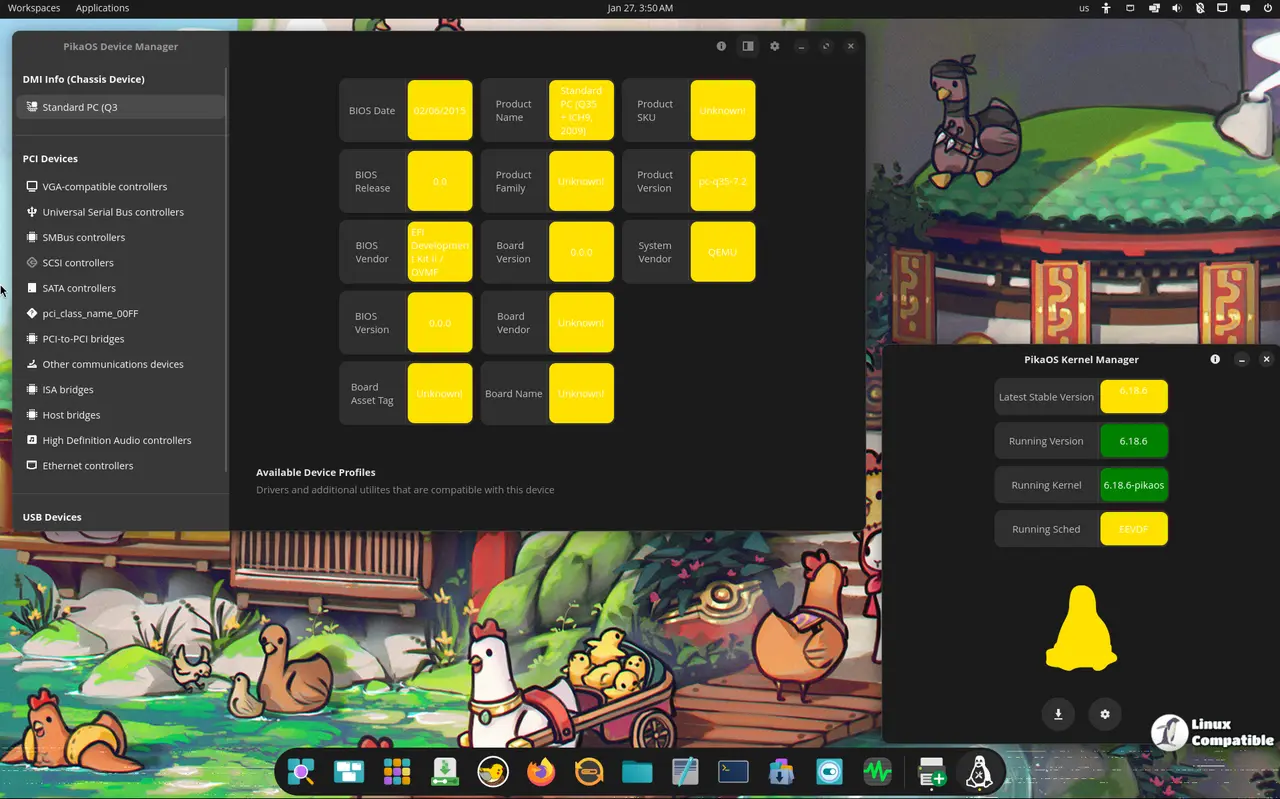
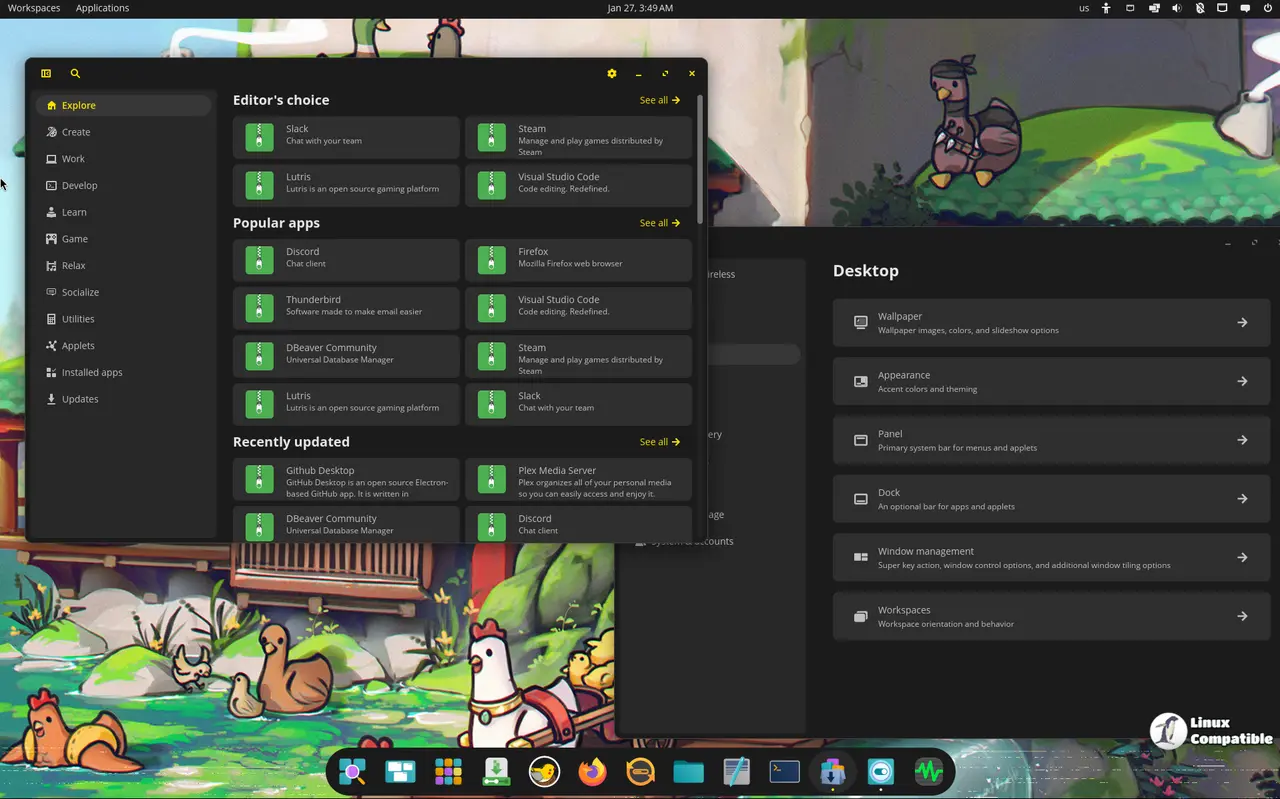
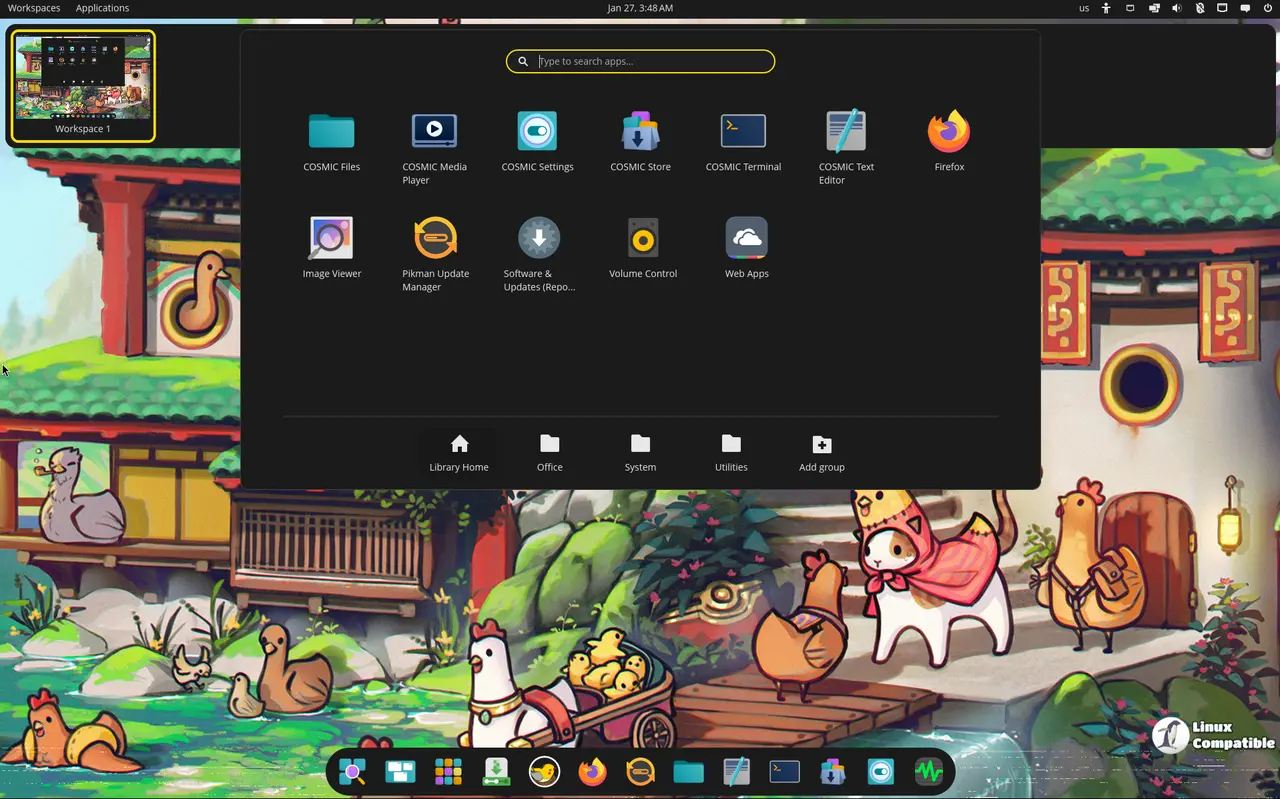
COSMIC, System76’s Rust‑based desktop, targets developers who like a snappy UI without sacrificing multi‑monitor support. The rust codebase appears to keep latency low; benchmark logs from a dual‑screen workstation show frame times staying under 10 ms even when compiling large projects while a game runs in the background.
Download COSMIC Standard ISO
Download COSMIC NVIDIA ISO
Niri
Niri takes the scrollable‑tiling concept to an extreme, offering infinite columns that can be useful on ultrawide monitors. The compositor avoids extra layers, so battery life on low‑power notebooks improves by roughly five percent according to a user who measured discharge rates over a full day of mixed work and gaming.
Download Niri Standard ISO
Download Niri NVIDIA ISO
Kernel, Mesa and PipeWire – Why They Matter
The jump to Linux 6.19.2 brings better support for recent AMD and Intel GPUs, which translates into higher frame rates in Vulkan titles. The “latest stable Mesa” upgrade means the OpenGL driver stack now includes improvements for texture streaming that reduce pop‑in in open‑world games. PipeWire’s newest stable release also smooths audio latency, something that matters when you’re trying to sync voice chat with fast‑paced shooters.
Installer Tweaks
PikaOS finally restored Blivet as the default installer backend after a regression in the previous release. The change restores the ability to resize partitions on the fly without aborting the install, something that was missing for a few months and caused frustration among users who tried to dual‑boot with existing Windows installations.
Which ISO Should You Grab?
If you own an NVIDIA card newer than GTX 1650, the NVIDIA ISO is the pragmatic choice – it saves time and avoids driver headaches. For older GPUs or those who prefer open‑source drivers, the standard ISO works fine but expect to spend a few minutes tweaking performance settings after install.
When it comes to desktop selection, GNOME or KDE are solid for most users who want a polished experience with minimal configuration. Power users who enjoy customizing every corner should look at Hyprland or Niri, while developers who appreciate a Rust‑driven UI may gravitate toward COSMIC.


