The new PikaOS release offers several editions, each with its own unique features and desktop environments. The GNOME Edition is ideal for those who prefer a stable Wayland experience and want a polished settings panel with visual theme options. In contrast, the KDE Edition delivers eye candy while maintaining good game performance, making it perfect for users who like a flashy desktop that still plays well with their GPU. Meanwhile, the Hyprland Edition excels at dynamic window tiling and is suitable for users who enjoy customizing every corner of their workspace.
PikaOS 26.02.17: Which Edition Should You Pick?
The new PikaOS release drops a Linux 6.19.2 kernel and brings out‑of‑the‑box driver support for both NVIDIA and AMD cards, plus an updated Mesa stack that keeps Vulkan humming. If you’ve wrestled with driver headaches on other distros, the pre‑installed drivers here are a relief.
GNOME Edition
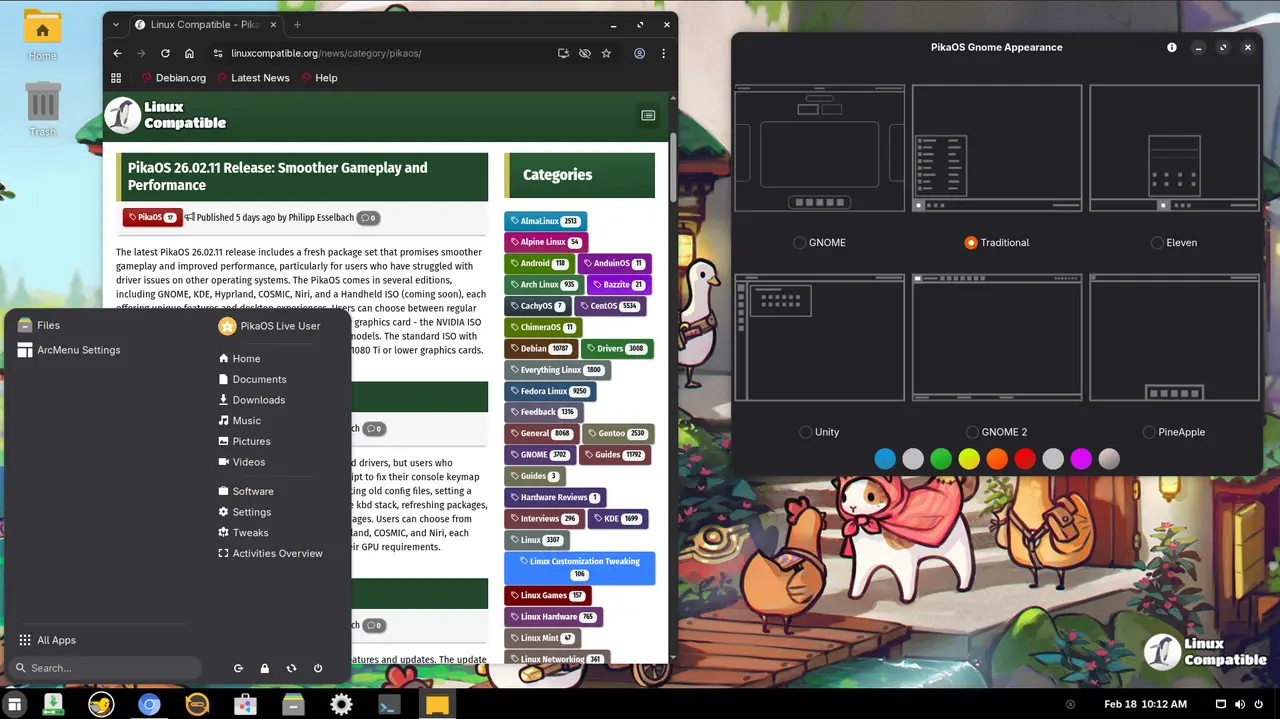
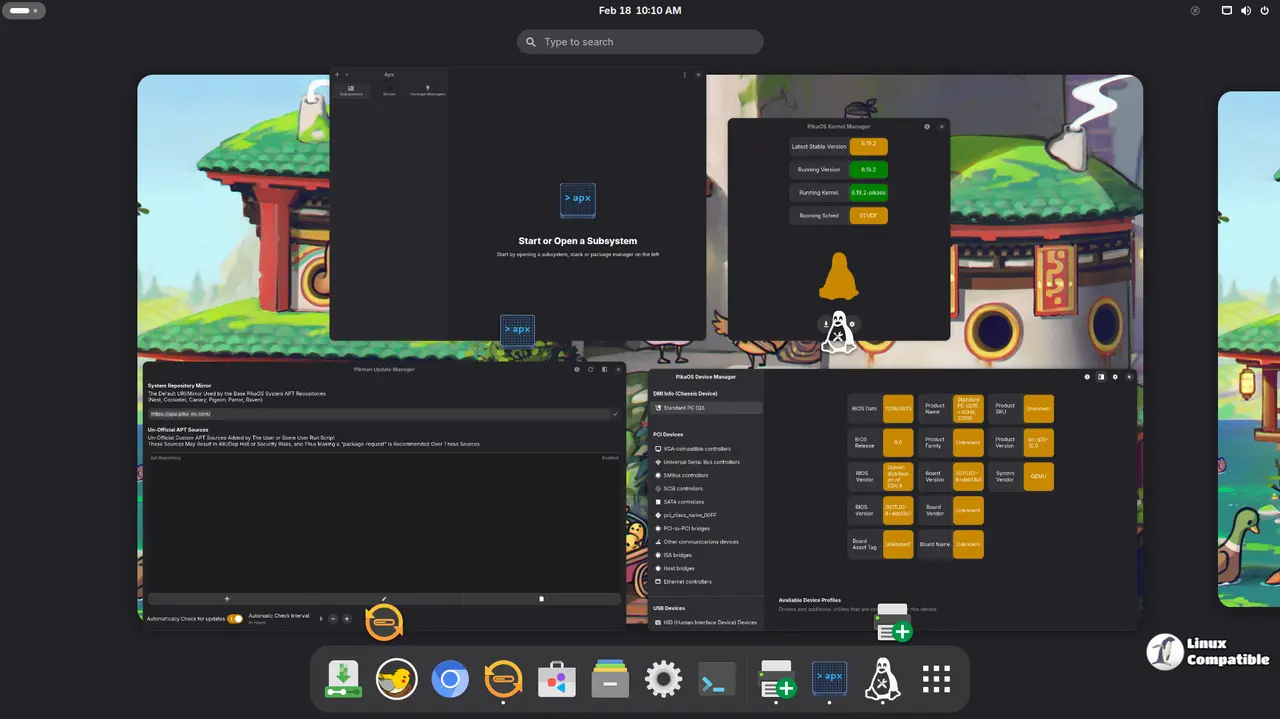
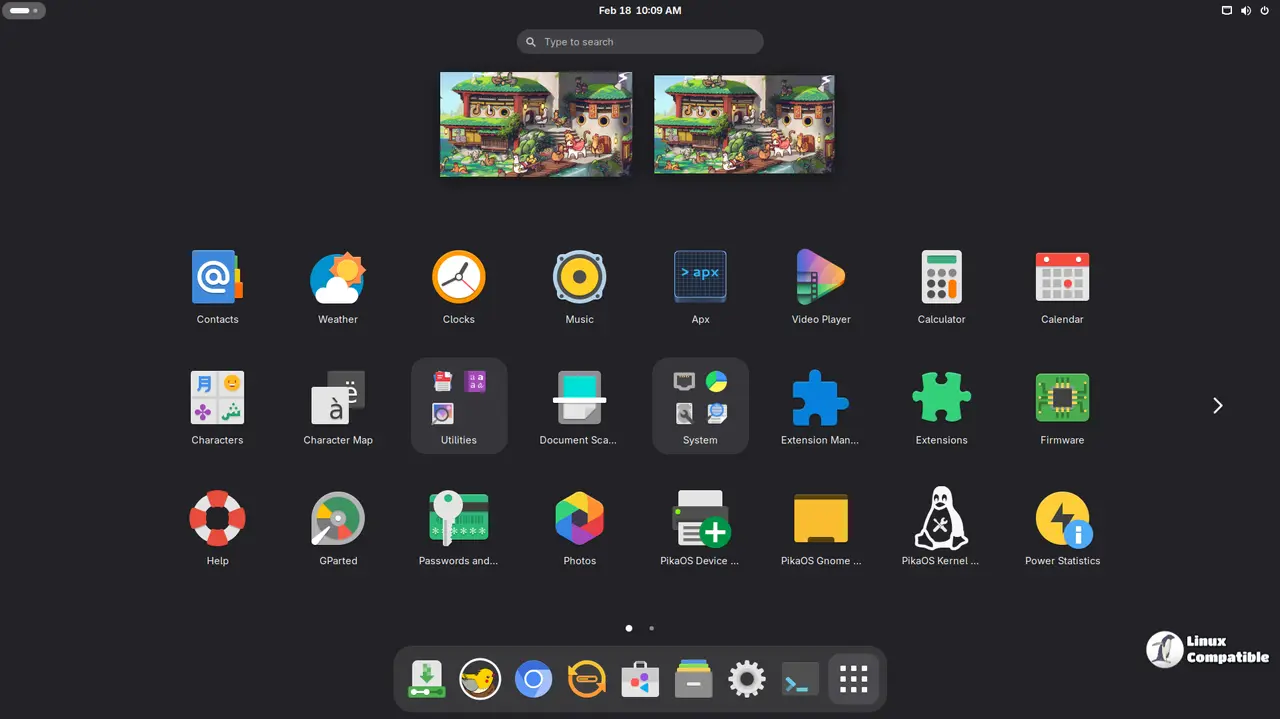
Built on GNOME 49, this edition comes with a polished settings panel that lets users switch between six visual themes—including Windows‑like, Apple‑inspired, and Unity feel—without touching the command line. It is ideal for those who prefer a stable Wayland experience and want to get straight to work without tinkering.
Download GNOME Standard ISO
Download GNOME NVIDIA ISO
KDE Edition
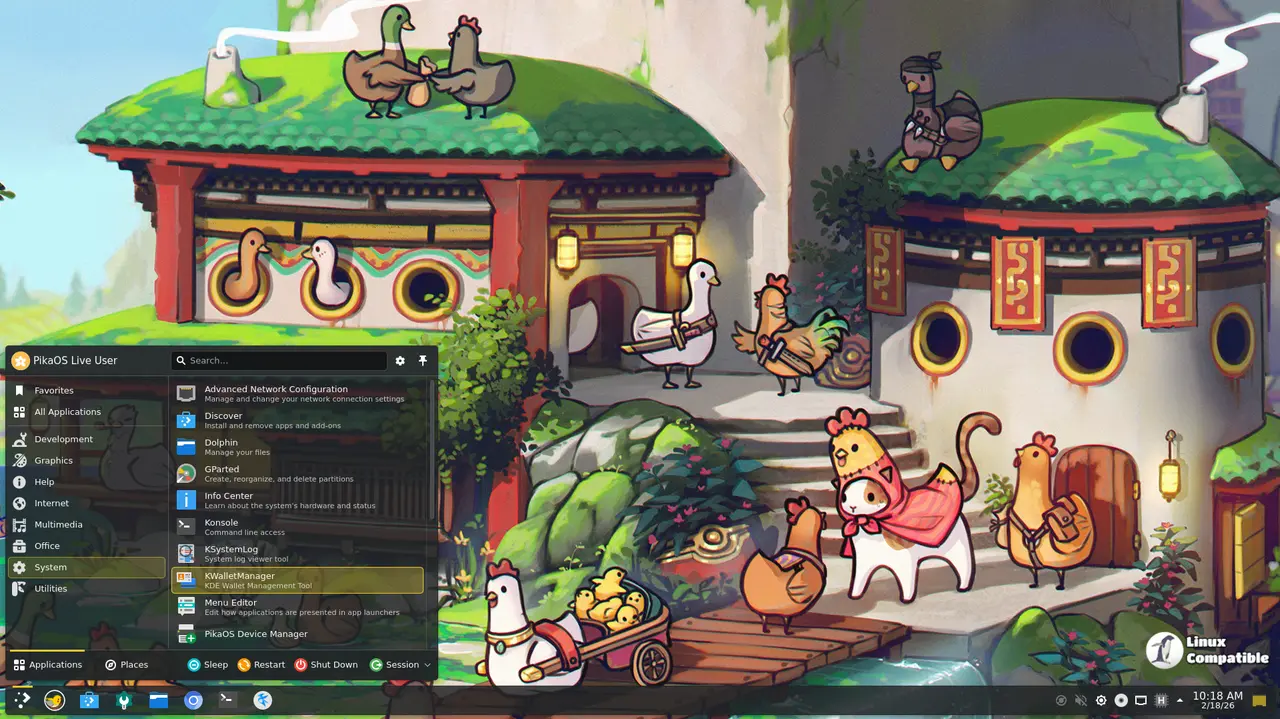
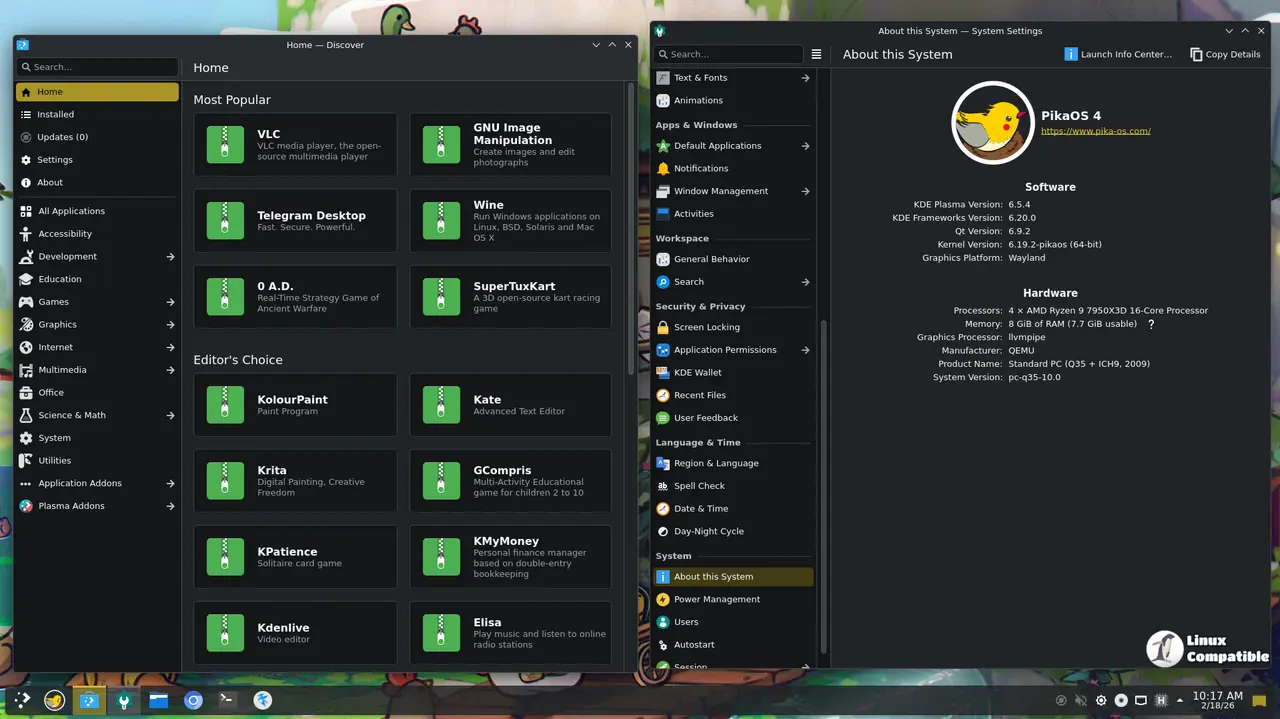
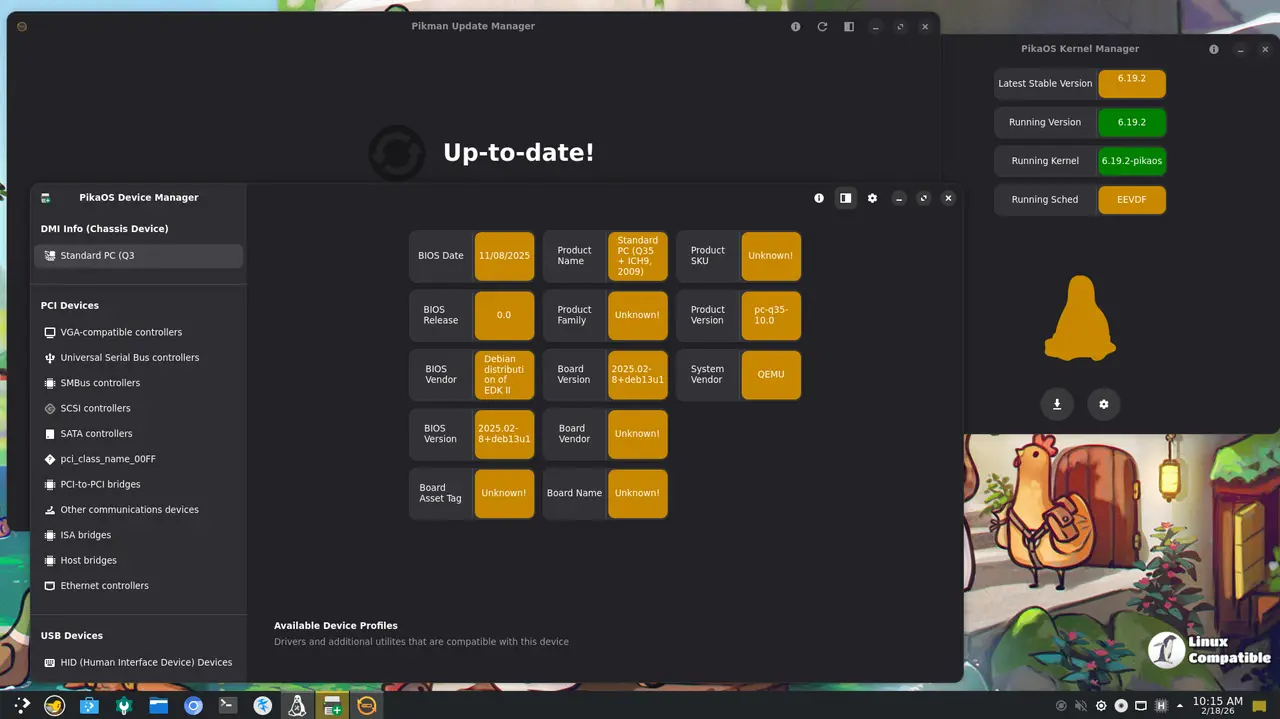
Running KDE Plasma 6.5 right out of the box, the KDE build delivers eye candy while still benefiting from PikaOS’s O3/LTO kernel tweaks. Animations feel buttery‑smooth but the system doesn’t compromise on game performance. If you like a flashy desktop that still plays well with your GPU, this is the way to go.
Download KDE Standard ISO
Download KDE NVIDIA ISO
Hyprland Edition
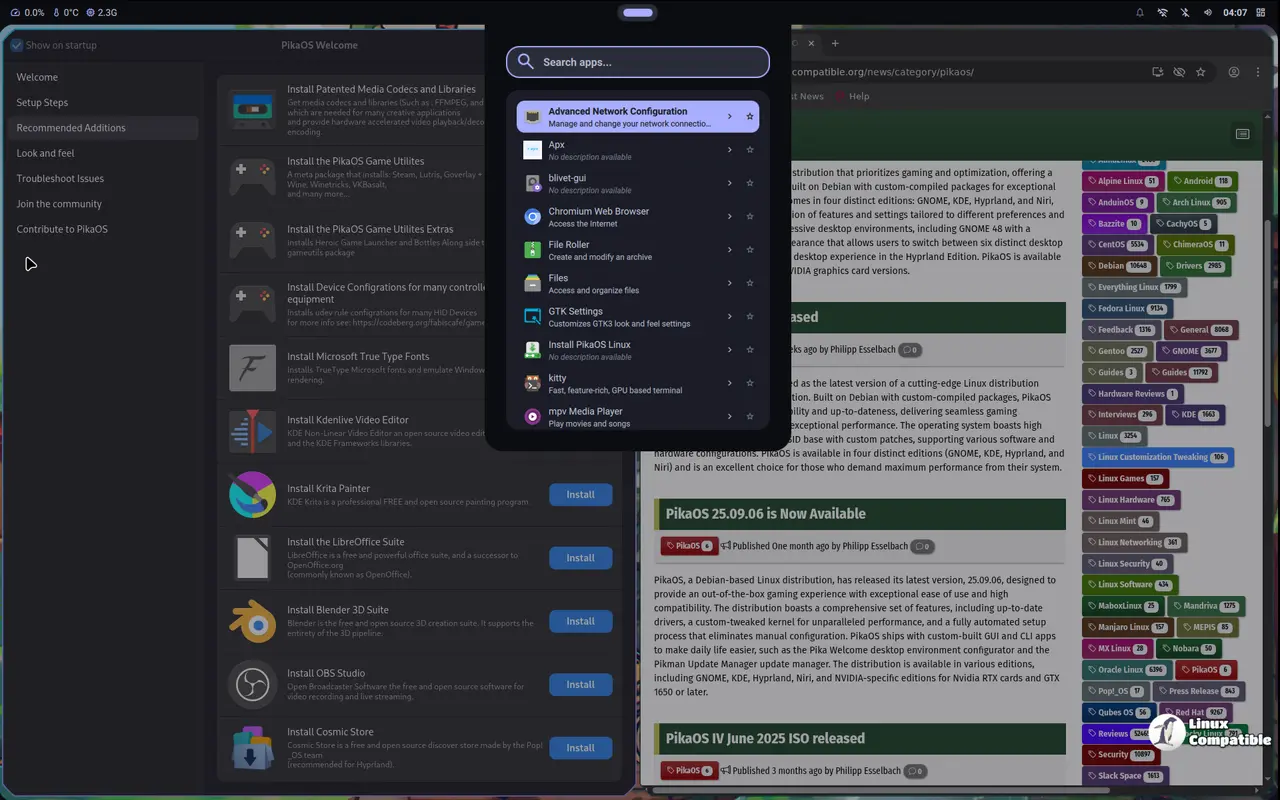
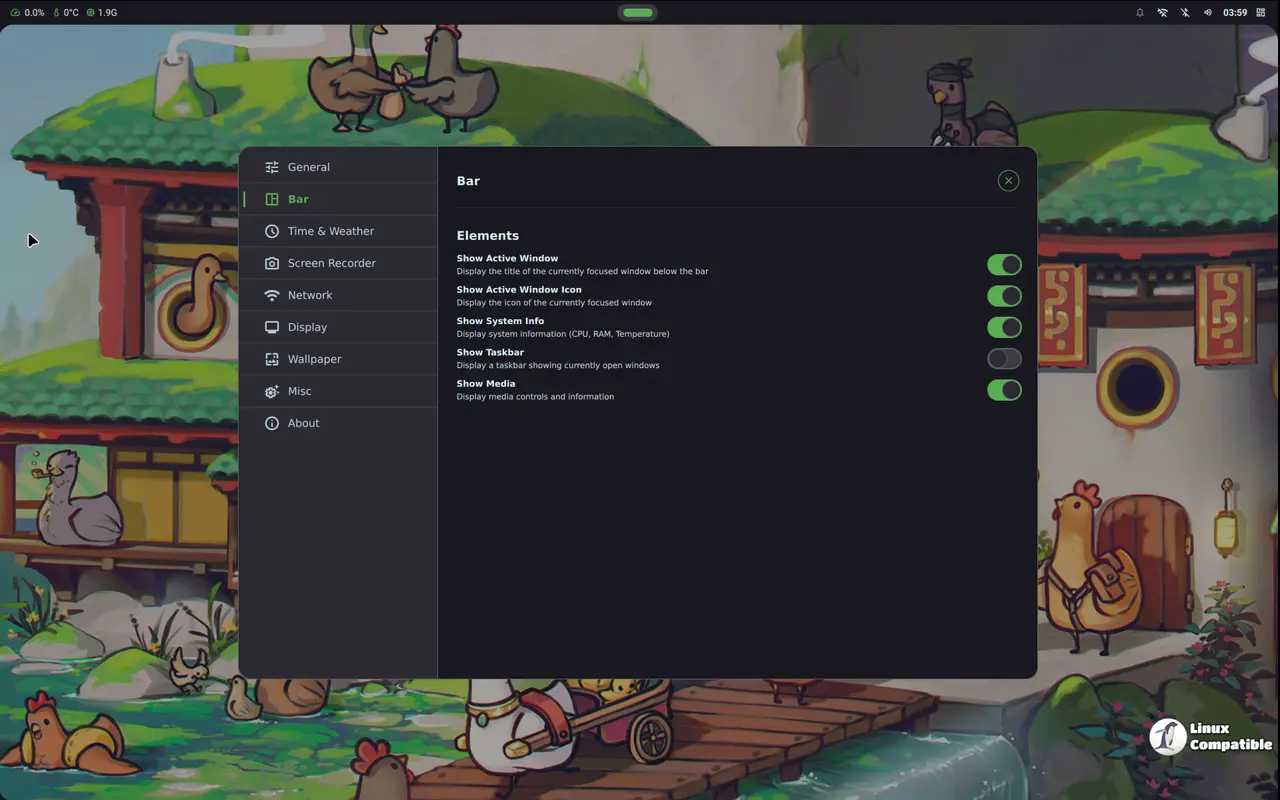
Pairing the Hyprland compositor with the Noctaria shell, this fast Wayland stack excels at dynamic window tiling. It’s perfect for users who enjoy customizing every corner of their workspace and want a lean system that doesn’t waste resources on layers the user never sees.
Download Hyprland Standard ISO
Download Hyprland NVIDIA ISO
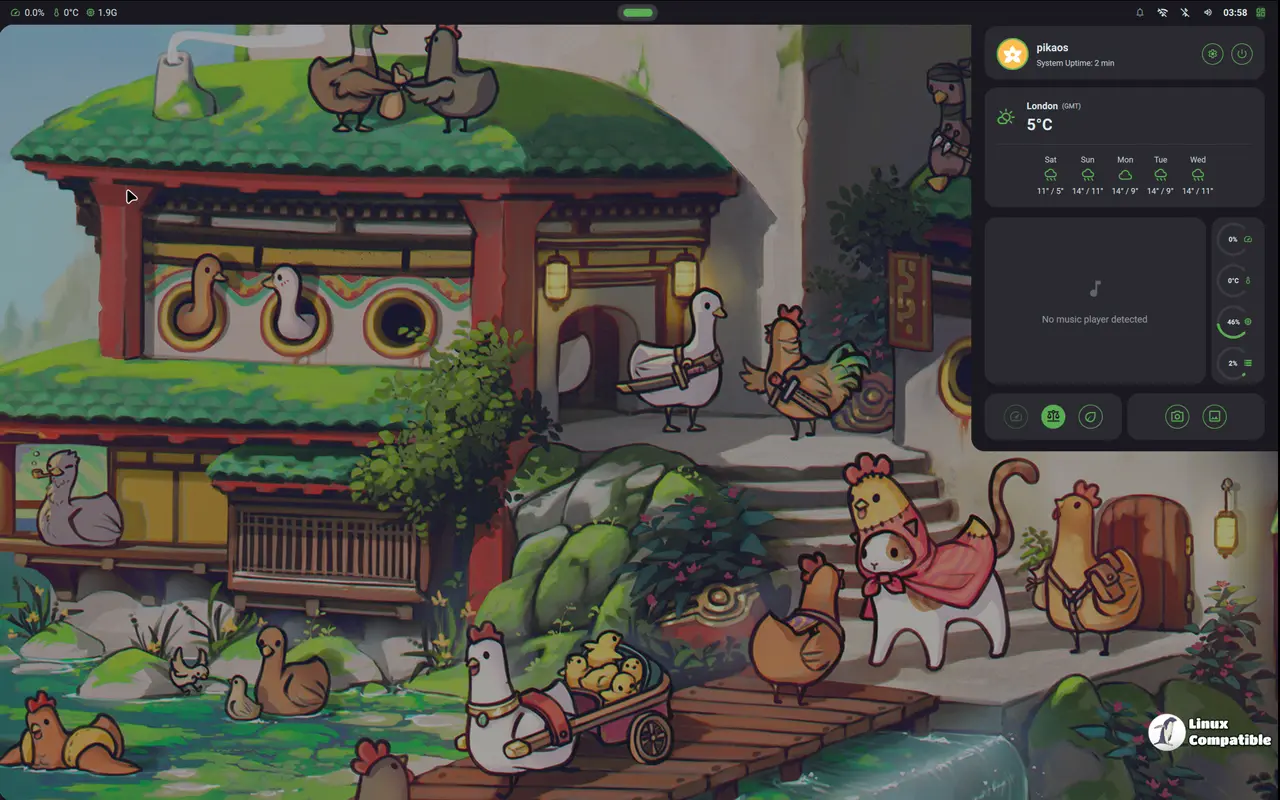
COSMIC Edition
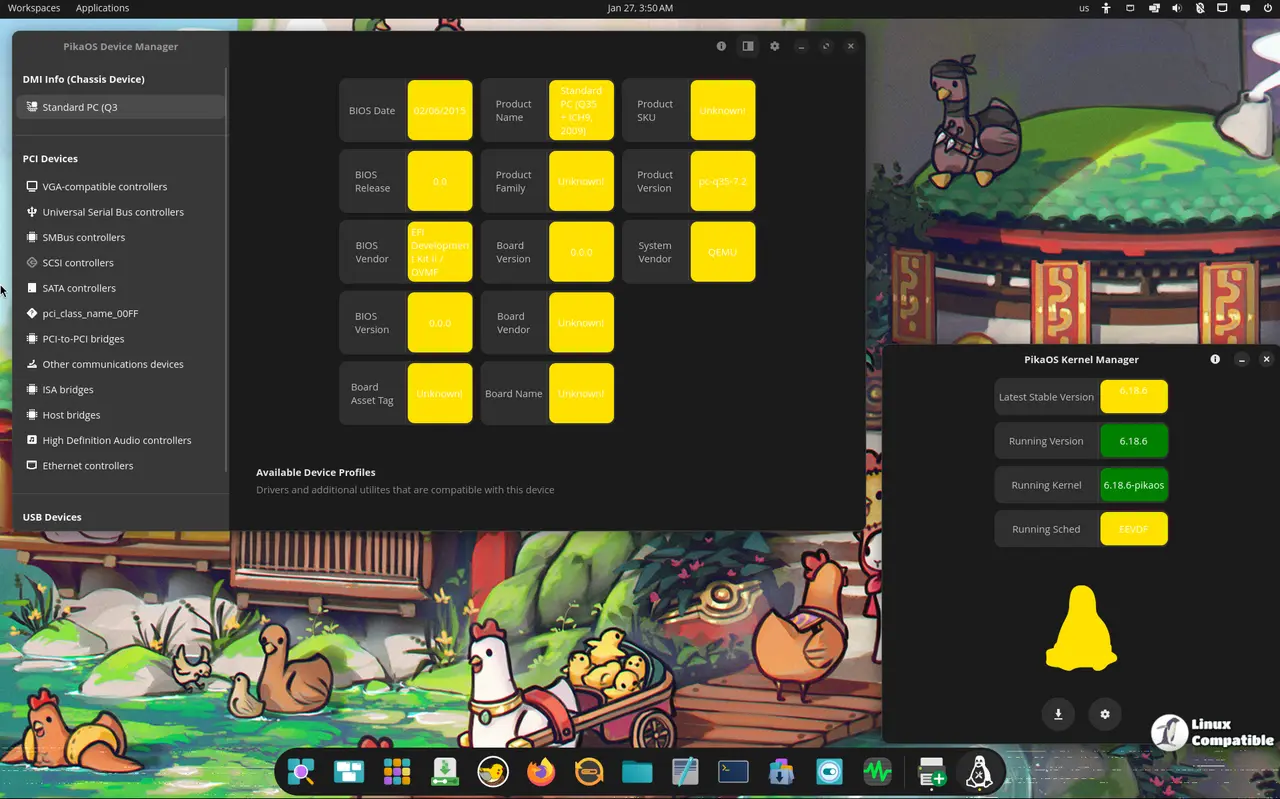
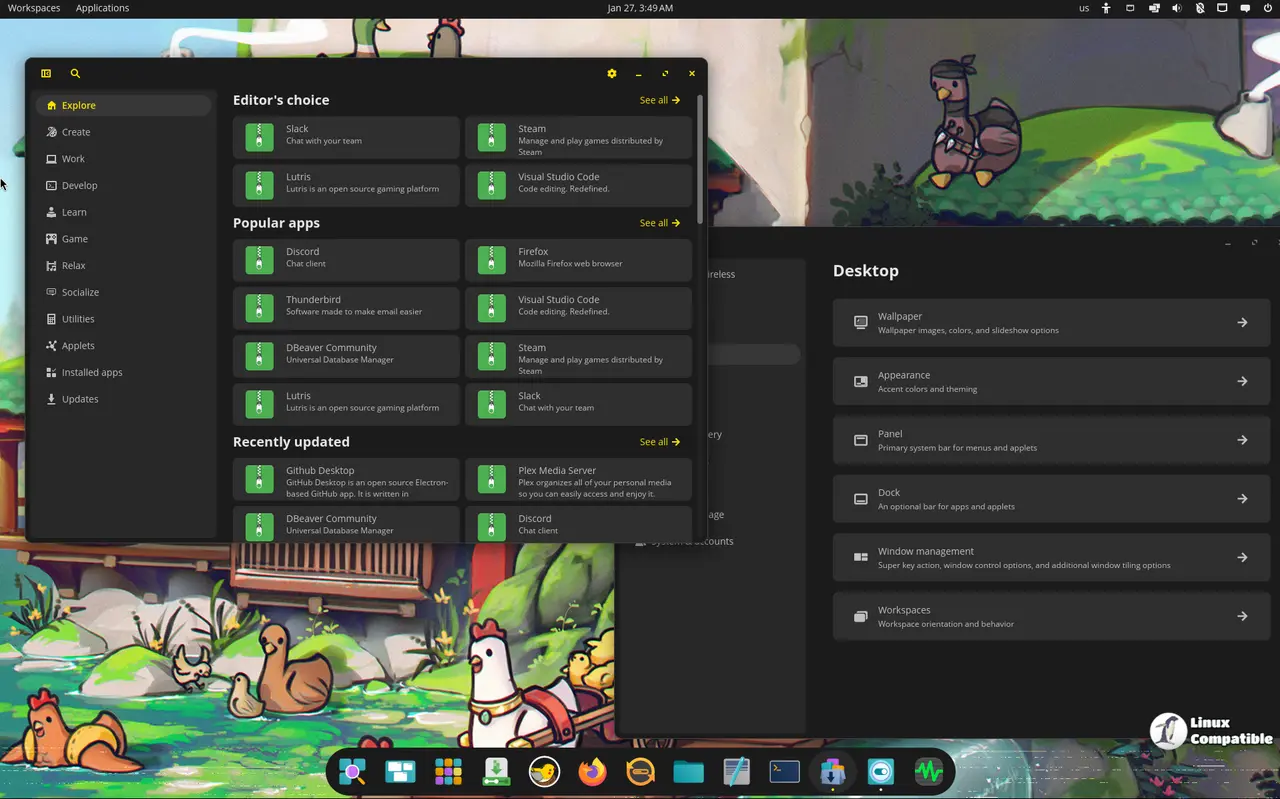
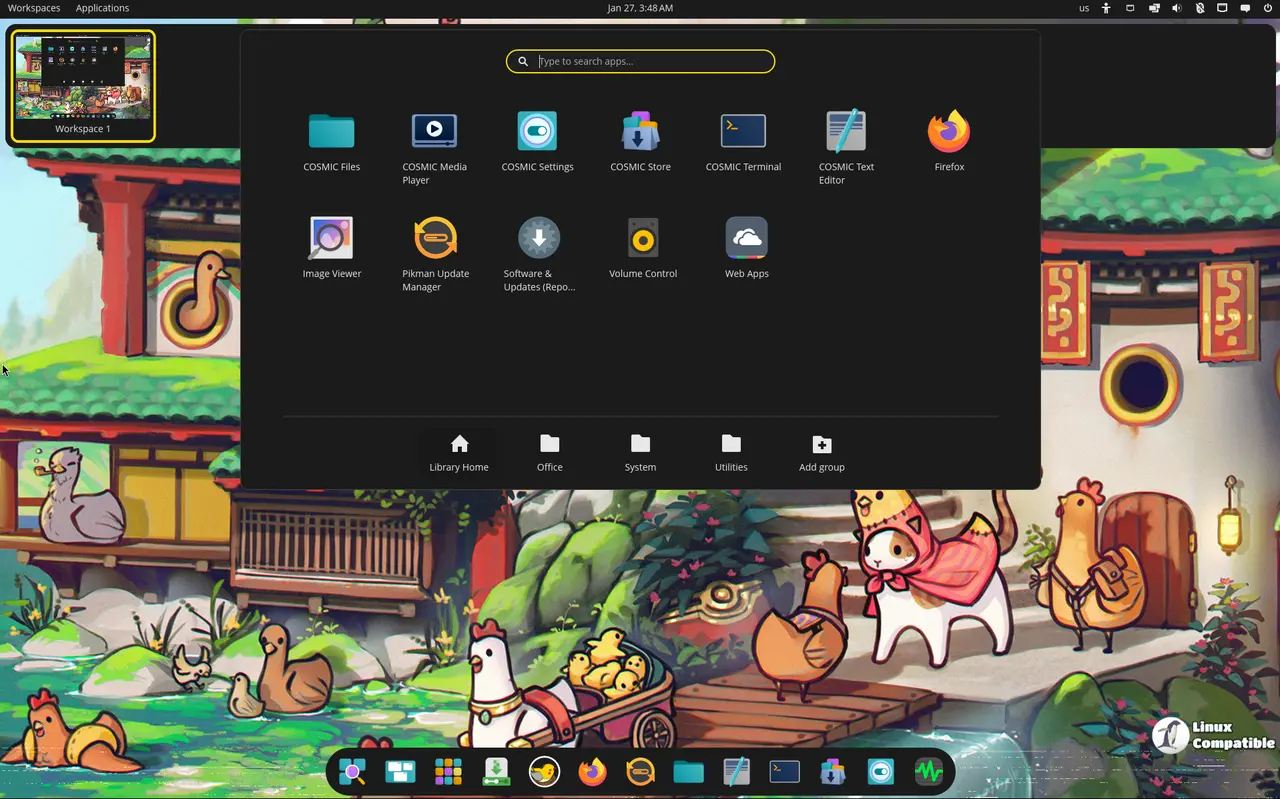
The COSMIC desktop—written in Rust by System76—is responsive enough to keep up with frantic window flinging. The Rust codebase translates into a UI that stays snappy even when you juggle multiple applications at once, making it a good choice for developers who like to work fast and furious.
Download COSMIC Standard ISO
Download COSMIC NVIDIA ISO
Niri Edition
Niri’s scrollable‑tiling approach gives an infinite number of columns across the screen. Lightweight and efficient, it runs smoothly on low‑power laptops and feels snappier than most compositors because it avoids unnecessary layers altogether.
Download Niri Standard ISO
Download Niri NVIDIA ISO
NVIDIA vs. Standard ISO
All flavors come in a regular version that ships with Nouveau drivers and an NVIDIA bundle that includes proprietary drivers for RTX‑series cards or GTX 1650 and newer. If you own a GTX 1080 Ti or older, the standard ISO will work fine; but if you have a recent GPU, the NVIDIA ISO saves you a headache by installing the right driver automatically.
Bottom line
For most users who want a polished, ready‑to‑use experience, GNOME or KDE are solid picks. Power users looking for cutting‑edge tiling get Hyprland or Niri, while Rust enthusiasts might lean toward COSMIC. And if you’re running an NVIDIA card that needs the proprietary stack, grab the corresponding NVIDIA ISO.


