PikaOS has released a new update, version 26.01.26, which brings significant changes and improvements. The update includes a new install image based on the COSMIC desktop environment, fixes core issues such as no connection problems across apps, and updates familiar UI elements. This release focuses on enhancing the overall PikaOS experience for users of all levels, with various desktop environments available to choose from, including GNOME 49, KDE 6.5, Hyprland, Niri, and COSMIC.
Each edition offers a unique experience, such as the flexibility of Plasma, the power of modern tiling environments like Hyprland and Niri, or the brand-new COSMIC desktop with its Rust-based technology. Users can choose from standard ISOs or specialized versions like NVIDIA images tailored to each flavor, allowing for a straightforward installation process without complex setup.
PikaOS 26.01.26 released
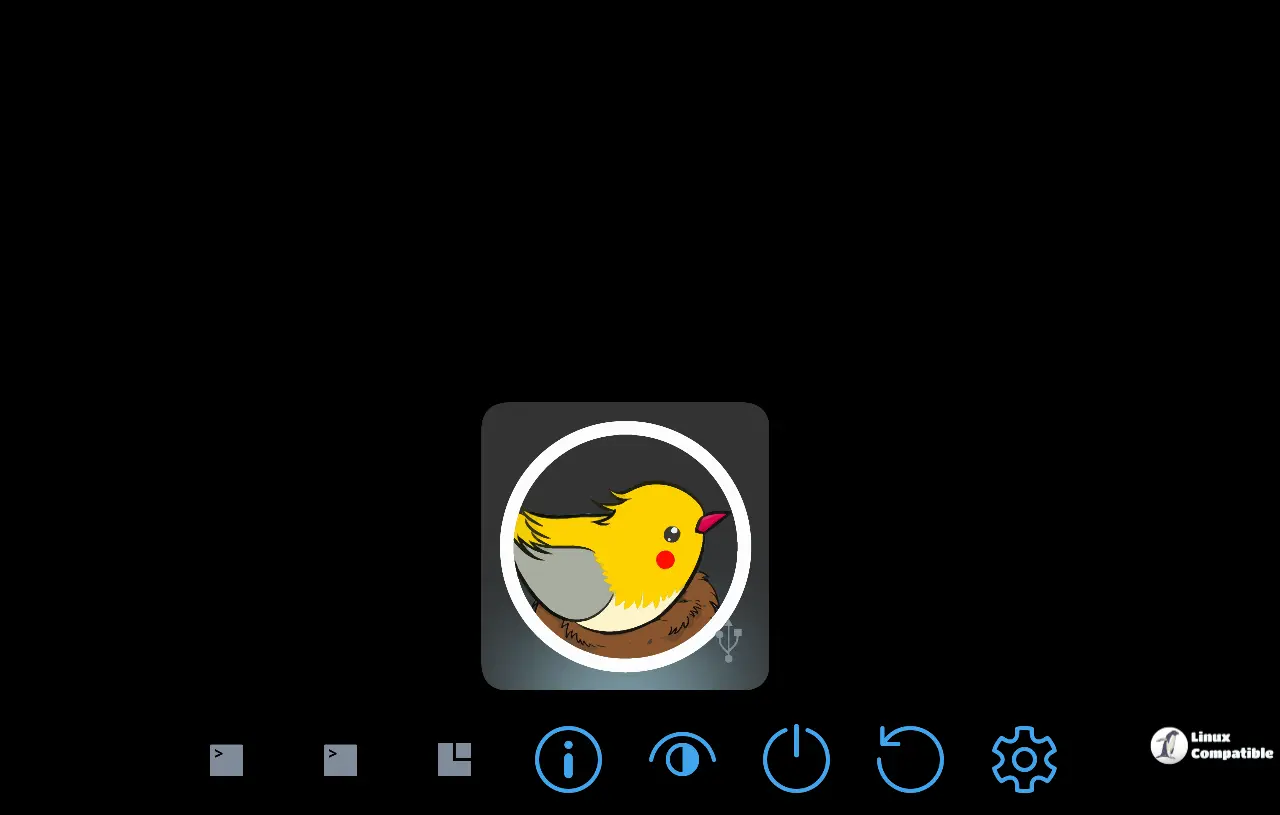
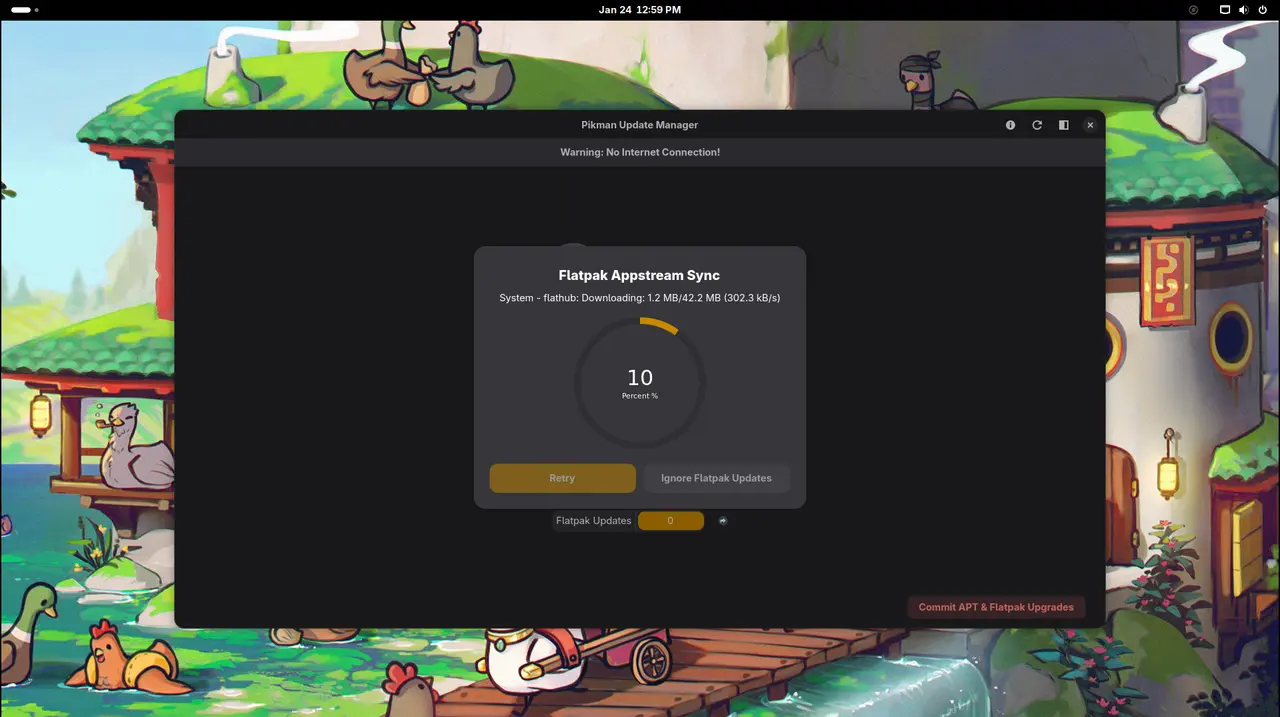
PikaOS has pushed out another update, version 26.01.26, which is more than just a number bump this time. They've added a new install image based on the COSMIC desktop environment and focused on fixing core issues like no connection problems across their apps. Also swapped out some familiar UI elements (like KDE's fullscreen menu for the Windows 10 style), while adding gnome-music to Gnome environments.
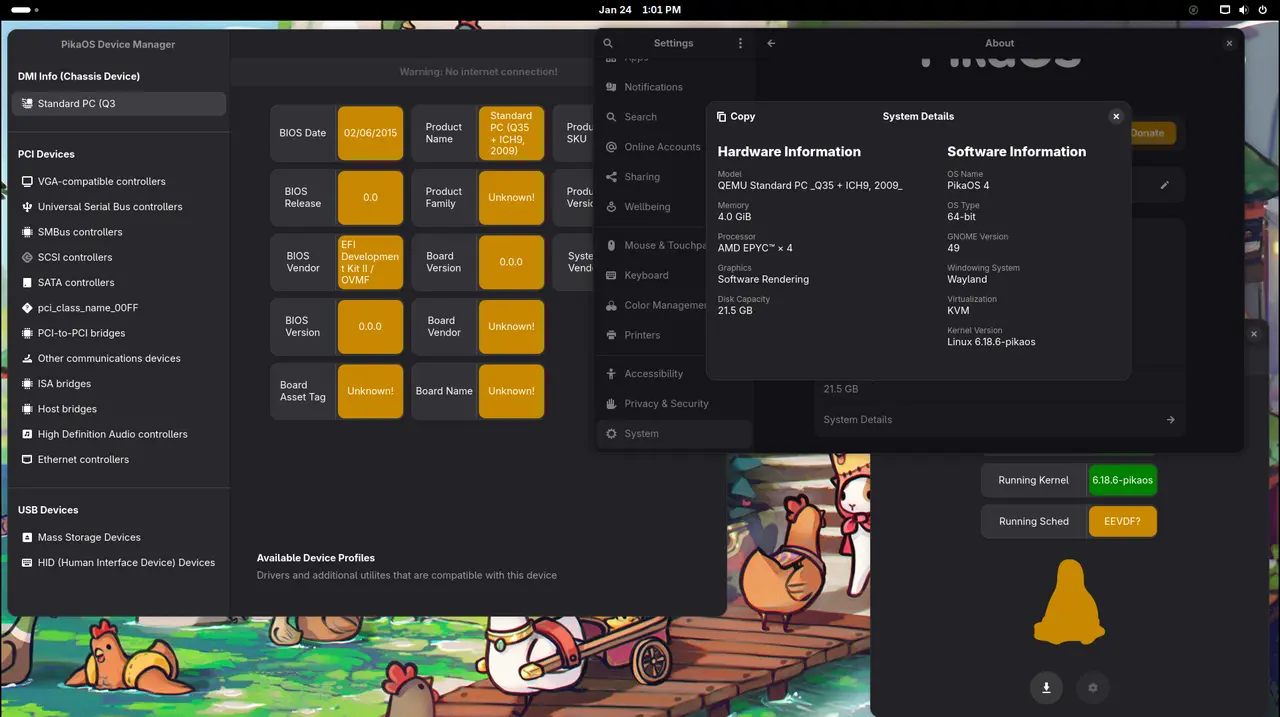
For users, the core desktop environments get refreshed: GNOME has jumped to version 49, while KDE now runs as version 6.5. Budgie fans will also notice a bump to its 10.10 release.
Digging deeper, there's an upgraded kernel running at 6.18.6, likely aiming for smoother system performance and potentially better stability overall. Graphics-related updates include the latest Mesa driver, probably hinting at improved rendering speed or features down the graphics pipeline.
Therefore, despite the seemingly substantial numbers, this release appears to prioritize enhancing everyone's PikaOS experience, regardless of their level of experience. There's definitely something here for people to check out and see how things feel differently now.
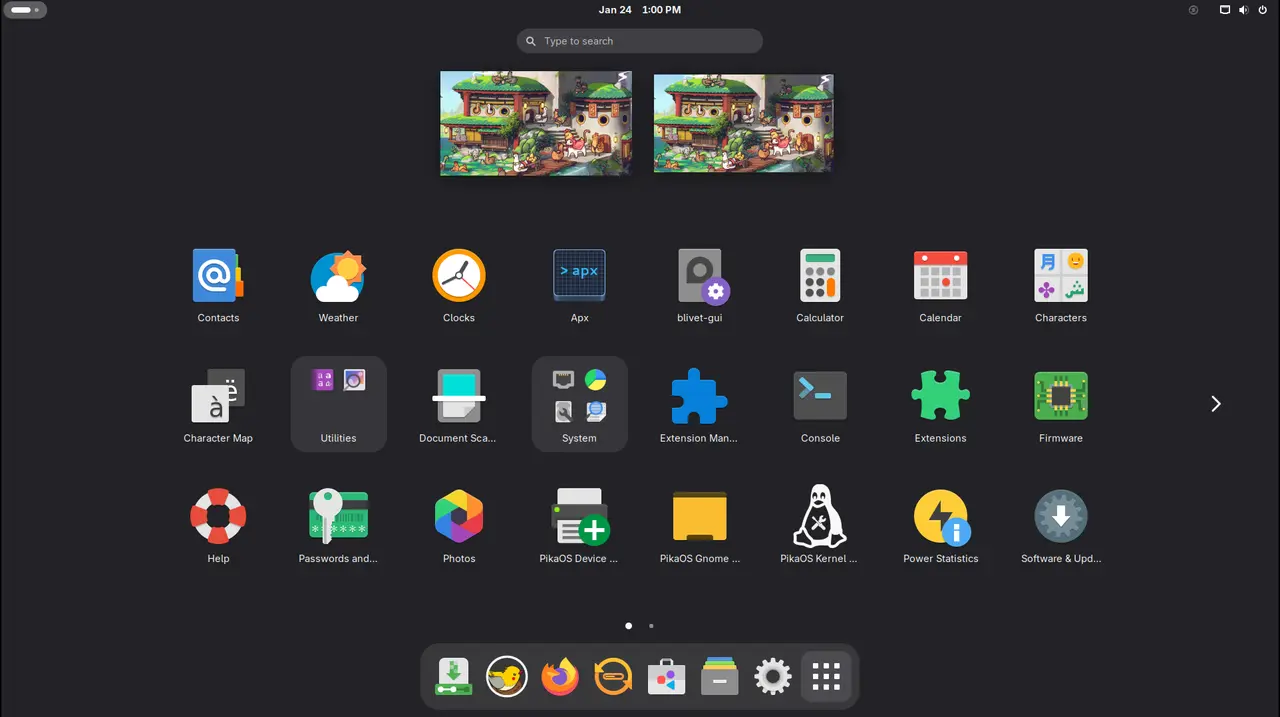
Let's break down these editions more clearly. The GNOME version uses 49 as its base and includes powerful tools like the GNOME Appearance settings; this lets users swap between six different visual themes easily, think Windows-like, (Pine)Apple-inspired, or even a classic Unity feel alongside standard GNOME options. It aims to deliver a familiar yet flexible Wayland experience.
Download GNOME Standard ISO
Download GNOME NVIDIA ISO
The KDE edition currently runs Plasma version 6.5.4, which is one release number behind the current release.
Download KDE Standard ISO
Download KDE NVIDIA ISO
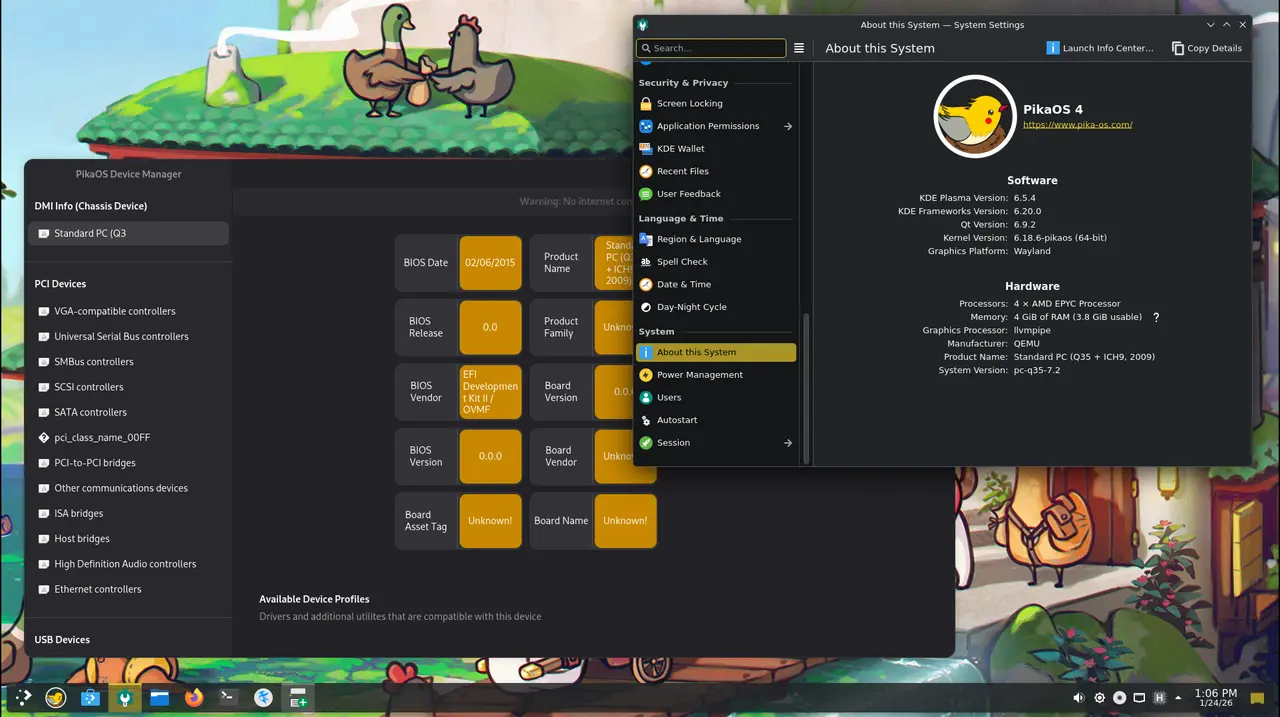
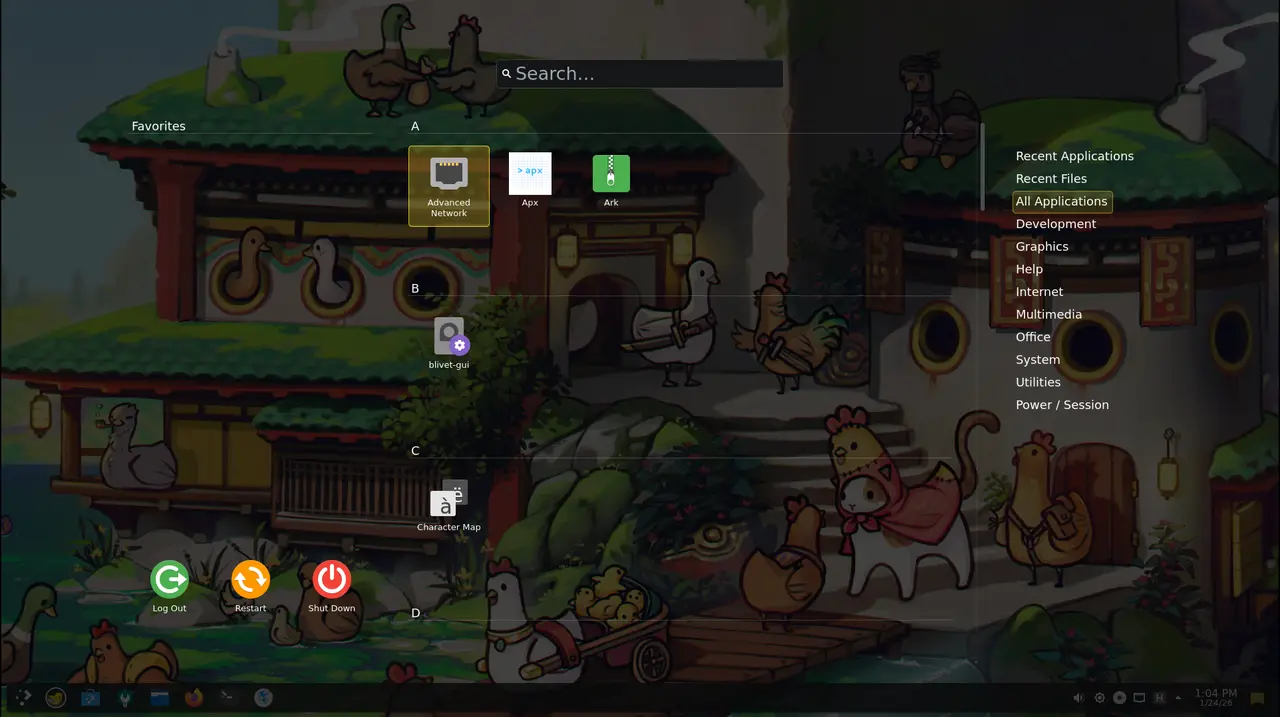
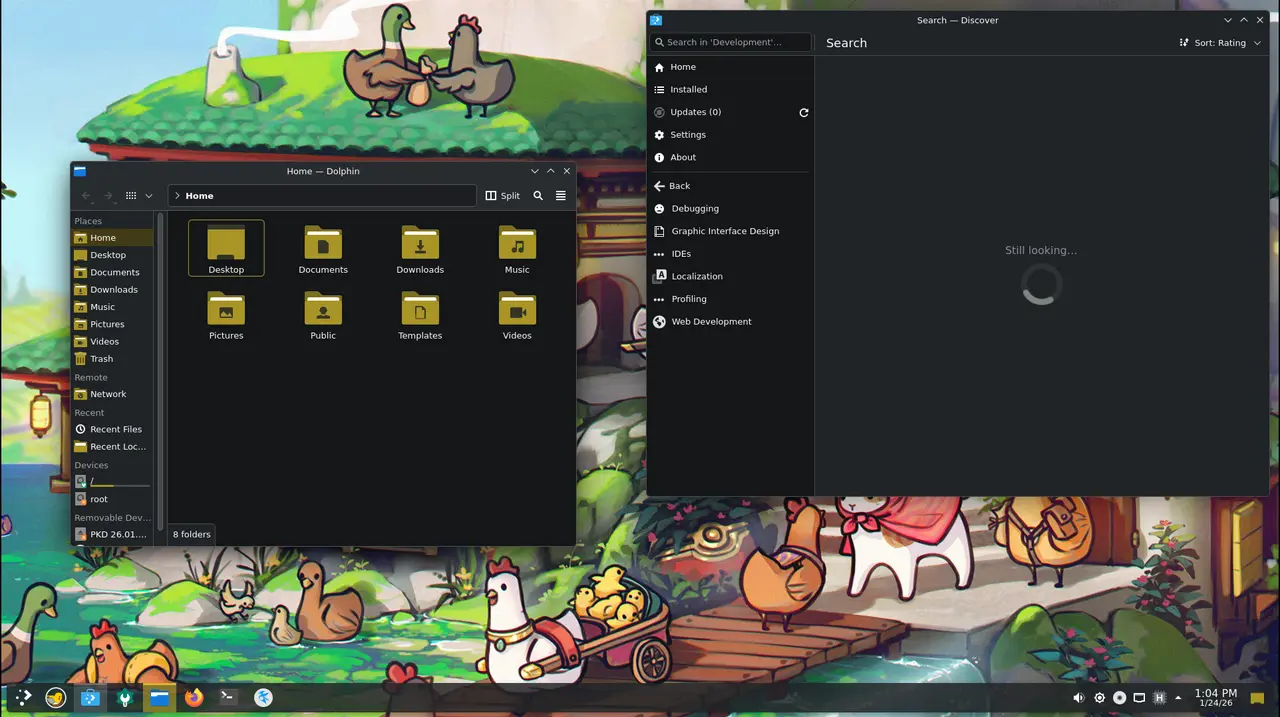
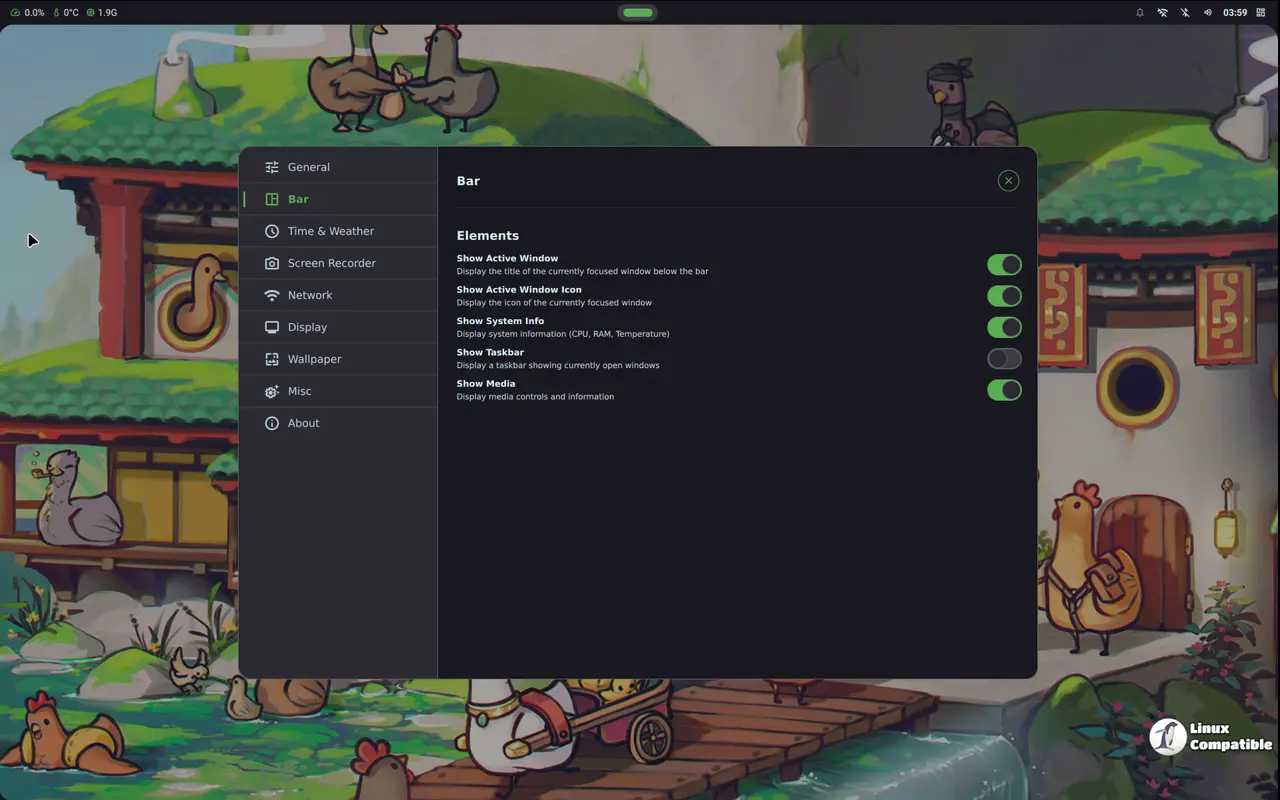
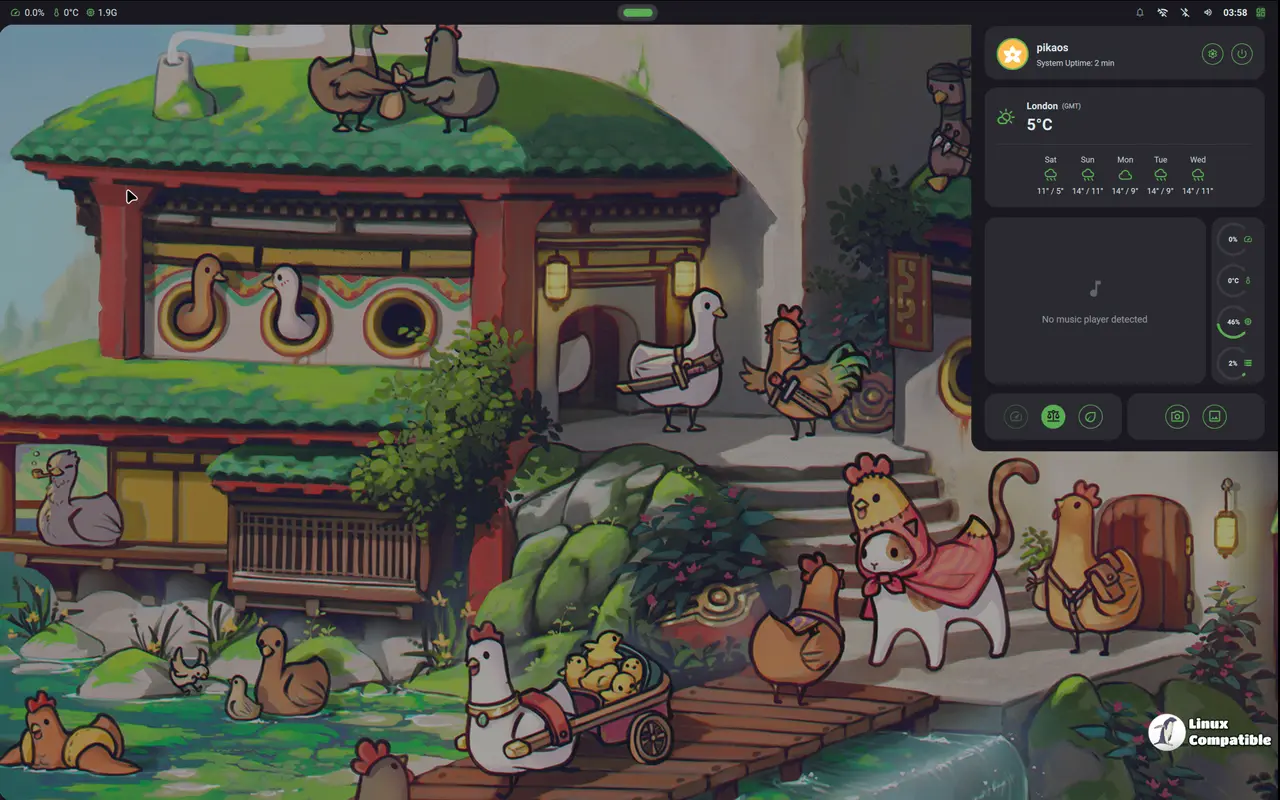
Then there's Hyprland, based on that innovative compositor paired with the Noctaria shell, which provides a powerful Wayland experience focused heavily on dynamic window management. It offers an excellent blend of speed and visual polish thanks to the underlying tech, combining practicality with elegance for users who appreciate both simplicity and customization.
Download Hyprland Standard ISO
Download Hyprland NVIDIA ISO
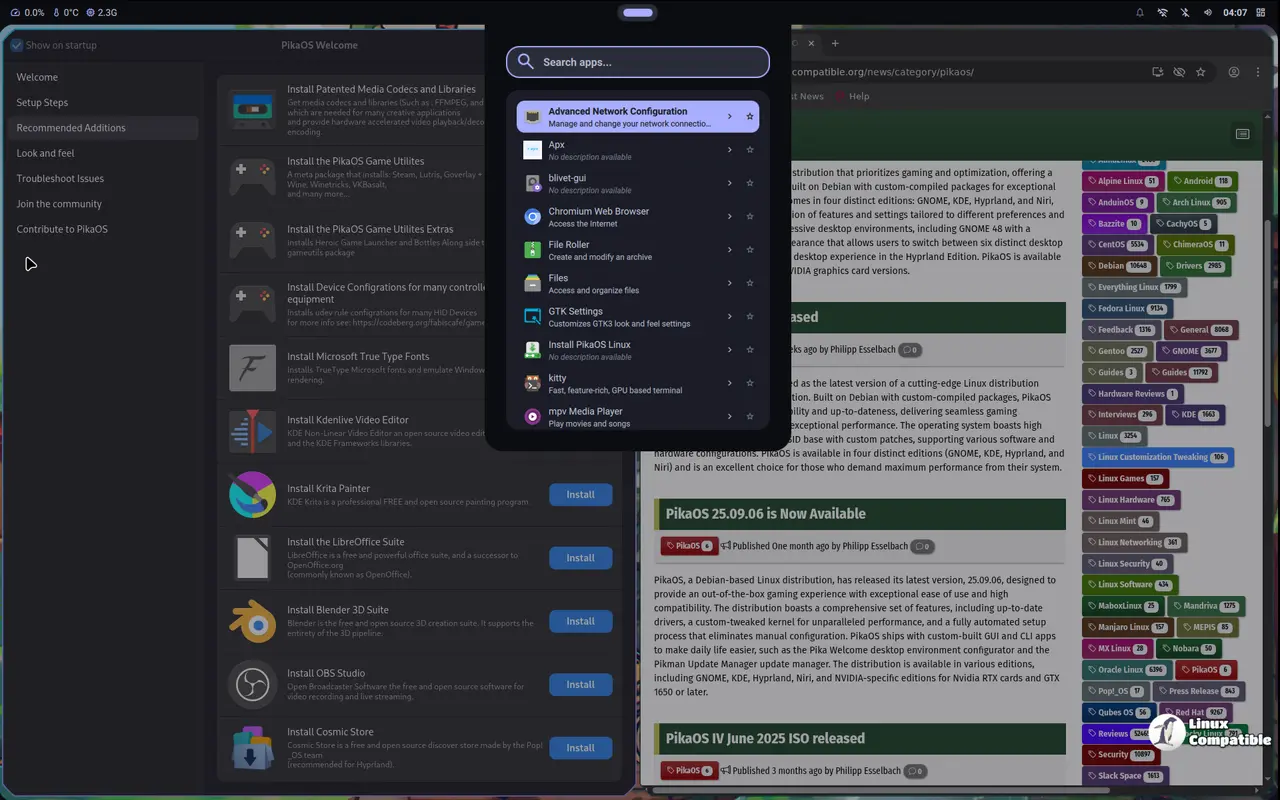
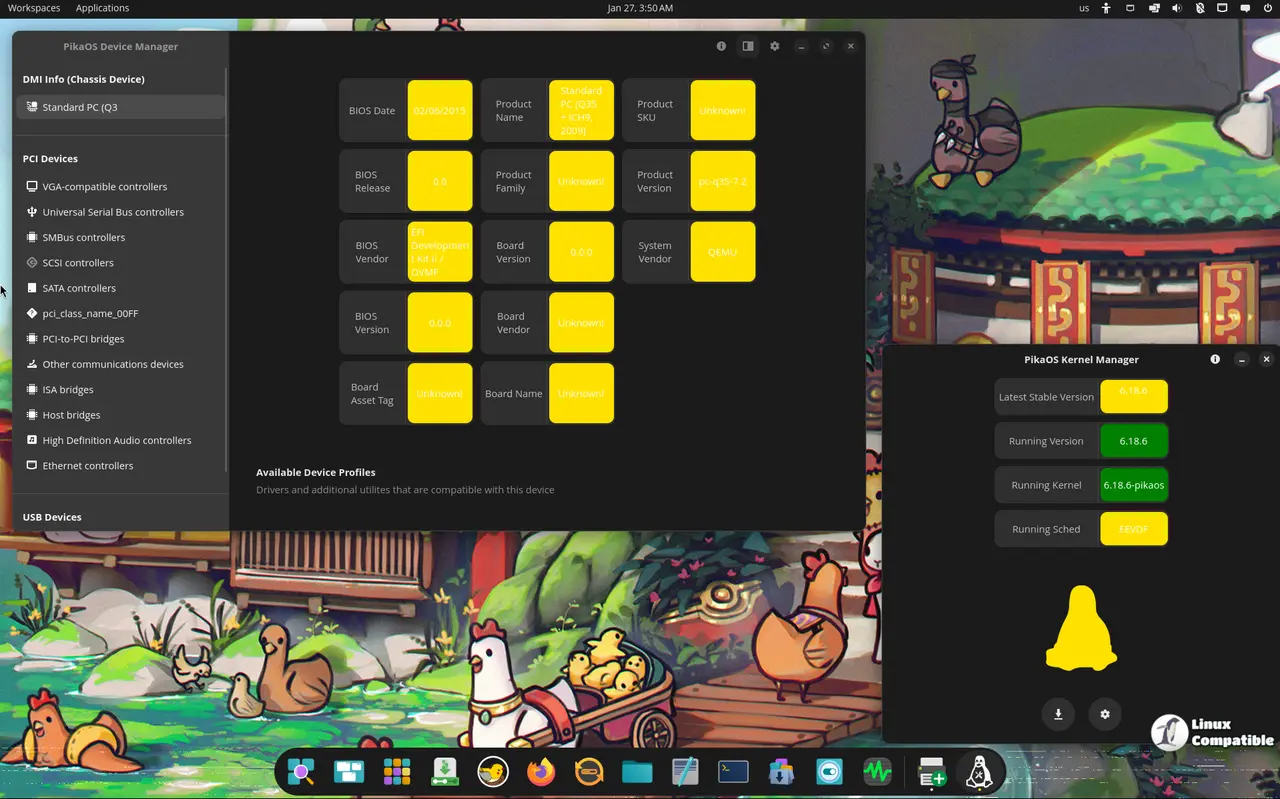
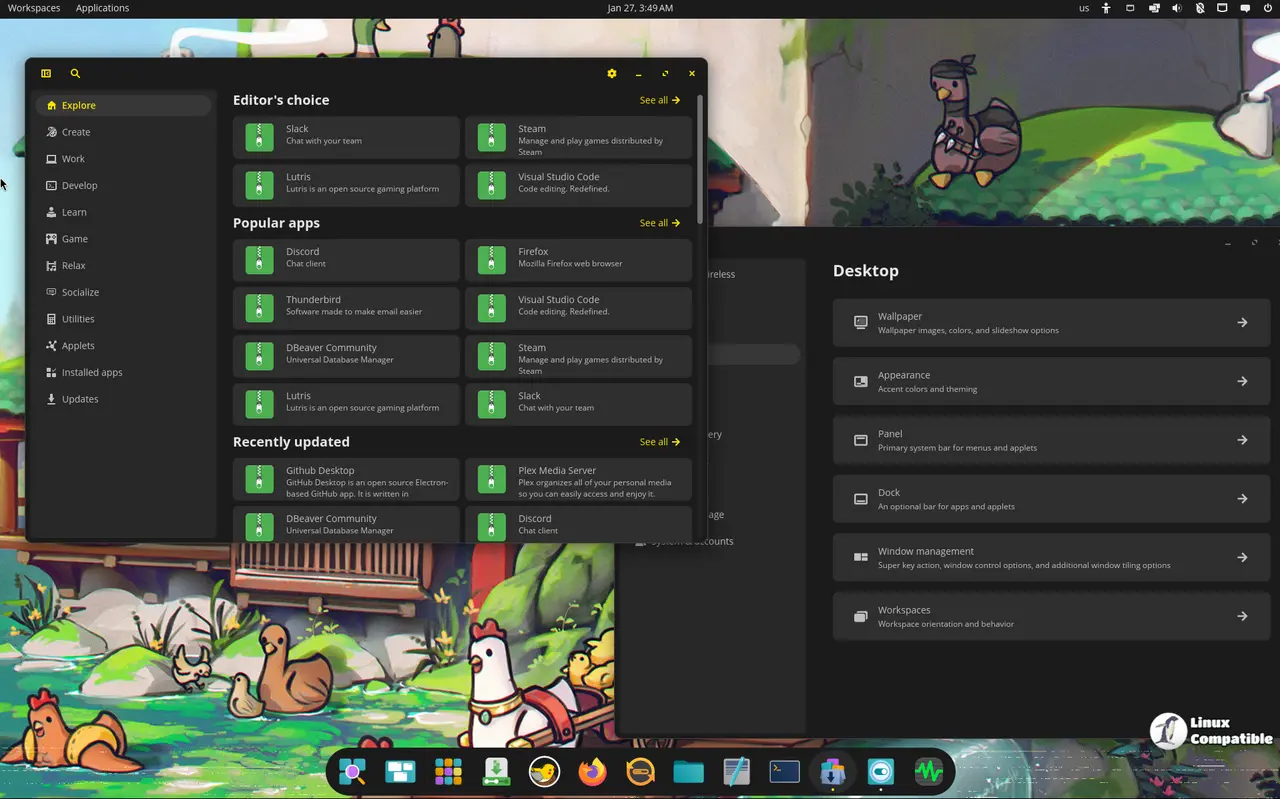
The COSMIC edition comes with the COSMIC desktop. Developed by System76, the COSMIC desktop leverages the power of Rust, a programming language known for its speed and reliability. By harnessing this technology, System 76 aims to create a more responsive and efficient desktop environment that sets it apart from other desktop environments.
Download COSMIC Standard ISO
Download COSMIC NVIDIA ISO
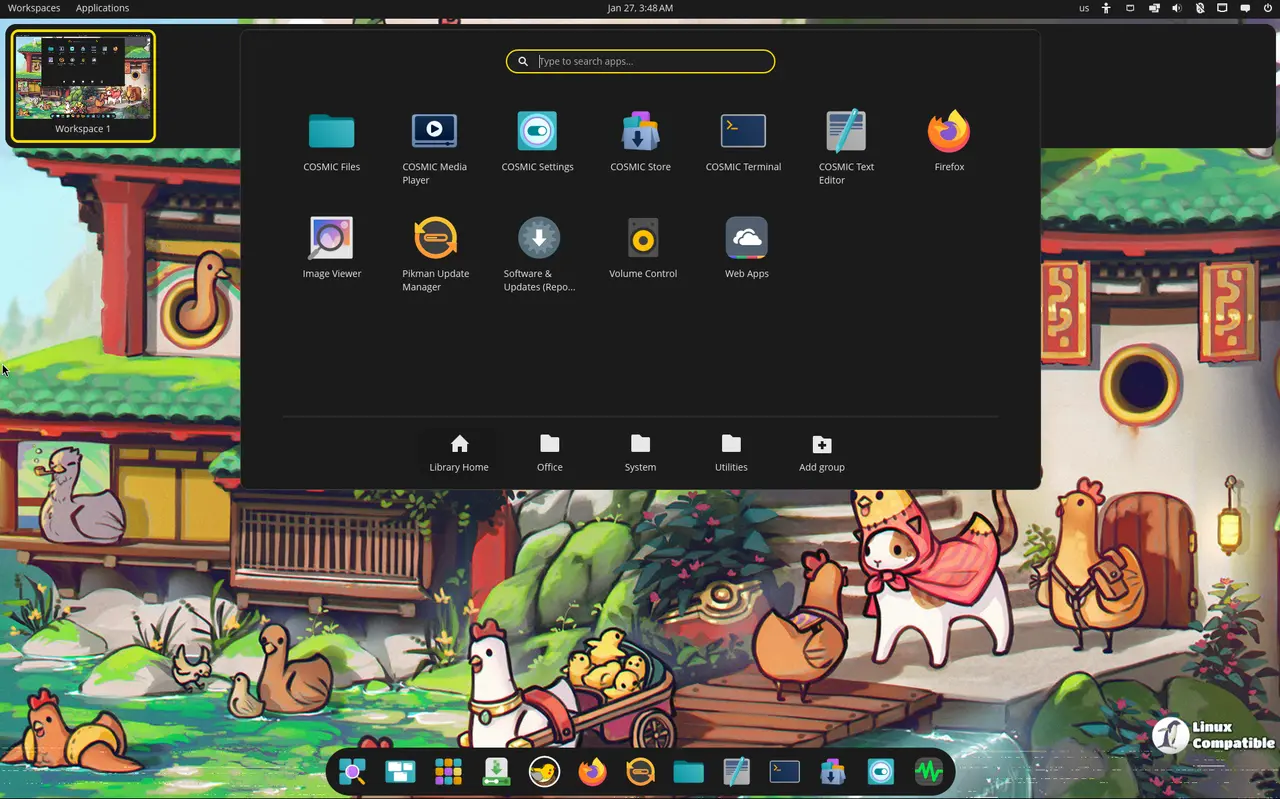
Finally, Niri brings its own take on the Wayland compositor. It's designed for efficiency and getting things done flexibly, featuring a scrollable tiling approach that allows arranging windows in columns extending infinitely across your screen, providing unique workspace management potential compared to other options like Hyprland or KDE Plasma.
Download Niri Standard ISO
Download Niri NVIDIA ISO
Essentially, PikaOS covers different bases with its five editions, offering everything from the robustness of GNOME 49 and the flexibility of Plasma right through to two powerful, modern tiling environments, Hyprland and Niri, and the brand-new COSMIC desktop. You can explore these options further via the PikaOS Wiki or look at the changelog details for what's new in this release.
Installation-wise, users have choices: standard ISOs are available alongside specialized ones like an NVIDIA version tailored for each flavor. These images are downloaded directly from the official website, offering a straightforward way to dive into the latest release without needing a complex manual setup first.


