OBS Studio 3.2.1.1 arrives with critical audio mixer fixes for streamers
The OBS Studio 3.2.1.1 update lands as a necessary hotfix to clean up some genuinely frustrating audio mixer behaviors that have plagued recent versions. Streamers who spend hours tweaking their soundboards will appreciate the attention paid to layout and visibility quirks in this release. This patch does not add new features but it does stop common errors from breaking the workflow during a broadcast.
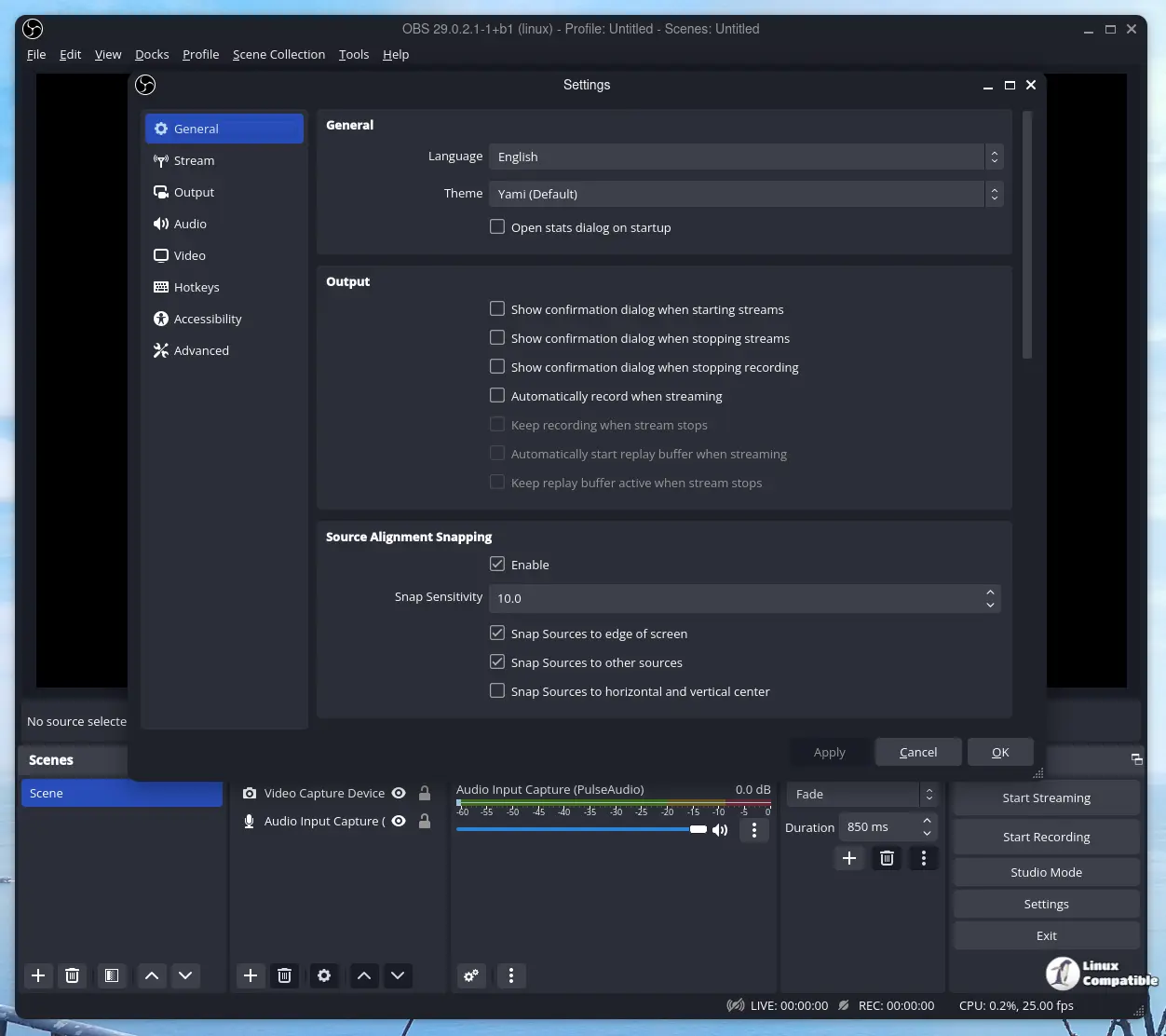
OBS Studio 3.2.1.1 resolves visual interface issues
The bulk of the changes here focus on making the audio controls easier to see and use without squinting or dragging sliders manually. A common complaint involved disabled sources still showing up in the list, which creates confusion when trying to mute specific tracks during a live session. The team also corrected how pinned and global sources sort themselves so that important channels stay at the top where they belong. Incorrect color coding in the mixer was another issue that made it hard to distinguish between muted and active tracks at a glance before this update arrived.
Audio deduplication logic gets corrected
There was a specific bug regarding audio deduplication that incorrectly applied settings when an output capture source was set to monitor only mode. This caused duplicate signals or silence where sound should have been present depending on the configuration. Missing toolbar actions previously meant users could not access certain controls quickly without digging through menus which slows down reaction time during live events. These underlying adjustments ensure the software behaves predictably even when complex audio routing is involved.
Hopefully this keeps the audio from cutting out on you while the rest of the world watches.
Release OBS Studio 32.1.1
32.1.1 Hotfix Changes Fixed missing audio mixer tooltips [Warchamp7] Fixed audio mixer minimum width being too large [Warchamp7]