OBS Studio 32.1.0 Release Candidate 1 – What’s actually changed and whether it’s worth testing
The newest RC for OBS Studio drops a handful of long‑standing bugs and pulls back an unfinished “Add Source” dialog that slipped into the beta. This article breaks down the real impact of those fixes, points out the quirks still hanging around, and helps decide if you should install this build on your streaming rig.
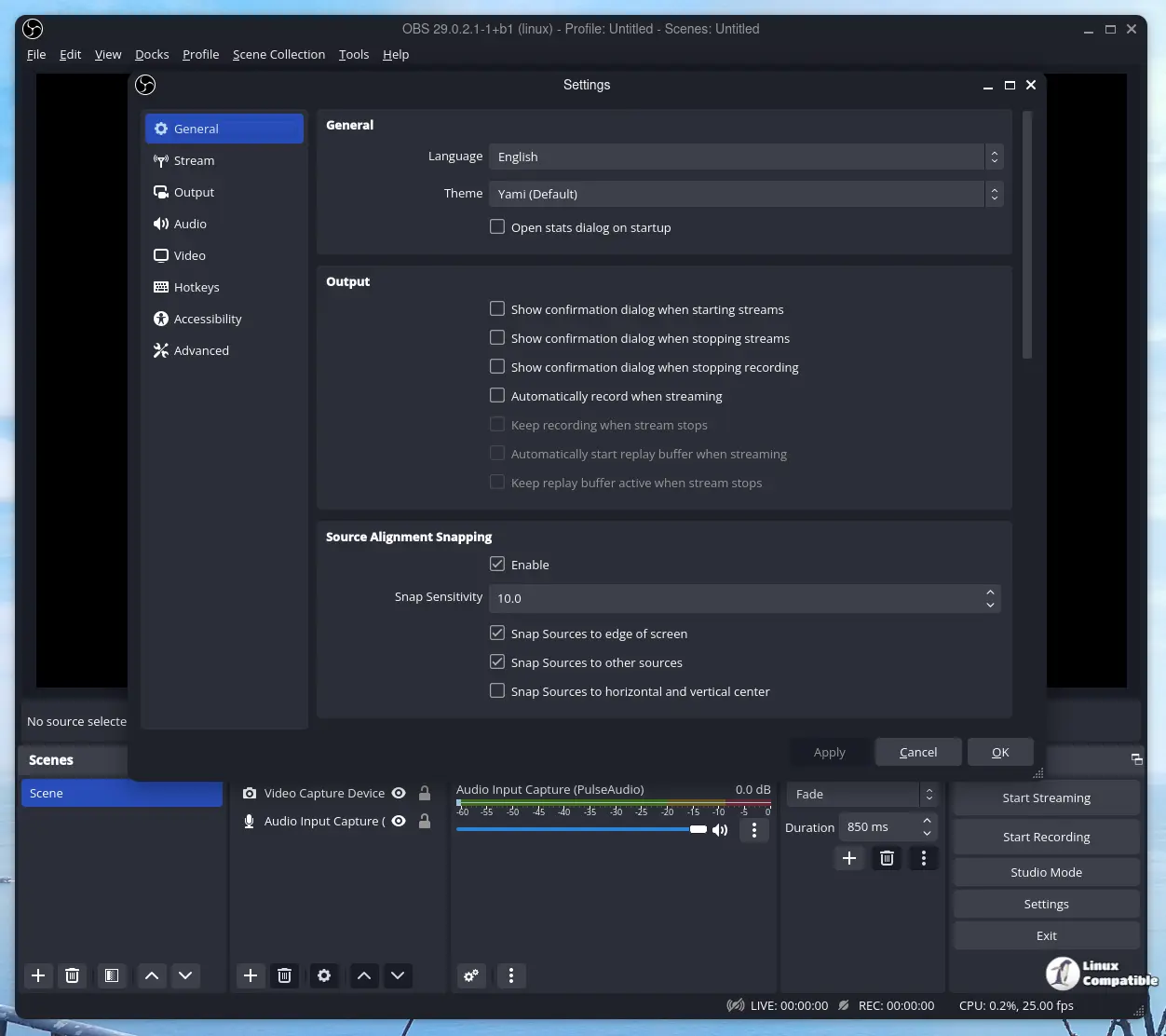
Removed the new Add Source dialog
The dialog that promised a slicker way to add sources was ripped out because it wasn’t ready for prime time. If you’ve been waiting for a fancier UI there’s nothing to see yet—stick with the classic window until the developers finish polishing it.
Audio Mixer gets a solid makeover
A cascade of issues in beta‑1/2 finally got addressed:
- The mixer now respects the correct default height on full‑height docks, so you won’t end up with a half‑sized panel that looks like someone cut it with scissors.
- Color cues for muted tracks are back, which means the red “muted” overlay actually shows up again—no more guessing whether a mic is off.
- Monitoring icons update in real time; previously they could get stuck on the old state and leave you wondering why your headphones stayed silent.
- Resource usage on macOS was trimmed down, easing the occasional CPU spikes that some users reported during long‑form streams.
These fixes matter because the mixer is where most streamers spend their time tweaking levels. A sluggish or inaccurate UI can lead to missed cues and embarrassed moments on air.
Image Slideshow transitions no longer glitch out
Beta 2 introduced a bug where an image slideshow would abruptly cut its transition when you switched scenes. The RC restores smooth fades, which is handy for those who use slideshows as background ambience rather than a static image wall.
PipeWire camera framerate list corrected
Linux users have seen bogus frame‑rate numbers in the camera selector—sometimes “60 fps” showed up even though the hardware caps at 30. The fix aligns the dropdown with what the driver actually reports, preventing the “why is my webcam lagging?” panic.
HDR video playback brightness tweak
Media sources that use HDR used to appear darker than intended, a nuisance for anyone streaming games with vibrant lighting. The RC lifts the exposure curve so the picture matches what you see on your monitor.
macOS shutdown crash with YouTube docks resolved
A rare but nasty crash could happen when closing OBS after having a YouTube dock open. Users who stream to YouTube from a Mac have reported that the app would simply vanish, leaving an unsaved scene collection in limbo. The new build catches the shutdown sequence cleanly.
What’s still missing?
The “Add Source” dialog is gone for now, and some UI polish on the Transitions rename window remains (it still asks for confirmation even when you make no changes). Those are minor annoyances compared to the bugs that have been squashed, but they remind us that this is still a release candidate, not a final.
Should you test RC 1?
If your current setup runs stable on the latest official 32.0.x release and you don’t need any of the newly fixed features, there’s little incentive to jump in. However, if you’ve been haunted by suffer from incorrect camera framerates on Linux, audio‑mixer glitches on macOS, or simply want HDR video looking right, the RC is a safe way to get those problems sorted out before the final 32.1.0 drops.
For a detailed change log and download links, visit the GitHub page linked below:
Release OBS Studio 32.1.0 Release Candidate 1
Release Candidate 1 Changes Removed new Add Source dialog [Warchamp7] The Add Source dialog was deemed not ready for this release.
Release OBS Studio 32.1.0 Release Candidate 1 · obsproject/obs-studio