OBS Studio 32.1.0 Drops Fresh Features and Fixes, Giving Streamers a Cleaner Mix
OBS Studio’s latest 32.1.0 update arrives with a handful of practical improvements that will make the recording and streaming workflow feel smoother than ever. The release adds a new audio mixer UI, WebRTC simulcast support for those who need to juggle multiple streams, and a more forgiving undo/redo system for scene items. In addition, several long‑standing bugs—especially ones that caused crashes on Linux and macOS—have been squashed.
New Audio Mixer: A Cleaner Soundboard
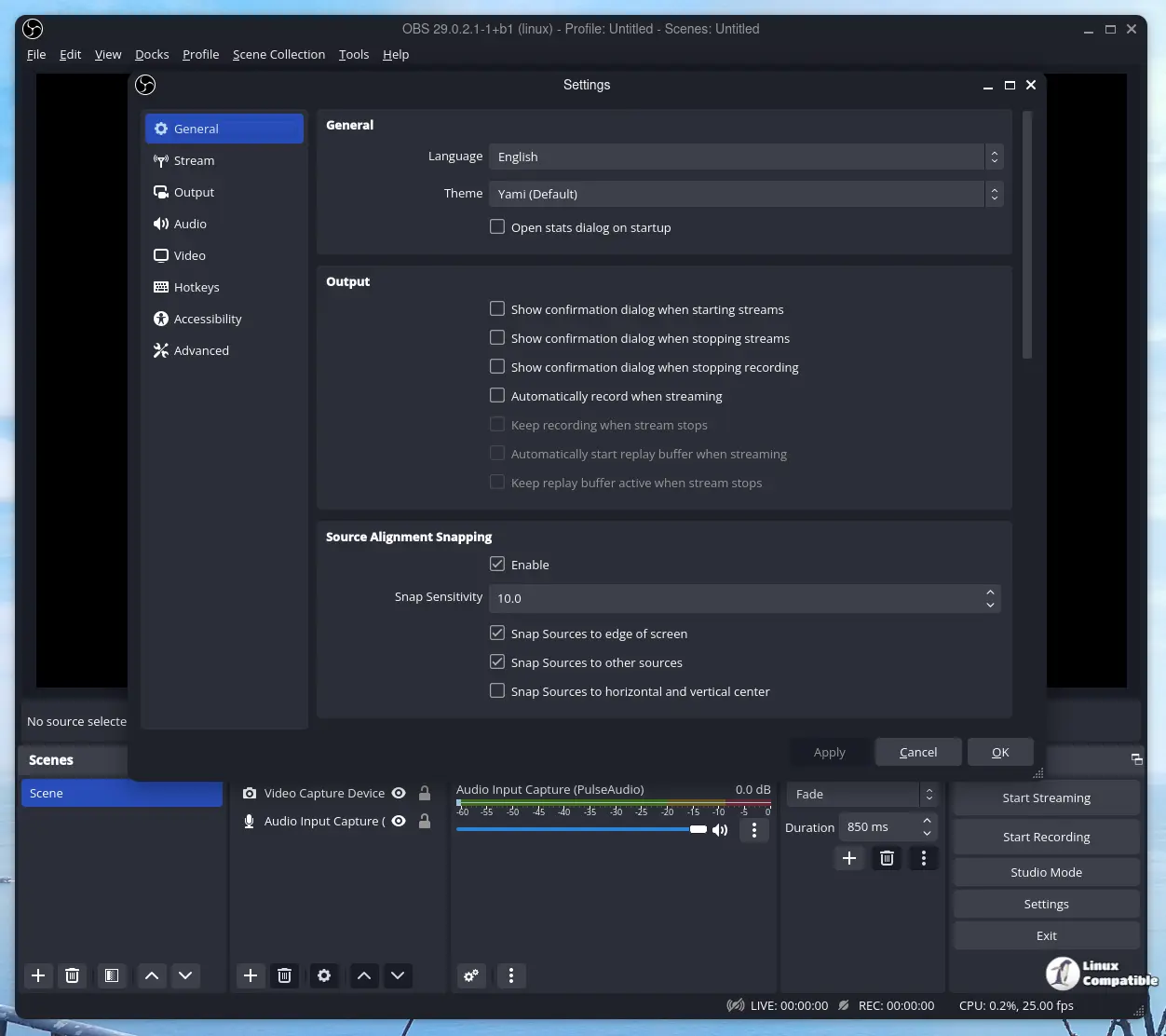
The revamped audio mixer replaces the old “Source” labels with a cleaner design that focuses on volume control rather than clutter. Streamers who have struggled to keep track of which source is which will find the new layout intuitive, especially when juggling multiple microphones and game audio streams.
WebRTC Simulcast Support: One Source, Many Streams
For those looking to push their content into more channels at once, WebRTC simulcast now lets you send a single video track in multiple resolutions. This is handy for Discord or Zoom overlays where bandwidth varies across participants. The addition saves CPU cycles that would otherwise be spent encoding separate streams.
Undo/Redo Gets a Make‑over
Previously, undoing changes to scale filtering, blending mode, or deinterlacing field order was impossible; the new patch brings back those actions. Power users who rely on quick iterations during set‑up will appreciate being able to revert a tweak without hunting through history logs.
Partial Canvas Support via obs-websocket
Developers building custom dashboards can now pull canvas data from OBS, albeit in a limited fashion. This is a stepping stone toward richer integrations and could eventually lead to fully featured remote control panels that sync with the live layout.
Security Improvements for Local Browser Sources
OBS tightened restrictions on local files accessed through browser sources, preventing accidental execution of malicious scripts embedded in HTML overlays. Anyone who has used custom dashboards built from local web pages will now have more peace of mind.
Plugin Manager Gets a Climb
The plugin manager’s new “enable/disable missing plugins” button means you won’t accidentally forget to load an important plugin after a Windows update that removed it from the registry. This tweak reduces the frustration that comes with a blank source list.
UI Tweaks That Make a Difference
Removing “Source” from item names cleans up the hierarchy view, while disabling dock animations eliminates a minor but noticeable lag when rearranging panels. The shift of the transition preview button to the button box keeps everything in one place. For power users who prefer keyboard shortcuts, these small changes reduce visual noise and help focus on content creation.
Bug Fixes That Save Lives
The update resolves several crashes that had plagued certain OS configurations:
- A Linux crash when switching profiles or shutting down has been fixed, so streamers can quit without losing their scene layout.
- macOS users who were previously stuck with YouTube docks during shutdown now exit cleanly.
- OBS no longer crashes if a source’s data is null—an issue that had caused random freezes for a handful of gamers using custom overlays.
Additionally, the patch addresses a black‑thumbnail problem in some recordings and corrects the video scaling in multi‑video encoder setups. These fixes mean less time debugging why your stream went silent mid‑broadcast.
What It Means for Your Workflow
If you’ve been waiting for an updated audio mixer or a more robust undo/redo system, 32.1.0 delivers both without pulling in unnecessary bloat. The changes are lightweight and don’t require reconfiguring your scenes. Just launch the new version, hit “Update” on any pending plugins, and enjoy a cleaner interface that respects your time.
For anyone who has experienced crashes or headaches during profile switches, this release is a relief. The fixes are subtle but impactful—streamers who have encountered those specific bugs can finally move on without constant worry.
Release OBS Studio 32.1.0
32.1 New Features Added new Audio Mixer [Warchamp7] Added WebRTC Simulcast Support [Sean-Der] Added missing undo/redo actions for scene items [cg2121] Scale filtering, blending mode, blending met...