Nobara Linux 43 drops as a Fedora-based distribution designed to skip the usual tweaking marathon that plagues gaming setups. The ISO includes tuned graphics drivers and multimedia tools so users can start creating without wrestling with the terminal. Five distinct desktop editions are available, ranging from standard KDE layouts to specialized modes for handhelds or living room PCs. Remember that this remains a hobby project independent of Red Hat and is best suited for personal use rather than critical production environments.
Nobara Linux 43 Release Brings Gaming Tweaks Without The Terminal Hassle
Nobara Linux 43 2026-03-28 drops this week with a focus on skipping the setup marathon that usually plagues gaming distributions. This release keeps the promise of getting straight into games or editing sessions without wrestling with drivers every time. Readers will find out if the new desktop editions actually save time or just add more bloat to an already packed system.

Why Nobara Linux 43 matters for your setup
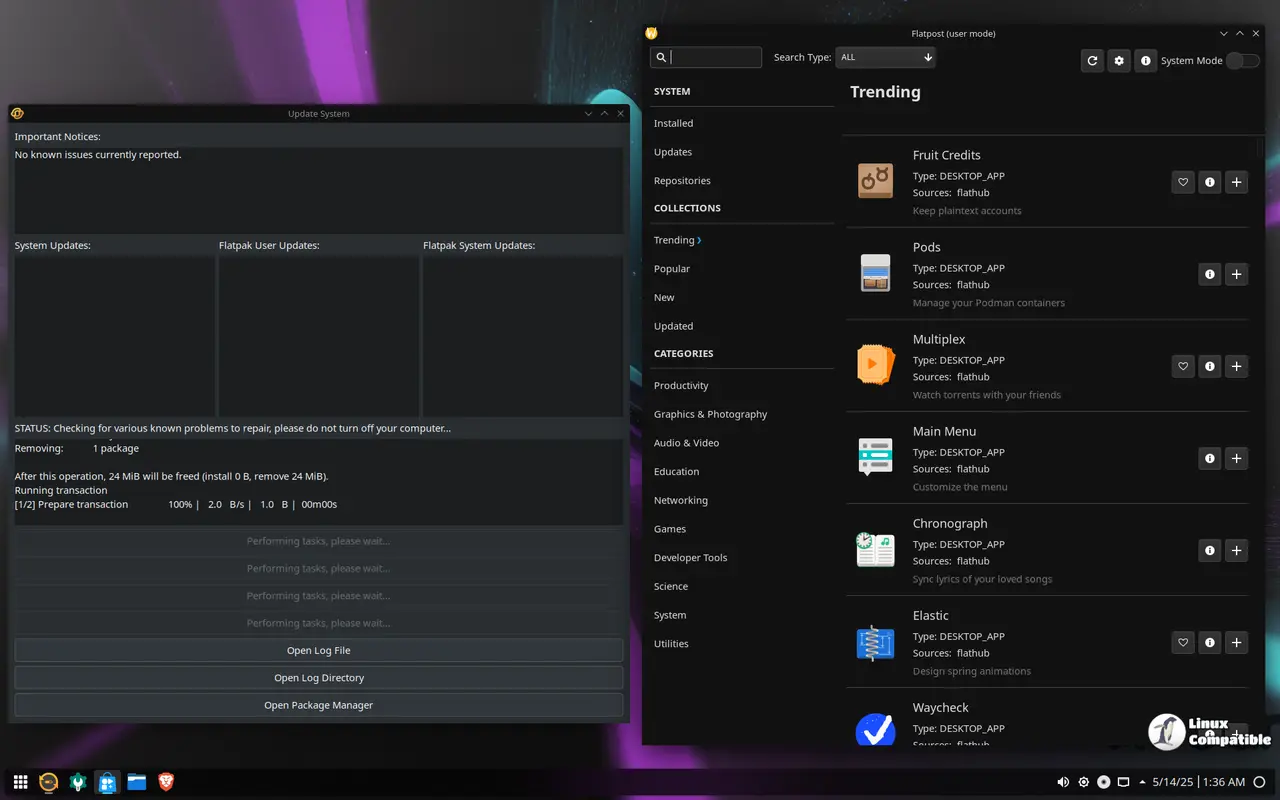
The core value proposition remains unchanged from previous iterations because this distro targets people who hate configuring their own kernels. A common pain point involves NVIDIA proprietary drivers breaking after a kernel update, which forces users into recovery mode to fix display issues. This version ships with tuned graphics stacks that attempt to prevent those specific headaches before they happen. The inclusion of WINE dependencies and OBS Studio means the heavy lifting for compatibility layers is already done during installation rather than later when frustration sets in.
Which desktop edition actually fits your workflow
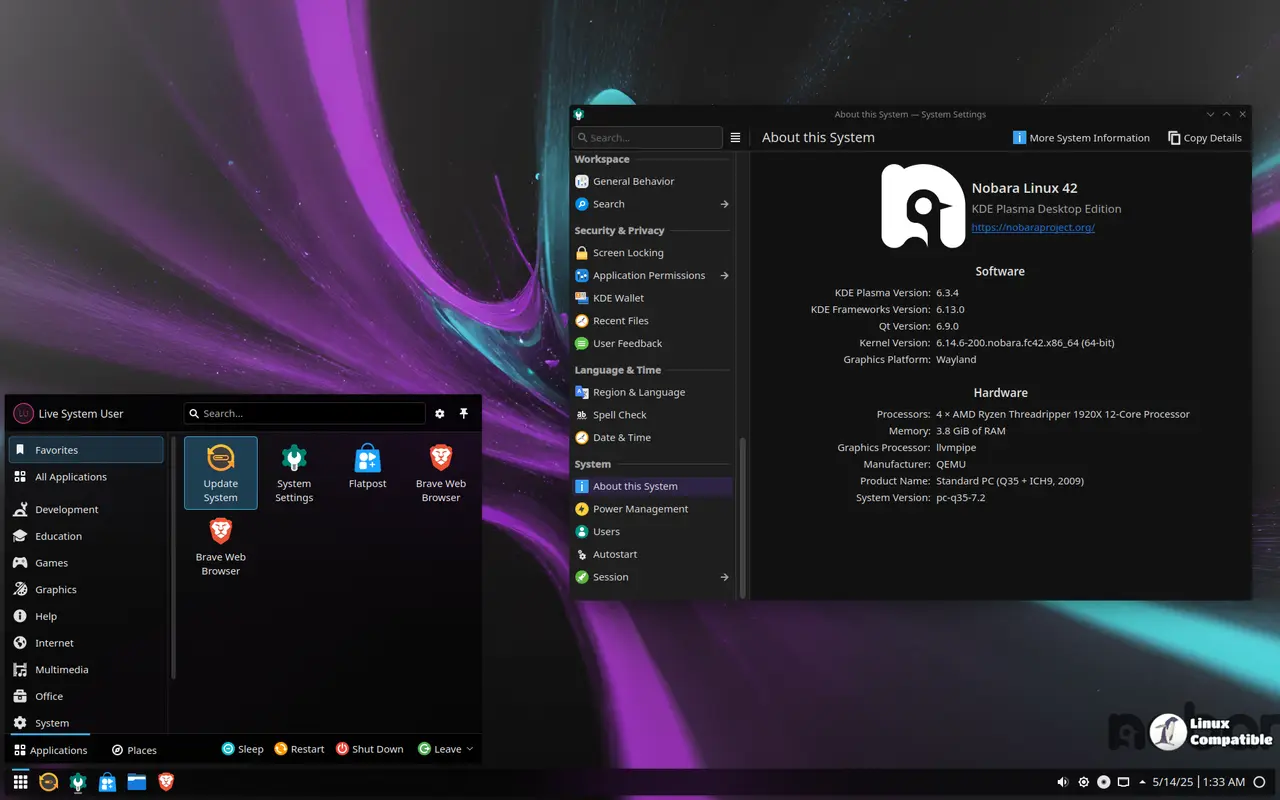
Choosing between the available flavors depends entirely on whether a keyboard or controller sits closer to the desk at home. The Official KDE build offers a reference experience with custom looks that balance games and creative tools for general users. Those who prefer minimalism might lean toward the GNOME option which keeps window workflows simple without distractions. A dedicated Steam-Handheld edition exists for portable devices like the Deck, while the HTPC interface targets living room setups controlled by gamepads. Each variant serves a specific hardware configuration so downloading the wrong one results in unnecessary menu hunting later on.
What to expect before you hit the download button
It is important to remember that this project operates independently from Fedora and Red Hat despite using their package base as a foundation. The maintainers describe it as a hobby project intended for personal use rather than critical production environments where stability is paramount. Users should verify system requirements carefully since adding third party repositories can occasionally introduce conflicts with standard Fedora packages. Upgrades follow the standard Fedora rhythm but rely on Nobara specific updates to keep gaming features functional across kernel changes.
Hopefully this saves you some time troubleshooting config files instead of playing games tonight. Good luck with the install and may your framerates stay high without any crashes. You can download Nobara 43 directly from their project site.


