The Nobara Linux project has released updated Nobara 42 installation images. The project aims to bridge the gap for novice users who struggle with accessing advanced features and gaming-related requirements such as WINE dependencies and proprietary drivers without terminal usage. Nobara Linux offers various versions tailored to specific use cases, including a clean GNOME variant, a clean KDE option, a Steam-HTPC edition, and a Steam-Handheld variant optimized for home theater PCs and handheld devices.
Nobara Linux 42 2025-09-20 released
The Nobara Linux project has released a new refresh of the Nobara Linux 42 ISO images. At its core, the Nobara Project is an enhanced iteration of Fedora Linux 42 that incorporates user-friendly modifications to provide a smoother experience. Fedora is known for being a dependable workstation operating system, but when it is first installed, it frequently lacks necessary proprietary and third-party components.

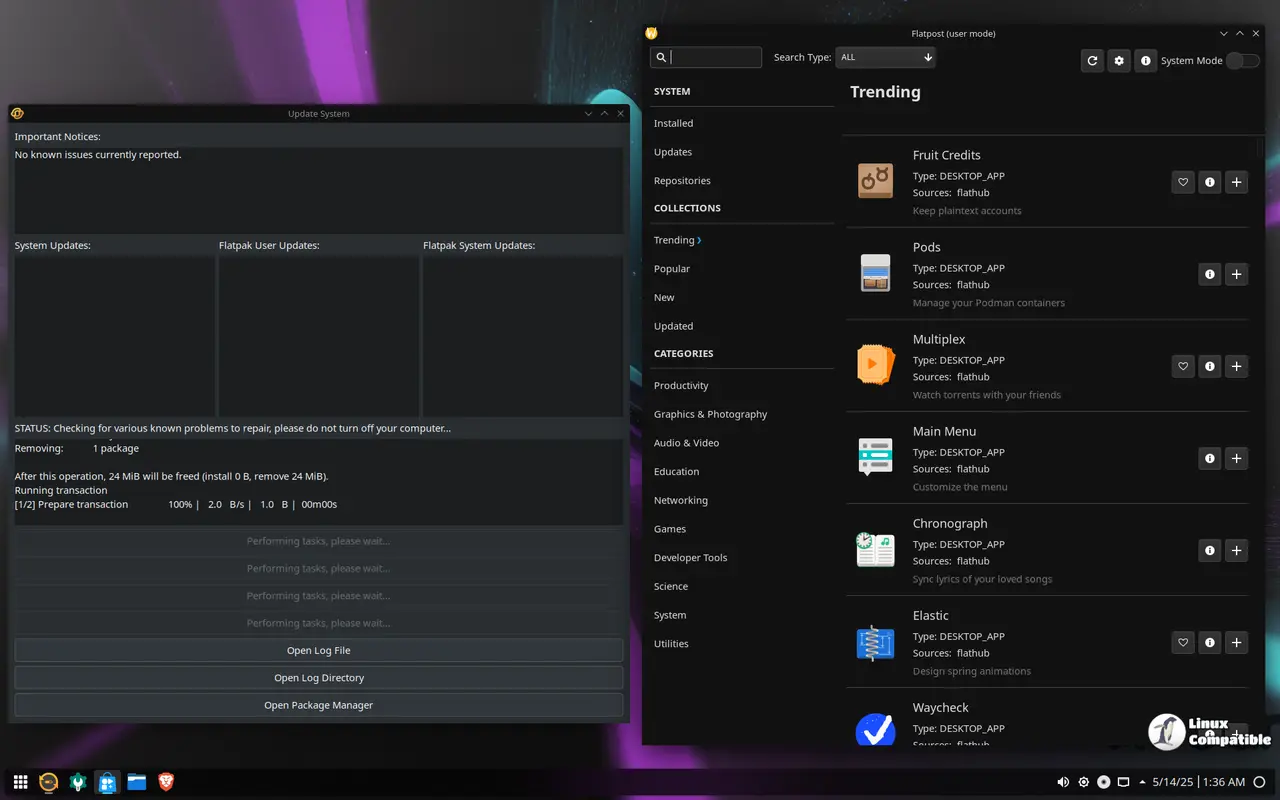
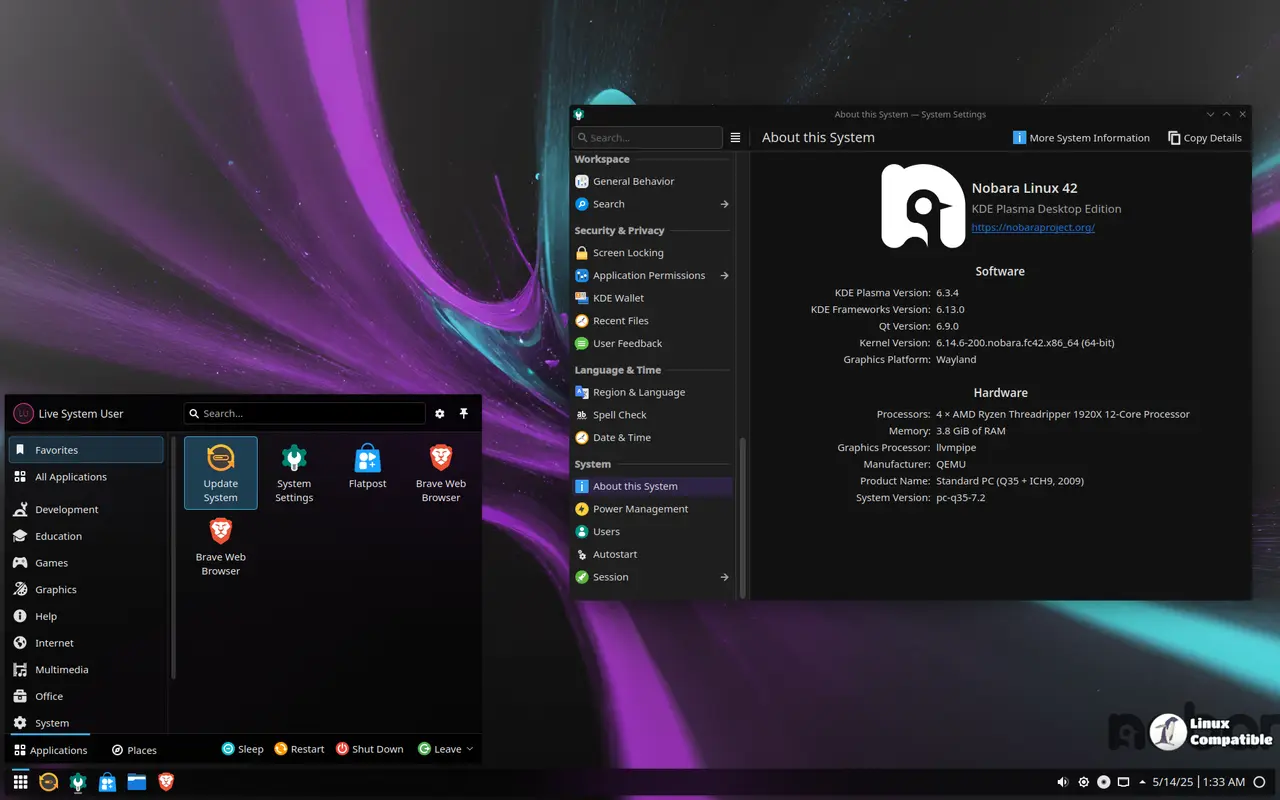
This absence can lead to difficulties for typical users who prefer point-and-click interfaces. They may struggle to access advanced features beyond basic browsing and office applications without investigating detailed documentation or terminal usage. Notably, this shortage is particularly evident when it comes to gaming-related requirements such as WINE dependencies, OBS Studio, third-party codec packages (e.g., GStreamer), proprietary drivers like the NVIDIA driver, and miscellaneous package fixes.
To bridge this gap, the Nobara Project aims to provide an out-of-the-box experience that caters to both gamers and content creators. The primary objective is to enhance usability for novice users who may not be familiar with terminal commands or prefer a more intuitive interface. This doesn't imply that power users won't find value in using terminals; rather, the project seeks to strike a balance between ease of use and flexibility.
It's crucial to clarify that Nobara Linux is an independent project, not affiliated with Fedora or its official 'Fedora Spin' releases. While Nobara does utilize Fedora packages, code, and repositories, it operates independently without direct involvement from Fedora developers or parties. This distinction highlights the unique identity of Nobara Linux as a distinct distribution.
Nobara Linux offers various versions tailored to specific use cases:
The official version boasts a custom-themed KDE interface that embodies the essence of the project. A clean GNOME variant provides an uncomplicated and streamlined experience for those who prefer this desktop environment, complete with the simplicity and functionality expected from a well-maintained GNOME setup.
Additionally, there's also a clean KDE option available for users seeking a more traditional KDE setup without any customizations. For those seeking a more specialized gaming and multimedia experience, however, the true appeal of Nobara Linux lies in its custom versions designed specifically with these use cases in mind.
The Steam-HTPC edition is optimized to resemble the Steam Deck experience on home theater PCs, leveraging KDE as its foundation. Conversely, the Steam-Handheld variant aims to replicate this setup for handheld devices, once again centered around a customized KDE interface.
Download
Nobara Linux is readily available for download directly from this dedicated page, where you can find the latest ISO images and versions tailored to your needs. If you're looking for comprehensive guidance on how to install and set up Nobara Linux on your system, visit the Nobara Project Wiki. This resource is filled with detailed instructions, tips, and troubleshooting advice to ensure a smooth installation process, making it an invaluable tool for both newcomers and experienced users alike.


