MX Linux 25 has been released, based on Debian GNU/Linux 13 and MX repositories, offering a smooth transition to systemd for long-time users familiar with SysVinit options. The desktop experience has seen significant improvements, particularly in Xfce, which now handles its 4.20 version smoothly, and Fluxbox remains a solid choice for live systems with sysVinit support. This release also includes various tool updates, bug fixes, and code optimizations, such as the ability to control zram swap devices and a visual refresh of artwork across all desktop environments. The installer has been updated to include an option that allows users to replace an existing Linux system while keeping their home folders safe.
MX Linux 25 released
MX Linux 25 has rolled out based on Debian GNU/Linux 13 (Trixie) and MX repositories. For long-time users familiar with SysVinit options (like the ones available for Xfce, Fluxbox, or the KDE/Plasma variant), the transition might feel familiar even with the default switch to systemd.
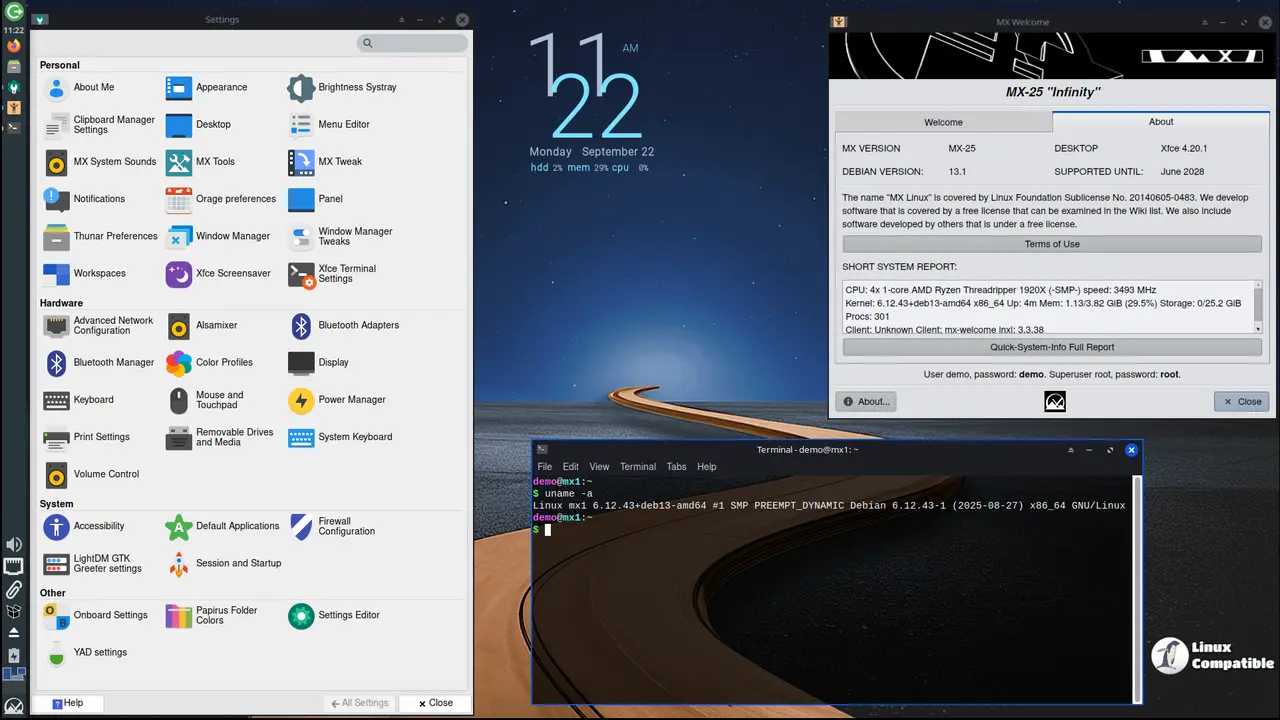
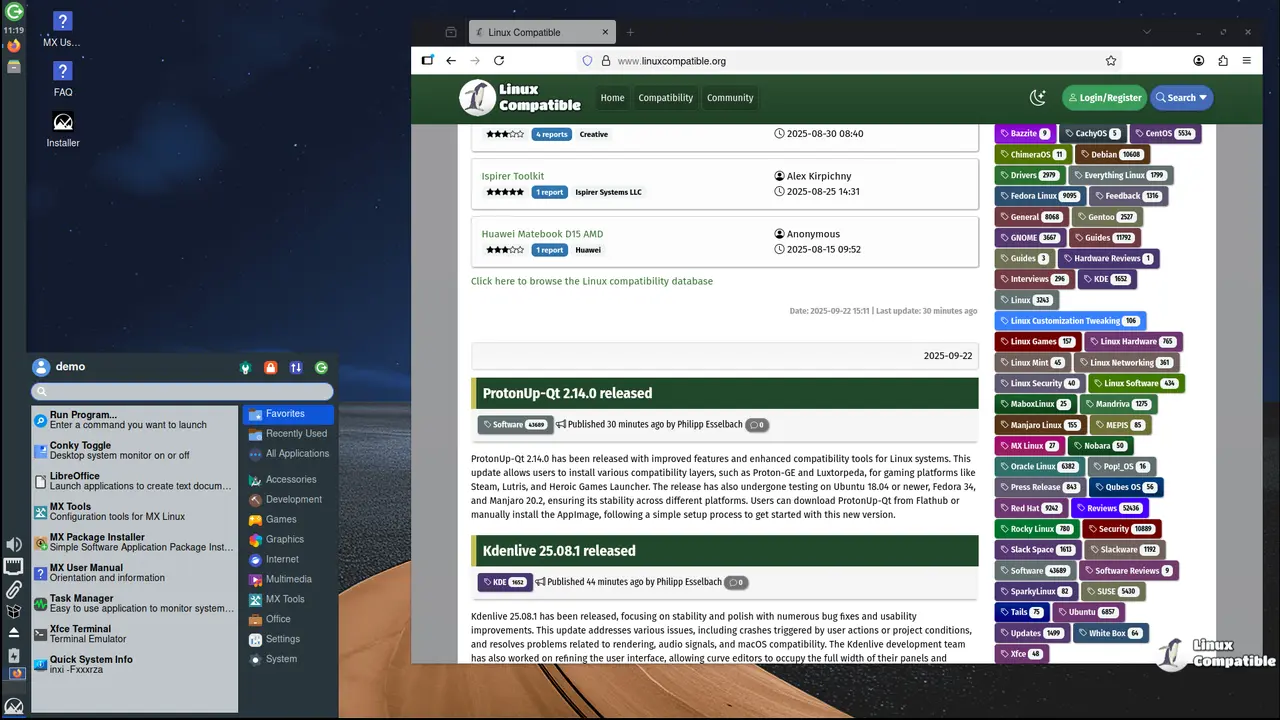
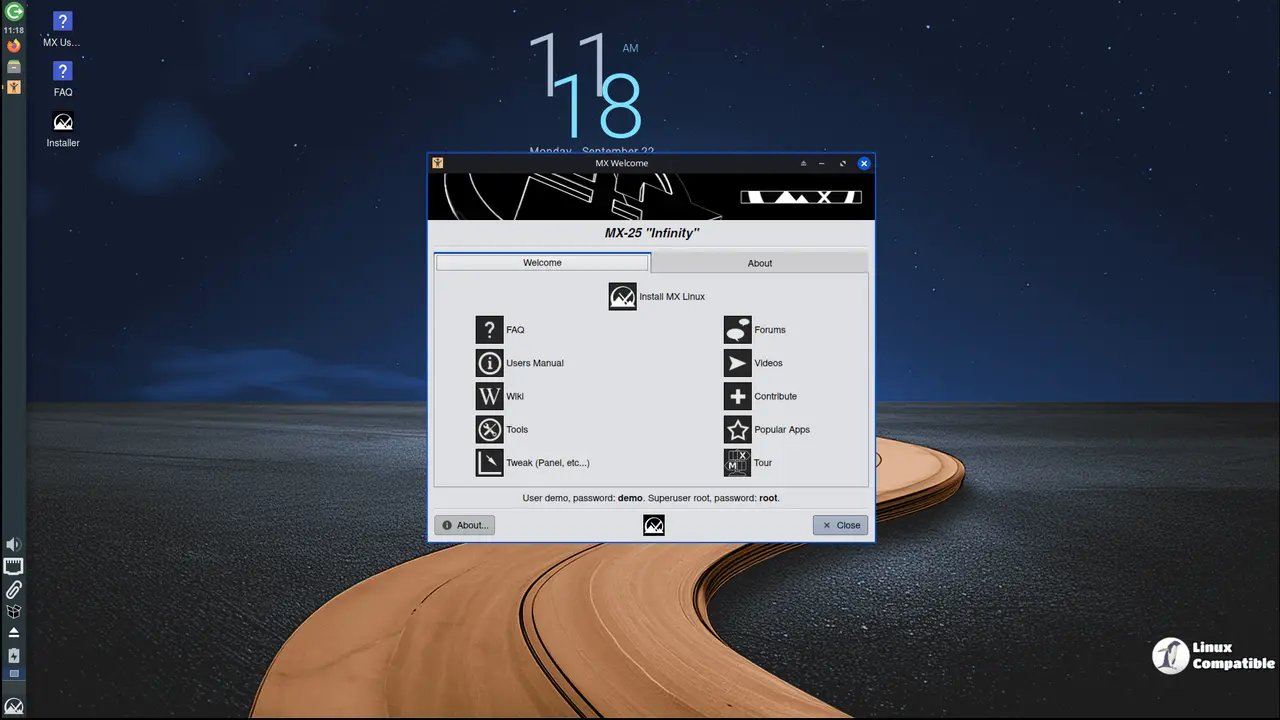
The desktop experience itself sees a boost. The core of this release is a powerful new setup. The upgraded Xfce now handles its 4.20 version smoothly and offers users plenty. But let's not forget Fluxbox; it remains a solid choice, particularly for those wanting live systems as primary installations with the sysVinit option included.
Then there's kernel stuff; more specifically, Secure Boot support via a Debian stable signed kernel is now possible (though your "AHS" ISOs using Liquorix won't support Secure Boot quite yet). Otherwise, most other ISO versions grab the latest 6.12.48 from Debian. And for Xfce users, there's an AHS option for selecting the slightly newer Liquorix kernel.
Beyond the big-name changes, this release packs a significant set of tool updates and bug fixes. The MX Linux tools have switched over to Qt6, which makes sense given the other upgrades happening around it. And crucially, most applications got the benefit from bug squashes and translation work during beta testing, all thanks to our incredibly responsive community members helping shape this final version.
The installer itself has had some significant changes, too. A new option helps if you want to "replace" an existing Linux system. This feature finds other installed systems, allowing you to select one for the upgrade process. Importantly, it keeps your home folders safe and uses the original install's fstab info from the start.
There are also various code optimizations sprinkled around making things tick better, like enabling zram swap devices by giving users control over that setting now. And this release definitely gets a visual refresh! Artwork across all desktop environments looks fresher than before, thanks to updates and community input.
Downloads
Xfce
- MX-25_Xfce_x64.iso | sha256 checksum | Signature
- MX-25_Xfce_sysvinit_x64.iso | sha256 checksum | Signature
- MX-25_Xfce_ahs_x64.iso | sha256 checksum | Signature
- MX-25_Xfce_ahs_sysvinit_x64.iso | sha256 checksum | Signature
KDE Plasma
Fluxbox
- MX-25_fluxbox_x64.iso | sha256 checksum | Signature
- MX-25_fluxbox_sysvinit_x64.iso | sha256 checksum | Signature
For additional download links as well as installation instructions, visit the MX-25 download page.


