MX Linux has released the MX-25 "Infinity" beta 1, built from Debian 13, which combines elegant desktops with high stability and performance. This release includes various updates, such as Qt6 migration for MX Tools, new deb822 format support, and improvements to the installer, including UEFI Secure Boot support. Users can test the beta 1 and provide feedback on areas like the installer and MX tools, particularly for popular app entries in MX Package Installer.
MX Linux 25 Beta 1 released
The MX-25 "Infinity" beta 1, built from Debian GNU/Linux 13 Trixie, has now been made available for public testing. This release is a cooperative effort between the antiX and MX Linux communities, with the aim of creating a family of operating systems that combine elegant desktops with high stability and performance.
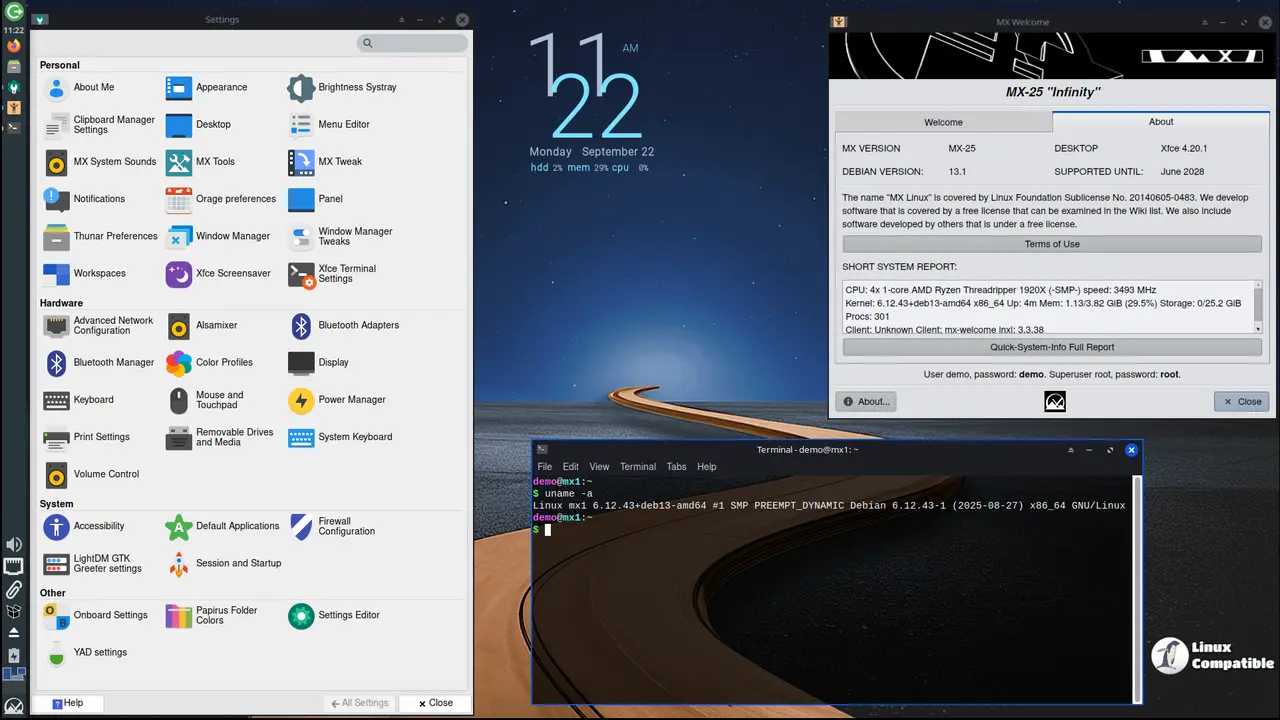
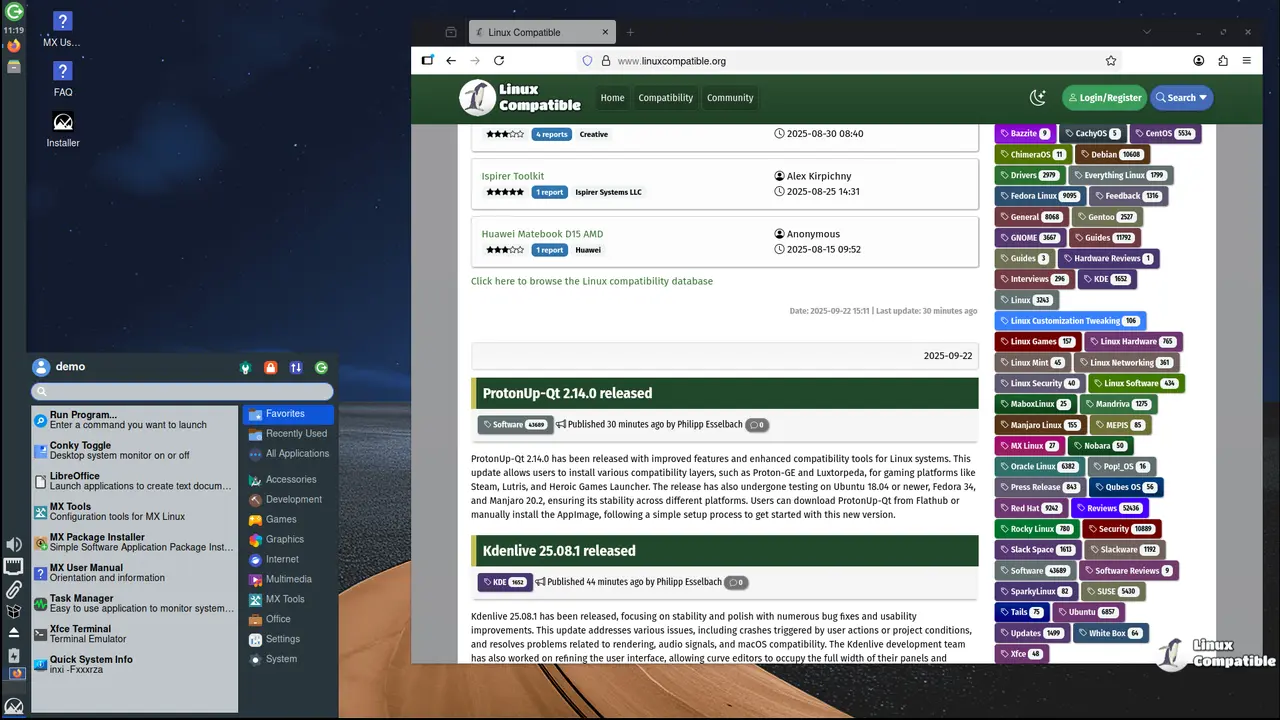
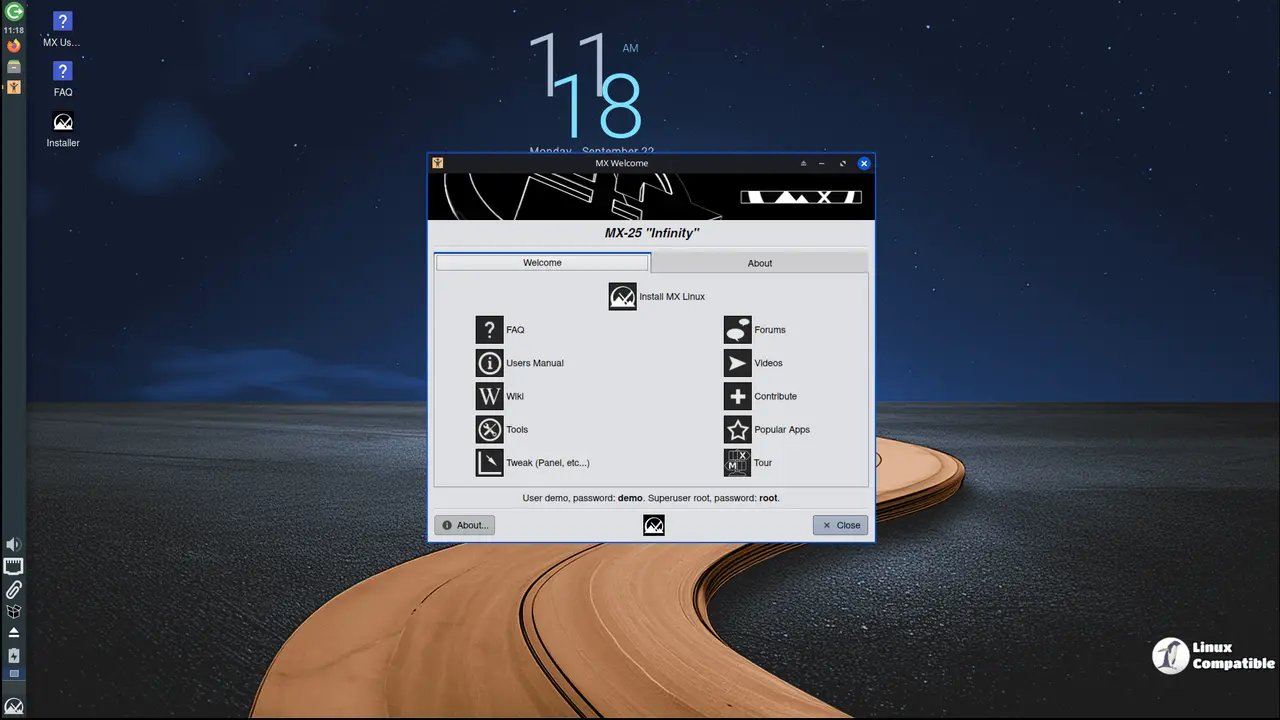
The graphical tools in MX Linux provide an intuitive way to perform various tasks, while its Live USB and snapshot capabilities inherited from antiX enable users to easily port and remaster their systems. With extensive support available through videos, documentation, and a friendly forum, users can rest assured that they have access to the help they need.
MX-25 beta 1 includes two init system editions: systemd and sysVinit. For those who prefer sysVinit, Xfce, Xfce-ahs, and Fluxbox releases are available in sysVinit variants, with clear labeling in their file names. A recent blog post explains this change from previous editions.
The latest major desktop versions used in MX-25 beta 1 include Xfce 4.20, Fluxbox 1.3.7, and KDE Plasma 6.3.6. Most ISOs come with the Debian stable kernel version 6.12.43, while Advanced Hardware Support "ahs" variants use the Liquorix kernel version 6.15.
To improve its functionality with systemd as the init system, the antiX live system has been modified in this release. The MX Tools have also been migrated to Qt6, and most applications have received bug fixes and translation updates.
One notable change in MX-25 beta 1 is the adoption of the new deb822 format for source information. This is supported by the MX Repo Manager and other mirror localization routines, alongside the legacy *.list format. The long-time updater tool apt-notifier has been replaced with mx-updater, which provides similar functionality but includes additional features and preference options.
The installer in MX-25 beta 1 now includes a feature to help replace an existing Linux installation. However, this tool does not currently work with previously encrypted installations. Additionally, the installer now supports setting up zram swap devices and has undergone various optimizations and code updates.
A new feature in MX-25 beta 1 is its support for 64-bit UEFI Secure Boot installations. Users will still need to use a signed kernel (currently Debian stable 6.12 kernels) for this functionality to work, as the "ahs" releases with Liquorix kernels do not support secure boot.
Several tweaks have been made to the KDE Plasma edition in response to new configuration options available in Plasma 6.3.6. Wayland is now the default session, but X11 is available from the session chooser on the login screen.
The Fluxbox release has also undergone significant changes, with revised panel configurations and "appfinder" configurations for rofi. Additionally, the Fluxbox root-level menus have been revised to provide a more streamlined user experience.
With this beta 1 release, we are particularly interested in testing the installer, including traditional ext4 and btrfs installations, as well as identifying bugs in mx-tools, especially those related to the popular apps entries in MX Package Installer.
Some known issues associated with MX-25 beta 1 include:
The desktop icon for the installer may not appear on Fluxbox's "desktop." Users can launch the installer from the welcome screen (MX-Welcome) or by running "minstall-launcher" as a regular user from their preferred terminal or run prompt.
There have been several UI enhancements to MX Package Installer, but some issues persist in its popular applications section. Using the "hide until updates" function of the updater tool may cause it to close or crash. Additionally, Quick-system-info may crash if the apt-history function is used with an empty dpkg.log file. Some root actions previously available in the Dolphin file manager on the KDE release are currently unavailable.
These known issues highlight some areas where users can provide valuable feedback and help refine the MX-25 beta 1 for its final release.
Downloads
Download MX-25 Xfce Beta 1
Download MX-25 Plasma Beta 1
Download MX-25 Fluxbox Beta 1


