ML4W Dotfiles for Hyprland 2.9.9.4 released
The folks behind ML4W Dotfiles have released a new iteration for Hyprland users. It updates your Linux desktop setup with several tweaks and additions aimed at enhancing efficiency.
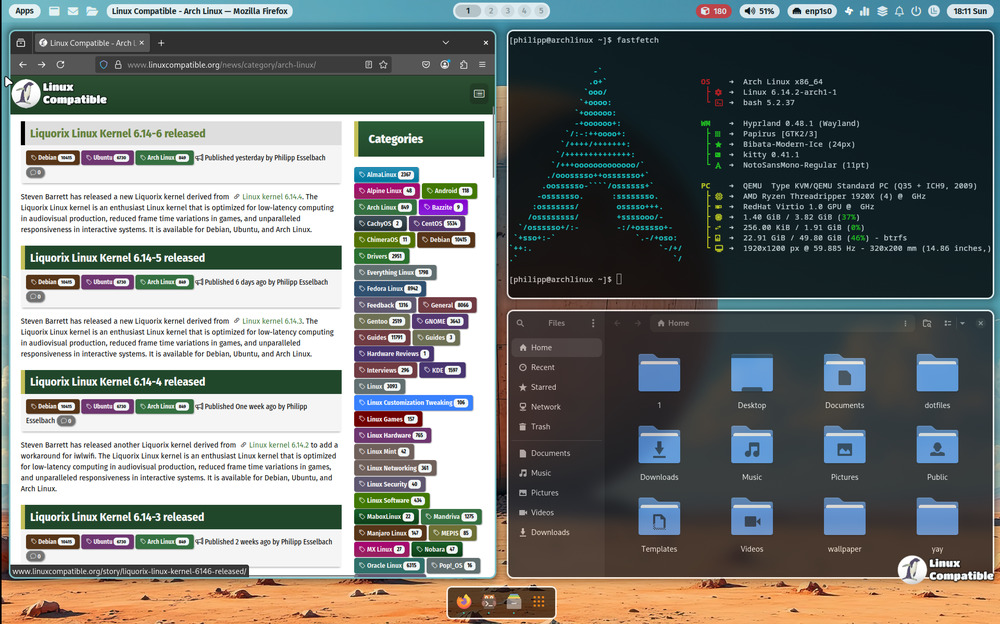
A neat addition is global theme support. Now you can access a theme selector via keyboard shortcut; pressing CTRL+ALT+T should bring it up, giving you an easy way to change the overall look of your system.
Improvements have also been made to animation smoothness. This setting's now managed directly through the Settings app itself.
The default cursor has gotten a refresh too, settling on ArcAurora alongside two alternatives for those who prefer a different feel.
Practically speaking, more Terminal CLI commands are now readily available, enabling you to launch various scripts directly from the command line. This makes common tasks quicker to access without opening another window.
Specifically, the new commands include applications for the launcher script and a screenshot tool for directly grabbing images. There's also a finder utility ready via fuzzy finding, plus options for launching btop, hyprlock (for locking), quicklinks, wallpaper selector, and more.
One feature to note requires extra setup if you want it: dock auto-hide functionality is currently in beta. To use this specific option, users need to manually add a file named "dock-autohide" to their settings directory before the changes take effect.
Finally, for those managing screenshot configurations, things are slightly simpler now. The relevant files don't have the '.sh' extension anymore, so you can find them directly in your ~/.config/ml4w/settings folder without needing to remove them beforehand.
Release mylinuxforwork/dotfiles v2.9.9.4
Global Theme support: CTRL+ALT+T to open the theme selector New global glass theme New Animation Smooth: You can select it in the Settings app.