ML4W 2.12.2 update brings new wallpaper tools to Hyprland on Arch Linux
The latest release of the ML4W configuration for Hyprland is out now with some solid changes to how wallpapers behave. This update swaps in a new default engine and moves transition controls into the settings app so users do not need to hunt through config files anymore. Power users running Arch Linux should check if this fits their workflow before pulling the latest build of ML4W 2.12.2.
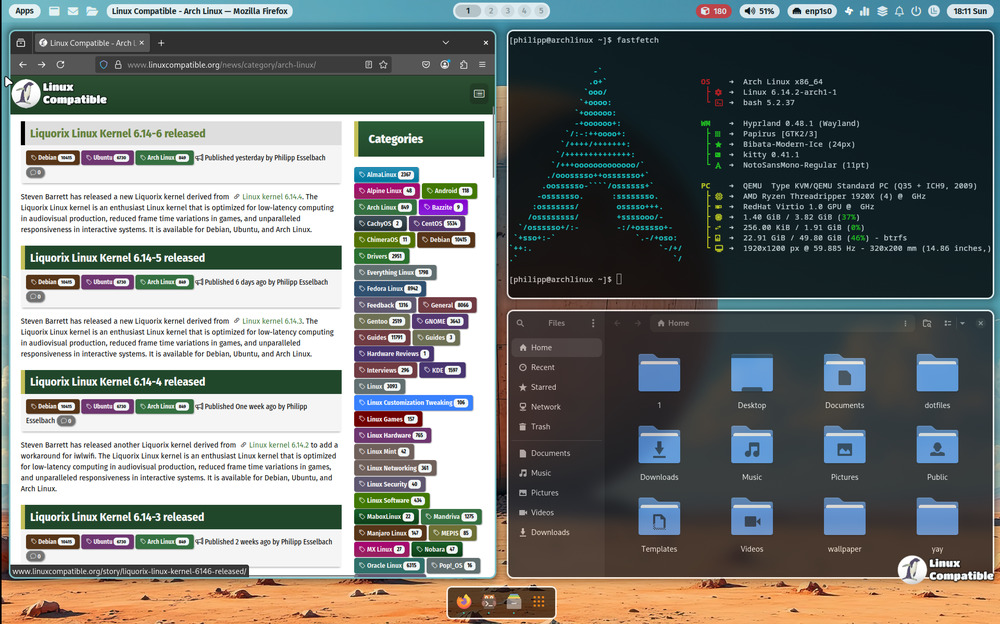
ML4W 2.12.2 update improves wallpaper handling
The biggest shift here involves how the desktop picks and switches backgrounds. awww has taken over as the default wallpaper engine which handles scaling better than the previous setup for most monitors. Users can still opt for Waypaper if they prefer but that package needs to be installed separately since it is not included in the base repo anymore. A new Quickshell based selector now allows toggling with SUPER plus CTRL and W during a session without restarting the compositor.
Transition effects move into settings app
Config files used to hold all the animation logic but that has changed in this release version. The Settings Application now exposes transition controls so tweaking speed and style does not require editing text files directly. This reduces the chance of syntax errors breaking the startup sequence after a bad driver update or system crash. It also means users who stick to GUI tools can keep their Hyprland setup stable without manual intervention.
Matugen refresh supports better theming in ML4W 2.12.2 update
The matugen tool has been bumped to the latest version which improves how adaptive themes match selected wallpapers. This ensures the dark and light mode palettes stay consistent across system components even when switching images frequently. Some users might notice a slight delay in theme generation but the visual payoff is worth the wait for most setups.
Release ML4W v2.12.2
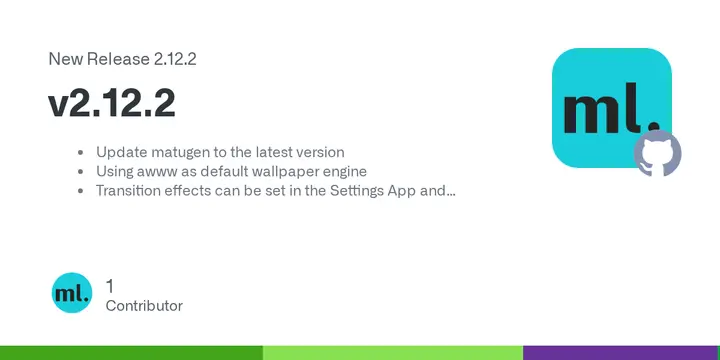
Update matugen to the latest version Using awww as default wallpaper engine Transition effects can be set in the Settings App and Appearance New Quickshell based wallpaper selector.
Give it a try if you rely on this config daily and report any regressions to the maintainers.


