Mesa 26.0.0: What the New Release Means for Linux Gamers
The latest Mesa drop brings a handful of performance tweaks, a new Vulkan‑to‑Metal layer and a slew of extensions that most users will notice only when they start a fresh game or benchmark. This article walks through the bits that actually affect daily use – especially if you’re on AMD hardware or dabble with macOS graphics workarounds.
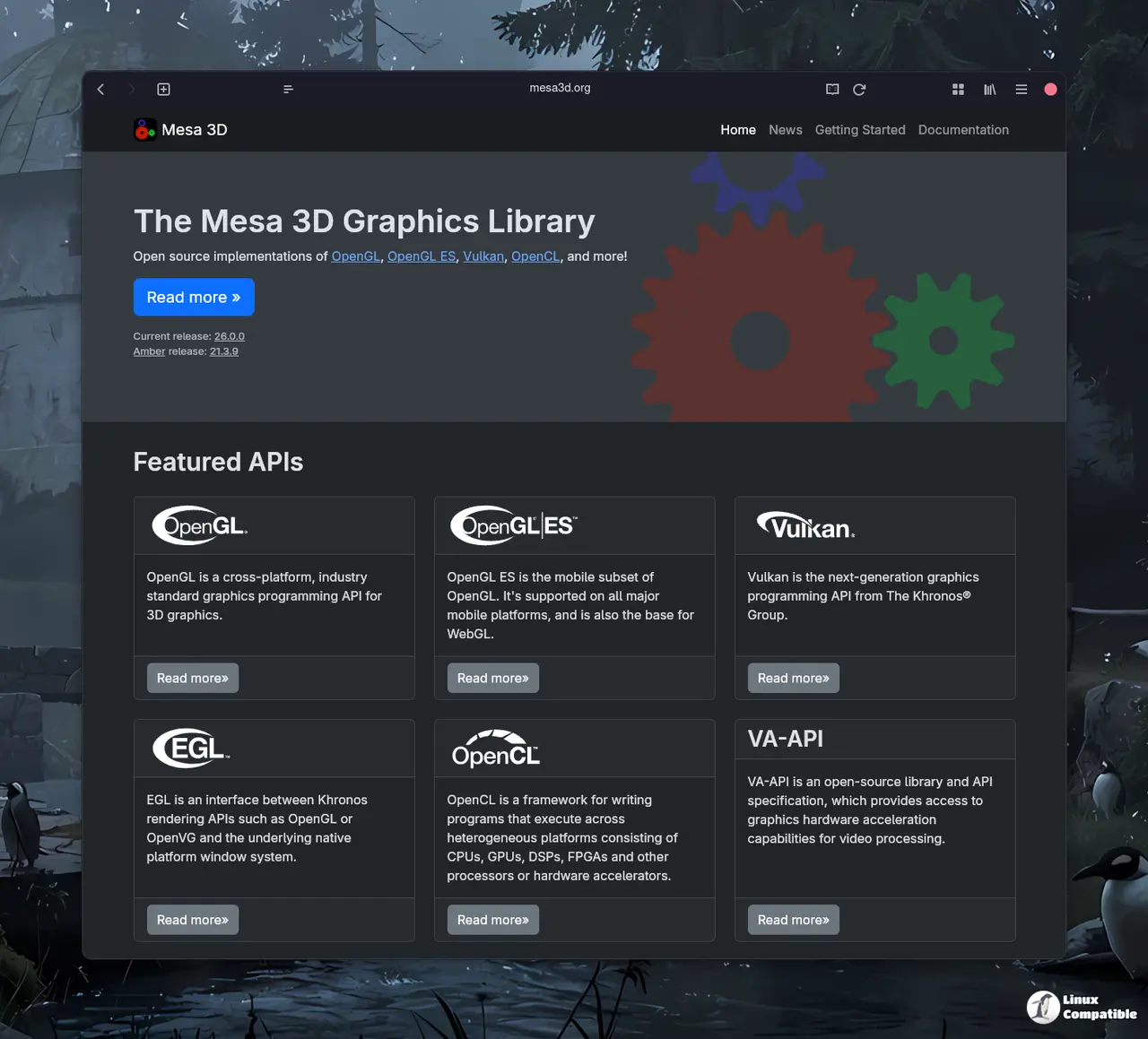
RADV Raytracing Gets Faster
Since the 25.3 cycle, the open‑source RADV driver has been edging closer to its proprietary cousin in raw ray‑tracing speed. The new build trims a few legacy RADV_DEBUG switches – invariantgeom, nodynamicbounds, nongg_gs and splitfma – and replaces them with cleaner driconf variables. In practice, that means you can drop the old env‑var clutter from your launch scripts without losing any functionality; the driver now defaults to a more aggressive geometry handling path that shows up as a modest frame‑rate bump in titles like Quake II RTX.
RadeonSI Switches to ACO by Default
AMD’s classic Gallium driver finally stopped using the slower LLVM backend for shader compilation. By default it now runs ACO, which shaves seconds off compile time and produces tighter ISA code. Users who have complained about long load screens on older GPUs should see a noticeable reduction in stutter when games first hit the GPU. The only downside is that a few obscure edge‑case bugs from the LLVM path have resurfaced, but they’re already on the radar for next week’s bug‑fix release.
KosmicKrisp: Vulkan on macOS Without the Hassle
For the small but vocal crowd that wants to run Linux games on Apple silicon, Mesa 26.0.0 drops a new “Vulkan‑to‑Metal” layer called KosmicKrisp. It sits between the Vulkan API and Apple’s Metal driver, translating calls on the fly. Early testers report playable performance in titles like Doom Eternal when running through a thin Linux VM; you won’t get every extension, but the basic pipeline works without needing a proprietary wrapper. If you’re looking to experiment with cross‑platform development, this is the most straightforward route yet.
Extension Avalanche: What’s New and Why It Matters
The release ships dozens of Vulkan extensions across the board – VK_KHR_relaxed_block_layout, VK_EXT_discard_rectangles, VK_KHR_present_wait2 and a handful of storage‑buffer tweaks, to name a few. Most of them are promotional upgrades that push “EXT” level features into the core spec for drivers that already support them. For everyday users the real payoff is smoother swapping on multi‑monitor setups thanks to the new present‑wait extensions and better memory handling when using external buffers on PowerVR hardware. If you’ve been chasing frame‑time spikes in a multi‑GPU rig, enabling VK_EXT_custom_resolve on RADV can shave off microseconds of latency per draw call.
How to Test and Report Issues
The easiest way to see the changes is to pull the latest packages from your distro’s testing repository or compile Mesa yourself using the tarball linked in the release notes. However, Bazzite Linux users can take advantage of the fact that today's update already includes the new Mesa release. Any regressions should be filed on the Mesa GitLab issue tracker with a short description, hardware details and the exact command line that triggered the problem.


