Mageia 10 Beta 1 Released for Public Testing and System Updates
The development team has approved the first beta build of Mageia 10 for public testing after recent fixes were merged into the release branch. Users can download about 26GB of ISOs from mirrors to check out new features before the official launch arrives in April 2026. This update includes major version upgrades across the stack including the kernel and desktop environments so testers should expect significant changes compared to previous versions.
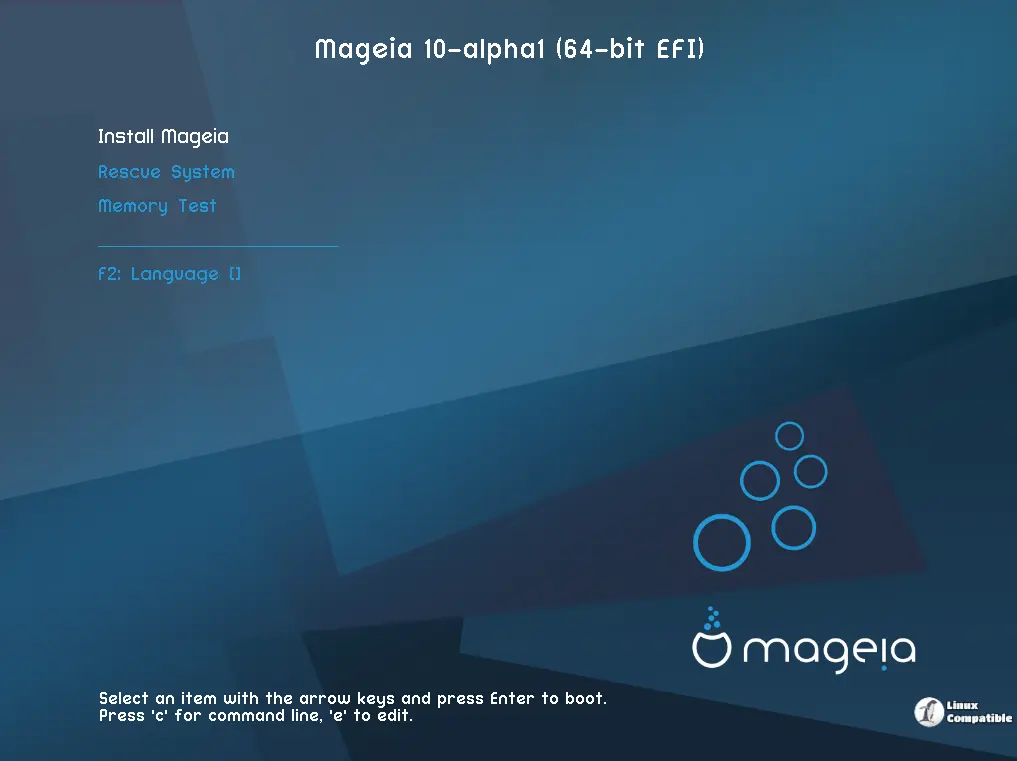
Why users should test the new Mageia 10 Beta 1 build now
The release team plans to ship the final version in April 2026 so there is plenty of time for bugs to be reported before the window closes. Testing early helps catch issues during upgrades from Mageia 9 before the software freezes completely and blocks further updates. Some users might prefer to wait until Beta 2 includes updated artwork and documentation though because waiting a few months might save headaches later if stability becomes an issue.
Key technical changes inside the package
The new kernel version 6.18 LTS provides better hardware support without breaking existing workflows too much for daily use cases. Desktop environments have jumped up to Plasma 6.5, GNOME 49, and Xfce 4.20 for a modern look and feel that matches current software expectations. Graphics drivers in Mesa 26.0.2 enable latest support for AMD and Intel cards while Nvidia users have proprietary options available as well within the same repository structure. Office productivity tools update to LibreOffice 26.2 and web browsing goes through Firefox ESR 140.8 so security patches are current for most standard tasks.
Where to find the installation formats
There are classical installation ISOs available for both 32-bit i686 systems and modern 64-bit hardware so legacy machines can still run this distribution. Live Desktop Images also exist so testers can run Plasma, GNOME, or Xfce without changing their current drive setup before deciding to commit to a full install.
Good luck with the testing but keep an eye on those release blocker bugs before you commit to installing this on your main machine.


