Mageia 10 Alpha 1 released
The Mageia project has announced its first Alpha release candidate for the upcoming Mageia 10 release.
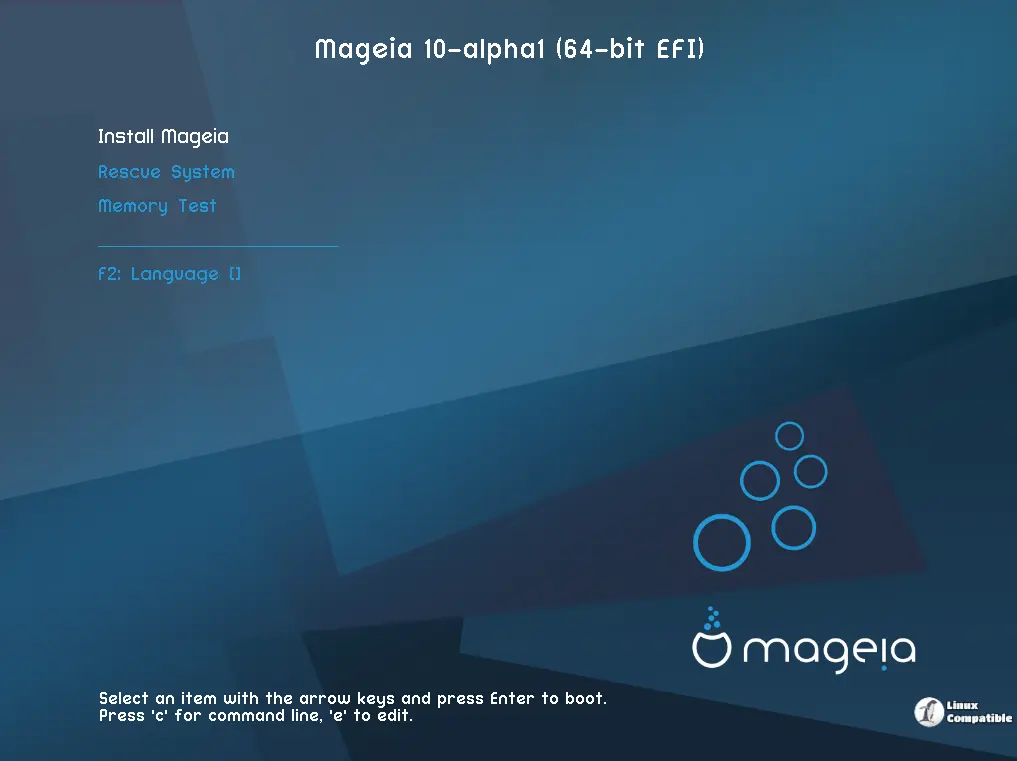
Although you shouldn't use these new Alpha ISOs as your primary workhorse system just yet, they are now ready for public testing. Their purpose isn't glamorous for everyone's day-to-day tasks; this is very much an early-stage build, but it's crucial for those involved in the project, like developers and testers.
The core point here is that all the active development work feeding into Mageia 10's final release happens right now in Cauldron, which is the development branch. And interestingly, the infrastructure team has just validated everything needed to support these Alpha image releases. This paves the way for actions such as properly publishing them for public consumption and enabling their download.
Given their current state, these early builds are perfect playgrounds for testers and curious users. If you're itching to see what's coming next or want to help out directly by reporting bugs during testing, whether it's installing the OS onto hardware or checking how well various setups work (like verifying 32-bit i686 support alongside standard 64-bit).
Think of these Alpha ISOs as snapshots capturing the current state of Mageia 10 development. They kick off a more formal countdown towards release, paving the way for beta and release candidate phases later on. The final expected ship date still looks set for April 2026 based on previous estimates, though that could shift slightly depending on what comes up.
For those wanting to jump right in, the Alpha offering itself is quite comprehensive already. You can grab traditional installation images (both i686 and x86_64) or test out live desktop versions showcasing different look-and-feels early on, like KDE Plasma, GNOME, and Xfce, which are all featured here.
The process of initiating testing is not overly complex. Head over to the Mageia download section, find those labeled "Mageia-10-alpha1," and grab one of those images. Once you have it, writing it onto a USB drive is straightforward thanks to tools like IsoDumper (if you're on Mageia) or Rufus (if you use Windows). Or even easier yet, boot the installer image right in a virtual machine setup if you prefer that route, which gives you a safe way to poke around and see how things operate before touching real hardware.
As you tinker with these builds, finding bugs is key. Try to be detailed when reporting issues; providing specific information really helps make sure they get fixed properly, especially since this is still in the early Alpha phase, where stability's definitely not guaranteed.


