Lutris 0.5.22: Fresh Fixes That Keep Your Retro Collection Running Smoothly
The latest iteration of the popular game‑preservation platform arrives with a handful of tidy patches that make life easier for anyone who relies on Python scripts to keep older titles playable.
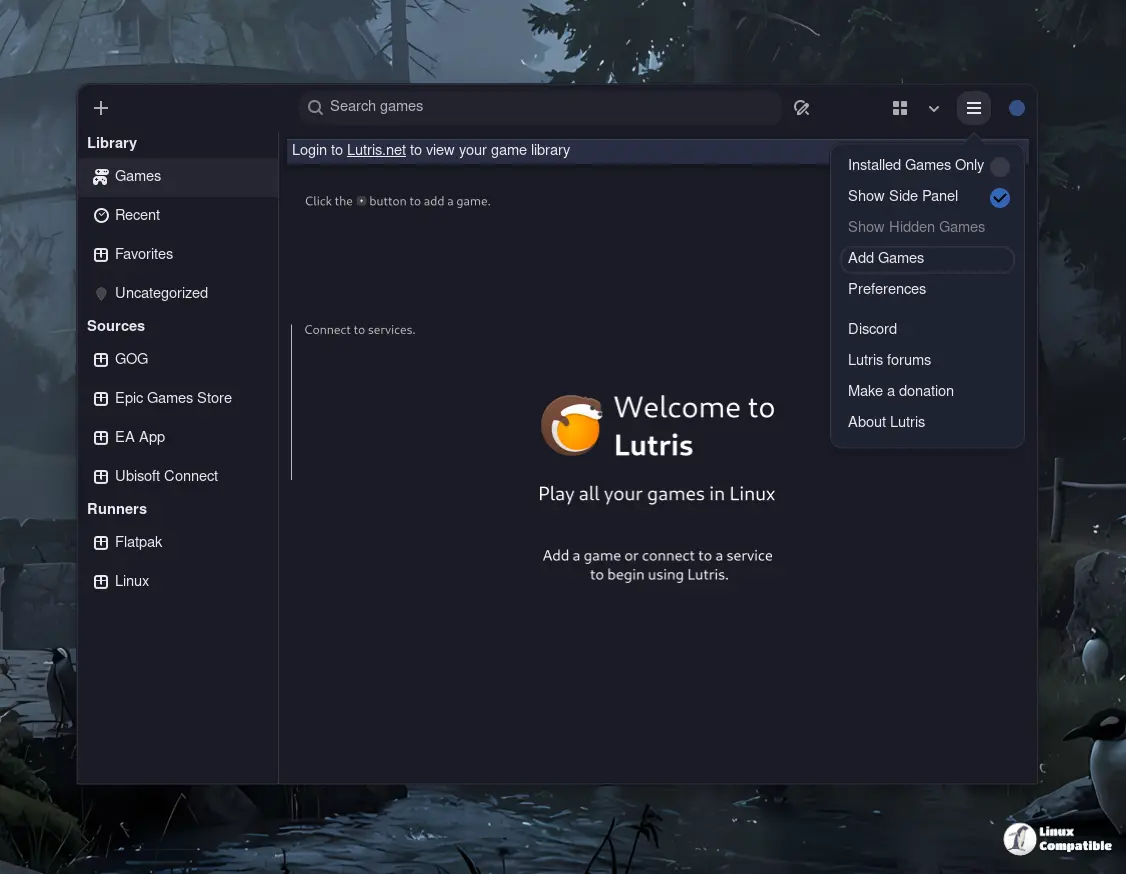
What the update fixes
Users have reported type errors popping up when running Lutris installers on systems still using Python 3.10 or earlier. The new release removes the requirement to quote type annotations in those environments, so scripts no longer crash during import. This tweak is particularly handy for people who keep their game libraries on older laptops that haven’t upgraded past the 3.10 branch.
In addition, a set of mypy typing additions was slipped into util/strings.py. While the changes don’t alter runtime behaviour, they give static‑type checkers more context and help developers spot subtle bugs earlier in the pipeline. It’s one of those behind‑the‑scenes improvements that quietly raises quality without forcing users to tweak settings.
The Continuous Integration matrix for the Personal Package Archive (PPA) has also been updated. This means that when you pull Lutris from the PPA on Ubuntu or Debian derivatives, the build process will now target newer libraries by default, reducing the risk of dependency conflicts that occasionally surface after major OS updates.
Why you should install it
If your game collection lives in a mix of Windows emulators and native Linux ports, even a small type‑checking glitch can cause the whole launch flow to stall. The 0.5.22 fixes address exactly those friction points. A user on a 2016 ThinkPad reported that after upgrading to Ubuntu 24.04, Lutris started throwing “SyntaxError: invalid syntax” messages every time they tried to run an old DOSBox wrapper. Once the 0.5.22 update was applied, everything resumed normal operation without any extra configuration.
Because the changes are purely bug‑fixes and compatibility tweaks, installing the new version requires no manual intervention. The package manager will pull in the latest binary, apply the patch, and you’re good to go—no need to touch scripts or change environment variables.
How to upgrade
Even though the process is painless, a quick reminder keeps things tidy: run your distribution’s package updater or
sudo apt update && sudo apt install lutris
if you use the official PPA or download the deb package directly
wget https://github.com/lutris/lutris/releases/download/v0.5.22/lutris_0.5.22_all.deb
sudo dpkg -i lutris_0.5.22_all.deb
If you installed Lutris from source, pulling the latest changes and running python -m pip install . will bring the same fixes into place.
After the upgrade, launch Lutris and double‑check that any custom scripts still work; if something feels off, revisit the “compatibility” section in your script’s comments.
To sum up
Lutris 0.5.22 may not be a headline‑making overhaul, but it patches a couple of nagging issues that can bite users when they’re trying to run legacy titles on modern Python runtimes. If you’ve been waiting for the platform to finally stop throwing type errors on older systems, this update is worth the click.


