Liquirix Kernel 6.18‑10: How to Get the Low‑Latency Beast on Debian, Ubuntu, or Arch Linux
The new Liquirix kernel 6.18‑10 brings a fresh merge of Linux 6.18.9 and a handful of tweaks aimed at squeezing every last millisecond out of interactive workloads. This guide shows how to pull the pre‑built packages, or build your own Docker images when you need full control, and points out where the kernel shines—and where it might be overkill.
Quick Install for Most Users
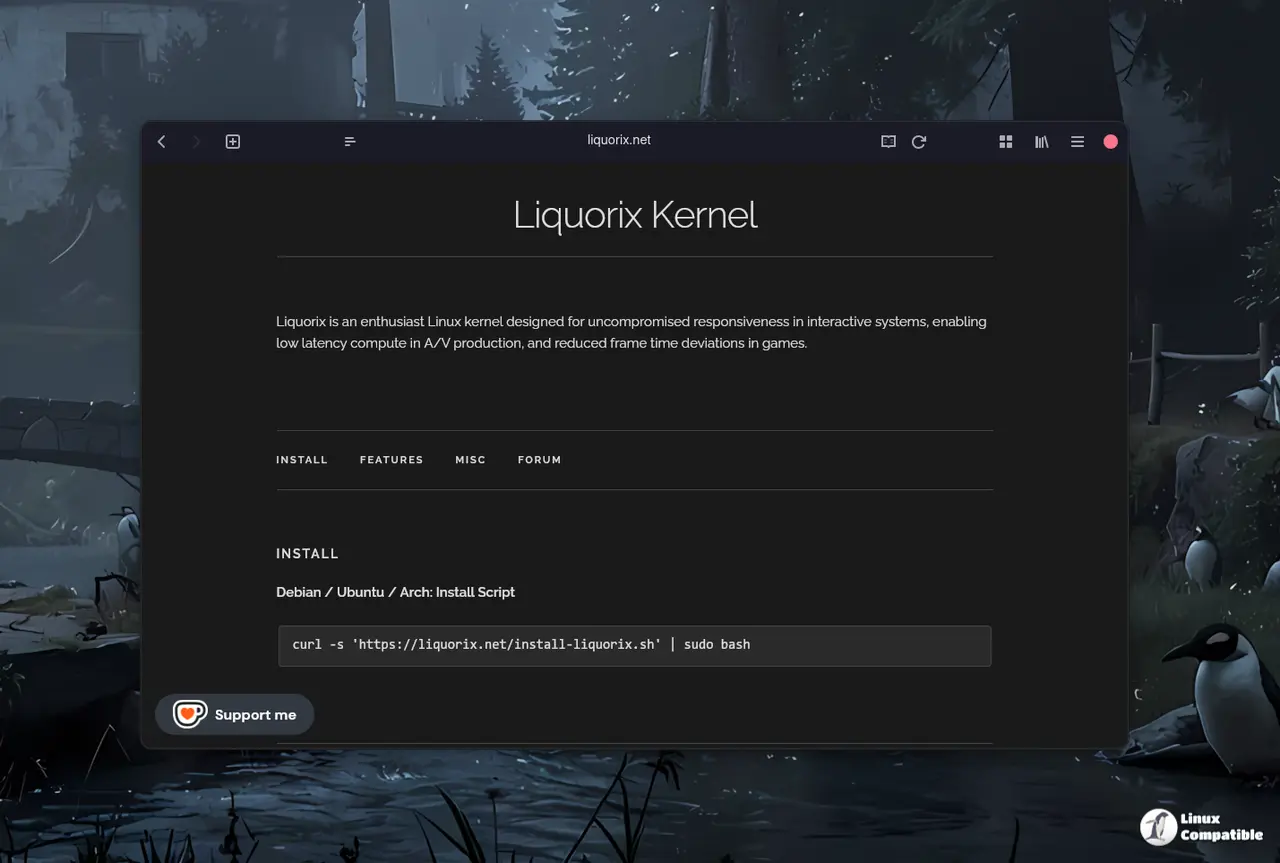
If you just want the “drop‑in” replacement without fiddling with Docker, run the official install script. It adds the Liquirix source, fetches the signed package for your distro, and installs it in one go:
curl -s 'https://liquorix.net/install-liquirix.sh' | sudo bash
The script detects whether you’re on Debian or Ubuntu and picks the appropriate binary. After a reboot, uname -r should show something like 6.18.9-1‑liq.
Why this matters: Liquirix swaps the default scheduler for Kyber (multiqueue) or BFQ (single queue), which reduces input latency in games and audio workstations without requiring any manual kernel config changes.
Building Your Own Packages with Docker
For those who prefer to verify every step, Docker isolates the build environment and guarantees reproducibility across Debian Stable, Testing, Unstable, or Ubuntu. The process is three parts: bootstrap the base images, compile source packages, then turn them into binaries. You can download the build scripts from here.
Bootstrap the images – This pulls the right debootstrap tarballs and installs all build dependencies inside a clean container. Running it again simply updates the layers rather than rebuilding from scratch.
./scripts/debian/docker_bootstrap.sh
Compile the source package – Supply the target distribution and release (e.g., debian bookworm). The script creates a .dsc and .orig.tar.gz that you can later inspect or modify.
./scripts/debian/docker_build-source.sh debian bookworm
Build the binary – Choose your architecture (amd64 is currently the only supported one) and let dpkg-buildpackage finish the job.
./scripts/debian/docker_build-binary.sh amd64 debian bookworm
The resulting .debs land in artifacts/debian/bookworm.
Why this matters: Building yourself lets you drop in a custom GPG key for signing, or strip out the signature entirely if you prefer an unsigned package for a quick test.
Handling GPG Signing (Optional)
Liquirix expects packages to be signed with a personal key. If you don’t have one, generate it:
gpg --full-gen-key   # follow prompts
gpg --list-secret-keys
Take the long key ID from the output and create ~/.gnupg/gpg.conf containing:
default-key YOURKEYID
If signing errors pop up, or you just don’t care about authenticity for a local install, add --no-sign to every dpkg-buildpackage invocation. A quick one‑liner finds the places that need editing:
find scripts/ -type f | xargs grep -H 'dpkg-buildpackage'
Replace each line with its --no-sign counterpart.
Feature Highlights Worth Knowing
- Zen Interactive Tuning – Lowers the scheduler timeslice to 2 ms, making UI interactions feel snappier at the cost of raw throughput.
- Background Hugepage Reclaim – Enabled by default; helps prevent sudden stalls when memory‑intensive apps request large pages.
- PDS/BMQ CPU Scheduler – A fair process scheduler tuned for mixed gaming and multimedia loads.
- High‑Resolution 1000 Hz Tick – Provides finer granularity for real‑time tasks, which matters in DAWs and low‑latency networking.
- TCP BBR2 Congestion Control – Often outperforms Cubic on high‑speed broadband links, though its benefits are less evident on congested home Wi‑Fi.
When Liquirix Is Overkill
If you’re running a typical office workstation or a server that doesn’t need sub‑millisecond responsiveness, the extra preemptibility can actually increase context‑switch overhead. In those scenarios, the vanilla kernel’s balanced defaults are usually a better fit.
That should get most readers up and running with Liquirix 6.18‑10, whether they prefer a quick install or a full‑blown custom build. Happy tweaking, and may your frame times stay steady!


