Liquorix Kernel 6.19-8 Brings Better Responsiveness and Context Switching Fixes for Gamers
The latest update to the enthusiast Linux kernel brings specific tweaks for interactive systems. Liquorix Kernel 6.19-8 arrives with optimizations aimed at stress-ng context switching and scheduler improvements. Users looking for reduced frame time deviations will find new settings in this release worth checking out before upgrading their daily drivers or media production workstations.
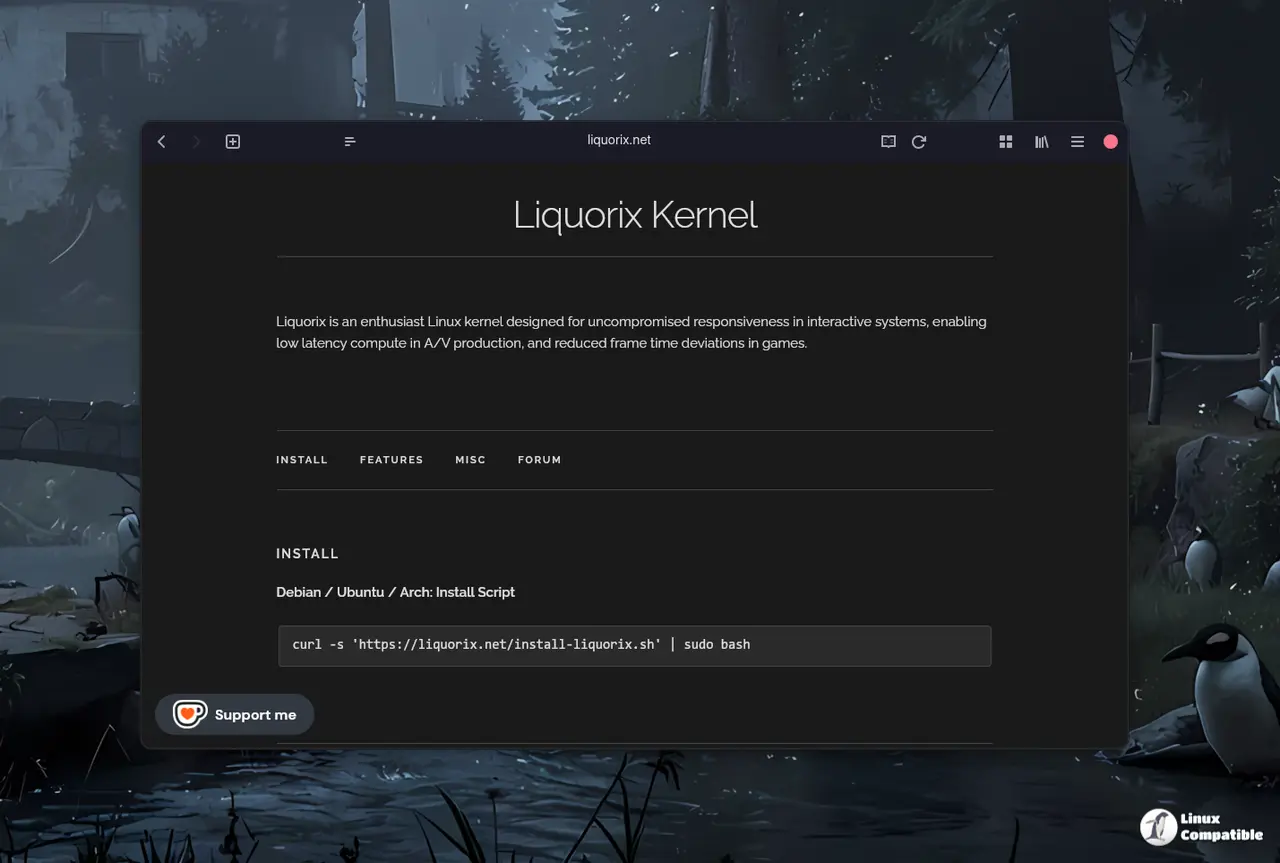
What actually changed in the Liquorix Kernel 6.19-8 update
The scheduling changes focus on making wake_affine_idle available for WF_SYNC wakeups to better handle task placement decisions. This adjustment helps decide when a task should move to an idle CPU core instead of waking up a busy one during heavy load scenarios. The timeslice has dropped from four milliseconds down to two, which reduces latency but increases context switch frequency significantly. Split Lock Detection and Mitigation are now disabled by default, which removes a safety net for certain hardware quirks that could crash the system under specific conditions. Users running benchmarks or heavy workloads might see more stability with this change enabled off, while general desktop users should be aware of the trade-off between raw speed and error checking capabilities built into the kernel.
How the scheduler tweaks affect daily performance
Ondemand governor settings have shifted to favor responsiveness over power saving in most cases for typical desktop usage. The default up threshold drops from eighty percent to fifty-five, meaning the CPU will ramp up frequency faster when demand spikes during application launches. Background-reclaim of hugepages is now enabled by default, which helps maintain memory availability for critical processes during heavy loads without waiting for manual intervention. Virtualization options are paravirtualized to reduce overhead inside VMs, making this kernel a viable choice for developers running containers or virtual machines daily on the same host. The Kyber scheduler remains the default for multiqueue devices while BFQ handles single queue setups to ensure disk I/O does not block user input tasks during playback or recording sessions.
Installation steps and what to expect after updating
System administrators can update their systems by running the provided install script with root privileges using curl and sudo bash commands.
curl -s 'https://liquorix.net/install-liquorix.sh' | sudo bash
The command fetches configuration files from the public server and updates the local package sources automatically without requiring manual file editing in system directories. A reboot is necessary for the new kernel options to take effect across all system processes including drivers and background services that run at boot time. Users should expect slightly higher power consumption as a result of the aggressive tuning designed to minimize input lag during gaming or audio production tasks on battery power.
Give this update a spin if frame timing matters more than battery life on your current machine.


