Liquorix Kernel 6.19-7 Delivers Harder Preemption and Better Responsiveness
The latest update to the enthusiast-focused Linux distribution brings significant tweaks aimed at reducing frame time deviations during gameplay. Users looking for maximum responsiveness during interactive tasks should take note of the scheduler changes included in this release. This report covers what changed in the Liquorix Kernel 6.19-7 and how it impacts daily performance on desktop systems.
Understanding the Scheduler Changes in the Liquorix Kernel
The core focus of this update remains on interactivity rather than raw throughput for background workloads which is a common complaint among gamers. The block layer scheduler defaults shift to kyber for multiqueue devices which optimizes latency under heavy I/O loads without breaking existing workflows. Memory management also sees adjustments with background reclaim enabled for hugepages to prevent stuttering moments during high memory pressure scenarios that usually crash the system. CPU frequency settings tighten the response time for ondemand governors by lowering thresholds so cores ramp up faster when a spike in activity occurs.
Installation Steps and Risks Associated with the Liquorix Kernel
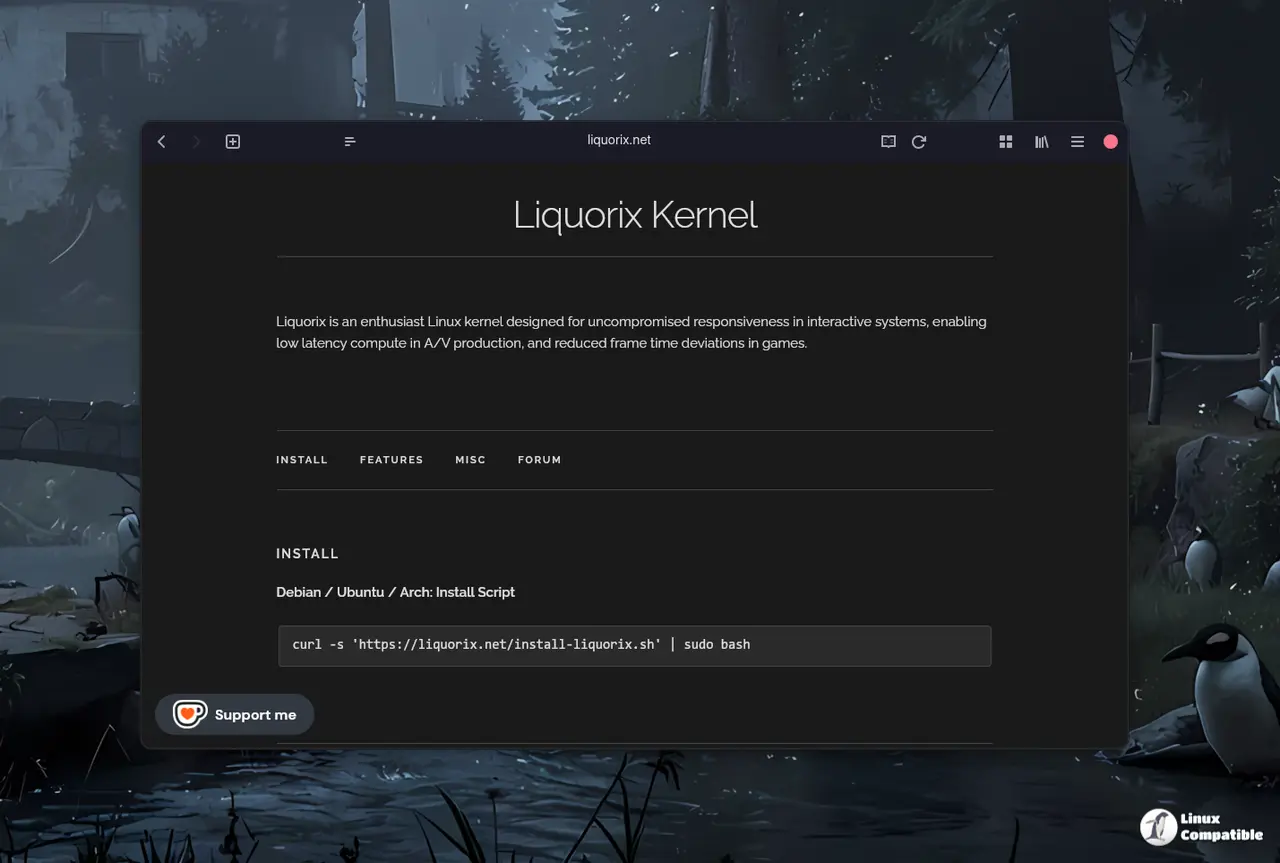
Getting this specific version installed requires running a provided script that handles repository configuration automatically without much fuss. Users can execute the command
curl -s 'https://liquorix.net/install-liquorix.sh' | sudo bash
to add the necessary sources for Debian or Ubuntu systems safely. Arch users should note that they need to verify package availability since the binary builds are tailored specifically for Debian based targets primarily and might not work everywhere. It is important to remember that switching kernels replaces the standard distribution kernel so existing modules might require rebuilding after an update which can be a hassle for some setups.
Performance Trade-offs Regarding Split Lock Detection
One notable change involves turning off split lock detection which removes a safety check designed to prevent system hangs on certain hardware configurations. Disabling this mitigation can reduce overhead and improve speed but increases the risk of instability if specific instruction sequences trigger the condition unexpectedly during heavy loads. System administrators running high performance workloads often accept this trade-off for the gain in raw execution time during gaming or audio production tasks where every millisecond counts. TCP BBR2 congestion control remains active to ensure network throughput stays high without sacrificing the low latency goals of the build.
Keep an eye on stability reports once you make the switch so any regressions get caught early by the community. Most users should stick to the standard stable kernel unless they know exactly what they are doing but power users will appreciate the extra responsiveness. Happy computing and may your frame times stay smooth.


