Liquorix Kernel 6.19 Update Brings Better Responsiveness for Gaming and Audio Workflows
Users looking to squeeze more performance out of their Linux desktops should check the new Liquorix Kernel 6.19 release. This update focuses on reducing frame time deviations and improving low latency compute for interactive systems. The changelog shows specific tweaks to schedulers that might help with stuttering during heavy loads.
Why the Liquorix Kernel 6.19 scheduler changes matter for gamers
The core appeal of this kernel lies in how it handles task scheduling under pressure. Default schedulers often prioritize throughput over responsiveness, which can lead to micro-stutters when a game or audio application demands immediate CPU attention. This release shifts the balance by adjusting background-reclaim hugepages and modifying watermark boost factors to keep memory management from hogging resources during critical moments. The timeslice for the PDS Process Scheduler drops from 4 ms to 2 ms, meaning tasks get switched faster to maintain smoothness even when multiple applications run simultaneously.
One common issue seen after a bad driver update is system lockups or high jitter in audio streams. This kernel attempts to mitigate that by enabling hard kernel preemption and optimizing disk I/O with Kyber for multiqueue devices. While the power usage might increase slightly due to these aggressive tuning settings, users who prioritize frame time consistency over battery life will find the trade-off worthwhile. The split lock detection is turned off in this build, which removes a safety check that can sometimes cause performance penalties on older hardware or specific virtualization setups.
How to install the Liquorix Kernel 6.19 safely on your system
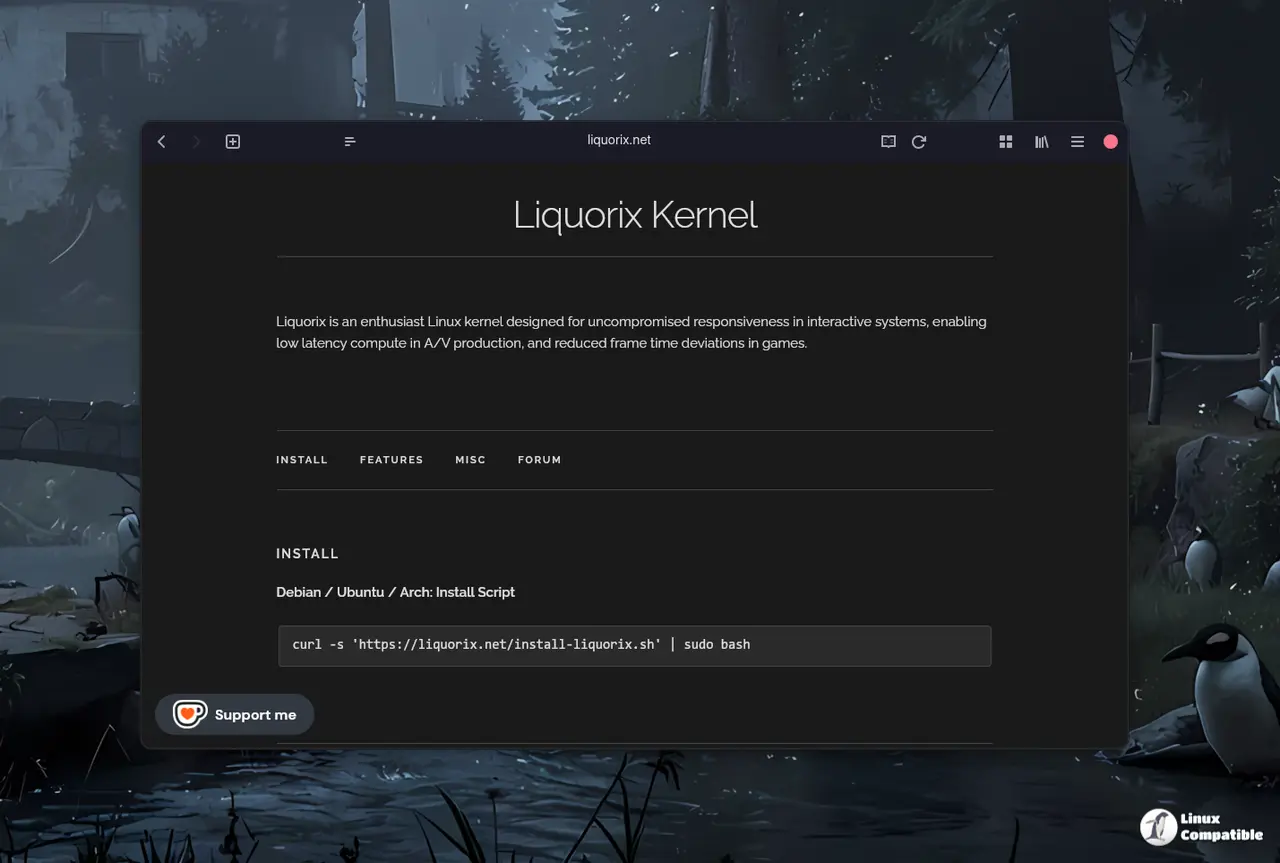
Installing the kernel requires running a script provided by the developers rather than using standard package managers for most distributions. The command uses curl to fetch the installation script and pipes it directly into sudo bash, which handles the repository setup and package installation automatically. Users should ensure they have a backup of their current boot configuration before attempting this update because aggressive kernels can sometimes cause instability on unsupported hardware configurations.
curl -s 'https://liquorix.net/install-liquorix.sh' | sudo bash
The process supports Debian Stable, Testing, and Unstable branches along with Ubuntu builds that appear within hours of the Debian release. It is important to verify system compatibility since paravirtualization options are enabled by default to reduce overhead under virtualization environments. If the system fails to boot after installation, users can select an older kernel version from the GRUB menu to revert changes without needing a rescue disk.


