Liquorix Kernel 6.19-5 Release Brings Lower Latency to Linux Gaming and Audio Workflows
The latest update for the enthusiast-focused Liquorix Kernel 6.19-5 is now available for those tired of system stuttering during gameplay or audio production. This build based on Linux Kernel 6.19.10 prioritizes responsiveness over raw throughput and power efficiency. Users looking to shave off input lag can install this drop-in replacement immediately via the provided script.
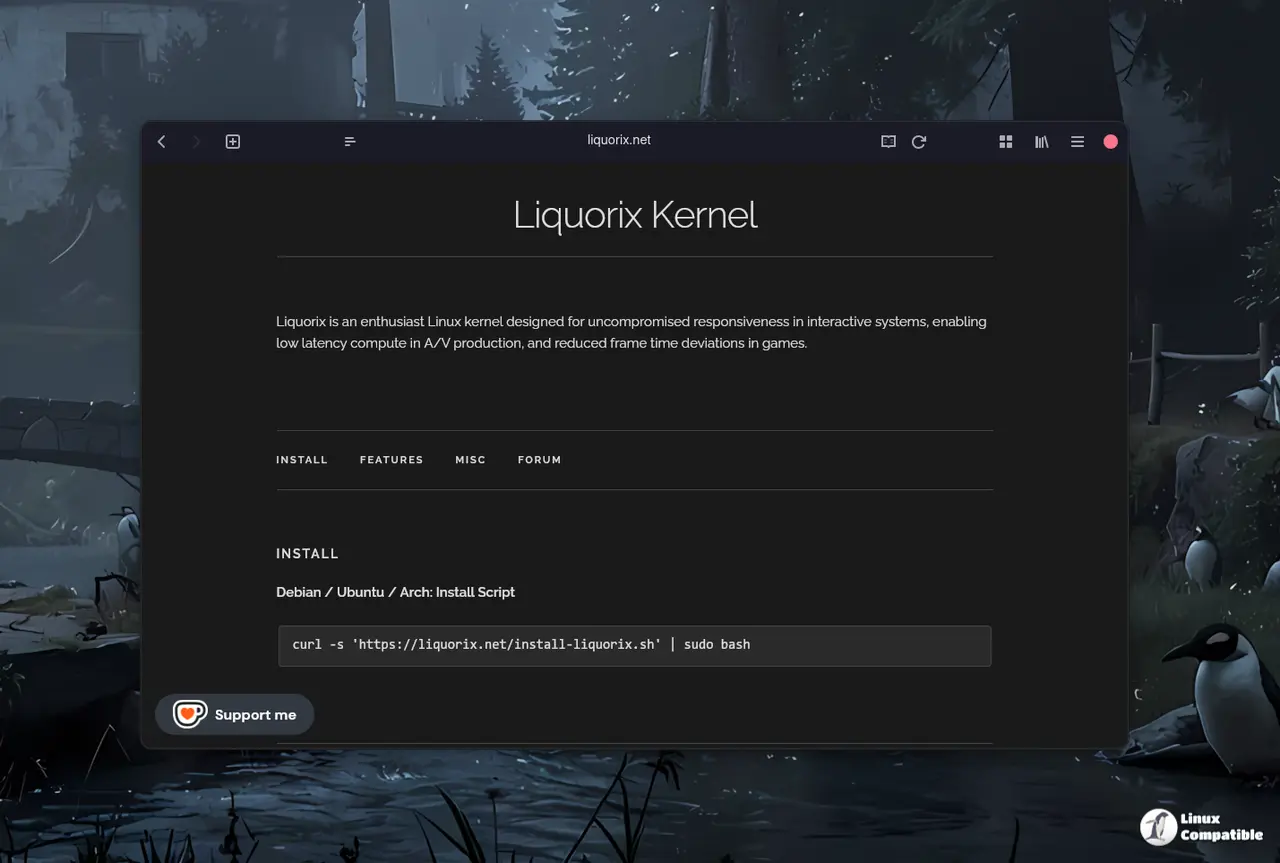
Installation Guide For The Liquorix Kernel On Debian, Ubuntu, and Arch Linux Systems
Getting this kernel onto a machine requires opening a terminal window first to access the command line interface where commands can be typed directly into the system shell. The process begins by verifying that internet connectivity is active since the installation script fetches packages from remote repositories and cannot proceed offline. Users should then execute the curl command with sudo privileges to download and run the installation logic provided by the project maintainers without needing manual repository setup. It is important to note that this replaces the standard distribution kernel so system stability depends on hardware compatibility before proceeding further into the update process. Ubuntu users can find builds in the PPA shortly after Debian releases go live for same-day availability which saves time compared to compiling from source code. Once the script finishes running a reboot is mandatory to load the new kernel into memory and apply the low latency changes immediately. The GRUB menu may require manual selection of the Liquorix entry if it does not boot automatically upon restart so users should keep an eye on the boot screen.
curl -s 'https://liquorix.net/install-liquorix.sh' | sudo bash
This command handles all package management tasks behind the scenes, ensuring the Liquorix Kernel 6.19-5 binary integrates cleanly with existing system components and paravirtualization options.
Why Liquorix Kernel 6.19-5 Matters for Interactive Tasks
This kernel is not designed for servers or battery life optimization but rather for systems where timing matters more than raw numbers. The scheduler changes shift from standard defaults to Kyber and BFQ which handle disk queues differently to reduce latency spikes. CPU frequency scaling thresholds drop significantly so the processor ramps up speed faster when a task demands it. This means fans might spin up sooner during heavy loads but the system feels snappier in daily use compared to stock configurations.
Technical Tuning Changes Inside The Kernel
Several low-level settings change to favor interactivity including turning off split lock detection mitigation which reduces overhead. Background reclaim of hugepages is enabled while watermark boost factors drop to prevent memory pressure from stalling tasks. TCP BBR2 congestion control replaces older algorithms to maximize throughput on network connections without sacrificing latency. These adjustments create a system that reacts faster but consumes more power during active periods compared to the stock kernel.


