Liquorix Kernel 6.19-4 Update brings scheduler changes and lower latency for gamers
The latest Liquorix Kernel 6.19-4 is out now with a few tweaks under the hood. This update focuses on responsiveness rather than raw throughput for interactive systems. Users should expect better frame times and lower latency if the system plays nice with the new configuration defaults.
What exactly changes in this Liquorix Kernel release
The changelog looks short which usually means minor tweaks rather than a massive overhaul. It merges upstream Linux Kernel 6.19.9 and syncs scheduler changes to keep things aligned with the mainline efforts. Version strings update to reflect 6.19.9-1 status for tracking purposes within the package manager. Standard kernels often prioritize battery life or server stability over snappiness so this switch feels different immediately after booting up. One might notice less stuttering in games or video playback after switching over since the tuning targets interactivity above all else.
Why swapping kernels might help your daily tasks
The Zen Interactive Tuning profile adjusts the background reclaim hugepages setting to yes which helps with large memory allocations during heavy loads. Watermark boost factors drop significantly to reduce latency spikes when applications request resources quickly. Split lock detection turns off by default which removes a common source of performance penalties on non-server hardware where the risk is low. A user running an older system might feel the difference more than someone with brand new hardware that handles standard scheduling well enough already. It is not magic though and depends heavily on the specific hardware configuration to see real gains in throughput or latency.
How to install the Liquorix Kernel safely on Debian, Ubuntu, or Arch Linux
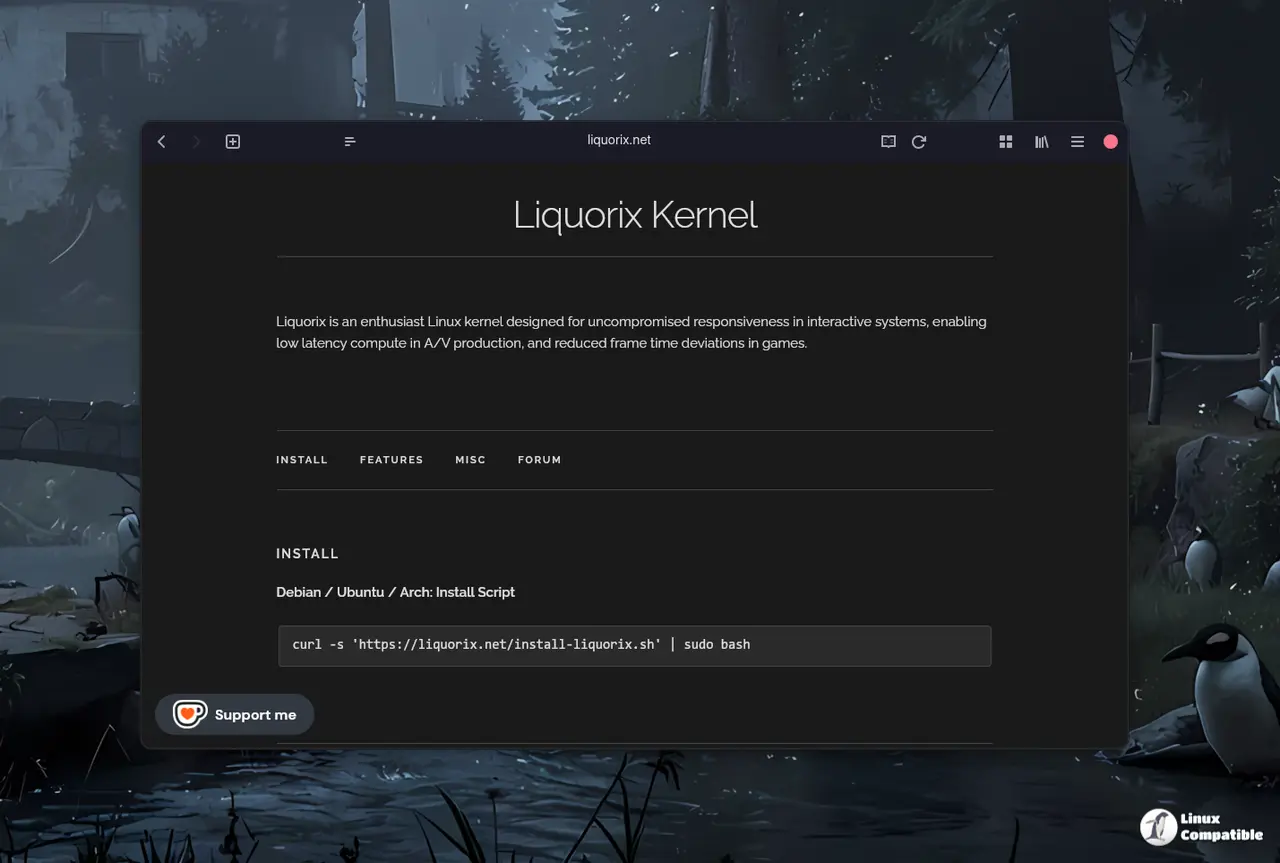
Installation happens via a simple script that pulls the necessary repositories into place for automatic updates. The command uses curl to fetch the installer and pipes it directly to sudo bash for execution without manual file handling steps.
curl -s 'https://liquorix.net/install-liquorix.sh' | sudo bash
One must remember to keep track of updates since this kernel is maintained separately from the main distribution packages provided by the distro team. Backups are always recommended before swapping core system components like kernels because a bad boot entry leaves one stuck in recovery mode. Having another entry in the bootloader saves time compared to reinstalling everything if a configuration error occurs during the process. Good luck with the tuning and stay safe out there.


