Steven Barrett has announced the release of Liquorix kernel version 6.16-6, which is built on top of Linux Kernel 6.16.7 and optimized for desktop, multimedia, and gaming workloads. The new kernel features several significant enhancements, including scheduling improvements, CPUFreq settings tweaks, and a faster disk scheduler called Budget Fair Queue. Liquorix kernel 6.16-6 also allows for better timing control, quicker responses from the CPU, uses LZ4 compression Users can install the Liquorix kernel on their Debian, Ubuntu, or Arch-based Linux distribution by running a script available on the Liquorix website.
Liquorix Linux Kernel 6.16-6 released
Steven Barrett has announced the release of the Liquorix kernel version 6.16-6. This distro kernel replacement is built on top of Linux Kernel 6.16.7 and optimized for desktop, multimedia, and gaming workloads.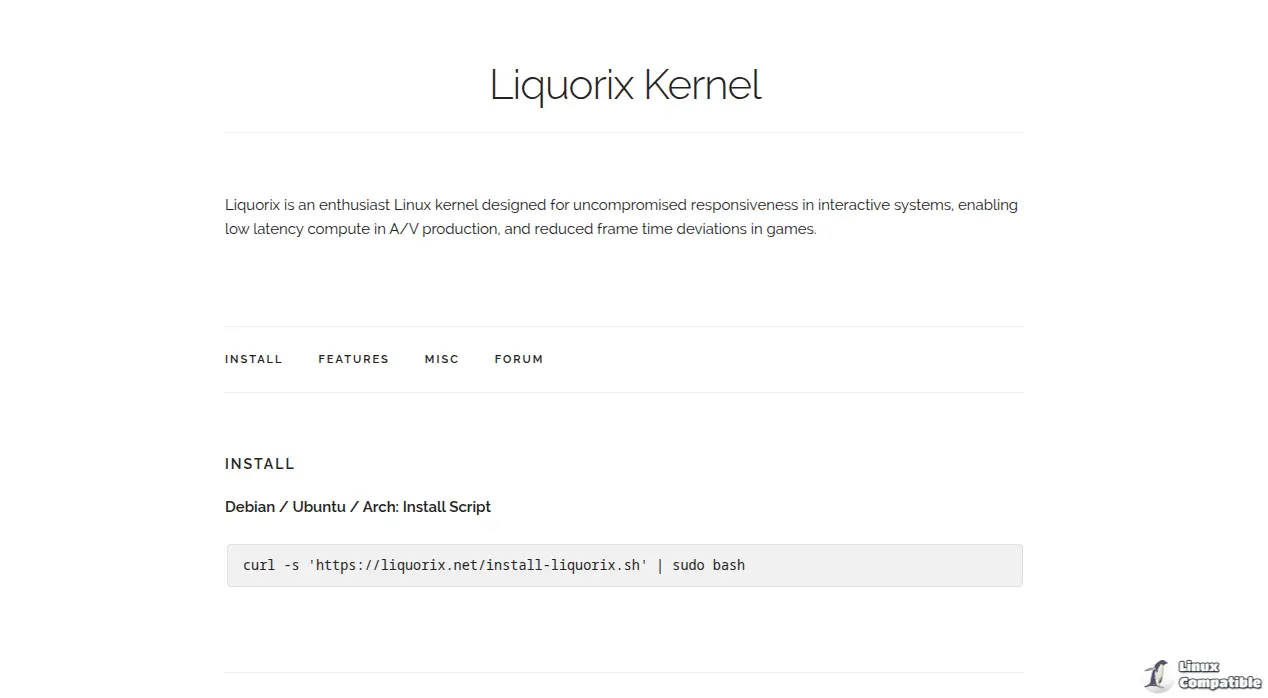
Key Features
Liquorix kernel 6.16-6 boasts several significant enhancements:
- Zen Interactive Tuning: Optimizes system responsiveness at the cost of throughput and power usage.
- Scheduling Improvements
- Block Layer: Switches to bfq (Batch Fair Queue) scheduler for better performance under heavy I/O loads.
- Virtual Memory Subsystem:
- Enables background-reclaim hugepages for improved memory management.
- Sets MG-LRU minimum cache TTL to 1000 ms for reduced latency.
- Disables compact unevictable and proactive compaction features for better performance under high memory pressure.
- CPUFreq Settings: Tweaks ondemand sampling down factor, default up threshold, and micro up threshold for improved system responsiveness.
- PDS/BMQ CPU Scheduler: Improves scheduling timeslice to 2 ms for better performance under gaming and multimedia workloads.
- Kernel Preemption: Enables hard kernel preemption for responsive system behavior under high-intensity mixed workload scenarios.
Additional Features
- High Resolution Scheduling: Supports a 1000hz tick rate for precise low jitter task scheduling.
- Preemptible tree-based hierarchical RCU: Optimizes real-time systems with an RCU implementation.
- Budget Fair Queue: Provides a disk scheduler optimized for desktop usage, high throughput, and low latency.
- TCP BBR2 Congestion Control: Maximizes throughput using fast congestion control algorithms.
- Compressed Swap: Compresses swap storage using LZ4 compression with zswap.
Binary Builds and Distribution Support
Liquorix kernel 6.16-6 offers:
- Binary builds for popular Debian distros: Supports Debian Stable, Testing, and Unstable.
- Ubuntu builds: Available on the Liquorix PPA within hours of Debian releases.
- Distribution kernel drop-in replacement: Provides proper distribution-style configuration supporting a broad selection of hardware.
Installation Guide
To install the Liquorix kernel on your system, run the following on your Debian, Ubuntu, or Arch based Linux distribution:
curl -s 'https://liquorix.net/install-liquorix.sh' | sudo bash
This script will automatically download and install the latest Liquorix kernel.
For more information, visit the Liquorix website.


