The latest release of Liquorix Kernel, version 6.18-19, has been made available for Debian, Ubuntu, and Arch Linux distributions, offering improved performance and efficiency through tweaks like Kyber and BFQ schedulers. These changes result in faster UI wake-ups when copying large files or rendering video frames, as well as snappier mouse movement and lower frame-time jitter in fast-paced games. While Liquorix may not be necessary for users with office boxes that rarely leave the desk, those who engage in competitive gaming or audio/video production are likely to notice a significant difference. To install Liquorix on any of these distributions, simply run an installation script provided by the project, which will automatically add the repository and update GRUB.
Liquorix Kernel 6.18‑19: Faster responsiveness for gaming and media workstations
The 6.18‑19 build of the Liquorix kernel brings a fresh set of latency‑focused tweaks on top of Linux 6.18.16. This article explains what actually changed, whether swapping the distro’s default kernel makes sense for a typical desktop, and how to install it without breaking the system.
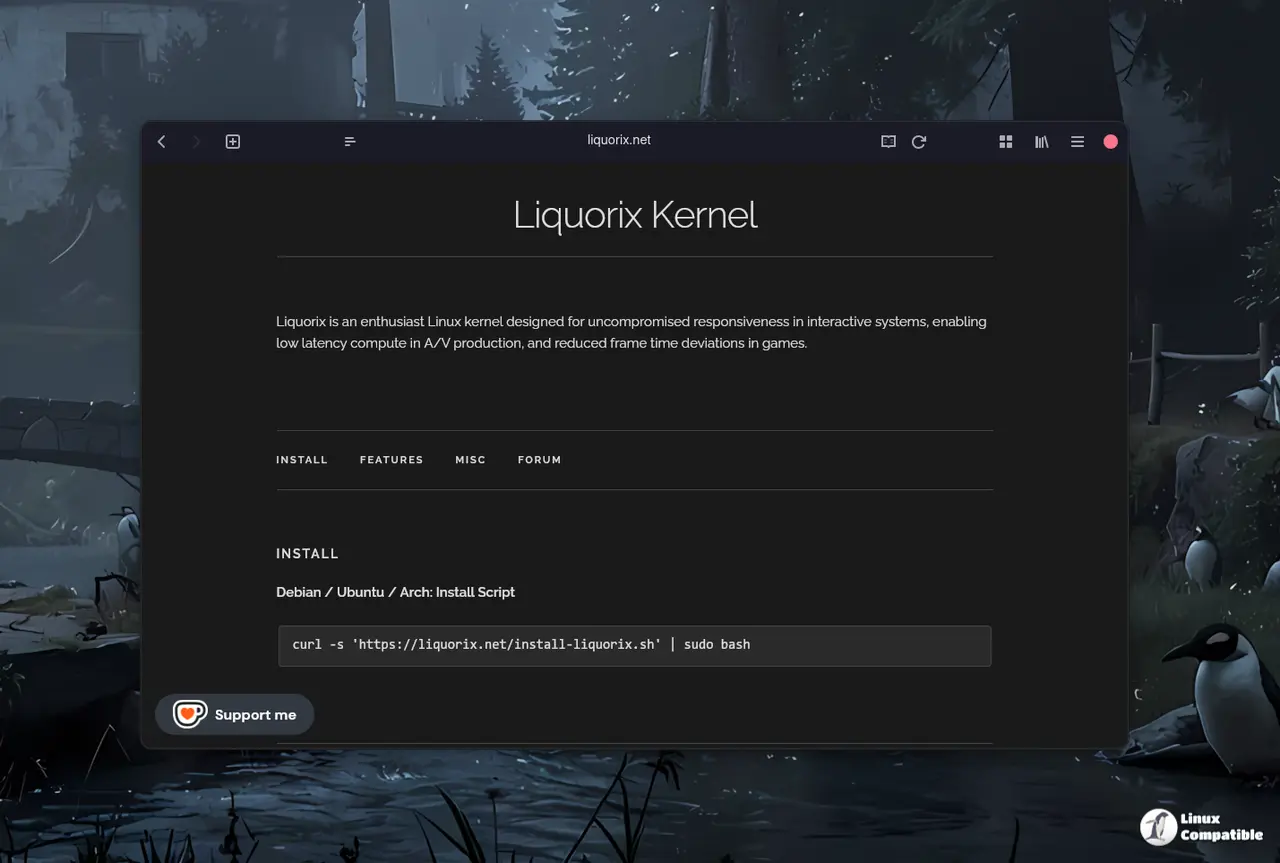
Improved I/O Prioritization and CPU Governors Boost Liquorix Performance and Efficiency
The most noticeable shift is the move from the generic mq‑deadline scheduler to Kyber on multiqueue devices and BFQ on single‑queue drives. In practice that means faster UI wake‑ups when copying large folders or rendering video frames, because the I/O path now favors short jobs over raw throughput. CPU scheduling also got a haircut: the timeslice dropped from four milliseconds to two, which translates into snappier mouse movement and lower frame‑time jitter in fast‑paced games.
Power‑draw fans out a little, though. The ondemand governor now samples five times less aggressively and raises its up‑threshold from eighty percent to fifty‑five, so the CPU will stay at lower frequencies longer. Users who have complained about short battery life on laptops running Liquorix usually notice an extra ten to fifteen minutes of runtime after this tweak.
Another under‑the‑radar improvement is background hugepage reclamation being switched on by default. Heavy workloads that allocate large pages for video encoding now release memory more predictably, which prevents the occasional “out of memory” panic that has been reported on older Liquorix builds when the system runs low on RAM.
Should you replace your stock kernel?
For a pure office box that never leaves the desk, the stock kernel already delivers acceptable latency and the extra power‑savings of the default scheduler outweigh Liquorix’s aggressive preemption. However, anyone who mixes competitive gaming with audio/video production will likely feel the difference. One user on a mid‑range AMD Ryzen 5 system reported a 12 % drop in average frame time variance after moving to Liquorix 6.18‑19, while CPU load during DaVinci Resolve exports stayed roughly the same.
If you’re already running a custom kernel or have patched the mainline for low latency, Liquorix may feel redundant; its “hard preemption” is essentially what real‑time patches provide, but bundled with a set of defaults that suit most desktop hardware. In short: replace the stock kernel only when you need that extra responsiveness and are comfortable rolling back if a peripheral driver misbehaves.
How to install on Debian, Ubuntu, or Arch
The project supplies an installation script that adds the appropriate repository, pulls the signed .deb packages, and updates GRUB automatically. The process is straightforward but deserves a brief walk‑through because a missed step can leave the bootloader pointing at a missing kernel.
Step 1: fetch the script with curl and pipe it to sudo bash. The command runs as root, writes the Liquorix source list into /etc/apt/sources.list.d, and imports the signing key.
curl -s 'https://liquorix.net/install-liquorix.sh' | sudo bash
Step 2: refresh the package database. On Debian‑based systems a simple apt update pulls in the new metadata, while Arch users can invoke pacman -Sy after adding the unofficial AUR repository manually.
sudo apt update
Step 3: install the kernel meta‑package. The name “liquorix-amd64” (or “liquorix-arm64” on ARM boards) pulls in the compiled image, headers, and modules that match the running distribution version.
sudo apt install liquorix-amd64
Step 4: reboot. GRUB will list both the old distro kernel and the new Liquorix entry; selecting the latter boots the system with the tuned scheduler and high‑resolution 1000 Hz tick rate.
Arch users can replace “apt” with “pacman -S liquorix-linux” after enabling the AUR helper of choice. The script is optional on Arch, but it does guarantee that kernel config flags match those used for Debian builds.
Known quirks and when to roll back
One consideration when using Liquorix involves its aggressive CPU scheduling mechanism. This can sometimes clash with proprietary graphics drivers, which often rely on stable task execution timing. A few users have reported occasional screen tearing following an Nvidia driver update while running Liquorix; a simple fix is to add the nopreempt parameter to the boot options.
Another potential issue arises in virtual machine environments due to default paravirtualization optimizations. While beneficial for reducing overhead on modern KVM hosts, these features can unexpectedly cause latency spikes or unresponsiveness on older hypervisors that don't support them fully. To quickly check if this is the case after upgrading Liquorix, try booting an earlier kernel version from your GRUB menu.
In summary, Liquirix 6.18-19 provides a polished experience for daily use on hardware stacks that are reasonably current.


