Linux Kernel 6.17 Test Days for Fedora 42
The Fedora Project is organizing test days for Linux Kernel 6.17 and Fedora Linux 42. These will take place from October 12 to October 18, 2025. The main goal of this event is to thoroughly test the new version of the kernel on Fedora 42.
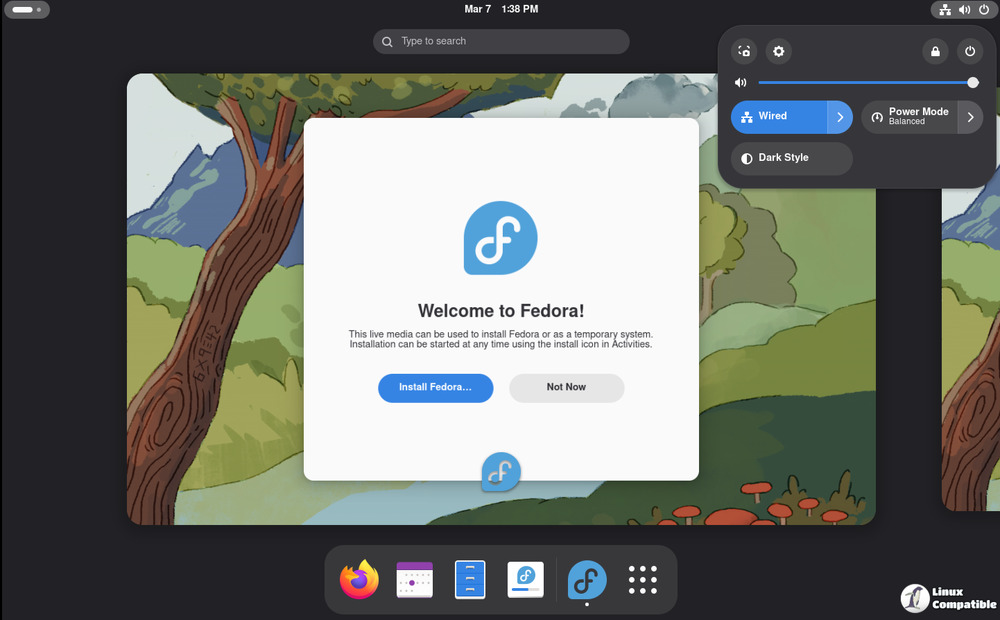
On the day of the test, participants will be able to talk to experienced developers and quality assurance engineers who are there to help with testing, workarounds, bug fixes, and general conversation. Justin Forbes (jforbes), Augusto Caringi (acaringi), and Lukáš Růžička (lruzicka), Kamil Paral (kparal), and Adam Williamson (adamw) are all experts in quality assurance.
Participants must have access to a virtual machine or bare metal machine running Fedora 42 in order to take part in the test day. Before you start testing, you need to make sure that the system is completely up to date. If you already have a system, you might need to install the 6.17 kernel from Koji builds (which is best for Secure Boot users) or use the kernel-stabilization copr.
Installing the Koji command-line tool on your computer is the first step in setting up your test environment. Run the following commands on Workstation and Server, which are both RPM-based systems:
- sudo dnf install koji
- toolbox create (for Atomic systems)
- toolbox enter
- sudo dnf install koji
Alternatively, you can directly install Koji on the host using the command:
rpm-ostree install koji
Once installed, reboot your system to ensure that the changes take effect.
Next, you will need to list available kernel builds using the following command:
koji list-builds --package=kernel --after="2025-10-09" --pattern "kernel-6.17*"
After selecting a kernel build, download the RPMs for the 6.17 kernel by running the following commands:
- mkdir -p ~/work/kernel_test
- cd ~/work/kernel_test
- koji download-build --arch=$(uname -m) kernel-6.17.1-300.fc42
Finally, update your kernel using the following command (for RPM-based systems):
sudo dnf update kernel-*.rpm
For Atomic systems, you will need to override the kernel by running the following commands:
- rpm-ostree override replace kernel-modules-core-6*.rpm kernel-core-6*.rpm kernel-modules-6*.rpm kernel-6*.rpm kernel-modules-extra-6*.rpm
- Reboot your system after overriding the kernel.
Once your test environment is set up, you can proceed with testing using the instructions provided in QA:Testcase kernel regression. The tests are pre-installed on systems running the test day image in /home/liveuser/kernel-tests/.
To report any issues or bugs encountered during testing, please follow these steps:
- If you have problems with any of the tests, refer to the results page and check if the issue is already reported.
- If not, file a new bug against the kernel component on Bugzilla, including the vulnerability output at the end of the test suite in the comments.
If you don't know how to report problems or what other information to include, you can always ask for help on IRC #fedora-test-day or #fedora-qa. Visit for more information the Fedora Wiki below:
Test Day:2025-10-12 Kernel 6.17 Test Week - Fedora Project Wiki
Test Day:2025-10-12 Kernel 6.17 Test Week - Fedora Project Wiki


