LACT 0.8.4: What’s New and Why It Actually Matters for Linux GPU Nerds
If you’ve been using LACT to keep an eye on your RTX or Radeon card, the 0.8.4 update is worth a quick look. The release tightens up the UI, fixes a handful of annoying leaks, and finally gives headless users a decent Docker image. Below I’ll walk through the bits that feel useful versus the fluff you can safely ignore.
UI polish that stops feeling like beta
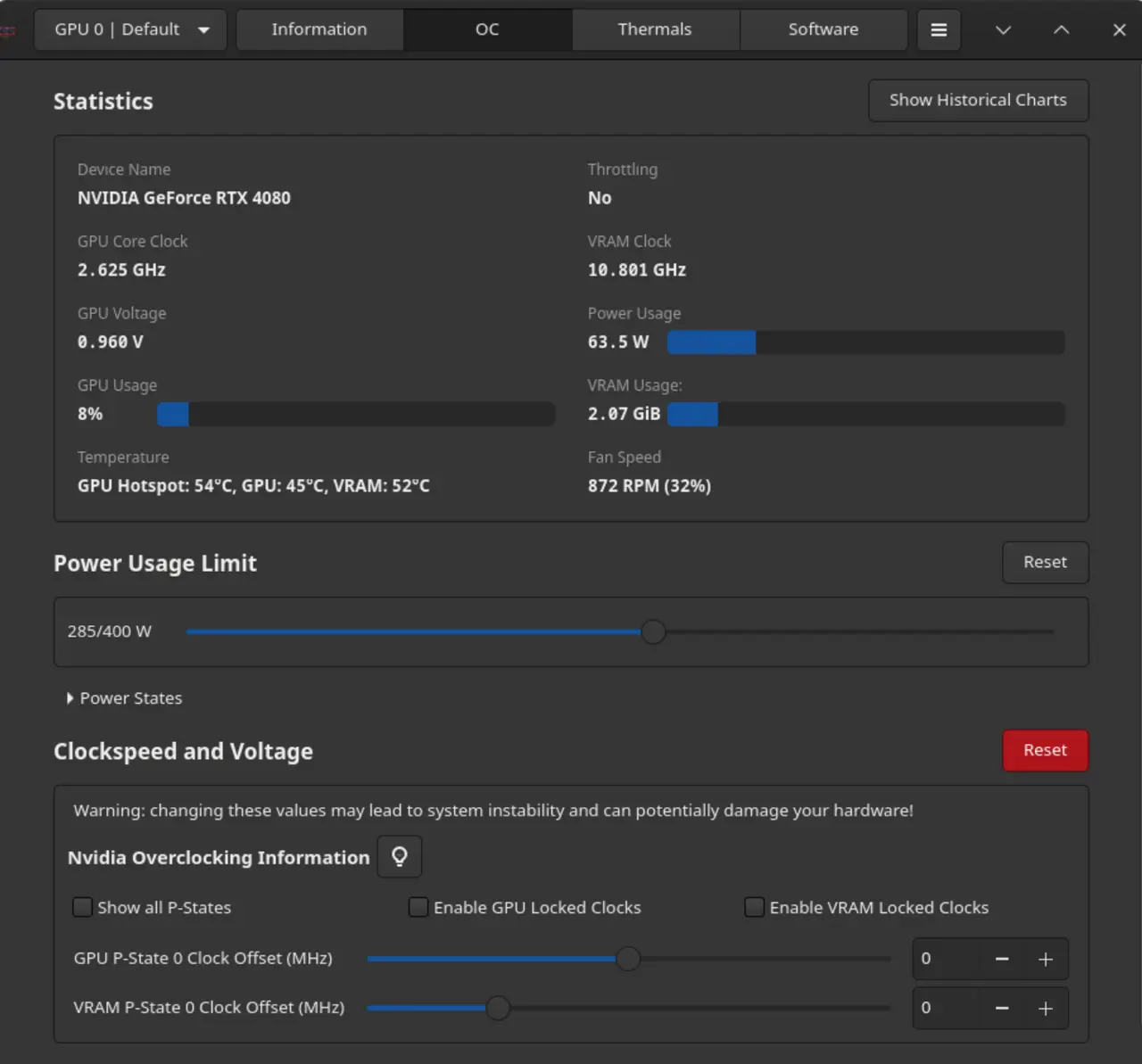
The overclock (OC) page got the most love – fan‑curve handles now react instantly when you drag points, and the fan speed value is displayed right next to the curve. I’ve seen the old version stumble on long process names; this time the process monitor keeps the full name readable instead of truncating it into nonsense.
Another small win: the app remembers which tab you left open after a restart. It’s the kind of “I know what you were doing” detail that makes daily use less irritating.
Docker image for headless rigs
LACT now ships an official Docker container that runs only the daemon and CLI. No X server, no UI, just pure metrics export. I tried it on a modest Intel ARC‑based transcoding box; the container started in under ten seconds and began pushing OpenTelemetry data without any extra configuration. If you run a GPU‑accelerated service on a cloud VM, this is probably the cleanest way to get LACT’s stats into Prometheus.
Extra power sensors for AMD mobile APUs
AMD laptops finally expose separate CPU and GPU power readings. The new graphs let you see how much of the package budget each dies consumes during gaming or compilation.
Bug fixes that actually matter
- The daemon no longer leaves ROCm OpenCL devices awake, which used to drain a few watts on idle rigs.
- Memory leaks in dialog windows are gone; I’ve had LACT running for weeks without the RAM creep I saw after version 0.8.2.
- Reconnecting to gamemode now cleans up stray dbus listeners – you won’t end up with zombie processes clogging your session bus.
One particularly nasty bug was the skin temperature sensor spitting out “9999 °C” on some mobile AMD chips. That’s fixed, so the thermal graph is trustworthy again.
What I skip
The changelog lists a handful of cosmetic icon swaps and translation updates that don’t affect functionality. If you’re only interested in core monitoring or overclocking, you can safely ignore those entries.
Overall, LACT 0.8.4 feels less like a work‑in‑progress and more like a tool that finally respects the time you spend on Linux. Give it a spin; the Docker image alone is worth the download.
For more information and download links, check out the linked GitHub page below:
Release LACT 0.8.4
[0.8.4] - 2026-01-25 This release primarly contains various UI refinements and bugfixes. Primary changes: UI Improvements There have been various interface improvements in this release (mostly co...