Krita 5.3 and 6.0 Beta 2 lands – what’s fixed, what still bites
The second beta of Krita 5.3.0 is out, and the same goes for the early‑stage Krita 6.0.0 build. Testers who submitted bug reports will see fourteen of them cleared in this round, while the rest remain open, especially on Linux/Wayland where version 6.0 still shows more rough edges than its predecessor.
What’s new in the second beta
Krita 5.3 Beta 2 brings a handful of polish tweaks that mattered to daily users. The brush engine now respects the “fade out” setting after a pause, preventing unexpected jumps when you resume painting. Color selector panels have been re‑aligned so they no longer flicker on high‑DPI displays—a nuisance that showed up after the first beta for several artists. Those who rely on the animation docker will notice that frame‑by‑frame navigation is now smoother; the lag that sometimes made dragging the timeline feel like moving through molasses has been trimmed.
Bug‑fix haul
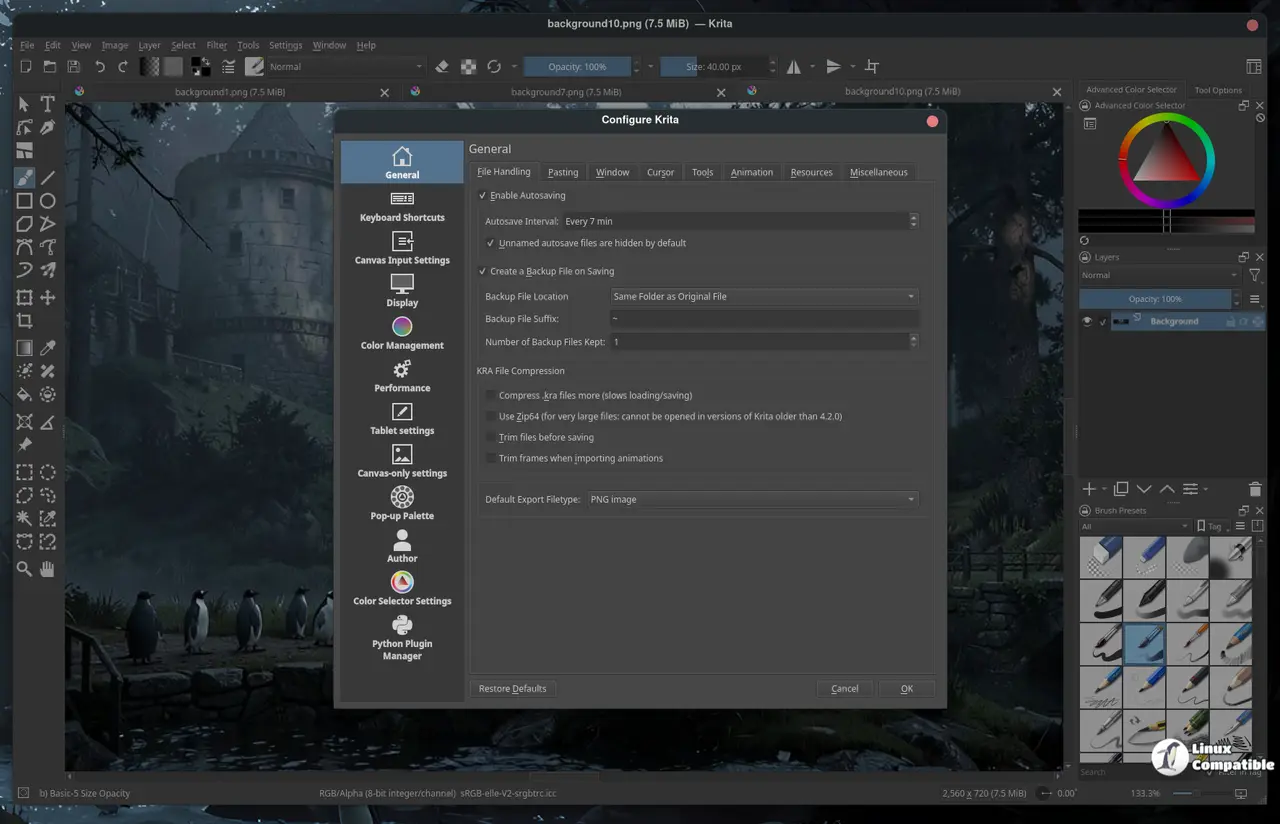
Out of the 49 reports filed during the first testing cycle, fourteen have been addressed. The most noticeable fixes involve file‑saving glitches where a .kra file would occasionally lose layer groups after a crash recovery. Another common complaint was that custom shortcuts sometimes vanished after restarting the program; the latest build writes them to disk more reliably. A few texture import errors were also squashed, meaning PNGs with embedded ICC profiles no longer throw “unsupported format” warnings.
Why Krita 6.0 beta still feels rough on Linux/Wayland
The 6.0 Beta 2 package pushes the new GPU‑accelerated canvas forward, but that progress comes at a price for many Linux users. Wayland sessions still report sporadic crashes when opening large PSD files, and some drivers misinterpret the OpenGL context, resulting in a blank screen until the window is resized. A developer on the forum posted a log showing the compositor rejecting certain buffer formats—a problem that didn’t surface in the Windows builds. Until the upstream graphics stack gets a proper patch, the 6.0 beta remains a tinkerer’s playground rather than a production workhorse.
Which version to run for real work
If the goal is to keep creating without fearing data loss, Krita 5.3 beta 2 is the safer bet. It inherits the stability of the last official release while adding enough fresh features to feel like an upgrade. The 6.0 Beta is best suited for users who want to experiment with the new brush engine or test upcoming animation tools, provided they have a robust backup routine and are comfortable troubleshooting Wayland quirks.
For more information and download links, check out the release announcement.


