Kdenlive 25.12.1 released
Kdenlive 25.12.1 has officially dropped for the open-source video editing software, bringing some solid updates under its belt. A major part of this release is definitely a cleaner welcome screen; it feels more polished now and should make diving into Kdenlive feel smoother than ever before.
A welcome screen has been added to assist new users, featuring shortcuts and promoting an evolving user experience based on feedback. To support improved editing of vertical videos (9:16), a vertical layout and safe areas have been added.
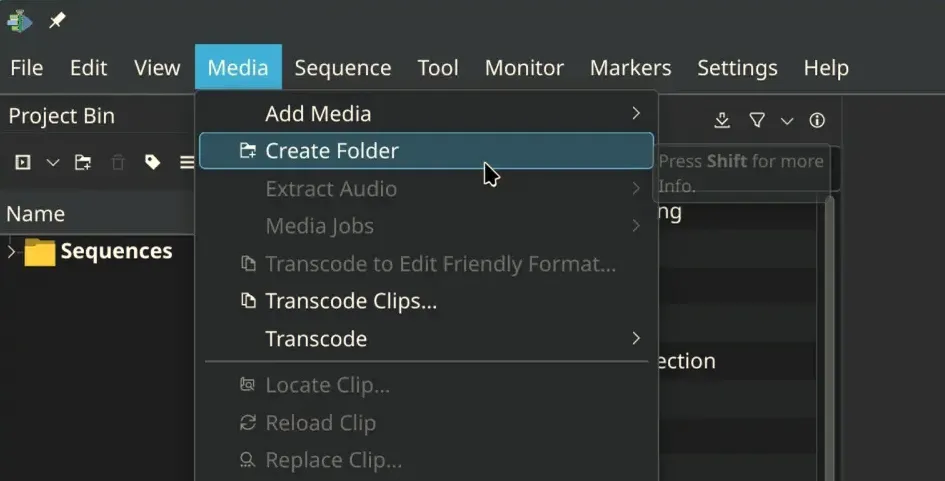
The menus have undergone a restructuring for enhanced intuitiveness—file-related actions like "Render" and "Project Settings" have been regrouped within the File menu, following professional editing conventions. While long-time users may experience initial confusion, adjustments are expected in future updates. User feedback has also improved the interface’s support for translation, making Kdenlive more accessible in various languages.
Enhancements include a revamped audio monitor view with a minimap for zooming on audio segments and rebranded timeline guides as markers that now display duration and can be adjusted from a dedicated list.
The release also addresses significant bug fixes, including resolving over 15 crash reports, fixing render failures in Windows when usernames contain special characters, and addressing project corruption issues when copying between files. Improvements to packaging include fixing VAAPI support in AppImage for quicker decode and render times, alongside several binary updates like Qt 6.10.1 and FFmpeg 8.0, aiming for a smoother overall experience.
For Windows users specifically, there's new support for AMF encoding profiles. This opens up access to various video output formats that might not have been available previously. On the technical side, developers have implemented some fixes related to audio capture and effects handling that you probably won't see directly but will appreciate when things just work.
Speaking of which, developers have now addressed several pesky bugs from earlier versions. The infamous slow loading times via file manager are gone thanks to a resolution for issue #513648. There's also relief regarding projects starting at frame 1 in the monitor; that should make initial setup quicker and less annoying.
Audio capture got some love too, ensuring compatibility with microphones across different channel counts and sample rates. Some minor code cleanups were done here as well. And let's not forget those occasional crashes linked to audio actions like copying or switching monitors; those are not fixed now either.
Rotoscoping usability saw a boost by fixing an annoying bug where mask points would reset during seek operations before closing the shape. This should help make rotoscoping tasks less frustrating and more precise, which is always welcome for anyone doing detailed editing work.
The monitor refresh after interpolation changes ensures your timeline stays sharp whenever you adjust settings or play back. This release also includes fixes for paste clips that do not respect disabled states, as well as general stability improvements for older Kdenlive versions, which is another positive enhancement in this update.
Crash prevention on the welcome screen itself was part of the effort too. Issues where opening profiles or files could trigger errors before the main window fully initialized have been resolved.
Handling keyframes differently when editing multiple ones at once also saw a correction, preventing some unexpected behavior that might occur now. It's one of those small things, but an important tweak for smoother animation workflows.
Finally, adding documentation builds for continuous integration testing shows they're thinking long-term about stability and catching problems early in future updates.
For more information, visit the official announcement.


