Kdenlive 25.08.1 released
A new version of Kdenlive, the KDE Non-Linear Video Editor, has been released under the designation 25.08.1. This update continues the focus on stability and user experience refinement initiated with the previous release series.
Kdenlive is now available for various operating systems, including Linux, Windows, macOS, and BSD. Despite facing some packaging issues that led to a short delay in announcing this release, the developers have managed to push out numerous bug fixes and improvements in user interface usability.
The development team would like to extend their gratitude to users who contributed to enhancing the stability of Kdenlive by reporting bugs, providing patches, or offering constructive feedback. Their input has been invaluable in making this video editing software more reliable and efficient for all users.
A detailed changelog outlining the enhancements and fixes included in Kdenlive 25.08.1 is available for those interested in reviewing specific modifications. The release includes a multitude of bug fixes covering areas such as crash recovery, usability improvements, and stability issues associated with certain file formats or system configurations.
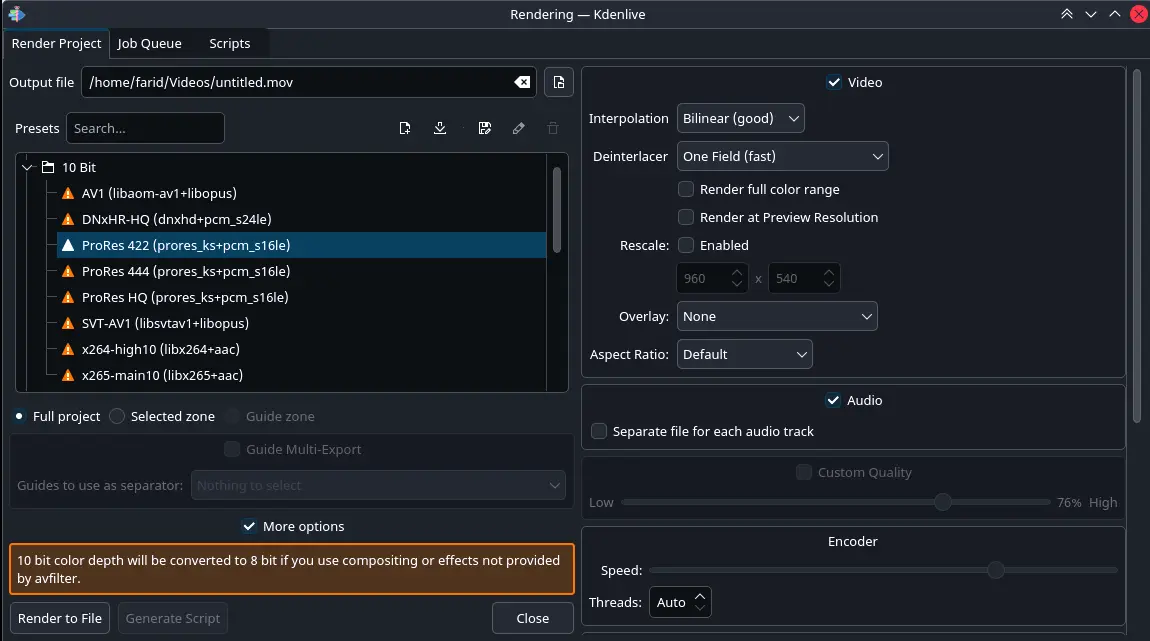
Some notable changes include resolving issues with reloading modified playlist clips, fixing the render path reset upon creating new sequences in projects, addressing the Transform effect malfunctioning when clips were not positioned below the playhead or timeline cursor, and correcting a plethora of crashes triggered by various user actions or project conditions.
Furthermore, developers have also worked on enhancing UI elements such as curve editors, which can now occupy the full width of their panels. Additionally, several issues related to macOS compatibility have been resolved, including fixing problems with project file icons and render functionality involving multiple audio files.
Other notable enhancements include addressing two-pass rendering issues, resolving peak indicator reset problems when no audio signals are present, and improving the appearance of icons in various UI components, such as the Clip Properties panel. Moreover, developers have attempted to stabilize problematic behavior associated with certain system configurations or user interactions.
Overall, this update showcases a concerted effort from the Kdenlive development team to refine their video editing software's stability, usability, and compatibility across multiple operating systems, ultimately providing users with an enhanced experience when working on multimedia projects using Kdenlive.
Kdenlive
First maintenance release of the 28.08 series is out continuing the focus on stability and polish with many fixes for crashes and regressions as well as user interface and usability improvements.