KDE Plasma 6.6.3 Resolves Critical Bugfixes and App Stability Issues
This bugfix release brings stability updates to the desktop environment following version 6.6's feature refinements in February. Users will find corrections for font categories in Discover and pointer mode crashes in KWin now included. The changes polish the experience after two weeks of contributions from KDE developers. Testing indicates that display dimming behaves faster than expected during transitions.
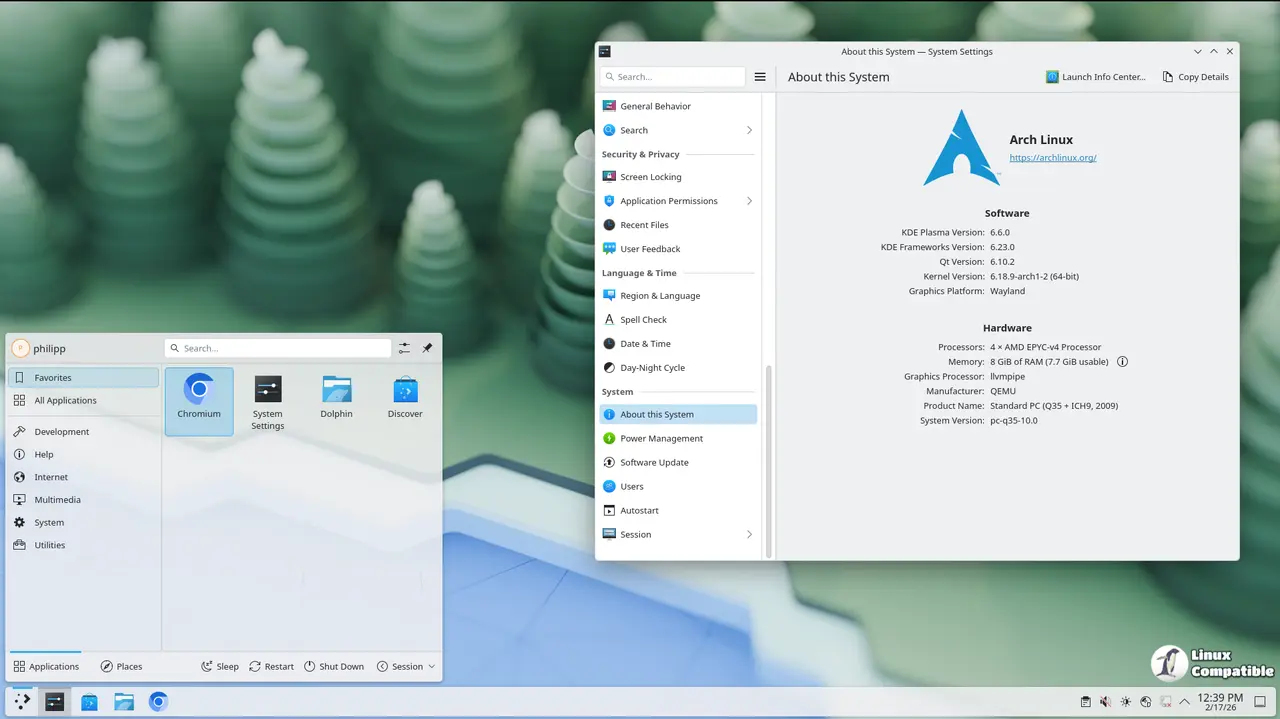
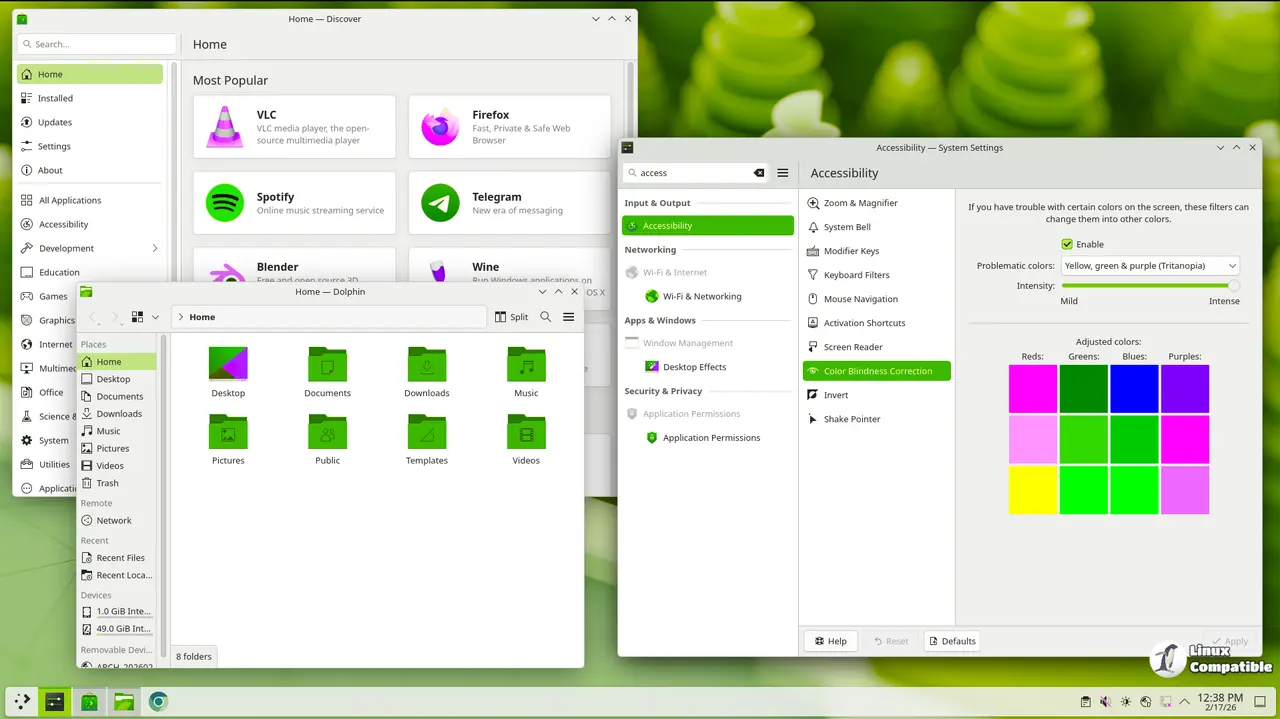
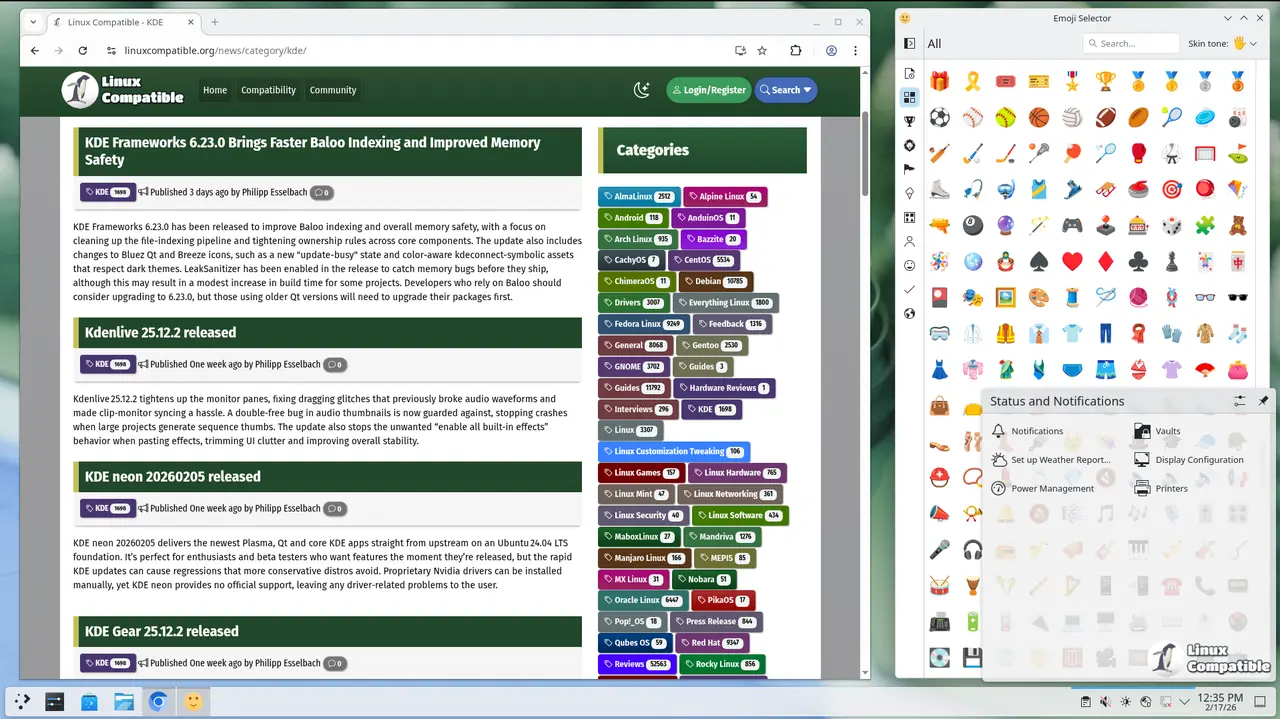
Discover and App Integration
Fixes ensure the correct icon appears for the font category within the application menu. A refresh shortcut in the DiscoverDrawer moves outside of the main action to prevent conflicts with other keys. When running Kate sessions as Flatpaks, search results will no longer show incorrectly if the app is not installed. This stops confusion on systems where software dependencies differ from standard setups.
Window Management and KWin
A segmentation fault previously occurred when changing pointer mode on specific hardware configurations. The update resolves this crash during hide to scale transitions for smoother operation. Dimming undimms faster than you dim it now for better responsiveness on supported devices. Output devices like the Samsung LS24D60xU will disable DDC/CI appropriately to prevent conflicts. Input passing to window decorations becomes stricter to maintain consistency.
Plasma Workspace and Panel Fixes
Panel animations play consistently when a combobox changes width or height settings. Task manager thumbnails align properly in horizontal group tooltips now. The logout greeter waits three seconds before grabbing focus initially on startup. These adjustments prevent layout glitches on the desktop environment. System tray widgets handle null actions and metadata validity earlier for robustness.
Input and Keyboard Support
Input listeners do not capture keyboard navigation when the input panel is hidden. Status bar batteries display correctly without taking up unnecessary space in the UI. Klipper only shows a QR code button for text items instead of all content types. This ensures that visual elements appear where users expect them to function properly.
Users upgrading will encounter fewer crashes during daily tasks and software management. The release prioritizes stability over new features while refining the interface behavior. Feedback from contributors helps KDE prioritize future improvements for the desktop workflow.
For more information and download links, visit the official announcement as well as the full change log.


