The latest build of KDE neon showcases latest KDE software for users who want immediate access to Plasma updates. Enthusiasts should expect some instability since the team does not guarantee stability when using bleeding edge applications daily. Owners of Nvidia hardware must install proprietary drivers themselves because the project offers no support for issues outside the core KDE stack. Upgrading requires running sudo apt full-upgrade instead of standard commands to ensure all packages install correctly on this fast-moving system.
KDE neon 20260409 release brings latest Plasma without the Ubuntu LTS lag
The latest build of KDE neon just hit the servers and it is time to check if this rolling desktop experience fits your workflow. This update focuses on delivering unpatched KDE software directly from the developers while keeping the underlying system stable enough not to crash immediately. Readers will learn where the risks lie with NVIDIA drivers and why standard upgrade commands won't work here.
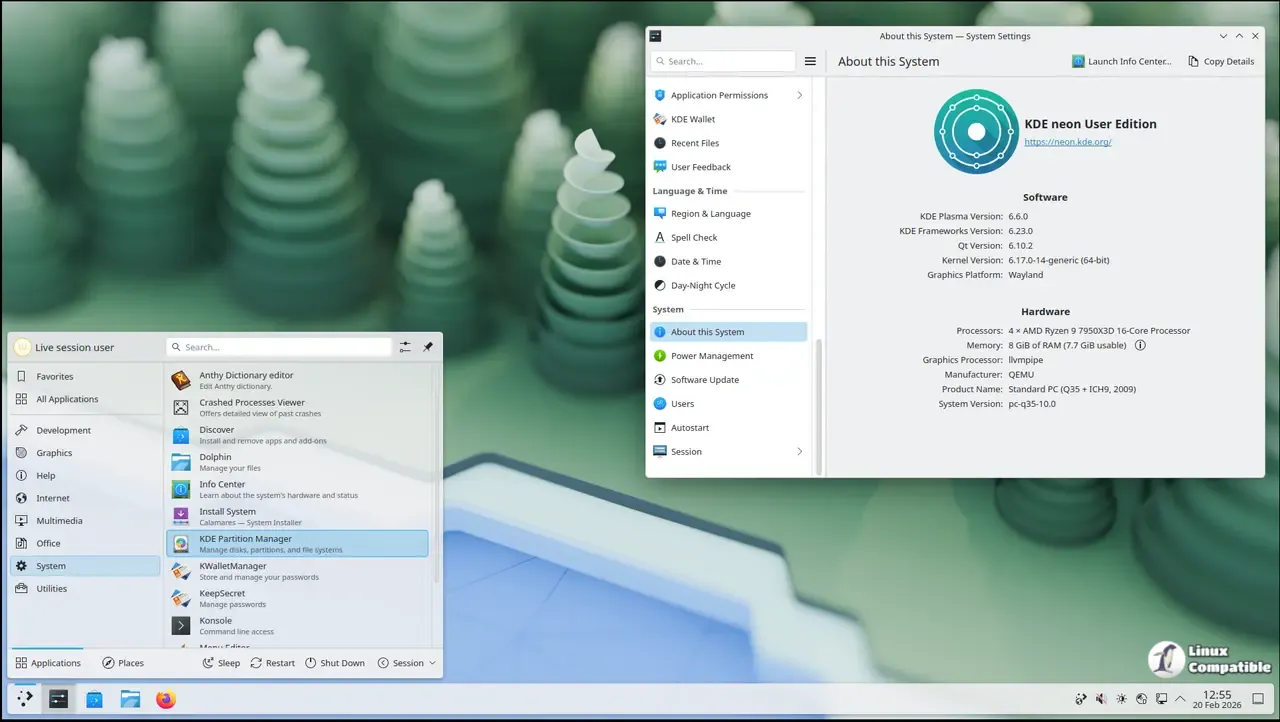
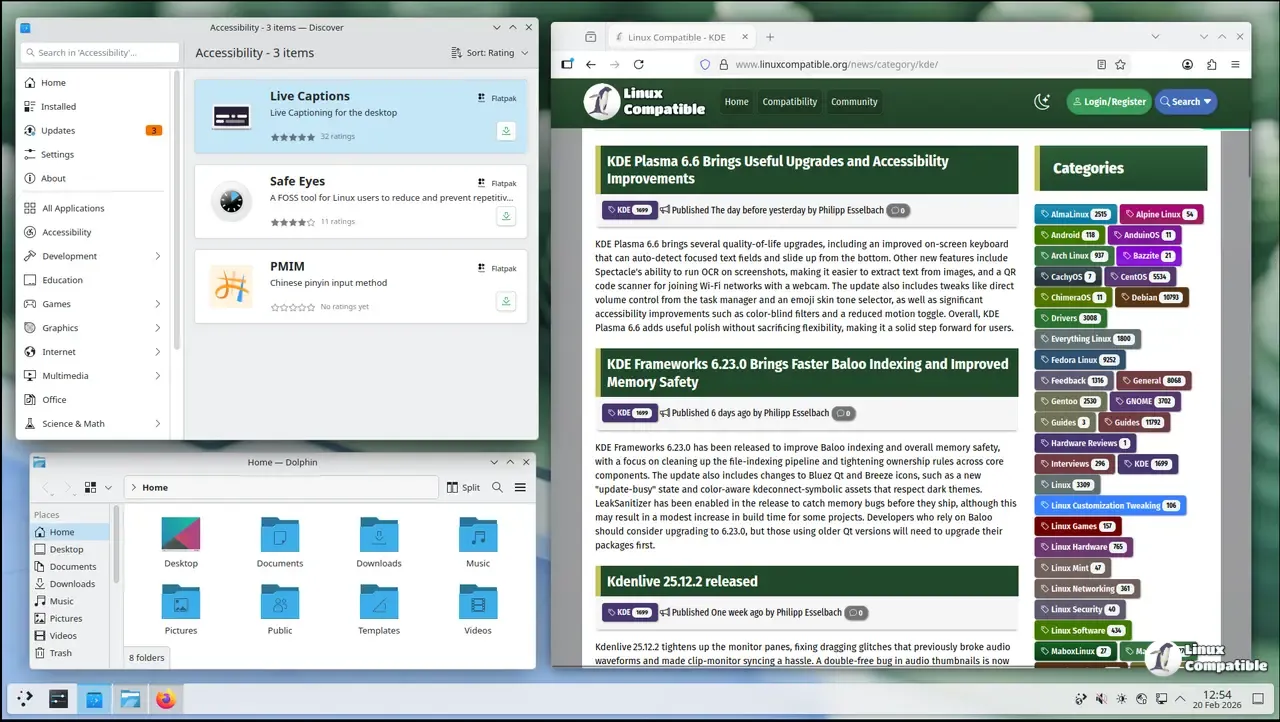
Getting started with the right KDE neon edition
The team behind this distribution clarifies that it is not the definitive KDE distro but rather one option among many for enthusiasts. Technical users who want immediate access to the latest offerings should look at the User Edition which offers a bit more polish than the raw bleeding edge versions. Testing and Unstable editions exist for those willing to contribute as beta testers while accepting that mission-critical reliability might suffer during updates.
Managing graphics card drivers on KDE neon
Official support covers the open-source Nouveau driver for normal hardware-accelerated desktop use which works fine for most people. Proprietary Nvidia drivers are available through the ubuntu-drivers utility but installation happens entirely at your own risk. Users must be prepared to troubleshoot problems themselves because any issues with these drivers belong to upstream projects rather than the neon team.
Updating software correctly on KDE neon
This distribution uses continuous deployment for KDE software so there are nearly always new versions available to install. The apt upgrade command is blocked by design and messaging appears to ensure that users run full-upgrade instead. Running the correct command ensures all packages on fast-moving platforms get installed without leaving the system in a broken state. Users should type sudo apt update followed by sudo apt full-upgrade to keep everything current.
Keep an eye on those updates and don't panic if a package fails during a full-upgrade since this is part of the process.


