KDE neon loads fresh Plasma software onto an Ubuntu LTS foundation specifically for enthusiasts who care more about new features than rock-solid stability. Developers prioritize new features over guaranteeing a system that works without issues during critical tasks so users need to manage their own risk. Proprietary Nvidia drivers require manual installation and are unsupported, meaning anyone with graphics issues must handle troubleshooting without official backing. System updates demand the use of apt full-upgrade instead of standard commands to prevent dependency breakages on this rolling software stack.
KDE neon update brings latest Plasma to Ubuntu LTS base but requires caution
The latest KDE neon update is out and it promises fresh desktop features without breaking the underlying system foundation. This release keeps the stable Ubuntu 24.04 core while pushing the KDE software stack forward for those who want new tools immediately. Users should read up on driver support before swapping their current setup to avoid nasty surprises with graphics cards or updates.
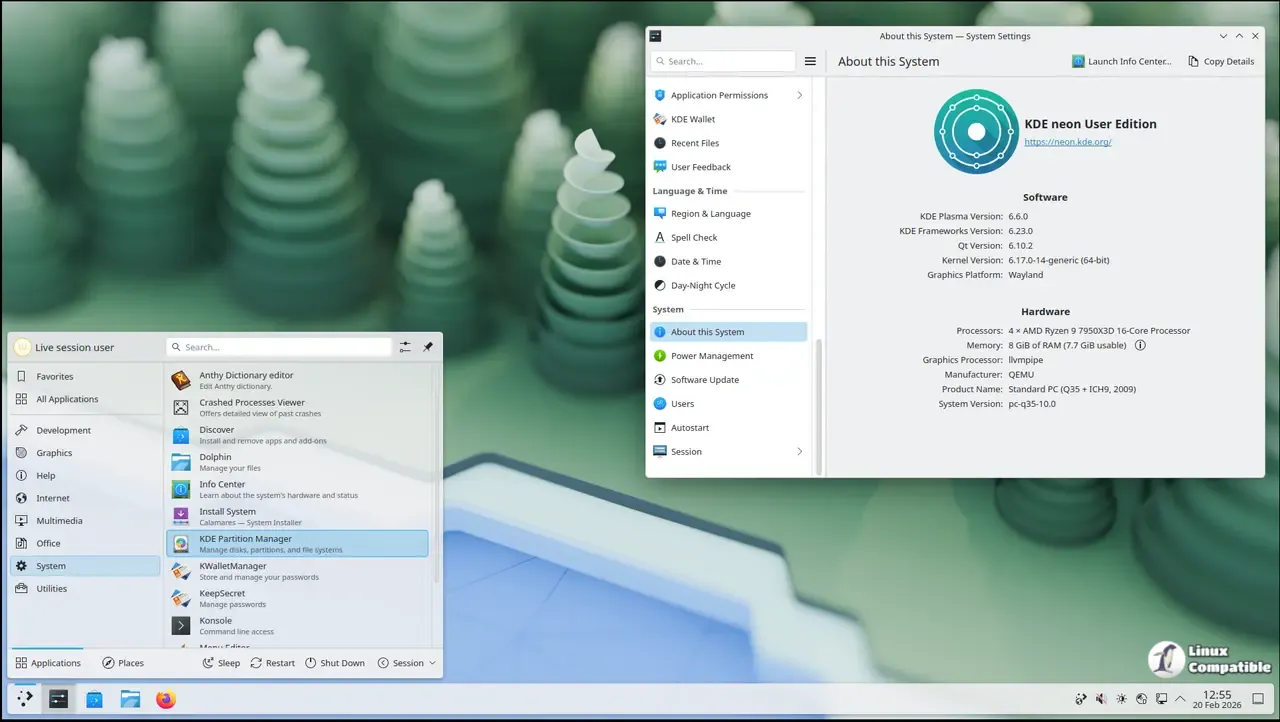
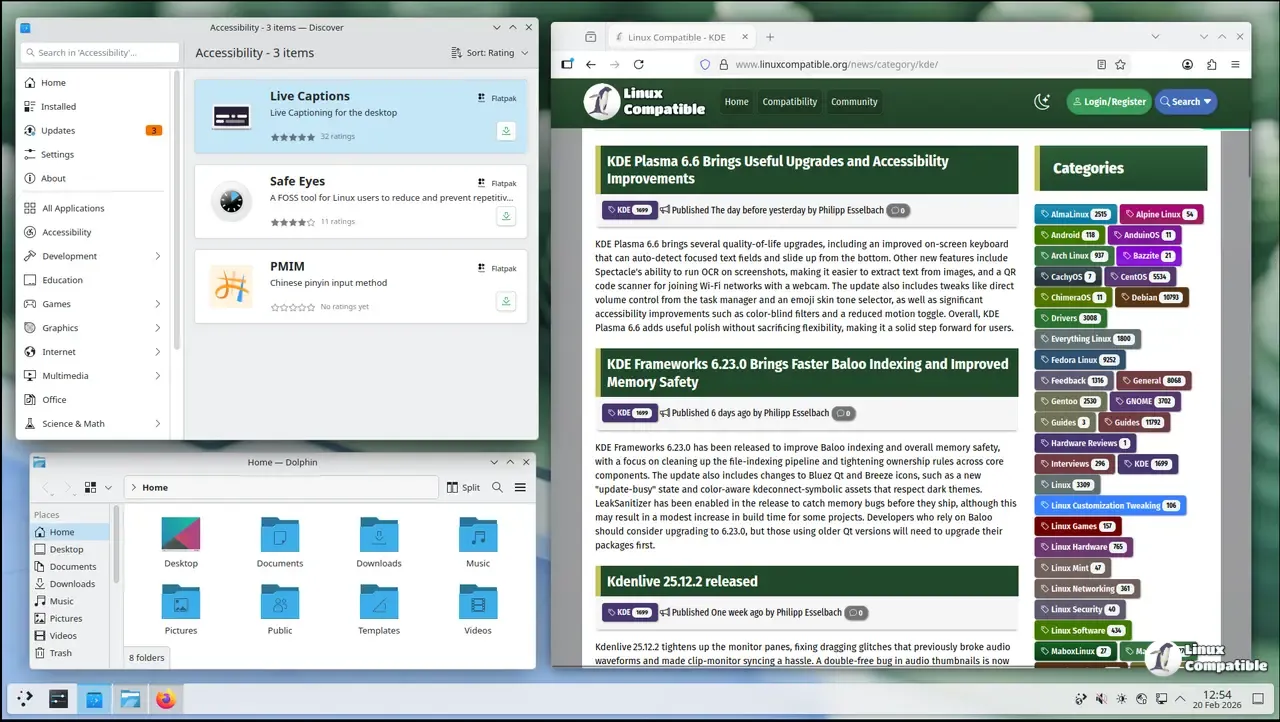
Why this distribution targets specific users rather than everyone
To be clear, this build is not for users who need their computer to work while they sleep without a worry. The team behind KDE neon makes it clear that this build is not intended for mission critical reliability needs where downtime cannot be tolerated. It focuses on technical Linux and KDE users who want immediate access to the latest offerings without waiting months for upstream fixes to trickle down through standard channels. The User Edition offers a bit more polish while Testing and Unstable editions are reserved for beta testers willing to contribute back to the community by reporting bugs.
Handling graphics drivers and hardware compatibility issues
Nvidia support remains a point of contention where official backing stops at the open source Nouveau driver for normal desktop use cases. Other proprietary Nvidia drivers can be installed from the Ubuntu package archive using the ubuntu-drivers utility but users must accept full responsibility for any resulting configuration problems. If proper support resources are required for graphics cards then selecting a different distro is often a safer path than troubleshooting hardware specific issues alone.
Managing KDE neon update procedures safely
The system operates on continuous deployment for KDE software which means nearly always new versions exist to update to via the Discover updater in the panel. Those who prefer the terminal will find that running apt full-upgrade is mandatory because the regular upgrade switch fails to handle package dependencies on such a rolling platform. The team has even prevented the use of apt upgrade and added messaging to ensure that the correct option is used during maintenance windows.


