The latest KDE neon ISO arrives with fresh Plasma updates while keeping a stable Ubuntu LTS foundation underneath. Enthusiasts chasing the newest features will get them immediately but must swallow their pride when unexpected bugs appear. Users are advised to skip the outdated repository applications in favor of Snap or Flatpak packages managed through Discover. Backups remain essential because this setup prioritizes new software over guaranteed day-to-day reliability for critical work.
New KDE neon Release Delivers Fresh Plasma Experience on Ubuntu Base
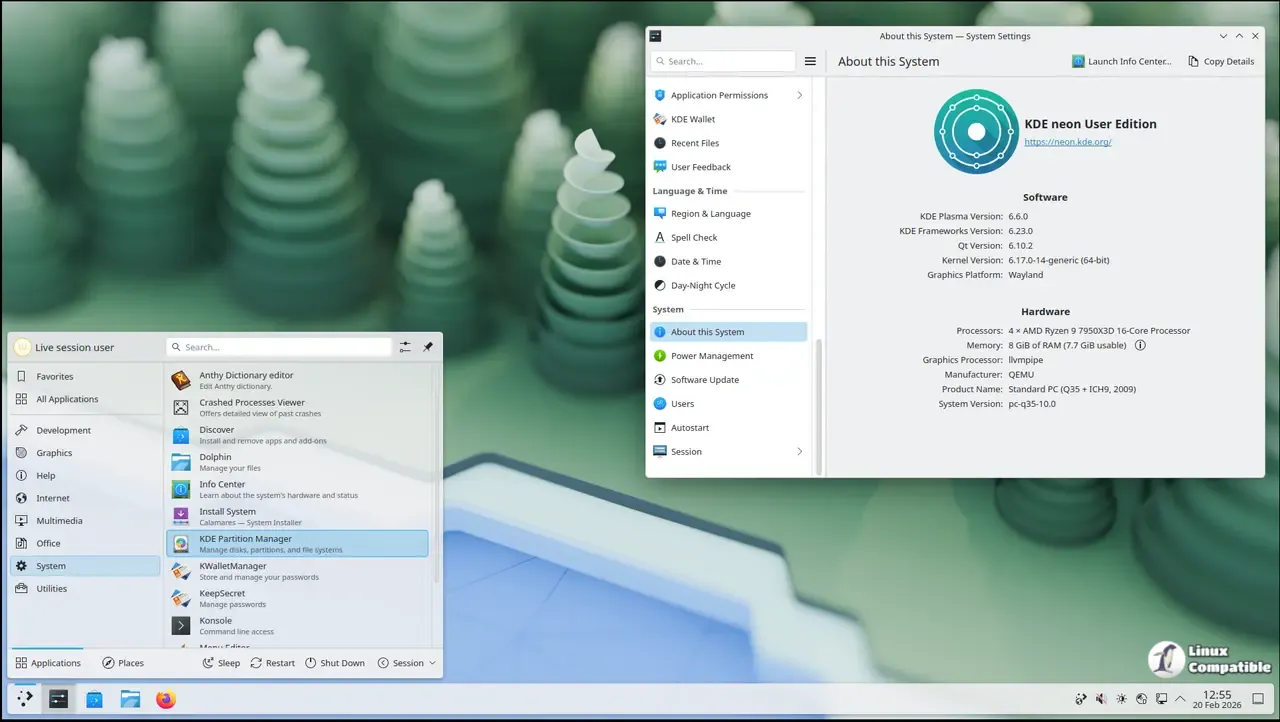
The latest ISO for KDE neon 20260319 is now available and it ships with the newest version of the Plasma desktop environment. This update focuses strictly on giving users immediate access to community software without waiting for a distribution maintainer to review changes. It remains an Ubuntu 24.04 LTS base so core system stability stays predictable even if your widgets act up.
Who Should Install KDE neon Today
Technical Linux enthusiasts who want the newest features should consider this build but casual users might find it risky. The User Edition targets people who expect a bit more polish than what comes with raw development builds yet still accept some instability. Testing and Unstable editions exist for those on a mission to see software succeed by reporting bugs back to developers rather than just using them daily. If reliability is your top priority then this specific distribution might not be the right choice for critical workflows because bleeding edge code inevitably introduces more variables into the system.
Managing Packages in a Rolling KDE Environment
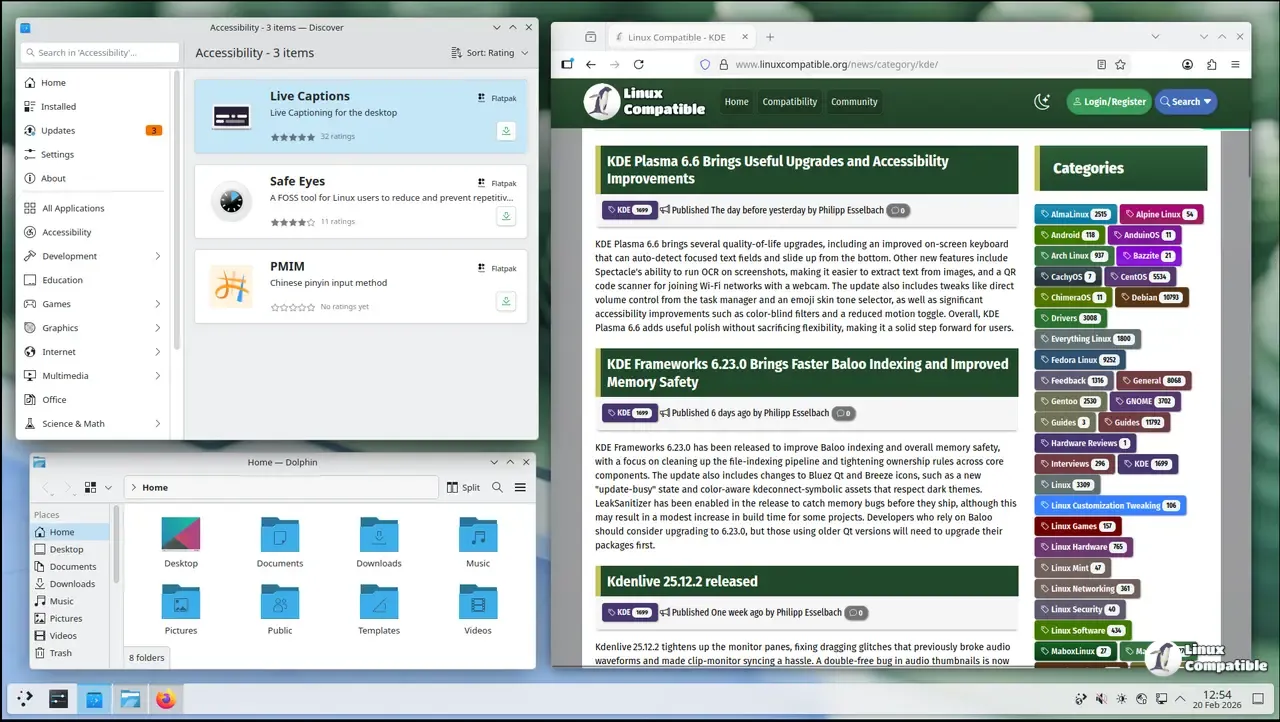
The core operating system does not follow a rolling update model so the underlying Ubuntu packages stay older than the desktop interface itself. Applications from main repositories can lag behind by up to two years and users are encouraged not to use them for daily tasks. The system comes preconfigured with Discover set up to only show apps from Snap or Flatpak sources since these keep pace better with modern needs. Relying on repository versions often leads to frustration when trying to run newer software that requires updated libraries than what the base OS provides by default.
Final Thoughts Before You Upgrade
Keeping backups is standard advice but it becomes essential here because the focus remains on KDE software only without thorough review of the complete stack. The team behind this project works hard to minimize bugs within their scope yet one bad driver update could still cause a session crash during an important meeting. Users should weigh the desire for fresh features against the potential need to troubleshoot new issues that appear overnight after a system refresh.


