KDE neon 20260226 brings users the latest Plasma 6.6.1 experience on Ubuntu 24.04 LTS with a stable foundation, making it ideal for those who want to test new features without sacrificing stability. This distro is perfect for developers and power users who are comfortable with occasional hiccups in exchange for being on the cutting edge of KDE technology. However, users relying on critical workloads may find neon too unpredictable due to its rolling nature, which only updates the KDE layer while keeping Ubuntu's base static except when necessary. Overall, KDE neon is a great option for those who enjoy tinkering and can tolerate some instability in exchange for having the latest Plasma features at their fingertips.
KDE neon 20260226 – What the New Release Actually Gives You
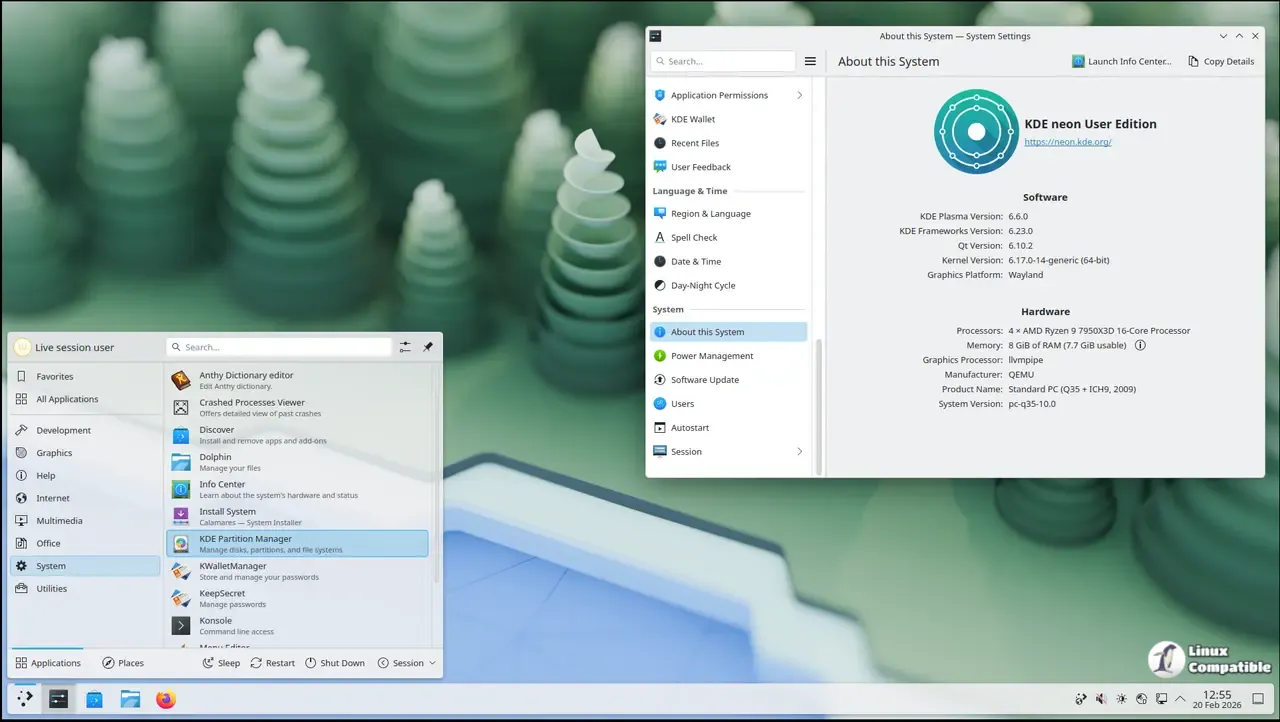
KDE neon 2026026 delivers Plasma 6.6.1 on Ubuntu 24.04 LTS with a 6.17 kernel, so users receive the freshest desktop experience without leaving the comfort of an LTS foundation. The mix is ideal for people who want to test new KDE features early but don’t want to abandon the stability that Ubuntu offers.
Who Should Bother With KDE neon?
If a user loves being on the bleeding edge of KDE and isn’t afraid of occasional hiccups, KDE neon is built for them. A typical scenario involves developers pulling the latest Plasma updates straight from the KDE repository while relying on Ubuntu’s proven packages for core system components. On the other hand, people who run critical workloads often prefer a distro that holds back updates until they’re thoroughly vetted, so neon may feel like a gamble in those environments.
What About NVIDIA Drivers?
Neon ships with Nouveau by default, which works fine for everyday web browsing and media playback. The proprietary NVIDIA driver can be installed via Ubuntu’s ubuntu‑drivers tool, but the Neon team does not provide support for it. When a user installs the closed driver, any instability or crashes that arise are attributable to NVIDIA or Ubuntu rather than neon; troubleshooting falls on the user.
Is It Really a Rolling Distro?
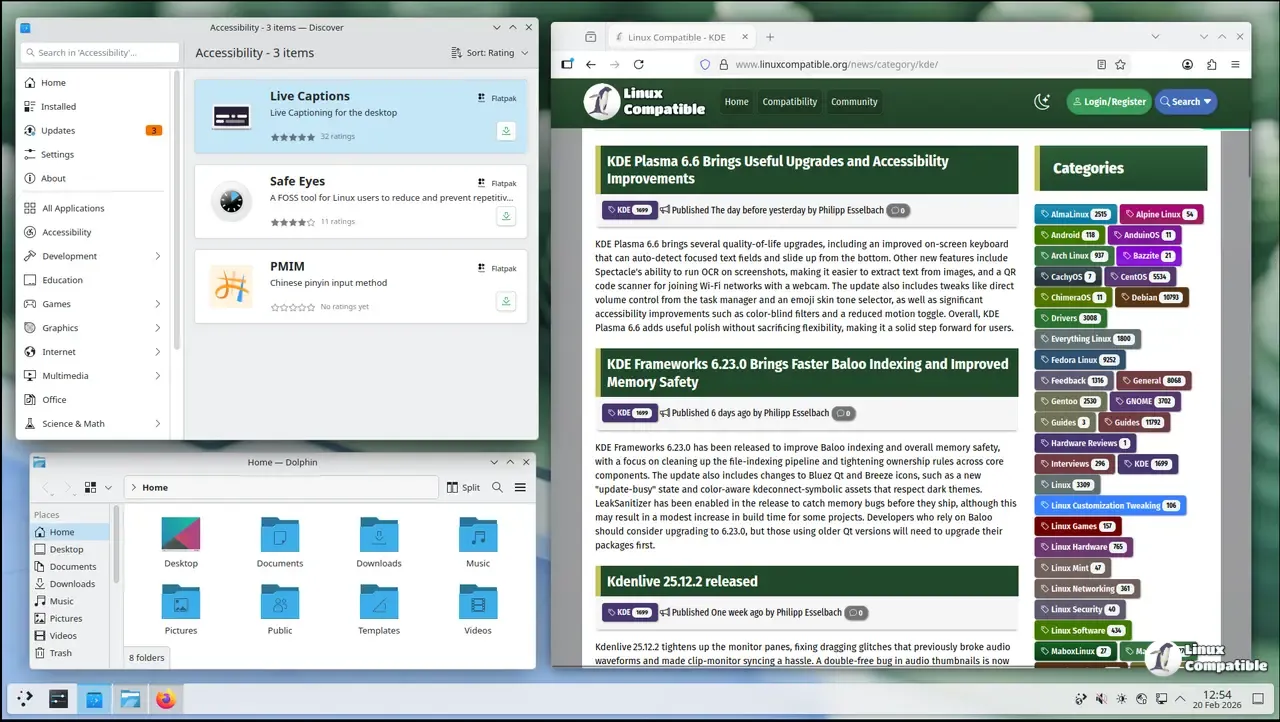
Only the KDE layer rolls forward in this setup. The underlying Ubuntu LTS base remains static except when essential libraries need updates for Plasma compatibility. Applications from Ubuntu’s main repository can lag behind by up to two years, so many users pull newer software through Snap or Flatpak via Discover, which is enabled by default.
Updating Without Surprises
Neon disables apt upgrade and urges users to run sudo apt full-upgrade. This step ensures that critical library jumps are applied before new KDE packages are installed. The GUI updater in Discover sits on the panel, pulling the latest KDE releases automatically; however skipping the full‑upgrade can leave a system with partially updated components that break themes or widgets.
Bottom Line
KDE neon 20260226 is a playground for anyone who wants to ride the cutting edge of Plasma while still relying on Ubuntu’s solid foundation. Expect occasional rough edges—especially around graphics drivers—and be ready to patch things yourself if something goes sideways. For those who enjoy tinkering and can tolerate a touch of instability, neon delivers KDE exactly as its developers intended.


