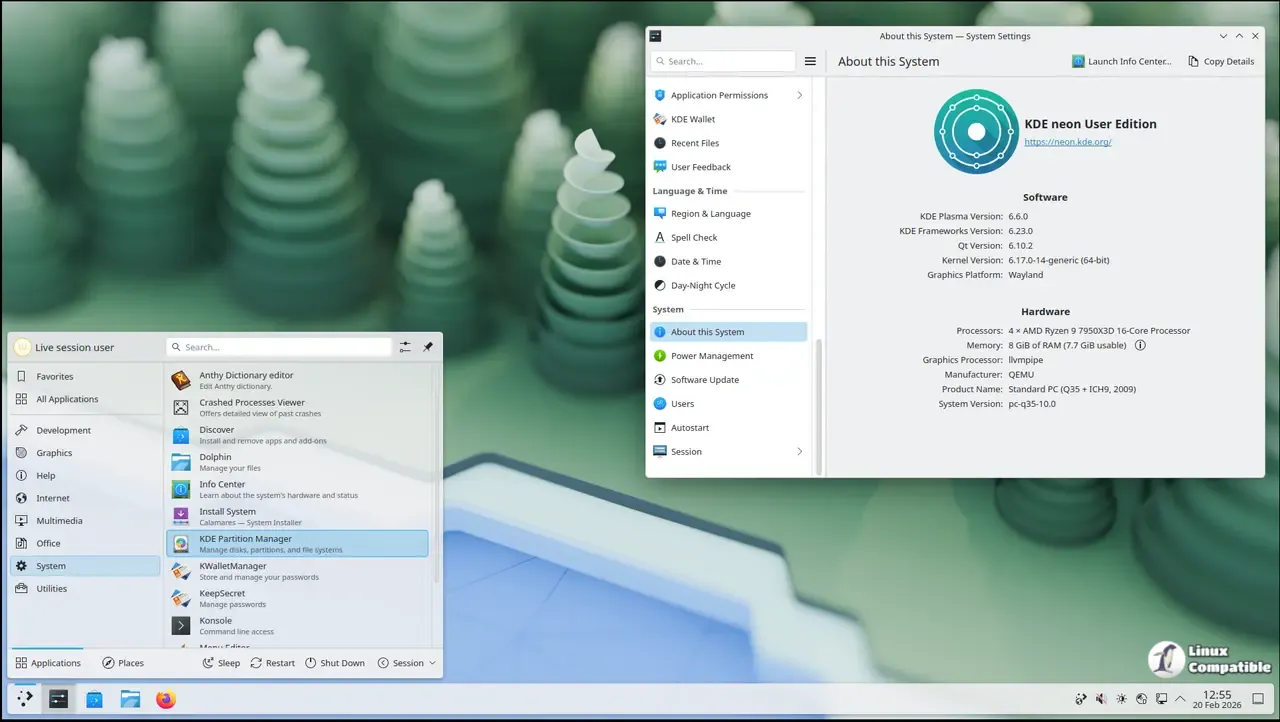
KDE neon 20260220 combines the latest Plasma 6.6 desktop with a stable Ubuntu base (24.04 LTS) and kernel 6.17, offering users the best of both worlds. While it's ideal for technical folks who want to stay on the bleeding edge of KDE apps, those requiring a rock-solid workstation may find other distros more suitable due to potential instability and breakages. KDE neon does not support proprietary NVIDIA drivers out of the box, but users can install them via Ubuntu's ubuntu-drivers tool at their own risk. Overall, KDE neon is a great option for those who enjoy tinkering with cutting-edge technology and don't mind occasional rough edges in exchange for staying up-to-date with the latest Plasma experience.
KDE neon 20260220 – What the new release actually gives you
The 20260220 snapshot of KDE neon ships Plasma 6.6 on Ubuntu 24.04 LTS with kernel 6.17, so users get the very latest desktop while staying on a solid Ubuntu base. This article explains who benefits from that mix, where the trade‑offs lie, and how to keep the system up to date without chasing every upstream tweak.
Who should bother with KDE neon?
Technical folks who want the freshest KDE apps as soon as they’re packaged will feel right at home. The “User” edition smooths out obvious breakages, but it still leans heavily on bleeding‑edge Plasma and Qt. If you need a rock‑solid workstation for mission‑critical work, a distro that holds back updates for weeks may be a safer bet.
What about NVIDIA drivers?
Neon ships the open‑source Nouveau driver out of the box, which is fine for everyday browsing. Proprietary NVIDIA blobs are available via Ubuntu’s ubuntu-drivers tool, but Neon does not provide support for them. Users who install the closed driver should be ready to troubleshoot issues on their own; any crashes that trace back to the driver belong to NVIDIA or Ubuntu, not the Neon team.
Is it really a rolling distro?
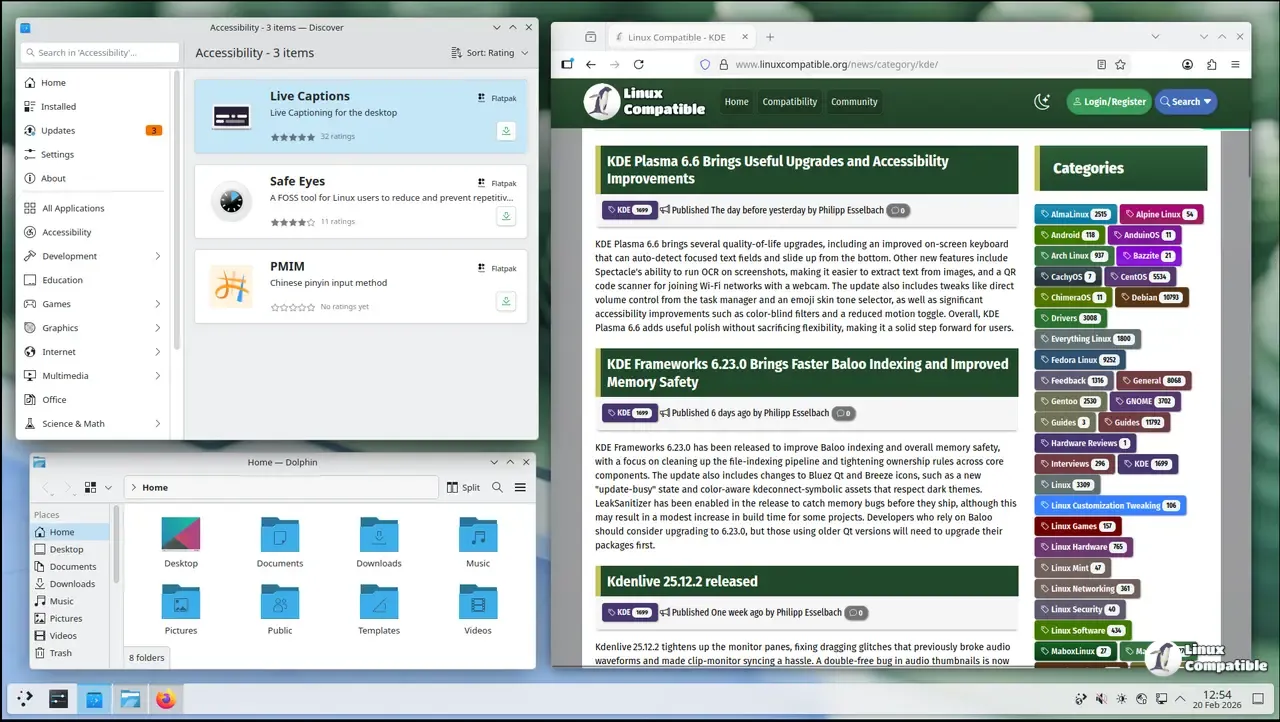
Only the KDE layer rolls forward. The underlying Ubuntu LTS base stays static except when essential libraries need updating to keep Plasma running. Applications from Ubuntu’s main repository can be up to two years old, so most users pull extra software from Snap or Flatpak via Discover, which Neon configures to show those sources by default.
Updating without surprises
Neon disables apt upgrade and warns users to run sudo apt full-upgrade instead; this ensures required library jumps are applied. For those who prefer a GUI, the Discover updater sits in the panel and pulls the latest KDE packages automatically. Skipping the full‑upgrade step can leave you with half‑installed components that break themes or widgets.
KDE neon is an excellent playground for anyone who wants to live on the cutting edge of Plasma without abandoning Ubuntu’s stability foundation. Expect occasional rough edges, especially around graphics drivers, and be ready to roll your own fixes. If you enjoy tinkering and can tolerate a bit of instability, Neon delivers the KDE experience exactly as its developers intended.


