KDE neon 20260205 delivers the newest Plasma, Qt and core KDE apps straight from upstream on an Ubuntu 24.04 LTS foundation. It’s perfect for enthusiasts and beta testers who want features the moment they’re released, but the rapid KDE updates can cause regressions that more conservative distros avoid. Proprietary Nvidia drivers can be installed manually, yet KDE neon provides no official support, leaving any driver‑related problems to the user.
KDE neon 20260205 – What the New Release Means for KDE Fans
The 20260205 build rolls out fresh Plasma, Qt and a handful of core apps straight from the KDE community. This article shows which users will actually benefit, points out the hidden gotchas, and explains how to upgrade without turning the system into a brick.
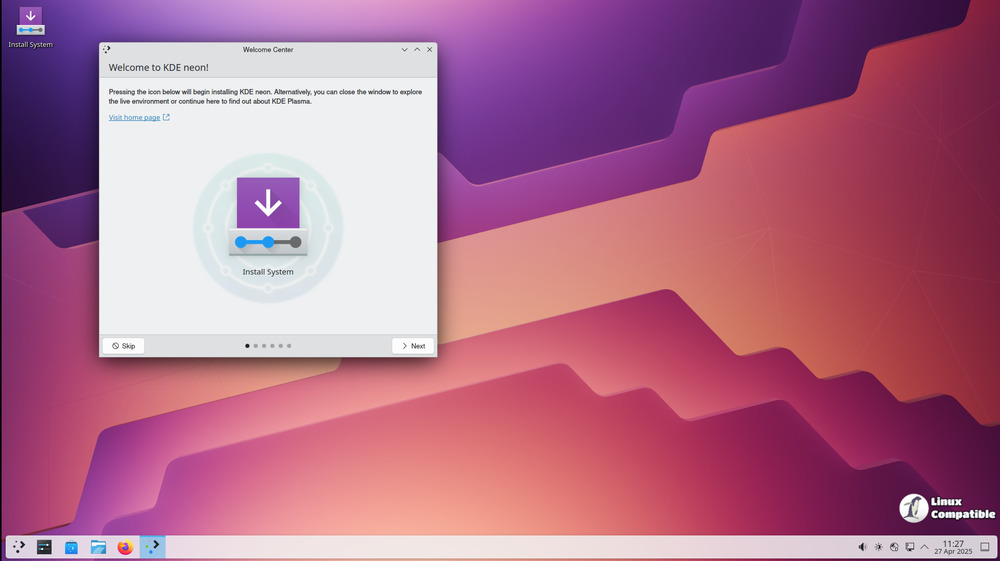
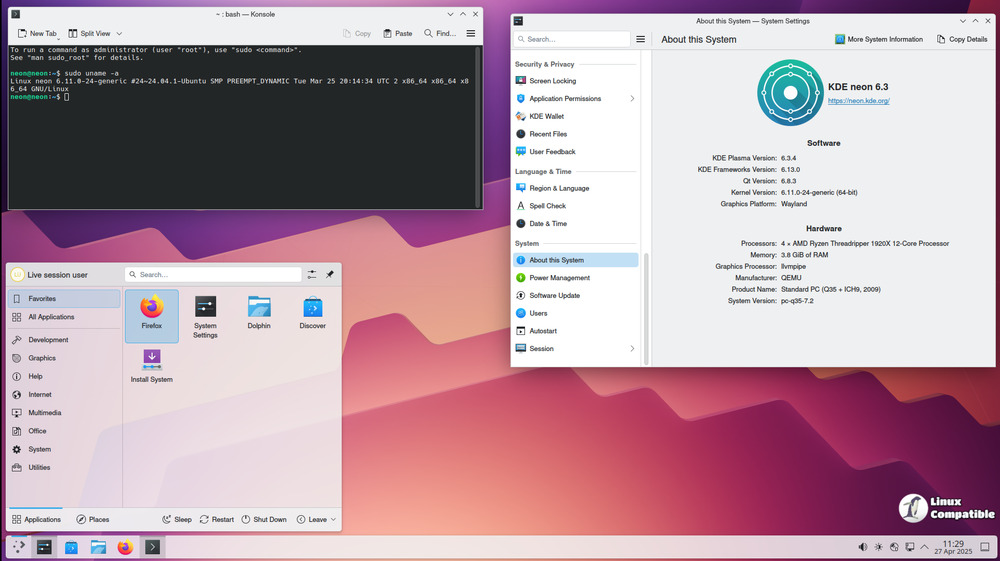
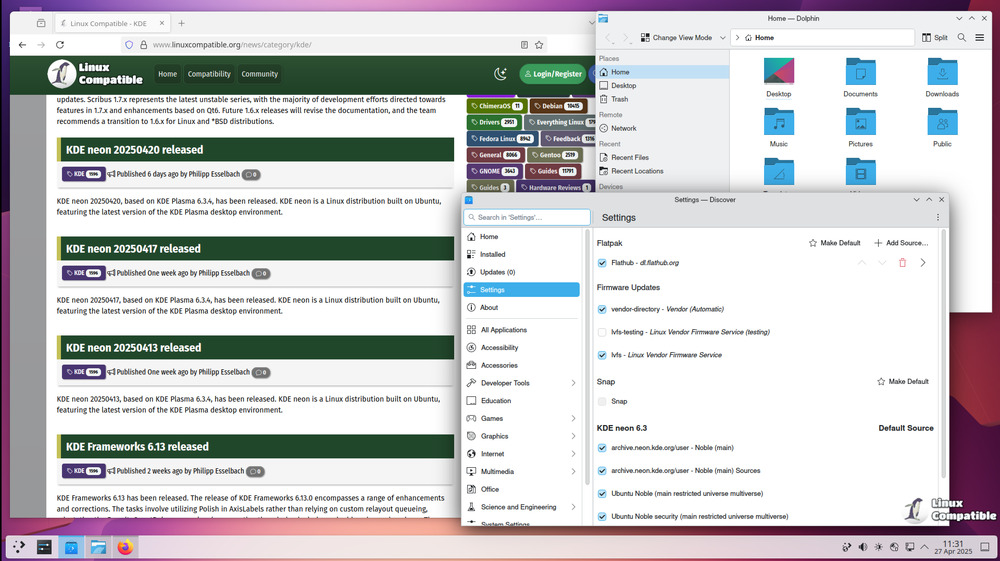
KDE neon lives on a “cut‑the‑cord” model: as soon as a KDE developer pushes a commit, it lands in neon’s repositories. The 20260205 snapshot includes the latest release of Plasma 6.5.5, Kirigami, and updated Qt 6.7 libraries. For anyone who likes to tinker with widgets, try out the newest Wayland compositor tweaks, or test experimental KWin effects, this is essentially a nightly build delivered on an LTS Ubuntu base.
Who Should Care
- Enthusiasts – If chasing the latest desktop polish feels like a hobby, neon’s user edition provides that out‑of‑the‑box.
- Beta testers – The testing and unstable editions are meant for people who want to report regressions to KDE upstream.
- Stability seekers – Anyone running a production workstation should stay on regular Ubuntu LTS or Kubuntu; the rolling KDE stack trades reliability for freshness.
Rolling KDE vs Ubuntu Base
Neon’s “rolling” nature applies solely to KDE software; the underlying Ubuntu 24.04 LTS remains static except for occasional library upgrades needed by new plasma releases. This hybrid approach means system tools (apt, snap, core utils) stay solid while your desktop environment constantly evolves. The trade‑off is that non‑KDE apps pulled from Ubuntu’s repositories can be up to two years old unless you switch to Snap or Flatpak.
Nvidia Drivers – Proceed with Caution
Neon ships the open‑source Nouveau driver by default, which works fine for everyday tasks. Installing the proprietary Nvidia driver is possible via ubuntu-drivers autoinstall, but KDE neon offers no official support. Expect to troubleshoot kernel module mismatches on your own; any crashes that stem from the driver itself belong to Nvidia or Ubuntu, not to KDE.
Upgrading Without Breaking Everything
The recommended upgrade path uses the command line to guarantee a clean transition:
sudo apt update
sudo apt full-upgrade
Why full-upgrade? Unlike a plain apt upgrade, it permits package removals and new dependencies that plasma’s rapid releases often require. Skipping this step can leave you with half‑installed components, resulting in missing icons or broken shortcuts.
After the upgrade, restart the session (log out => log back in) to let KWin reload the newest compositor. If anything looks wonky—missing panels, frozen widgets—run plasmashell --replace from a terminal to force a clean start.
Should You Switch From Kubuntu?
Technically you can add the neon PPA to an existing Kubuntu install, but it’s unsupported and prone to dependency hell. Fresh installs from the official ISO are far less risky and give you a pristine base where KDE’s own defaults haven’t been overwritten by previous Ubuntu tweaks.
KDE neon 20260205 is a solid pick for users who thrive on fresh features and don’t mind occasional hiccups. If stability is your top priority, stick with standard Ubuntu or Kubuntu and wait for the next LTS point release.


