KDE neon 20250925 has been released, offering users the latest KDE updates built upon Ubuntu 24.04 LTS. This unique Linux distribution caters primarily to tech-savvy users who want instant access to the latest KDE innovations and serves as a testing ground for adventurous Linux enthusiasts. While KDE neon provides cutting-edge KDE software, it may not be suitable for users with stringent reliability requirements due to its rolling nature and potential system stability issues. Users can choose from various editions, including User Edition, Testing Edition, Unstable Edition, and Developer Edition, each designed to meet different levels of risk tolerance and testing requirements.
KDE neon 0250925 released
KDE neon 20250925 has now been released, providing users with the latest KDE updates.
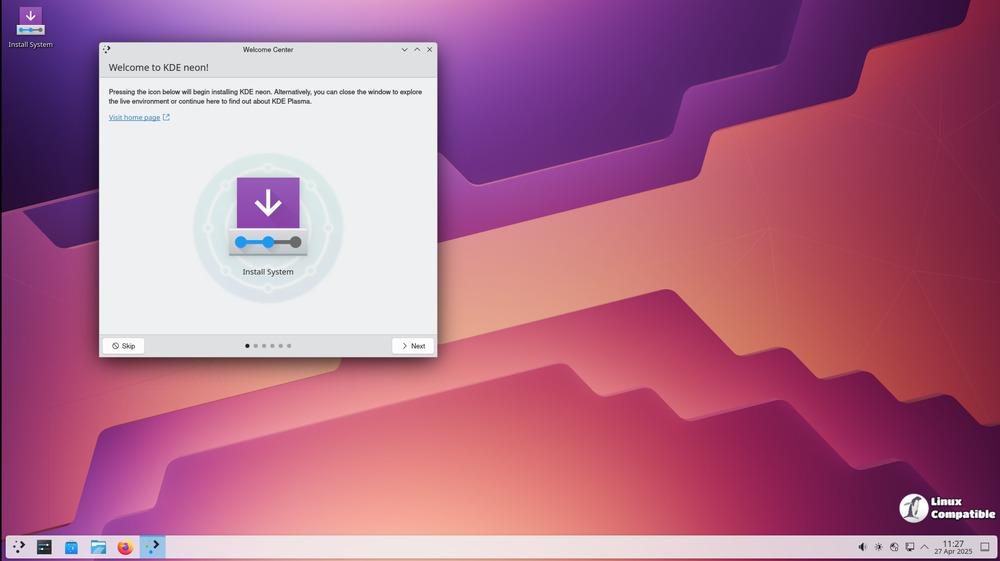
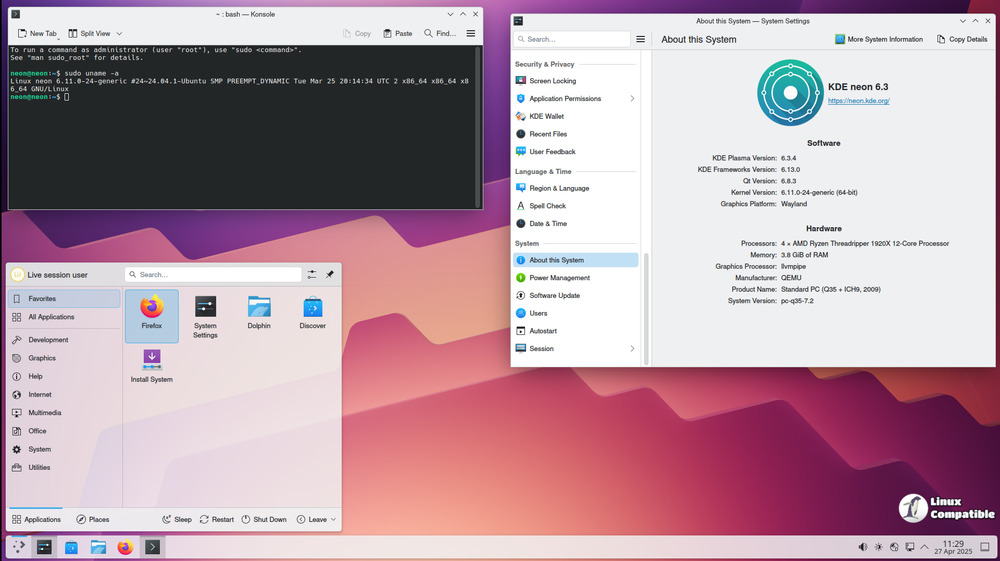
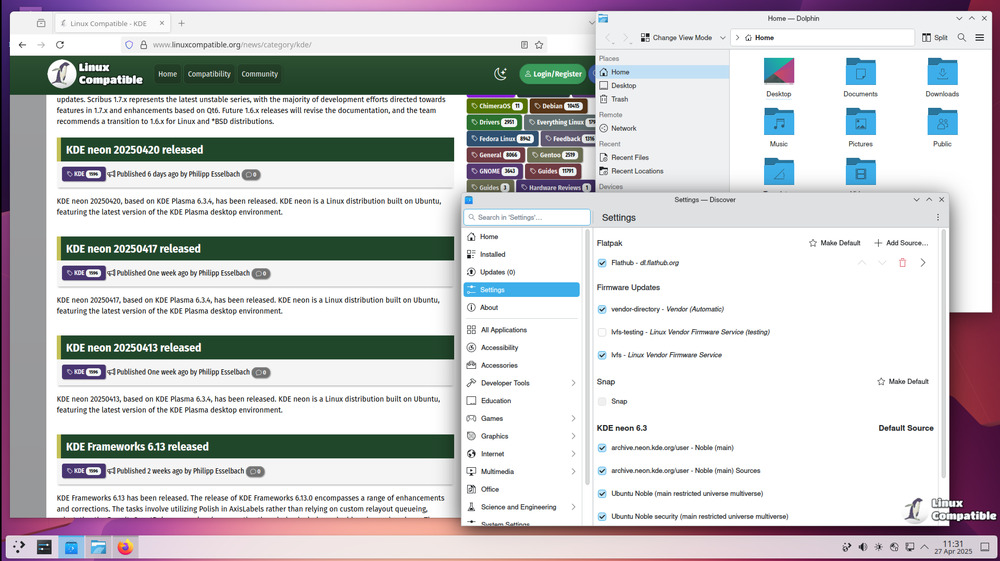
KDE neon is a unique Linux distribution built upon the latest long-term support release of Ubuntu, which as of now, is version 24.04. This distro presents KDE software in its unadulterated form - free from any patches or modifications to its default settings, exactly as envisioned by the KDE development team.
By catering primarily to tech-savvy users who crave instant access to the latest KDE innovations, KDE neon offers a testing ground for adventurous Linux enthusiasts. The "Testing" and "Unstable" editions cater specifically to users eager to test unreleased KDE software and contribute to its development as beta testers.
However, utilizing cutting-edge software can come at the expense of system stability when compared to other distributions that delay updates by days or weeks. Consequently, KDE neon might not be the best choice for users with stringent reliability requirements.
When it comes to NVIDIA graphics card support, KDE neon exclusively employs the open-source Nouveau driver, which is sufficient for standard desktop functionality. Unfortunately, the proprietary NVIDIA driver is unsupported and generally discouraged due to potential compatibility issues.
One of the defining characteristics of KDE neon is its rolling nature, particularly when it comes to KDE software. While the underlying Ubuntu operating system remains static, certain packages are updated as needed to accommodate newer library versions required by KDE applications.
A common question arises regarding the difference between KDE neon and plain Ubuntu: despite sharing a common base, KDE neon provides more up-to-date Qt packages and cutting-edge KDE software. This is due in part to the team's long-standing familiarity with Ubuntu and its strong third-party support.
The decision to use Ubuntu as the foundation for KDE neon was based on the team's well-established understanding of the distribution and its robust community backing. Users of Ubuntu can now enjoy access to the latest KDE software while still benefiting from stability and reliability.
It is also worth noting that installing KDE neon does not necessitate an in-depth knowledge of Linux; however, some basic system management skills might be useful in case issues arise during setup or operation.
In terms of compatibility with other distributions, it's essential to understand that KDE neon completely supersedes Kubuntu, which means users cannot run both systems concurrently. Furthermore, due to the significant overlap between Kubuntu and KDE neon's base offerings, switching from one to the other can be challenging.
Another aspect worth mentioning is the availability of desktop alternatives to Plasma in KDE neon; however, this feature is not recommended or supported as KDE software remains the primary focus.
Lastly, it's worth clarifying that KDE neon is a 64-bit-only distribution, prioritizing high-quality builds for modern systems. The images are GPG signed to ensure their authenticity and integrity, despite being primarily available through HTTP-based download mirrors due to some organizations lacking HTTPS support.
Downloads
KDE neon provides a range of live images that enable users to explore and install the operating system without making any changes to their existing computer setup. These live images are particularly useful for those who wish to experience KDE neon before committing to a full installation. There are four distinct editions available: User Edition 64-bit, Testing Edition 64-bit, Unstable Edition 64-bit, and Developer Edition 64-bit. Each edition is designed to meet different levels of risk tolerance and testing requirements.
The User Edition is the most stable option, featuring the latest officially released KDE software, making it ideal for everyday users who prioritize reliability. In contrast, the Testing Edition and Unstable Edition are tailored for users who are eager to experiment with pre-release software, allowing them to test new features and provide feedback to the development team. This makes KDE neon an excellent choice for those who want to be at the forefront of KDE innovation.
Additionally, the Developer Edition is specifically designed for developers and advanced users who wish to contribute to the KDE ecosystem. It includes tools and libraries that facilitate software development, making it easier for developers to create and test their applications within the KDE environment.
Users can easily select their preferred edition and download it as a live image or torrent file, complete with its PGP signature for verification. This ensures that users can trust the integrity of the software they are downloading. The live images allow users to boot into KDE neon without altering their current operating system, providing a safe and convenient way to explore the features and capabilities of this unique Linux distribution.
KDE neon Live Images
Live images are ideal for people who want a clean installation. Use a live image to replace your existing system, install alongside existing operating systems, or simply try KDE neon without affecting your computer.
If you intend to use KDE neon in a VirtualBox VM, please turn on 3D acceleration in the machine settings.


