KDE neon version 0250918 has been released, offering users the latest edition of this unique Linux distribution built on top of Ubuntu LTS. The distro provides immediate access to the latest KDE software, catering primarily to adventurous and technically inclined Linux users who crave cutting-edge offerings.
KDE neon 0250918 released
KDE neon 20250918 has now been released, providing users with the latest edition of this unique Linux distribution.
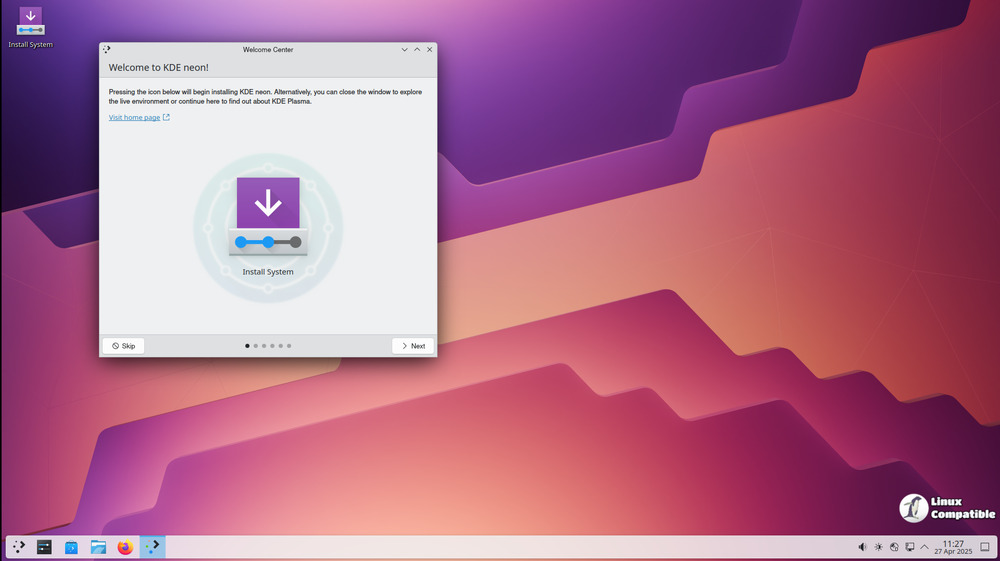
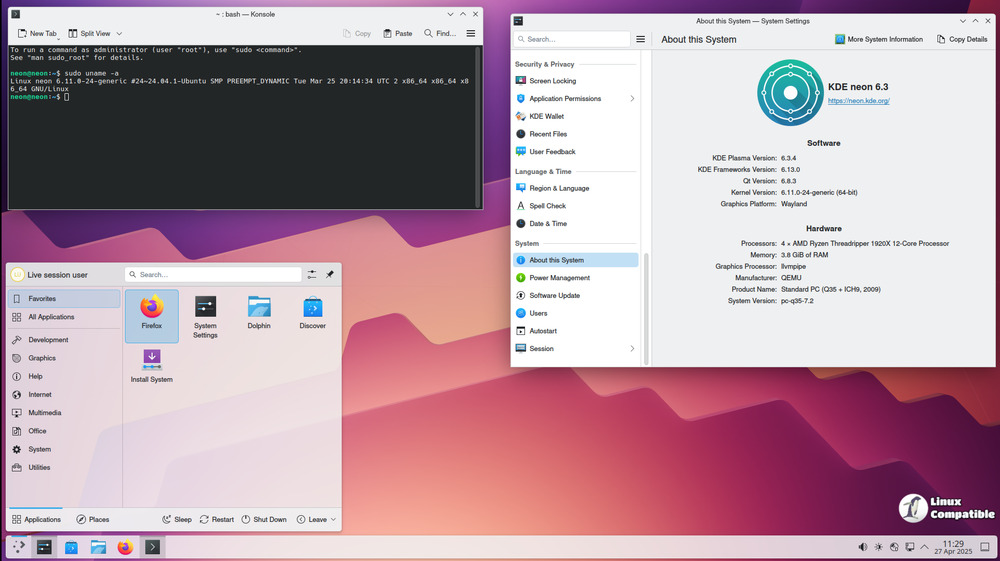
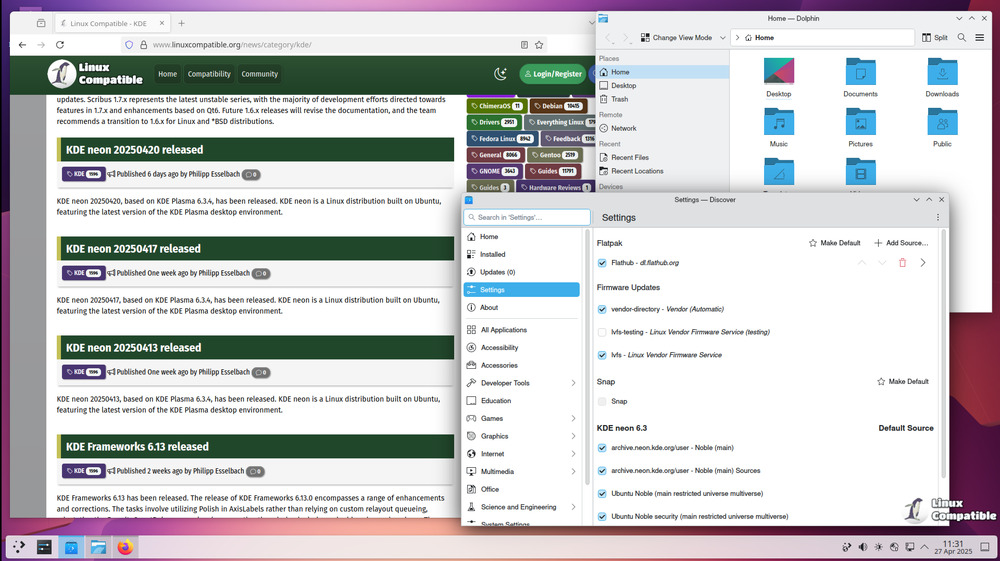
So, what exactly is KDE neon? It's a specially crafted Linux distribution built on top of the most recent long-term support (LTS) release of Ubuntu at the moment, which is version 24.04. This distro showcases KDE software in its purest form, with no patches or modifications to default settings, as envisioned by the KDE developers themselves.
KDE neon caters primarily to adventurous and technically inclined Linux users who crave immediate access to the latest KDE offerings. The "Testing" and "Unstable" editions are designed for users eager to test unreleased KDE software and contribute to its development as beta testers.
However, it's essential to note that using the most up-to-date software might compromise stability, especially when compared to other distributions that delay updates by days or weeks. As a result, KDE neon may not be suitable for users with critical reliability needs.
When it comes to supporting NVIDIA graphics cards, KDE neon relies exclusively on the open-source Nouveau driver, which should suffice for normal desktop operations. Unfortunately, the proprietary NVIDIA driver is not supported and is even discouraged due to potential compatibility issues.
Another key aspect of KDE neon is its rolling nature, particularly with regard to KDE software. The Ubuntu operating system remains static, but certain packages are updated as needed to support newer library versions required by KDE applications.
One question often arises regarding the difference between KDE neon and plain Ubuntu: while both share a common base, KDE neon offers more up-to-date Qt packages and cutting-edge KDE software.
The decision to use Ubuntu as the foundation for KDE neon is based on the team's long-standing familiarity with the distribution and its strong third-party support. Ubuntu users, in particular, will benefit from having access to the latest KDE software while maintaining stability and reliability.
It is also worth noting that installing KDE neon does not require a deep understanding of Linux; however, some knowledge of basic system management might be helpful in case issues arise during setup or operation.
In terms of compatibility and coexistence with other distributions, it is important to understand that KDE neon completely replaces Kubuntu, which means users cannot run both systems at the same time. Additionally, due to the significant overlap between Kubuntu and KDE neon's base offerings, switching from one to the other can be tricky.
Another point worth mentioning is the availability of desktop alternatives to Plasma in KDE neon; unfortunately, this feature is not recommended or supported, as the focus remains firmly on KDE software.
Lastly, it's worth clarifying that KDE neon is a 64-bit-only distribution, focusing on higher-quality builds for modern systems. While download mirrors are primarily HTTP-based because some organizations lack HTTPS support, the images are GPG signed to ensure their authenticity and integrity.
Download
KDE neon offers various live images that allow users to try and install the operating system without affecting their computer. There are four different editions available: User Edition 64-bit, Testing Edition 64-bit, Unstable Edition 64-bit, and Developer Edition 64-bit, each catering to a specific level of risk tolerance and testing needs. The User Edition is stable with the latest officially released KDE software, while the other editions feature pre-release software for testing purposes. Users can choose their preferred edition and download it as a live image or torrent file along with its PGP signature for verification.
KDE neon Live Images
Live images are ideal for people who want a clean installation. Use a live image to replace your existing system, install alongside existing operating systems, or simply try KDE neon without affecting your computer.
If you intend to use KDE neon in a VirtualBox VM, please turn on 3D acceleration in the machine settings.


