Ondřej Surý has released updated PHP packages for Debian users, including PHP 8.5.3 and 8.4.18, which offer improved performance, bug fixes, and security patches over Debian's native PHP stack. By adding Surý's repository to their system, users can access the latest PHP versions without having to wait months for official updates or turn their system into a "Frankenstein build." To install these packages, users need to ensure their host can speak HTTPS to apt and then run a series of commands to fetch the signing key, add the repository source, and refresh the package index. With Surý's repository in place, users can easily upgrade to the latest PHP versions using standard apt-get commands and stay ahead of security issues without extensive maintenance efforts.
How to Install Ondřej Surý’s New PHP Packages on Debian
Ondřej Surý just pushed PHP 8.5.3 and 8.4.18 (plus a raft of back‑ported fixes) into his Debian repository for Bullseye, Bookworm and the Trixie. This walkthrough shows exactly what commands to run so those versions appear in apt without turning the system into a Frankenstein build.
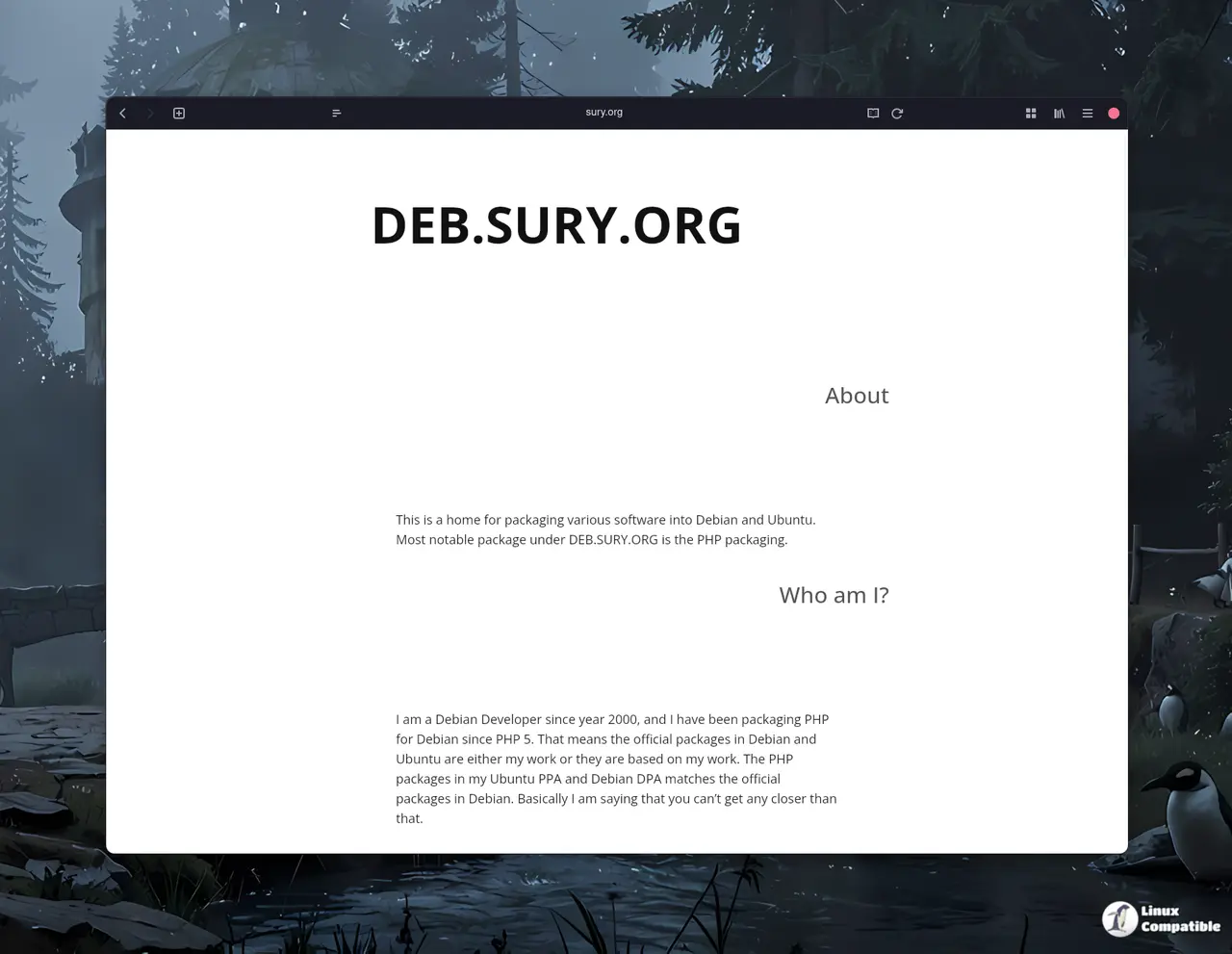
Why use Surý’s repo instead of the stock Debian packages
Debian’s native PHP stack is deliberately conservative; a Debian GNU/Linux 12 (Bookworm) install still ships 8.2.x. Surý rebuilds every upstream release, signs the packages, and respects Debian policy, so sites get the newest performance tweaks, bug fixes, and CVE patches while staying on a familiar package manager. For anyone who needs newer features—like JIT improvements in 8.5—or simply wants to stay ahead of security issues, the extra repository is worth the minute of extra maintenance.
What versions are now available
- PHP 8.5.3 and 8.4.18 – the current PHP releases with bug fixes for issues such as garbage collector leaks, null dereferences, and memory leaks.
- Back‑ported security and stability updates for older branches: 8.2.30‑3, 8.1.34‑3, 8.0.30‑20, 7.4.33‑26, 7.3.33‑30, 7.2.34‑61, 7.1.33‑74, 7.0.33‑86 and 5.6.40‑95.
All of those packages are now signed and ready for Debian GNU/Linux 11 (Bullseye) LTS, 12 (Bookworm), and 13 (Trixie).
Preparing the system
Before adding a new source, make sure the host can speak HTTPS to apt and that curl is present. Installing apt-transport-https, lsb-release, ca-certificates and curl ensures the later steps won’t trip over missing dependencies.
sudo apt install apt-transport-https lsb-release ca-certificates curl
The conditional assigns sudo only when the script isn’t already running as root, which mirrors how most community guides avoid prompting for a password mid‑stream.
Adding Surý’s repository
First fetch the signing key and drop it into Debian’s trusted‑key directory. Then write a one‑line source entry that automatically picks up the correct codename (bullseye, bookworm or trixie) from lsb_release. Finally refresh the package index.
sudo wget -O /etc/apt/trusted.gpg.d/php.gpg https://packages.sury.org/php/apt.gpg
sudo sh -c 'echo "deb  https://packages.sury.org/php/ $(lsb_release -sc) main" > /etc/apt/sources.list.d/php.list'
sudo apt update
The sh -c wrapper is necessary because the redirection must happen with root privileges; otherwise the file would be created as the unprivileged user and apt would ignore it.
Installing or upgrading PHP
With the new source in place, a simple apt-get install php8.5 (or php8.4, php8.2, etc.) will pull the latest package from Surý’s pool. If an older version is already installed, running apt-get upgrade will replace it with the back‑ported security build that matches the currently pinned major release.
sudo apt install php8.5
# or, to keep the existing branch but get the latest fixes:
sudo apt upgrade php 8.4 php 8.3 php8.2 php8.1 php8.0 php7.4 php7.3 php7.2 php7.1 php7.0 php5.6
Because the repository uses the same naming scheme as Debian’s official packages, there’s no need to adjust php-fpm or Apache module configurations—apt handles the symlinks automatically.
Keeping an eye on bugs
Surý maintains a dedicated bug tracker for these builds. If something goes sideways after an upgrade (for example, a rare “cannot allocate memory” error that showed up on a high‑traffic WordPress site), checking the tracker first often yields a quick workaround or a patched version already in the repo.
A quick glance at the bug tracker shows the latest reports and their status. The community around these packages is pretty responsive, so filing a concise bug report with logs usually gets you an answer within a day.
Wrap‑up
Adding Ondřej Surý’s PHP repository is straightforward, gives immediate access to 8.5.3, 8.4.18, and the back‑ported security builds listed above, and keeps Debian systems from lagging behind upstream fixes. A couple of apt commands later, the system is running the freshest supported PHP without any exotic compilation steps.


