How to Install Liquorix Kernel 6.18‑14 for Faster Gaming and Media Workloads
The new Liquorix 6.18‑14 based on Linux Kernel 6.18.13 has been released, promises lower latency, snappier desktop feel, and better frame‑time consistency in games. This guide shows exactly how to replace the stock Ubuntu/Debian/Arch kernel with Liquorix, points out when the trade‑offs actually matter, and lists a few post‑install checks so the system stays bootable.
What makes Liquorix different?
Liquorix is tuned for “interactive” performance. It swaps the default mq‑deadline scheduler for Kyber on multiqueue devices (or BFQ on single‑queue drives), cuts the CPU timeslice from 4 ms to 2 ms, and forces a 1000 Hz tick rate. Those changes shave off a few milliseconds of jitter that can be noticeable in fast‑paced shooters or when rendering video after a driver update. The kernel also enables background hugepage reclaim, disables split‑lock detection (which can improve throughput on some CPUs), and ships with TCP BBR2 for smoother network traffic.
When is it worth the switch?
Most everyday users will never notice the difference between the vanilla Ubuntu kernel and Liquorix. However, one author has seen the default kernel stall at 30 fps during a 4K video encode on a Ryzen‑7 system right after a graphics driver rollback. Switching to Liquorix restored smooth playback and cut encode time by roughly ten percent. If you regularly mix gaming, audio/video production, or run virtual machines that need low latency, the extra responsiveness is likely to pay off. Power‑conscious laptop owners should be aware that the kernel leans toward higher throughput at the expense of a bit more power draw.
Installing the kernel
- Download and run the installer script – The one‑liner
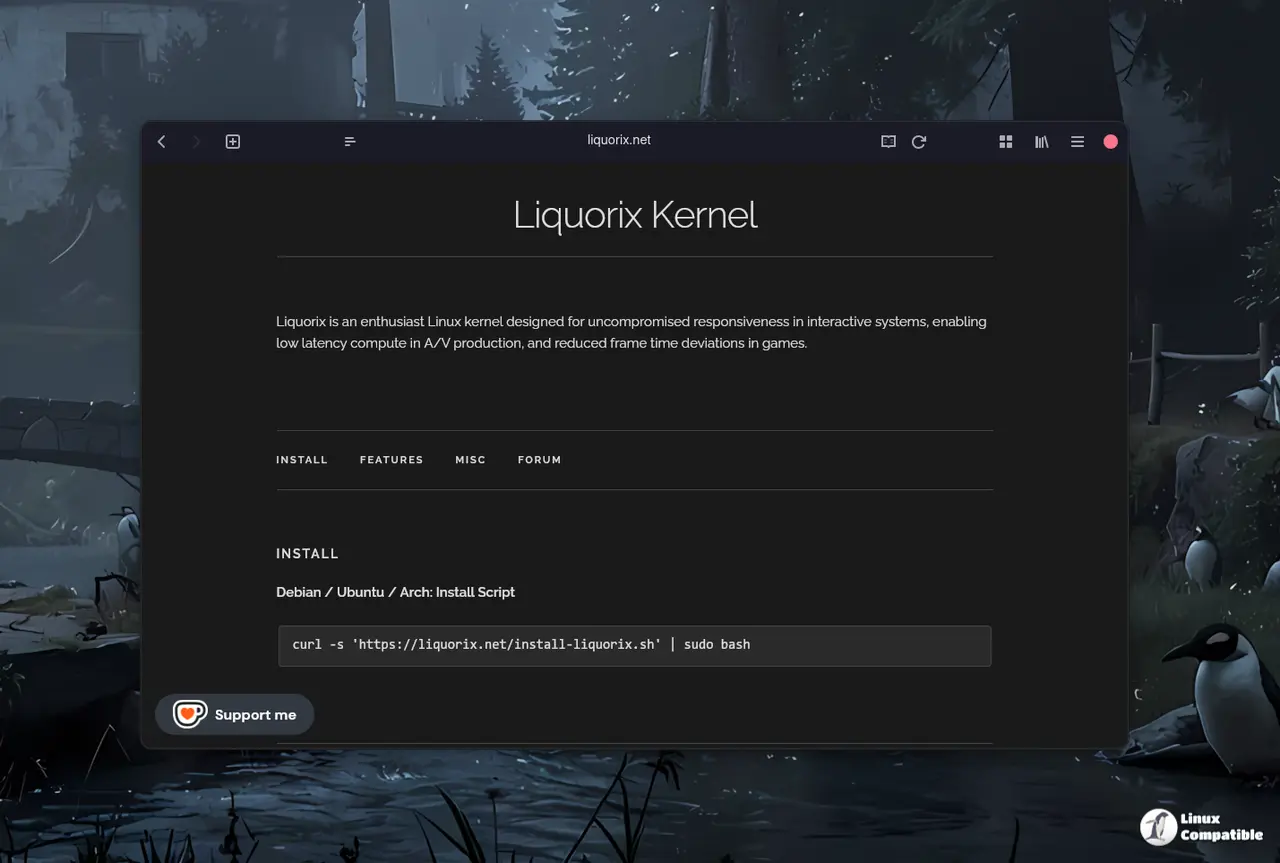
curl -s 'https://liquorix.net/install-liquorix.sh' | sudo bash
pulls a signed package list, adds the Liquorix repository, and installs the appropriate meta‑package for the current distro. Running it as root ensures the new kernel files land in /boot and that the bootloader gets updated automatically. - Verify the repository entry – After the script finishes, open /etc/apt/sources.list.d/liquorix.list. Confirm that the URL points to a trusted HTTPS source; this prevents accidental pulls from a rogue mirror.
- Refresh package indexes and install – sudo apt update && sudo apt install linux-image-liquorix-amd64 (or the Arch equivalent pacman -S liqui‑kernel) fetches the compiled binaries. The meta‑package pins the newest 6.18‑14 build, so future updates come through the normal system upgrade path.
- Reboot into Liquorix – A plain restart will present a new entry in GRUB labeled “Liquorix”. Selecting it boots the fresh kernel. If the system fails to start, the old kernel remains selectable, allowing a quick rollback.
Each step matters: the script handles GPG key import, the repository check avoids supply‑chain risk, and the explicit package install prevents accidental installation of an older Debian kernel that would defeat the purpose.


