Heroic Games Launcher 2.20.0 “Pythagoras” – What’s Actually New and Worth Your Time
Heroic Games Launcher 2.20.0 drops a handful of bug‑fixes, some UI polish and a couple of oddball tweaks that only matter if you’ve been wrestling with Epic offline launches or the occasional RTL layout glitch. This rundown shows which changes will actually smooth your game night and which ones are more like cosmetic window dressing.
Why the Update Matters
The developers decided to speed up their release cadence after a wave of complaints about lingering bugs in 2.19.1. The new “Pythagoras” moniker isn’t just for show; it signals a willingness to push fixes faster, which is good news for anyone who’s tired of waiting months for a single regression to be addressed.
Most Useful Fixes
The headline fix lets Epic‑based titles launch while the PC is offline, as long as the game itself supports that mode. Users have reported frustration when Heroic tried to reach Epic’s servers even though the title never needed an online check; the launcher would sit on a loading screen for minutes before finally giving up. The new logic skips the network call entirely, so the game starts almost instantly.
Another practical tweak prevents multiple rapid clicks on the Play button from spawning duplicate launch processes. A friend of the author once double‑clicked out of habit and ended up with two copies of “Control” fighting over the same DXVK pipe, which caused a crash loop. The guard now logs the extra click and ignores it, saving an hour of troubleshooting.
The UI overhaul for CJK fonts fixes text wrapping that previously made Korean subtitles spill off the edge of the window. If you’ve ever tried to read a Japanese quest log on a tiny 1080p monitor, you’ll appreciate the cleaner layout.
Bloat or Noise
A few changes feel more like housekeeping than user‑facing improvements. The dropdown style adjustments for RTL languages are nice if you happen to run Arabic or Hebrew, but they add virtually nothing for the majority of Western users. Likewise, moving the FPS limit option into a new “Legacy” tab on Linux shuffles settings around without explaining why the old spot was wrong; it’s an extra click for no obvious benefit.
The addition of an HTML lang attribute is technically correct and helps screen readers, yet it doesn’t affect the day‑to‑day experience. It’s harmless but not something most gamers need to worry about.
How to Get the Update
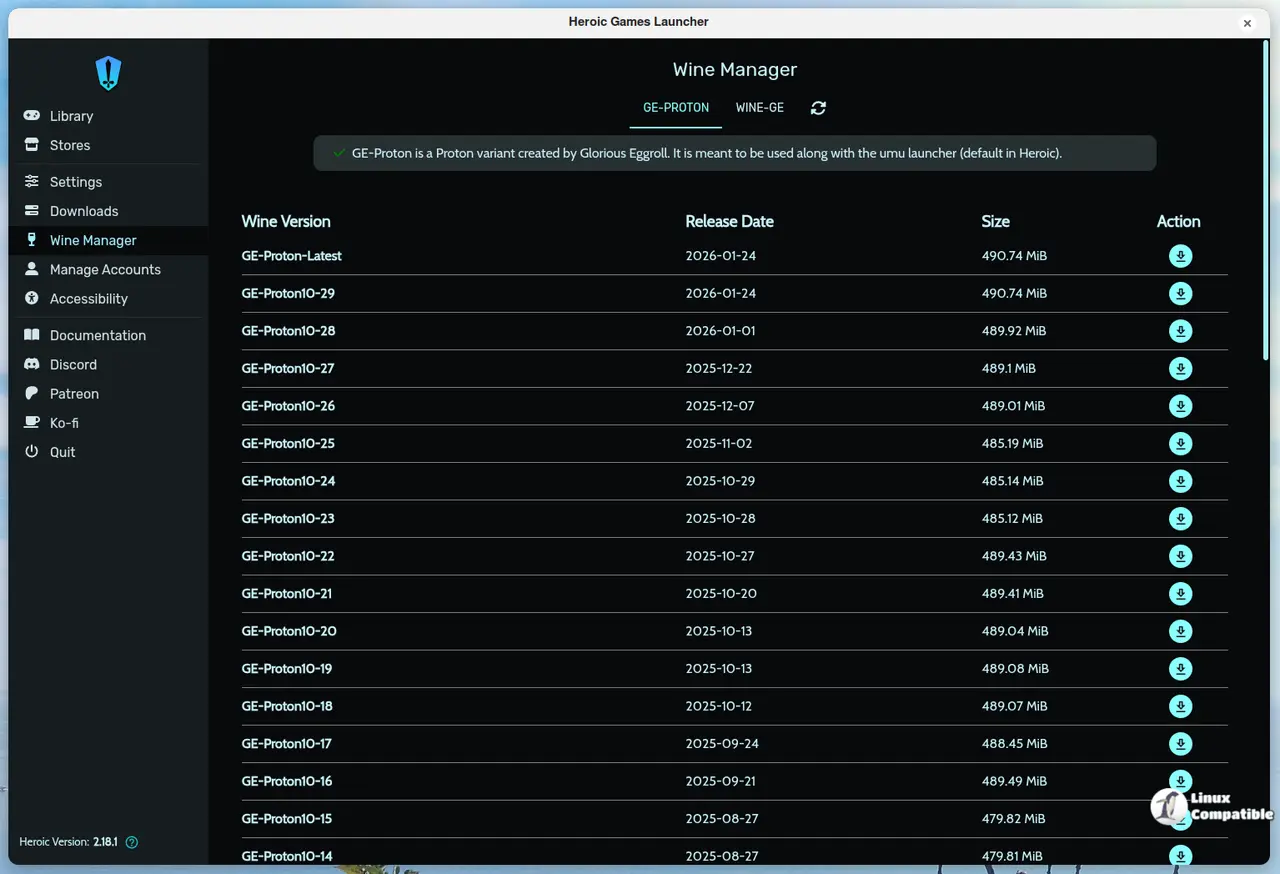
Heroic now checks the Flathub manifest on each launch, so a simple “Refresh” in your package manager will pull version 2.20.0 if you’re on Linux. Windows and macOS users can grab the latest installer from the official GitHub releases page; the installer automatically overwrites the previous files while preserving the config folder.
That’s it for the “Pythagoras” rollout. Grab the update if you’ve been annoyed by offline launches or duplicate Play clicks; otherwise you can stick with 2.19.1 until something more compelling lands.


