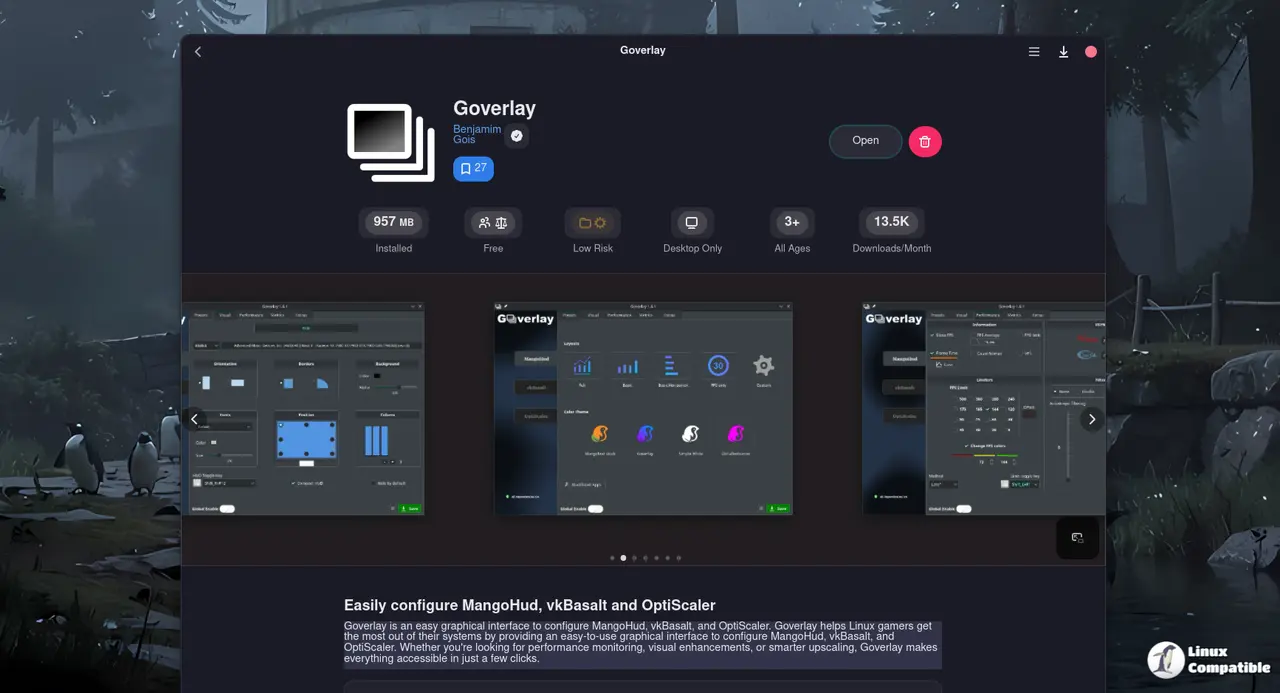
Goverlay 1.7.5 Drops a New Feature Bomb – Protontricks & More
The latest update for Goverlay brings a handful of polished features that finally make tweaking game overlays feel less like wrestling with a broken widget. Users will find a brand‑new Protontricks interface, an NVIDIA DLSS downloader, FSR4 support upgrades and a whole lot of UI tidying that actually works.
Protontricks Windows Version Manager – A Quick Walkthrough
Goverlay’s new Protontricks panel lets users swap the “Windows” version inside a Wine prefix without opening a terminal. The interface feels like the settings screen you’d expect on an actual game, complete with a dropdown of supported releases and a confirmation prompt that reminds you the change will only take effect after restarting your session. In practice, this means a gamer who previously had to edit `wineprefixes/steam` manually can now pick “Windows 10” from a list and see the change reflected in their game launch parameters instantly.
DLSS Downloader & FSR4 Upgrade for OptiScaler
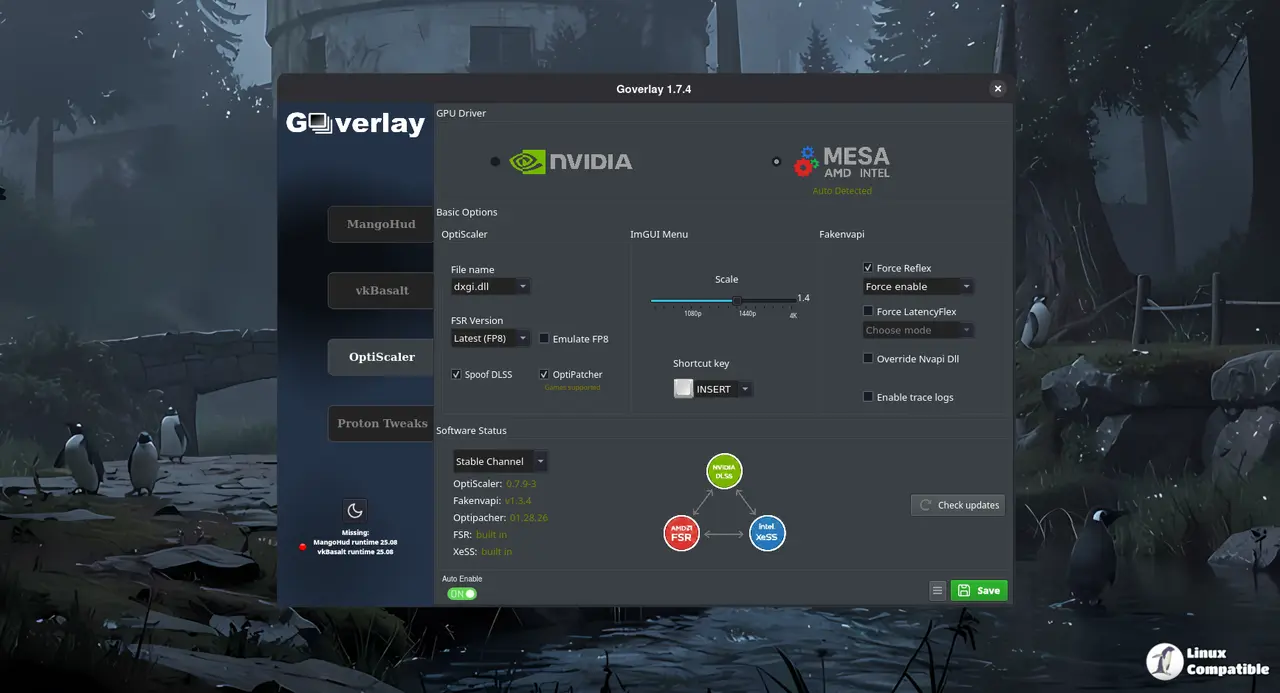
If you’re on an NVIDIA card, the new DLSS DLL downloader pulls the correct binary straight into your prefix, eliminating the need to hunt forums or download from the driver page. For those who prefer AMD’s FidelityFX Super Resolution, the OptiScaler update automatically switches configuration files when a newer FSR4 release is detected. That little script change fixes a bug that used to overwrite user‑chosen scaling settings with defaults.
UI Modernization and Dynamic Theming
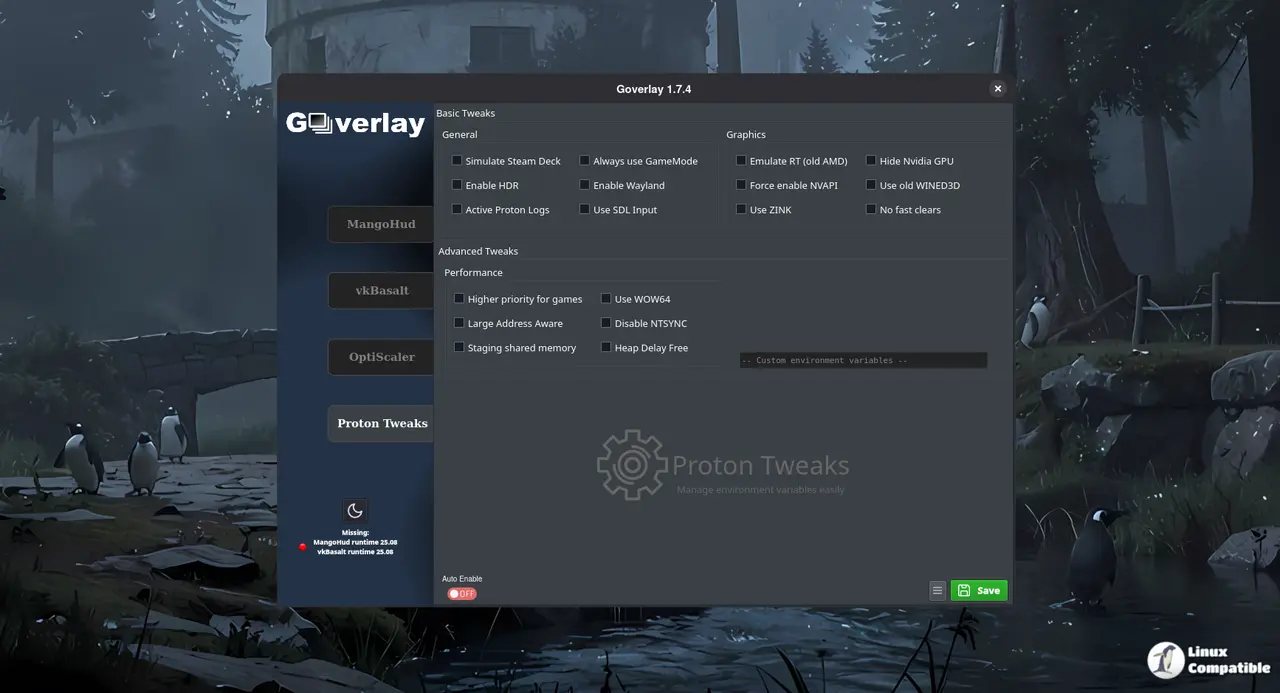
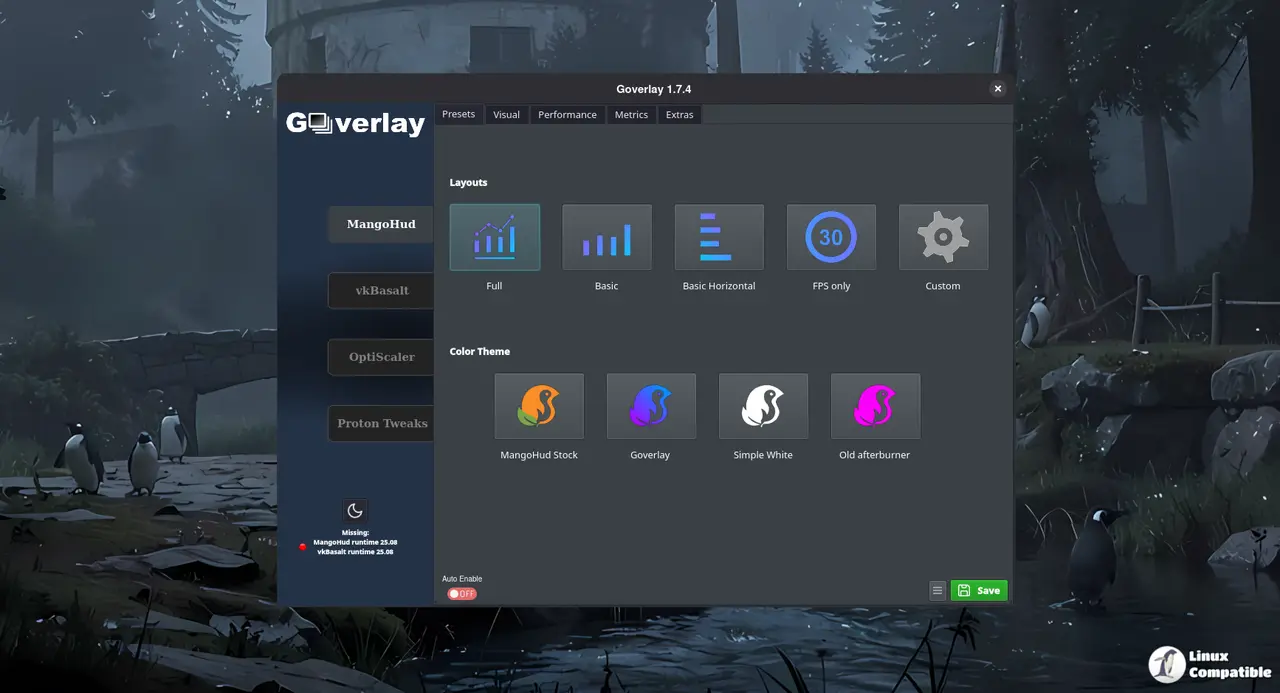
The flat‑design overhaul brings toast notifications for quick feedback, a status bar that updates as the application scans your system, and keyboard shortcuts that are now documented in the menu itself. Dark mode is no longer an afterthought; every checkbox, group box and text edit now respects the theme you pick. The search field added to the top of the window makes locating a specific feature feel more like using a real app than rummaging through nested menus
Bug Fixes That Actually Fixed Things
A few hard‑to‑spot bugs finally went away: fakeNVAPI Reflex overrides no longer fall back to “force enable” when they should stay disabled; OptiScaler now writes its INI changes only to the [Menu] section so you don’t lose game‑specific settings. The 3D controller that had been ignored by `lspci` checks is now detected as a graphics device, which means Goverlay can correctly report your GPU type on systems with legacy hardware. Finally, FGMod’s handling of copied nvngx files was streamlined, preventing the occasional crash when launching a modded title.
Install via AppImage
Goverlay is available as an AppImage. After making it executable you can launch it directly:
chmod +x goverlay_1_7_5.AppImage
./goverlay_1_7_5.AppImage
Because the binary carries its own Qt stack, you avoid “missing libqt6pas” errors that sometimes bite Arch users who install from the AUR. The downside is no automatic updates – you’ll have to replace the file manually when a newer version appears.
Install via Flatpak
Flatpak bundles everything Goverlay needs, so you won’t end up chasing missing Qt libraries later. First add Flathub (if it isn’t already there) and then pull in the overlay together with the required Vulkan layers:
flatpak remote-add --if-not-exists flathub https://dl.flathub.org/repo/flathub.flatpakrepo
flatpak install flathub io.github.benjamimgois.goverlay \
    org.freedesktop.Platform.VulkanLayer.MangoHud//25.08 \
    org.freedesktop.Platform.VulkanLayer.vkBasalt//25.08 -y