How to Install Goverlay 1.7.4 and Avoid the Typical Pitfalls
Goverlay 1.7.4 adds OptiPatcher support and a few bug‑fixes that make configuring MangoHud, vkBasalt, and OptiScaler less painful. This article shows the quickest way to get it running on Linux, plus the tweaks most users forget.
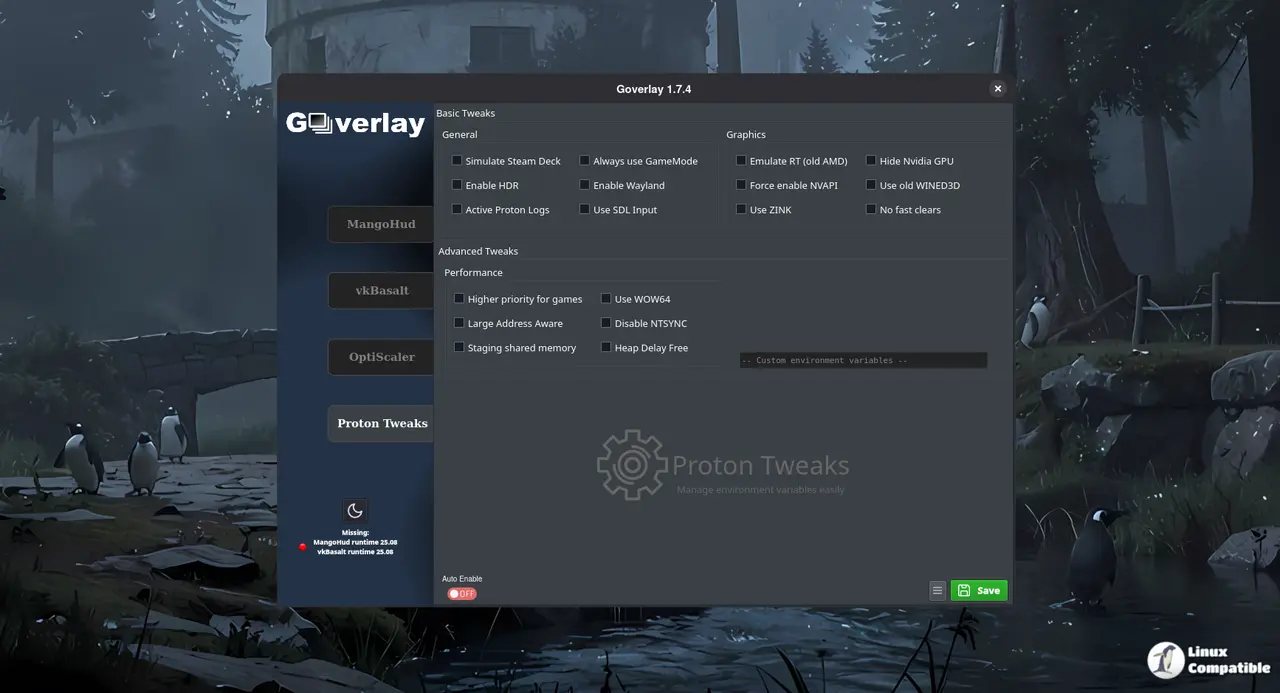
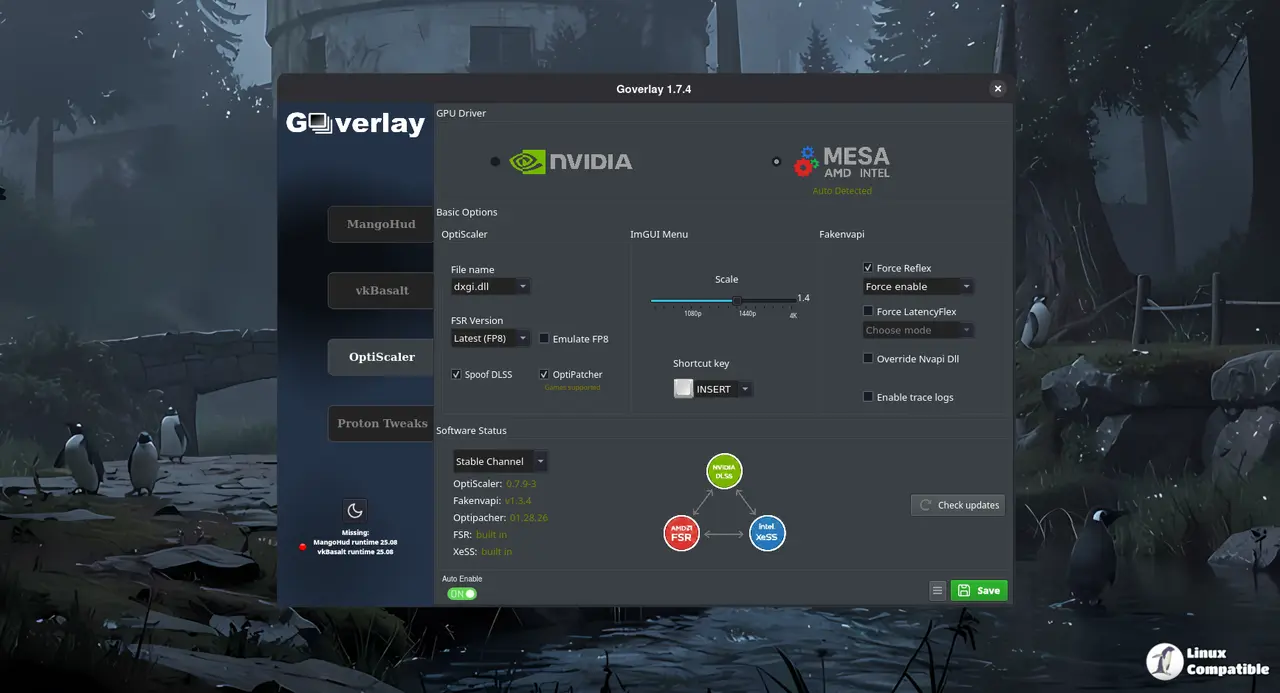
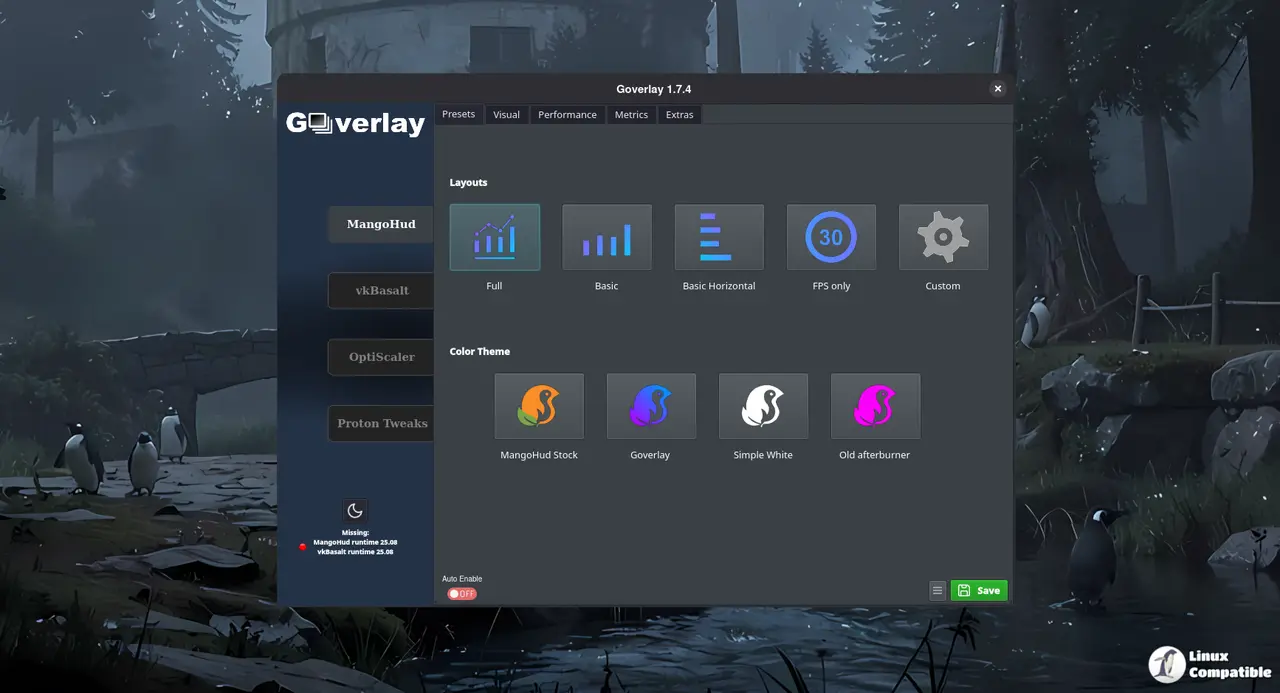
Install via Flatpak – the least hassle
Flatpak bundles everything Goverlay needs, so you won’t end up chasing missing Qt libraries later. First add Flathub (if it isn’t already there) and then pull in the overlay together with the required Vulkan layers:
flatpak remote-add --if-not-exists flathub https://dl.flathub.org/repo/flathub.flatpakrepo
flatpak install flathub io.github.benjamimgois.goverlay \
org.freedesktop.Platform.VulkanLayer.MangoHud//25.08 \
org.freedesktop.Platform.VulkanLayer.vkBasalt//25.08 -y
The extra runtime packages are the actual monitoring and post‑processing layers; without them Goverlay launches, but you’ll see a blank overlay that does nothing. Alternatively, you can use Software or Bazaar to install the Flatpak:
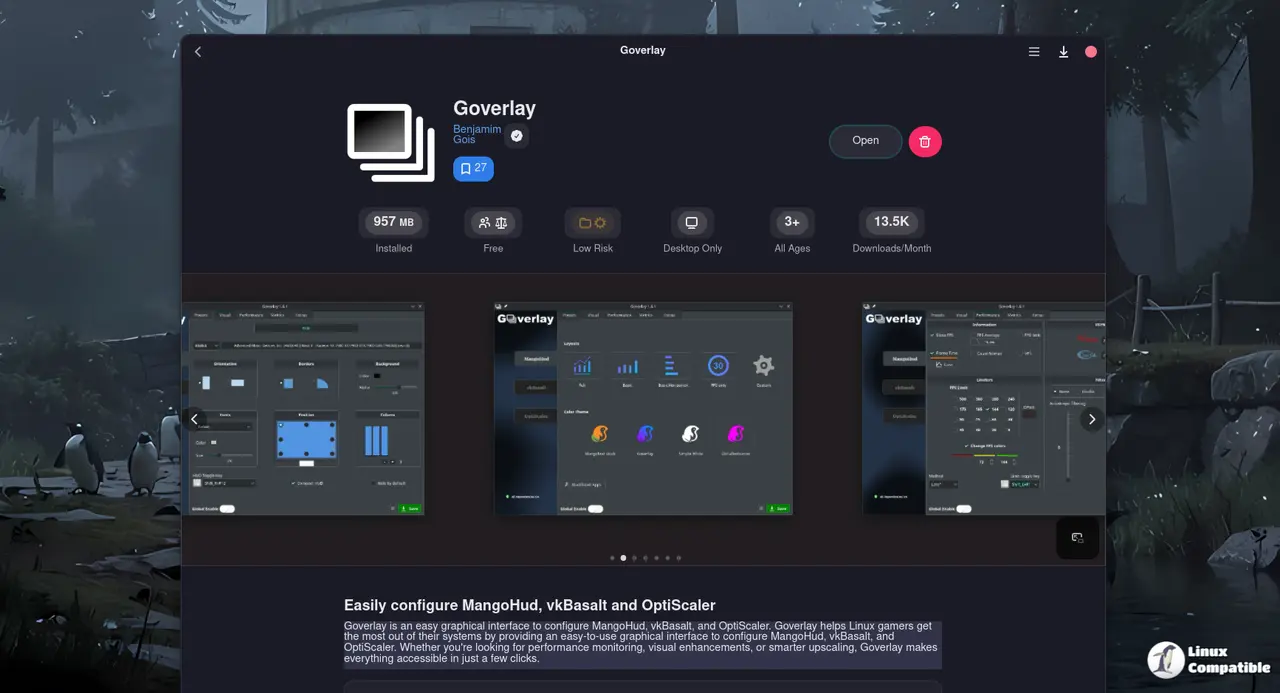
AppImage – quick and dirty
If Flatpak feels too heavyweight for your taste, grab the official AppImage. After making it executable you can launch it directly:
chmod +x goverlay_1_7_4-anylinux-x86_64.AppImage
./goverlay_1_7_4-anylinux-x86_64.AppImage
Because the binary carries its own Qt stack, you avoid “missing libqt6pas” errors that sometimes bite Arch users who install from the AUR. The downside is no automatic updates – you’ll have to replace the file manually when a newer version appears.
Distribution packages – proceed with caution
Arch’s official repository offers goverlay, but it lags behind the Flathub release by weeks, and the AUR build pulls in a mountain of development headers that most gamers never need. OpenSUSE, Solus, and similar distros ship an even older snapshot. In practice, using Flatpak or the AppImage saves both time and disk space.
Fix vkBasalt’s shader‑path warning
After upgrading to 1.7.4 many users report “failed to load reshade-shaders” errors. The overlay now expects shaders in ~/.config/vkBasalt/reshade-shaders. Creating that directory and linking the default shaders resolves the issue:
mkdir -p ~/.config/vkBasalt/reshade-shaders
ln -s /usr/share/vkbasalt/shaders/* ~/.config/vkBasalt/reshade-shaders/
Without this symlink vkBasalt silently disables itself, so you never see the visual tweaks you thought you’d get.
Turn on OptiPatcher without crashing
The new ASI plugin for OptiScaler exposes native DLSS inputs without Dxgi spoofing. I’ve seen games like Control blow up after a driver rollback because of spoofing; enabling OptiPatcher sidestepped that crash completely. To turn it on:
- Open Goverlay → Tweaks tab.
- Check Force Zink – the smart detector will auto‑select your GPU driver (NVIDIA, AMD, or Intel) and switch to an OpenGL‑on‑Vulkan translation when needed.
- Tick Enable OptiPatcher, then click Apply.
The “Force Zink” box forces an OpenGL‑on‑Vulkan translation only when the driver reports incomplete Vulkan support
GameMode warning for Flatpak games
Flatpak sandboxing hides the GameMode daemon, so enabling it inside Goverlay now triggers a warning dialog. The popup tells you that the game may fail to launch and gives you a chance to cancel. Ignoring it leads to the familiar “game won’t start” mystery that many newbies blame on their GPU.
That’s all – you should now have a fully functional Goverlay setup, with OptiPatcher active, vkBasalt shaders found, and GameMode handled gracefully.


