GNOME 50.rc – The Next Big Step in the Desktop
The release candidate for GNOME 50 is now out, and it’s already making a splash among developers and power users alike. The update brings dozens of module upgrades, fresh translations, and a handful of bug fixes that should make everyday use smoother than ever.
Key Upgrades Across Core Modules
The core of the desktop has been nudged forward with newer versions of adwaita‑fonts, at‑spi2‑core, blueprint‑compiler, d‑spy, epiphany, gdm, and many others. The most noticeable change is the jump in GDM’s remote‑desktop plumbing – it now accepts a hostname, which means PAM can log the correct machine name and wtmp sees the right device. This tweak was discovered after users complained that remote‑desktop sessions didn’t show the proper host in system logs.
At‑spi2‑core also got new API hooks for enabling or disabling device features and a pointer‑moved signal, which will help accessibility tools react to hardware changes more accurately. A real-world benefit: one tester reported that after a driver update that broke the touchscreen, the screen reader could no longer detect touch events; the new signals fixed that.
Bug Fixes That Should Calm Your Frustration
The release addresses a variety of stubborn bugs. Epiphany now correctly disables “Run in background” for unsandboxed instances and sorts newly created tags properly – something that had annoyed users trying to keep their bookmarks tidy. Gnome‑shell fixed the cursor glitch on entry icons, a problem that used to make typing feel like a bad prank.
Gnome‑software added logic to remember window size between restarts and improved Flatpak remote removal checks, which was a pain point for developers managing many builds. The session manager now reports accurate inhibitor status, so suspending the laptop no longer requires an extra authentication step.
Accessibility Improvements You Might Notice
Beyond at‑spi2‑core’s new signals, gnome‑control‑center added a polkit dependency for the keyboard panel, ensuring that keybinding changes are properly gated. Orca introduced a Say All mode, letting users read only what’s currently visible – useful when scrolling through long web pages or code files.
If you’ve had trouble with screen readers cutting off “screen reader off” messages, the latest build now presents them in full and in the correct voice, eliminating a common annoyance for visually impaired users.
How to Get the Installer Image and Try It Out
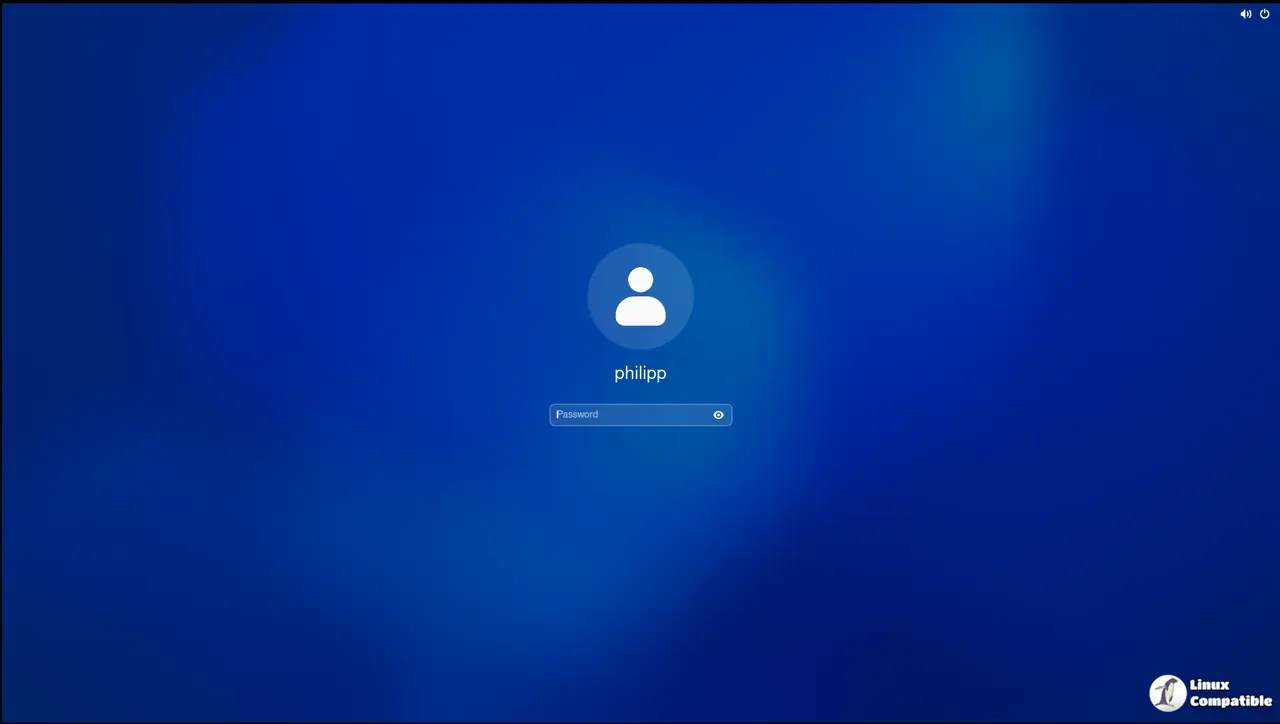
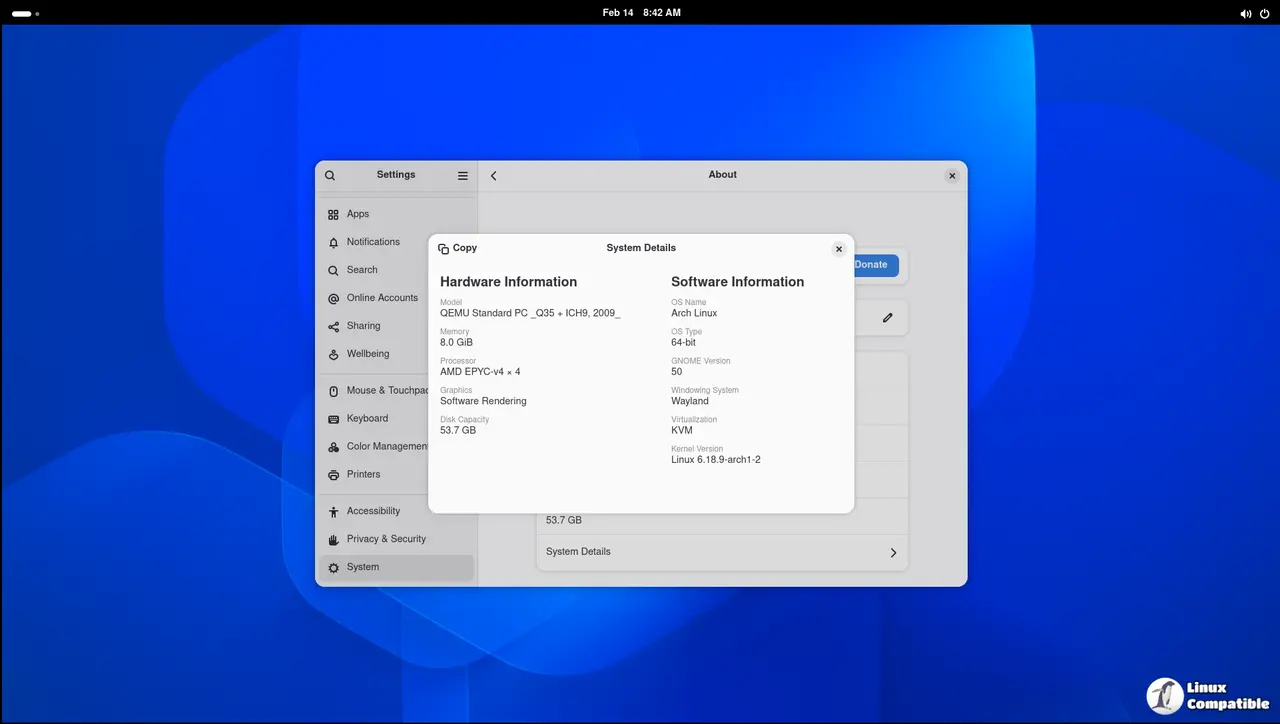
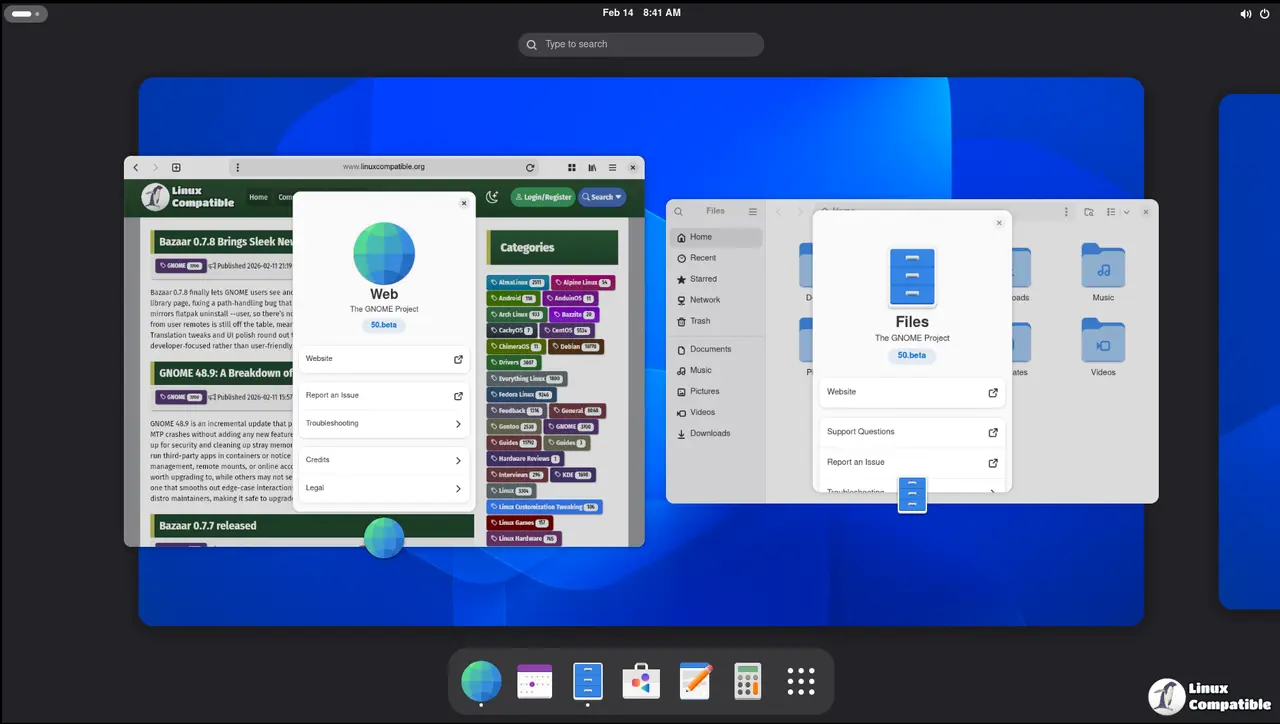
The official BuildStream snapshot can be built locally if you prefer. For most people, the installer image is the easiest route: download it from the GNOME website, boot it into a VM with EFI support (GNOME Boxes works great), and test the desktop in isolation before installing on bare metal. The image also includes all current flatpak runtimes, so extension developers can run their code against a near‑final system.
Because this is still a release candidate, expect occasional hiccups. If you hit a problem, search the GNOME bug tracker or open a new issue with your findings – every report helps tighten the ship before the final 50 release.
What Still Needs Work
A handful of modules such as baobab and evince remain on older versions because they haven’t received critical updates this cycle. The lack of changes isn’t a sign of neglect; those packages are stable enough that their current state satisfies most users.
Also, the translation teams continue to polish the language packs. If you speak a language under‑represented in previous releases (for instance, Uighur), check the latest translation files – many have been updated and will appear next time the system checks for updates.
That’s the lowdown on GNOME 50.rc. It brings the core to a new baseline, patches lingering annoyances, and adds a few accessibility goodies that make the desktop feel less clunky. Give it a spin in your VM or flatpak sandbox – and if anything feels off, let the community know; your feedback will help shape the final release.


