GNOME 50 Beta Arrives – What You Need to Know Before Upgrading
The GNOME 50 beta release is now available, kicking off the UI, feature and API freezes known as The Freeze. Developers looking to keep their applications up‑to‑date should start testing early; the changes touch many core libraries, shell extensions and desktop apps.
Why the Freeze Matters for Developers
When the freeze begins, new features are locked in, so any remaining bugs need to be squashed before the final 50 release. If your app relies on a library that receives a breaking change between beta and stable, you’ll have a narrow window to adjust. That’s why the GNOME team encourages early testing of both user‑land code and extensions.
Key Module Updates You Should Test Early
The new libadwaita 1.9.beta brings improved dialog handling and a more consistent look for applications built with Adw widgets; any UI that uses AdwDialog will feel noticeably cleaner. Gnome‑Shell now snaps volume sliders to 100 % when over‑amplification is enabled, which can affect custom panels that read the slider value directly. In gdm, the unified authentication mechanism may change how PAM modules are invoked; if you’ve written a custom PAM wrapper for login screens, give it a run on beta before the stable release.
Removed Modules and Compatibility Concerns
Two modules disappeared with this cycle: libsigcplusplus and graphene. If any of your extensions or applications still reference these libraries—perhaps through older bindings—you’ll need to replace them with their replacements (e.g., switch to libadwaita’s new gesture APIs). This removal also explains why a few third‑party extensions that were working fine on GNOME 49 suddenly failed to load on 50.beta.
Real‑world Bug Fixes in Popular Apps
Epiphany, the lightweight web browser, fixed several crashes that surfaced after a bad driver update. One user reported the app crashing when opening a URL with an out‑of‑range port; the beta now handles that edge case gracefully. Gnome‑Calendar removed support for sound‑only alarms—if your workflow relies on audible notifications only, you’ll need to switch to visual alerts. The gnome-software updater finally shows install and uninstall progress for add‑ons, which is a welcome usability boost after many users complained about silent failures.
Testing Tips for Extension Developers
Because the freeze locks APIs, it’s wise to run your extension through the latest dev build of GNOME Shell (50.beta) and watch for any deprecation warnings. One common issue I’ve seen is extensions that use the old GdkEventKey “keyval” property; in 50.beta this has been renamed to “hardware_keycode”, causing silent failures unless updated.
A Quick Note on Performance
The new gdm release introduces a timeout while waiting for the primary GPU, which can speed up boot times on machines with multiple GPUs. Users who previously experienced long delays when logging in after an update will notice a smoother experience now.
BuildStream Snapshot & Live ISO
The GNOME 50 Beta is available to users in straightforward ways: download the official BuildStream snapshot from the GNOME project’s servers, or grab a ready‑to‑run live ISO for quick testing and extension porting.
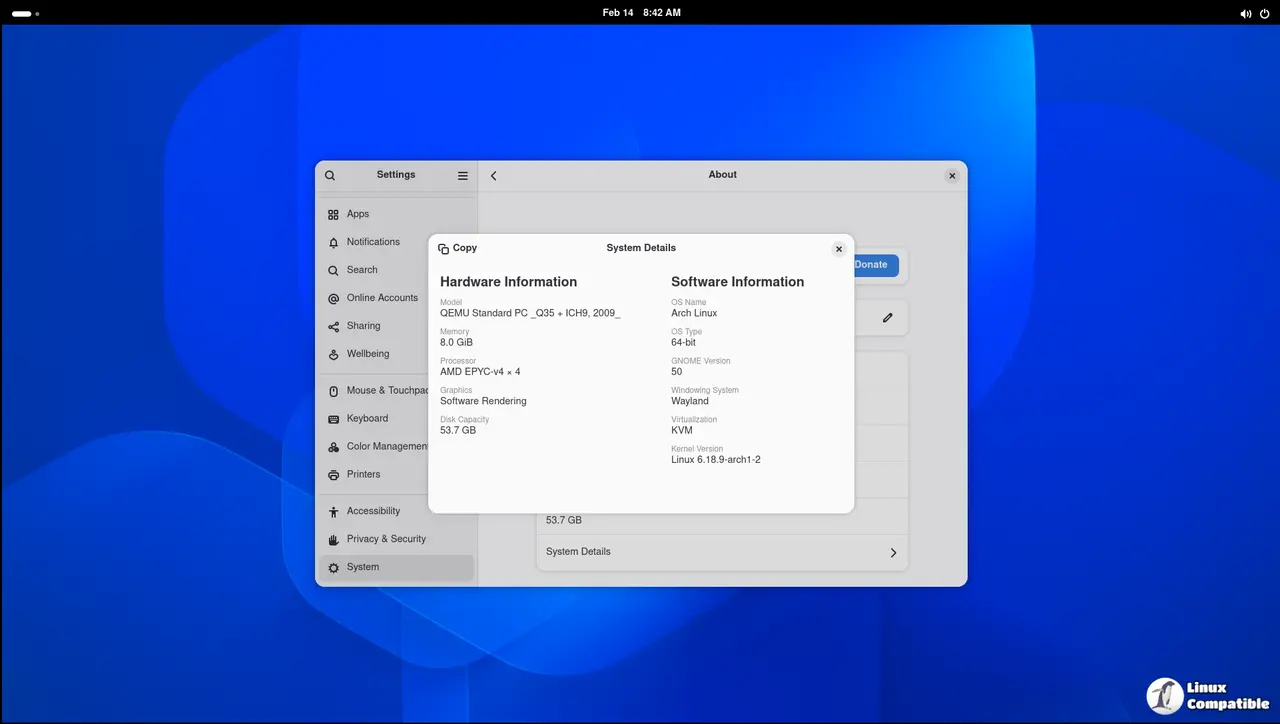
Arch Linux users can get the beta through the GNOME Unstable repository; simply add the following to your /etc/pacman.conf:
[gnome-unstable]
Include = /etc/pacman.d/mirrorlist
and then run
pacman -Syu


