GIMP 3.2 Released: Why The New Vector And Layer Features Actually Matter
The GIMP Team has officially released version 3.2 following a year of development cycles and community feedback. This update brings long requested non destructive layers and better text editing capabilities to the free photo editor for users who need professional tools without subscription fees. Early testing shows improved workflow stability that reduces the friction often found in older versions of the software.
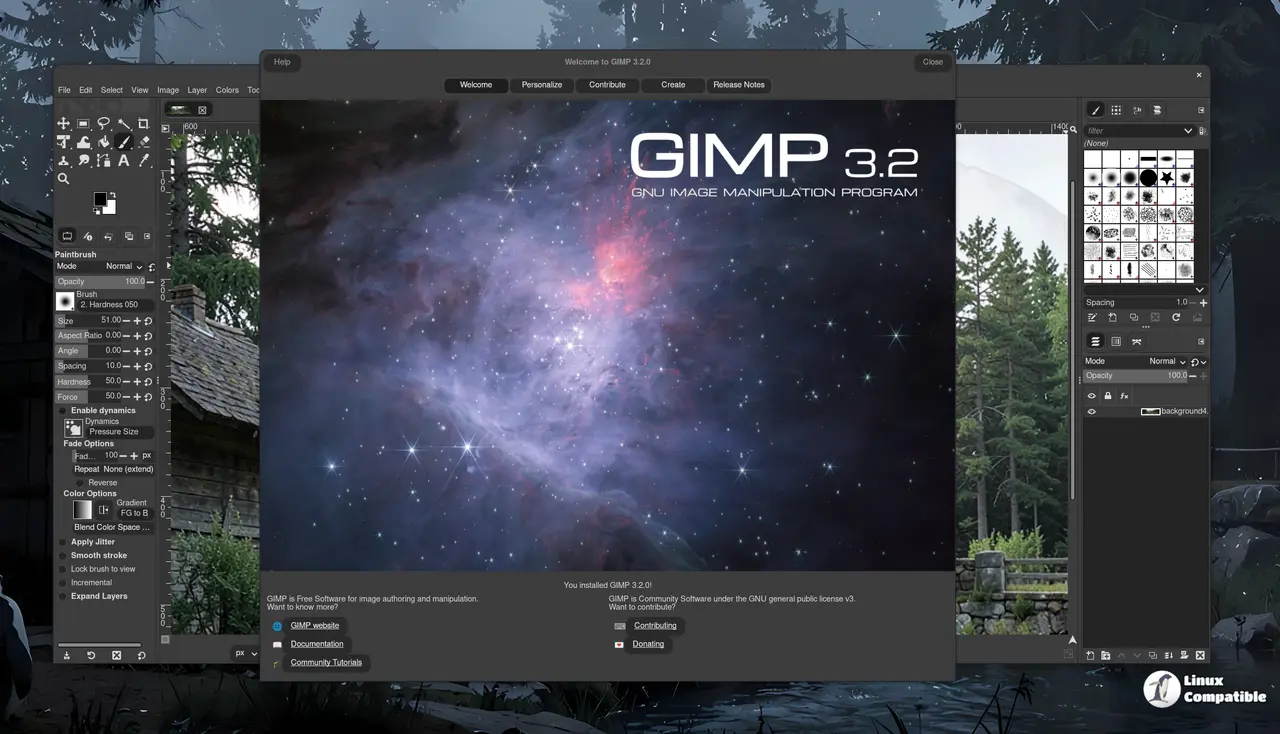
How GIMP 3.2 handles layers and vector tools differently
Link Layers allow external images to be incorporated into compositions without losing quality or sharpness during scaling and rotation operations. It is common to see users lose image fidelity when transforming raster layers multiple times in previous iterations of the software. This new capability ensures the link layer content updates automatically when the source file changes which saves time on manual replacements. The Path tool can now create Vector Layers which lets you draw shapes with adjustable fill and stroke settings for cleaner graphics work without relying on pixel based editing for every line drawn.
Text tools and interface tweaks clean up the editing experience
The on canvas text editor includes workflow improvements that let users move it across the canvas as needed during composition tasks. Common shortcuts like Ctrl + B for bold text are now supported directly within the floating window to speed up formatting tasks significantly. Users will also notice the CMYK color selector shows Total Ink Coverage which helps adjust colors based on printer limits during soft proofing sessions. Drag and drop images onto the image tab to open them in GIMP without navigating through file menus constantly which streamlines the start of a new project.
File format support expands for specific export needs
New file formats include DDS BC7 export and expanded vector options in PDF exports that accommodate more complex designs for print and digital use cases. SVG export is now possible thanks to the added vector layer support which opens new avenues for web graphics work previously difficult with this toolset. Script developers will appreciate the GEGL Filter browser added to find non destructive filters easily during post processing stages. Packagers should note companion releases like babl 0.1.124 and GEGL 0.4.68 accompany this version for full compatibility while documentation remains tied to the previous stable release.
Grab the installer if you need those new layer tools and see how it handles your current projects before committing to a full workflow change.


