GIMP 3.0.8: Quick Fixes That Actually Make a Difference
A new version of the popular image editing software, GIMP 3.0.8, has been released, bringing with it several improvements and fixes.
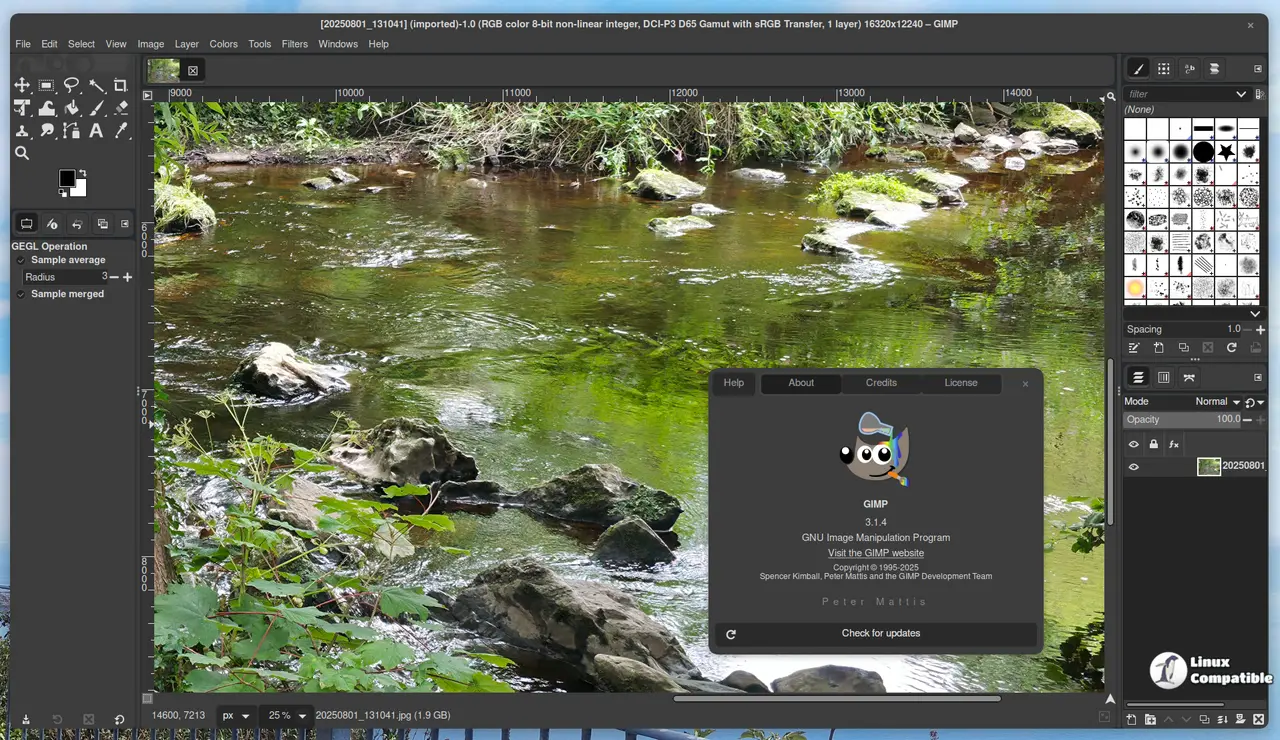
Primarily, this update is about cleaning up and making everything more stable since the last launch. Developers have rolled out fixes for several long-standing bugs and regressions that slipped in earlier versions. One noticeable improvement relates to fonts, there's a fix backported from future GIMP work (like 3.2) ensuring fonts load before images, which helps avoid weird display glitches with XCF files.
This font handling change is particularly good news for macOS users who were running into problems because of the way certain legacy Skia fonts interacted with Pango rendering. Now, switching to bold or other weights should be easier.
Other stability wins include an update to the WEBP plug-in preventing lossy settings from accidentally affecting images saved as lossless and a patch for the Windows installer dealing with duplicated text in specific language versions. A font kerning issue on macOS has also been resolved.
There are some subtle but welcome changes, too. For instance, if you run GIMP headless (without a display), it now handles that more gracefully using the --no-interface command; there is no need to specifically call gimp-console-3.0 anymore for this task.
Packaging and configuration tweaks have landed as well. Flatpak users benefit from programmer_ceds improving how config directories show up automatically, regardless of their system settings; this makes installing third-party plug-ins easier than ever. Ondřej Míchal's work also helps ensure buttons in GIMP look properly centered and don't cut off on Transform tool overlays.
For developers working with the software programmatically or using scripts, a few new public API functions have been included (like gimp_cairo_surface_get_buffer()), making certain tasks easier. Plus, there are scriptability improvements for retrieving image metadata and other fixes that help make things work more reliably in automation scenarios.
Despite its technical name, GIMP 3.0.8 primarily focuses on resolving minor issues rather than introducing revolutionary features. A rare but possible crash related to the Equalize filter when images contain NaN values has been addressed; this could spare users working with scientific or mapping data headaches down the line. Configuration migrations between major versions, like from 2.10, might feel easier now thanks to recent stability efforts.
There's also a security boost, as Jacob Boerema and Gabriele Barbero have patched potential issues in file format plug-ins related to several CVEs (ZDI-CAN-28232, ZDI-CAN-28265, ZDI-CAN-28530, ZDI-CAN-28591, and ZDI-CAN-28599). And the Windows installer now uses a more up-to-date version of Python to head off known vulnerabilities in older builds.
Finally, the SVG import code has been refined for better path rendering. Various other minor UI tweaks are also included, like preventing an unwanted Search popup from appearing when typing text and fixing some oddities related to saved grid colors or NDE filters on Quick Masks, mostly just smoothing out the user experience.
Download
Download GIMP 3.0.8 Linux AppImage
Download GIMP 3.0.8 Windows
Download GIMP 3.0.8 macOS (Intel)
Download GIMP 3.0.8 macOS (Apple Silicon)


