GIMP 3.2 Release Candidate 2 released
GIMP just released its latest Release Candidate, version 3.2 RC2. This is another big step towards the final launch of this widely awaited update.
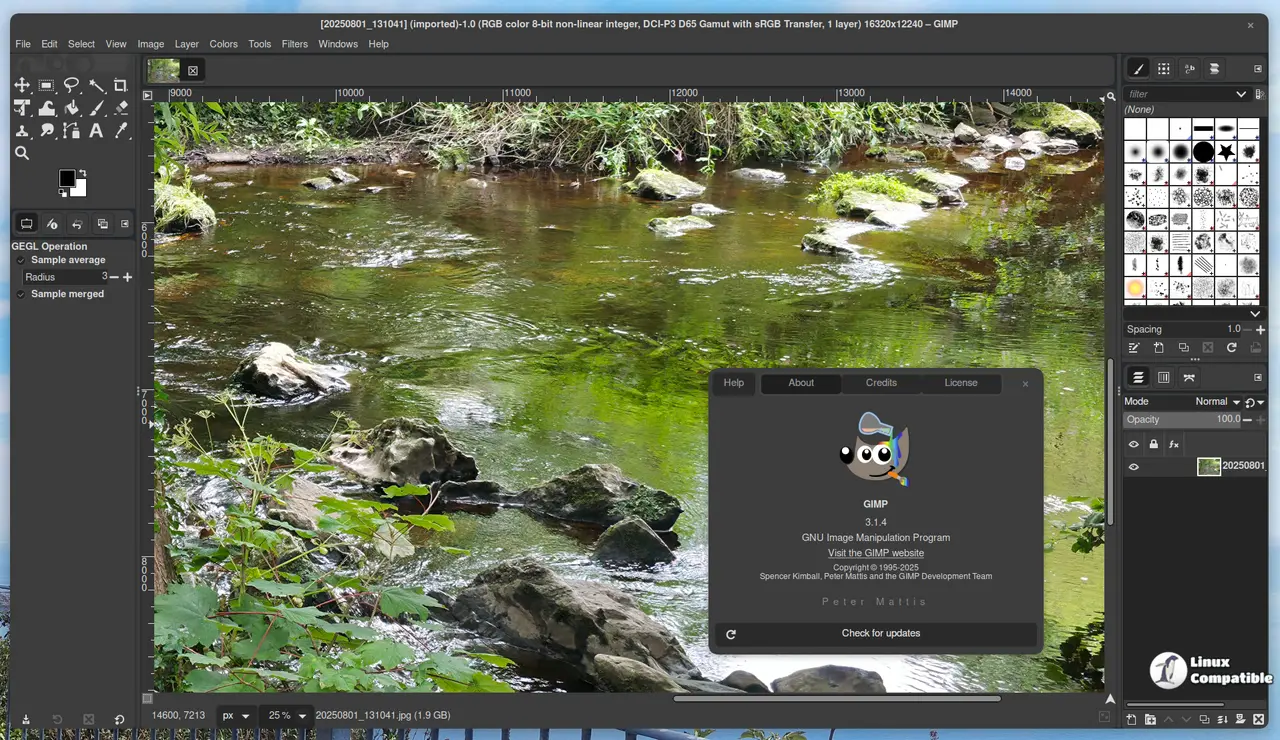
It wasn't just more code churn; after weeks focused on fixing bugs and smoothing things out, the developers have shared RC2 with everyone now. The community has definitely been key here too, lots of you folks helped by testing it hard and reporting back any issues spotted.
Building 3.2 hasn't exactly been plain sailing, but the GIMP team worked solidly to bring this release closer. The GIMP team has implemented numerous changes, including new features, bug fixes, and performance enhancements.
One cool thing is that you can now export images without first picking a layer. That limitation was part of previous versions thanks to how they handled the export stuff back then (it relied on GIMP 3.0's API), but it's gone in RC2.
Speaking of improvements, they also made some changes to the Clipboard Brush and Pattern tools. Their max sizes have been bumped up from 1024 pixels all the way up to 8192 for 64-bit builds specifically. This change allows for the creation of larger temporary graphics without any complications.
SVG support has also gotten a nudge thanks to work with librsvg led by developer Federico Mena Quintero. It's not just about importing anymore; handling different SVG types is smoother now because of some code tweaks they suggested.
RC2 includes an old-school Paint Select tool feature from the test playground; it was first made by Thomas Manni way back in 2020 and recently got a proper review by Jehan as part of planning for the future (like GIMP 3.4). The UI looks cleaner, and there are some welcome performance gains.
Starting up faster is another win. Loading huge projects with many fonts used to drag things down, but RC2 speeds this up considerably thanks to smarter font-loading code updates from the developers.
On the user interface front, button spacing within Transform tool overlays feels more polished now. There are also notifications when you click the Filter merge-down button on non-raster layers, something that might have just gone unnoticed before. And the Keyboard Shortcuts dialog wording got a fix-up for clarity.
A few smaller things happened as well: finally finished off the stylus barrel rotation implementation in the Mypaint Brush 2 port and sorted out loading legacy Outer Glow layer effects from PSD files.
Various bugs were tackled too; default PostScript unit settings were adjusted slightly; an offset issue showing up specifically in the Layer Attributes dialog related to vector layers work done earlier was fixed (this was a mistake made during that development phase); and some XCF file load logic was patched to prevent endless spinning when loading link layers.
Security got attention via fixes for problems flagged by the Zero Day Initiative involving image plug-ins. These were important catches fixed promptly.
Then there's Jehan's contribution on making Babl and GEGL relocatable; basically, they can now compile these core libraries differently so their build directory doesn't matter as much at runtime. This helps AppImage users specifically, sorts out some localization warts in the Preferences dialog (like language list sorting), and overall makes the foundation more robust.
It's also worth noting that Kruthers' fix for CLI commands using relative paths on AppImage builds has completely resolved this old bug.
Finally, Øyvind Kolås wrapped up babl and GEGL updates. His work included tidy-up efforts within those underlying color management engines (babl and GEGL) plus various build process tweaks for smoother compilation times.
Download
Download GIMP 3.2.0 RC2 (x86) Linux AppImage
Download GIMP 3.2.0 RC2 (Arm) Linux AppImage
Download GIMP 3.2.0 RC2 Windows
Download GIMP 3.2.0 RC2 macOS (Intel)
Download GIMP 3.0.6 RC2 macOS (Apple Silicon)


